
Add-on · Deals & customers
A CRM that fills itself in.
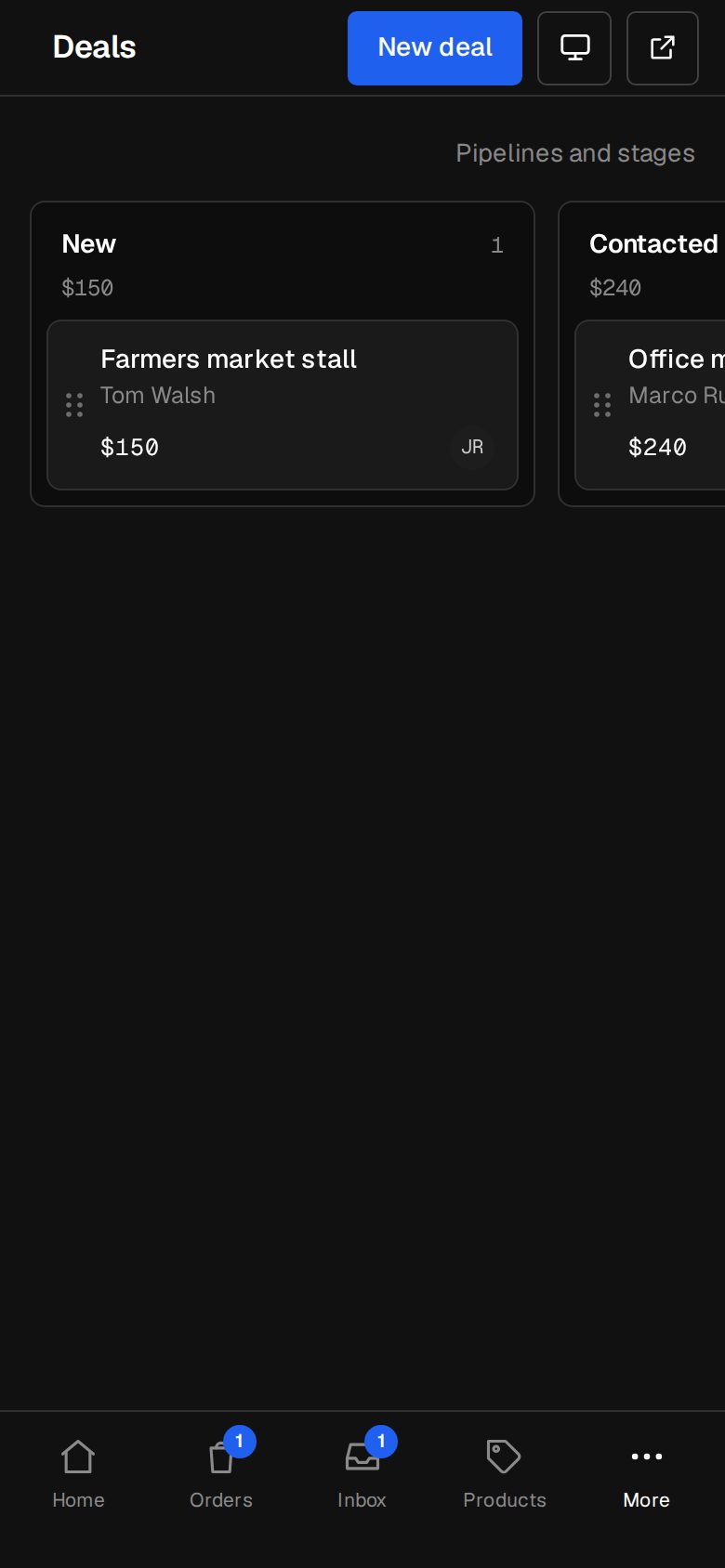
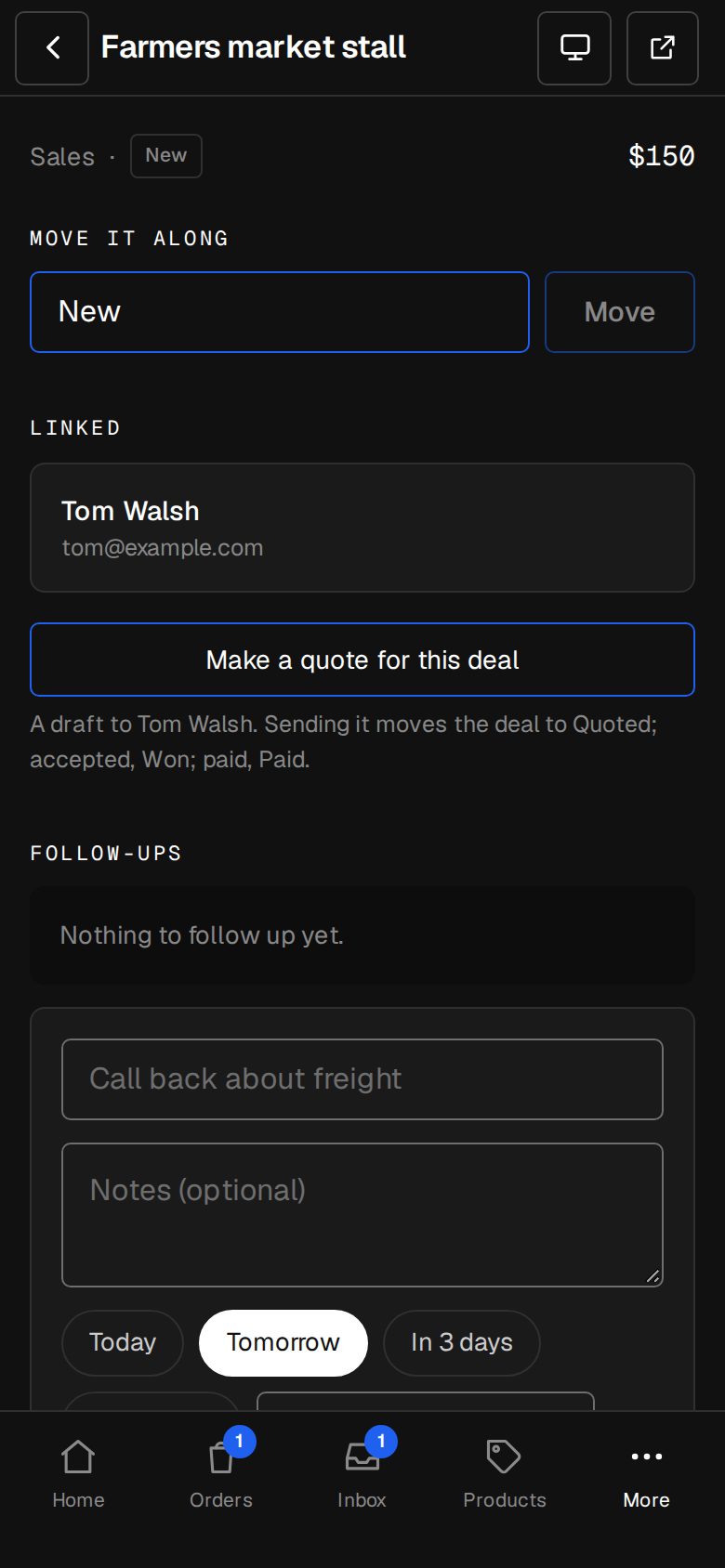
Quote requests and enquiries start deals on their own. Quotes, acceptances and payments move them along. You follow up; it remembers.
A$25 a month · added on Settings · Plan · no contract
Sound familiar?
The problem, and the fix.
- 01
“Our CRM is a spreadsheet.”
Deals, contacts and companies in the same admin as your orders and invoices.
- 02
“Nobody updates the pipeline.”
It updates itself: a quote sent, accepted or paid moves the deal for you.
- 03
“We forgot to call them back.”
A task for the day, and one email at 8am with what's due.
What it does
Everything in Deals & customers.
A board you drag
Your own pipelines and stages. Lost asks why, so you learn something.
Deals that start themselves
From quote requests and the forms you pick, with the draft quote attached.
Follow-ups and tasks
For you or someone on the team, about a deal or a person, due on a day.
Groups that work themselves out
VIP, Lapsed, New this month, Bought…, worked out from real orders.
Saved lists and tags
Save any filter, export it, or invite it to your newsletter.
Companies
Its people, its deals and what they've spent, added up.
01 · Real screens
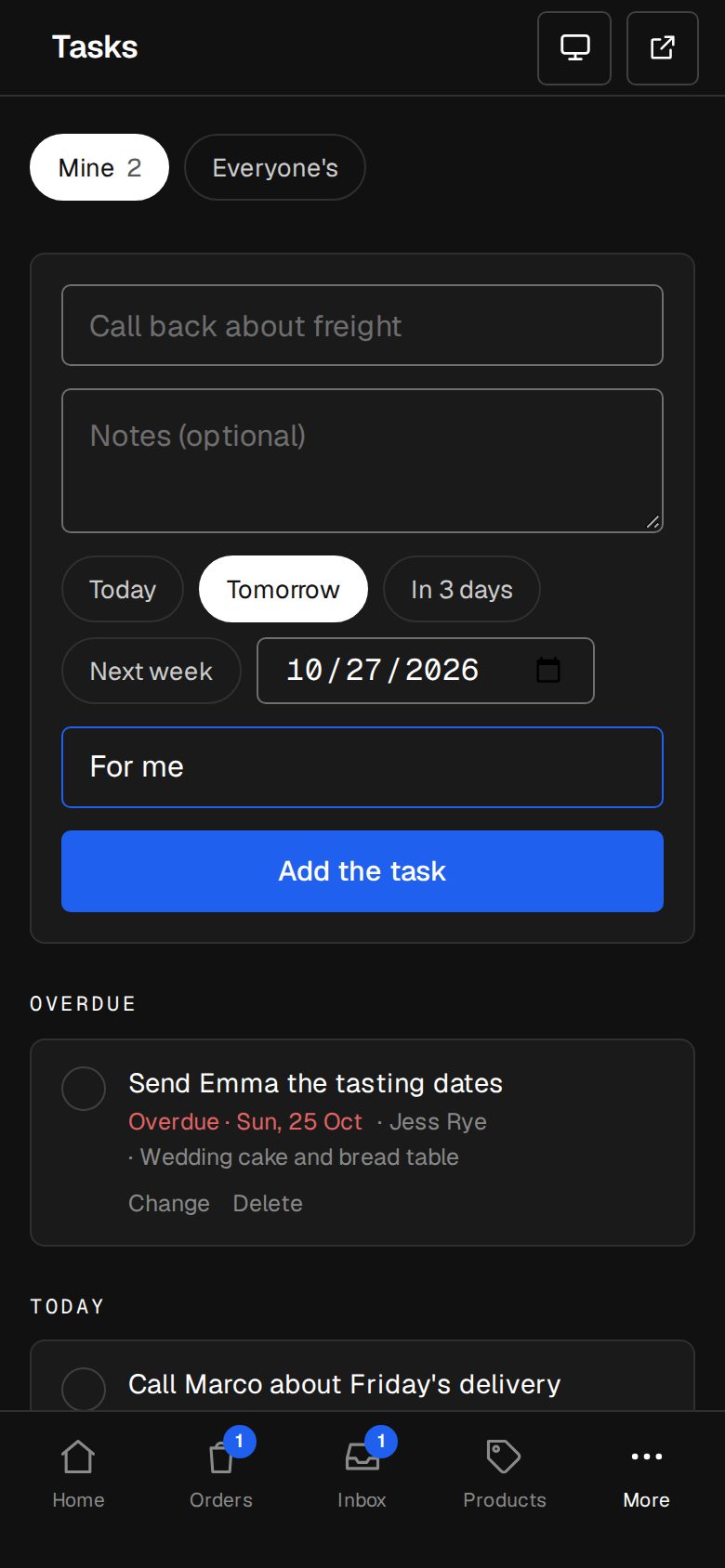
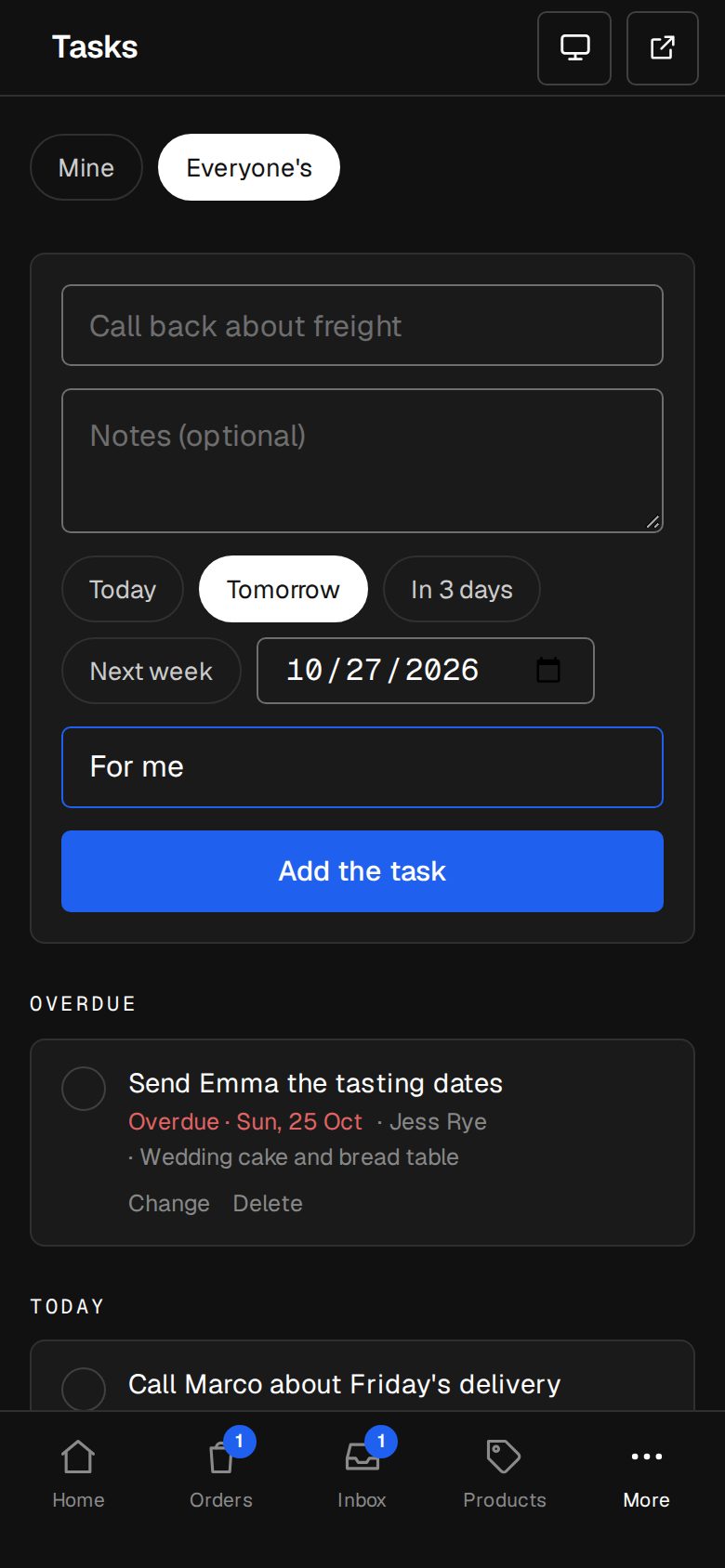
Never miss a follow-up
Tasks shows what's overdue, today and later. Tick it and the deal is touched.
- Mine or everyone's
- On the deal, the contact and Home
- One email a day, at 8am your time
02 · Real screens
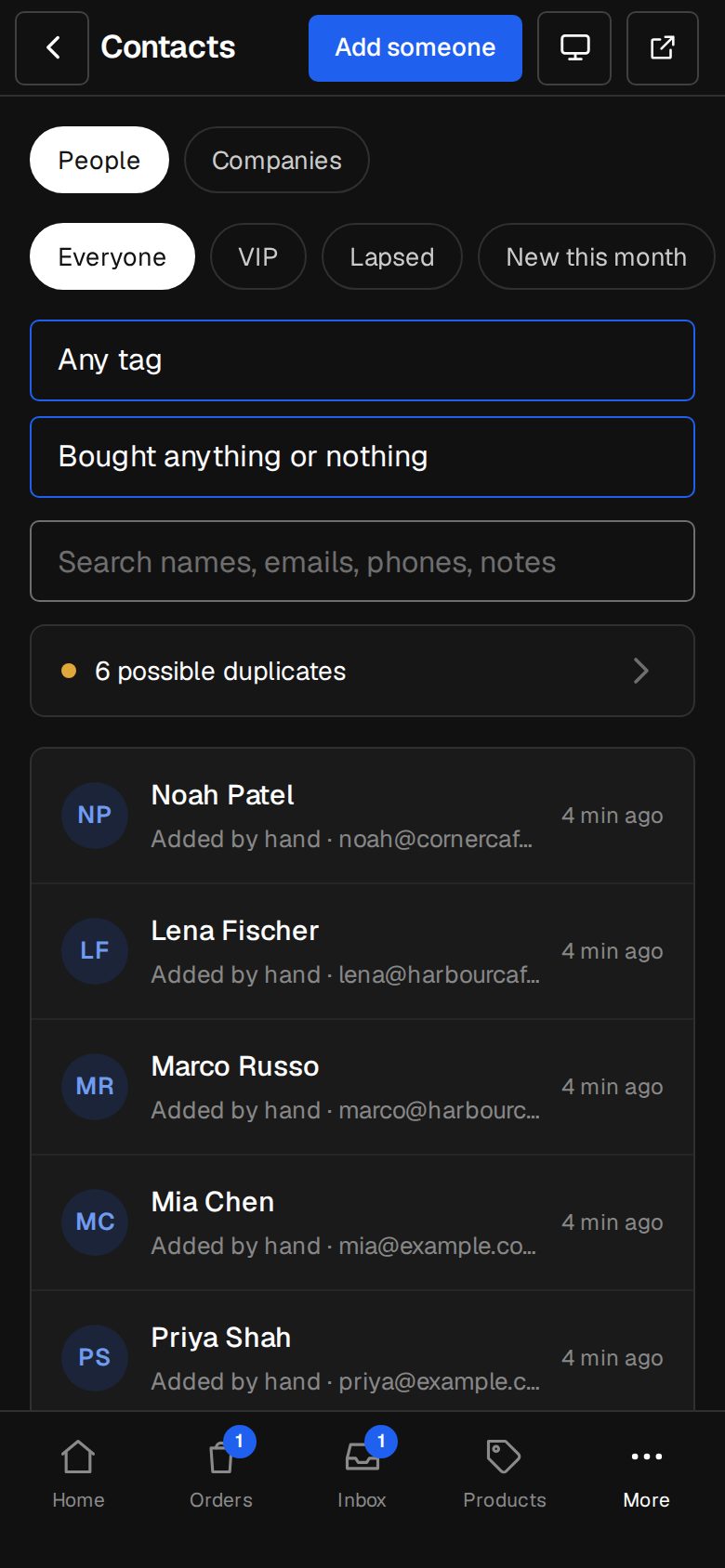
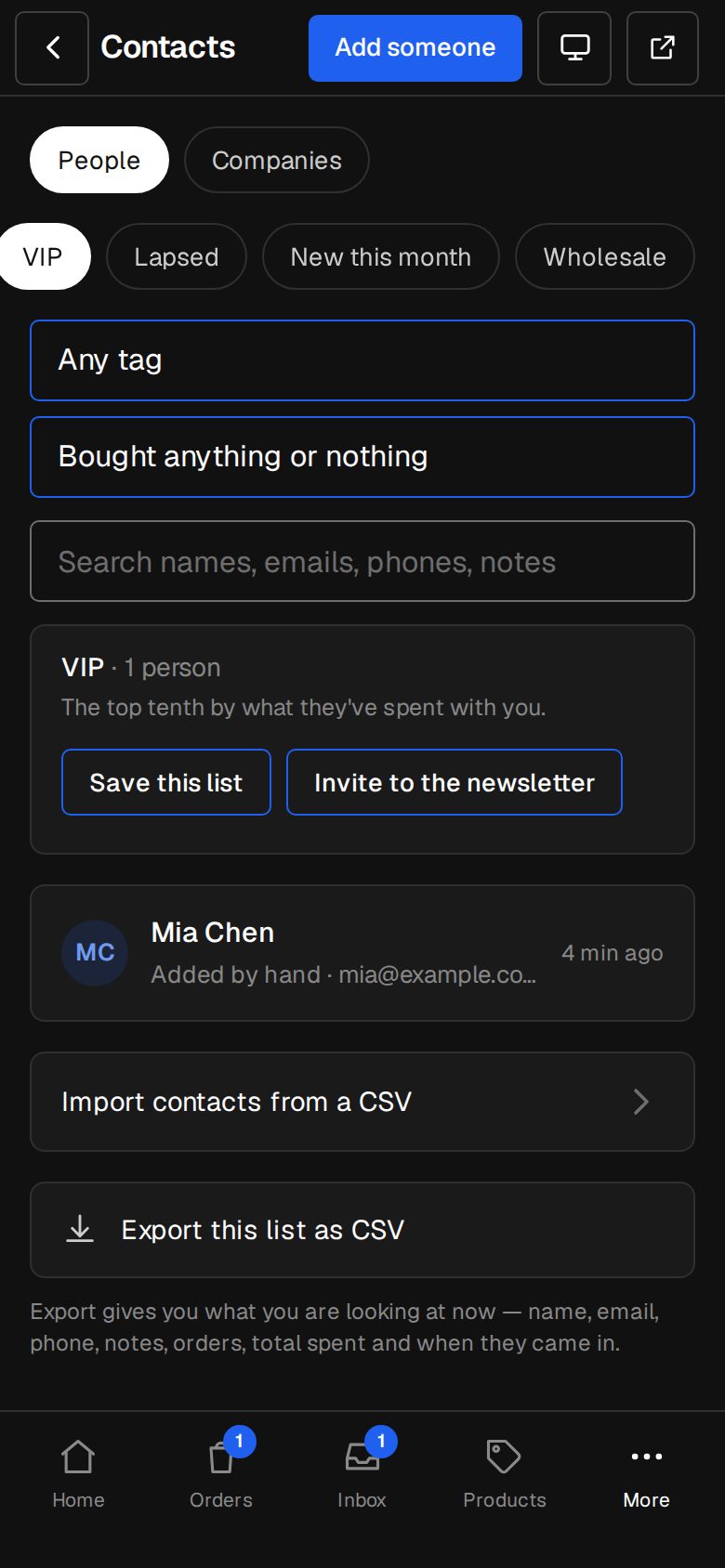
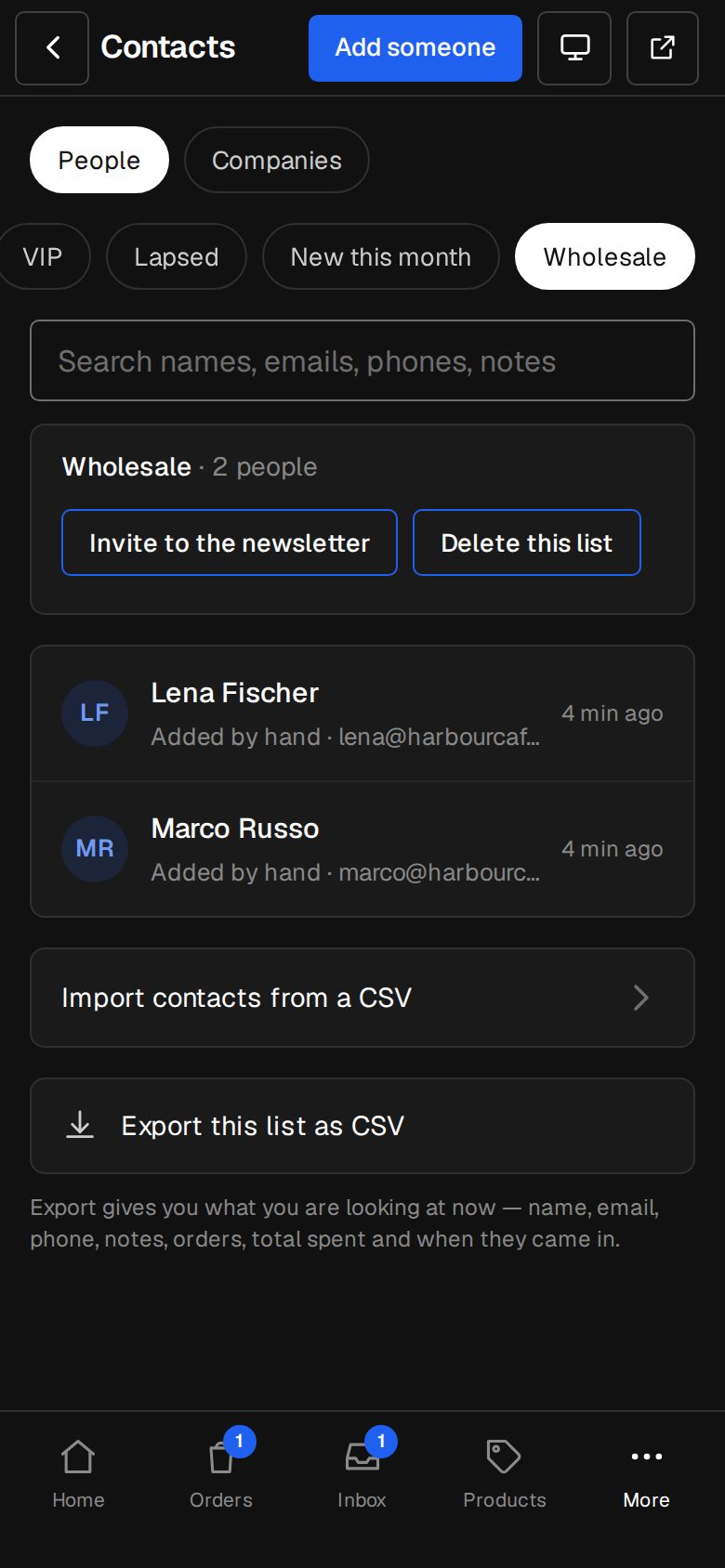
Lists that are never stale
VIP is your top tenth by spend, worked out each time from paid orders.
- Tagged… and Bought… pickers
- Save a list, export it as a spreadsheet
- Invite a list to confirm for your newsletter
How it works
On in a minute. Working the same day.
- 01
Add Deals & customers
An Owner adds it on Settings · Plan.
- 02
Open Deals
Your first pipeline, Sales, is ready.
- 03
Let it fill
Quote requests and forms start deals.
- 04
Follow up
Tasks remind you; the board shows where it's all at.
Does Staff see everything?
Everyone on the team works deals and tasks. Managers delete them and set up pipelines.
Can I have more than one pipeline?
Yes, each with its own stages and what starts deals in it.
Where do contacts come from?
Orders, forms, bookings, chats and newsletters: every person lands in Contacts, merged when they match.
Can I bring my contacts from another CRM?
Yes, as part of moving across.
Step-by-step guides Every screen of Deals & customers, in the Help centre.
Start free. Add Deals & customers when you're ready.
Start free for 14 days, no card. Add Deals & customers once your plan is paid, or ask us to switch it on while you try it.