
Add-on · Customer approval
Sell only to the customers you approve.
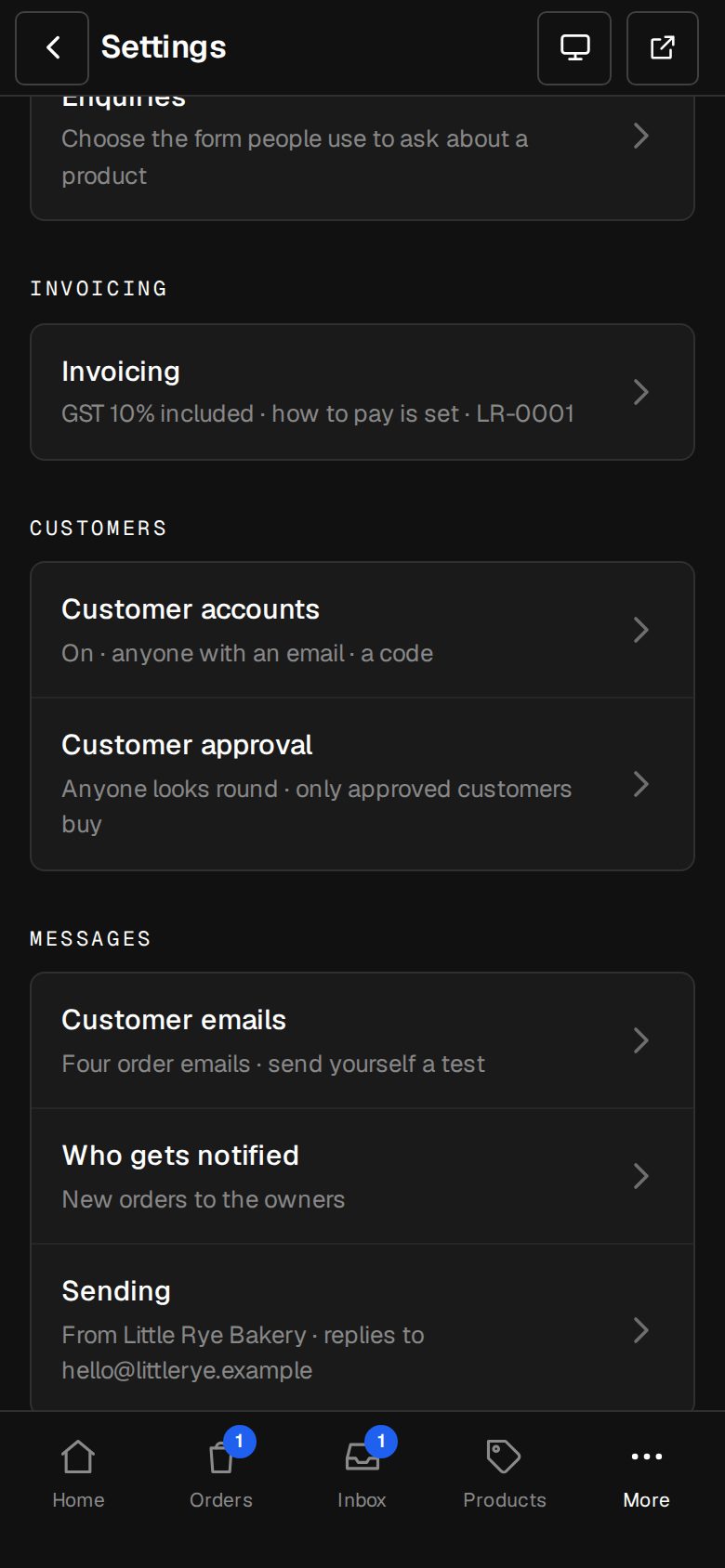
Trade-only, members, wholesale or licensed goods: people apply from your site, your team approves or denies, and only approved customers can check out.
A$19 a month · added on Settings · Plan · no contract
Sound familiar?
The problem, and the fix.
- 01
“Anyone can buy our trade prices.”
Only signed-in, approved customers check out. Everyone else is asked to apply.
- 02
“Applications arrive as emails we lose.”
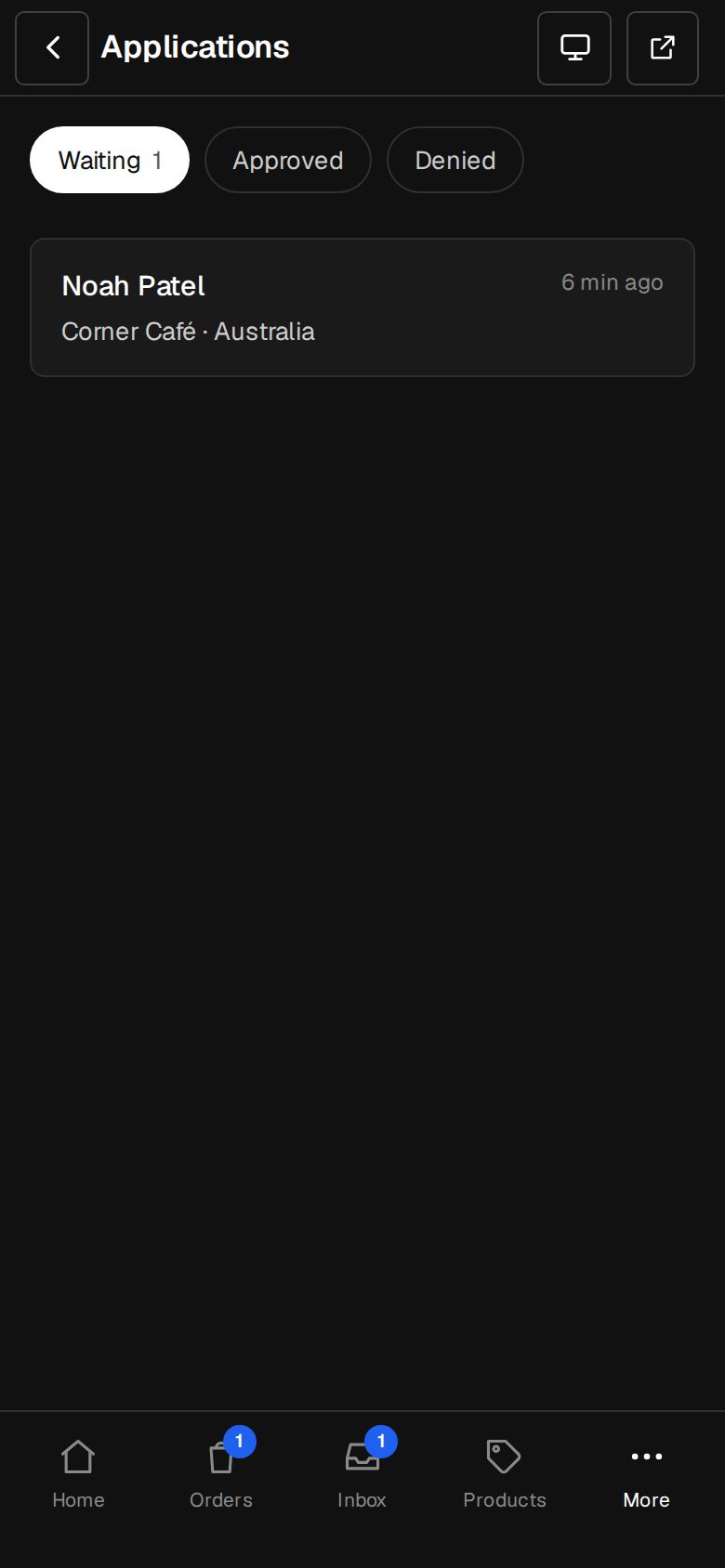
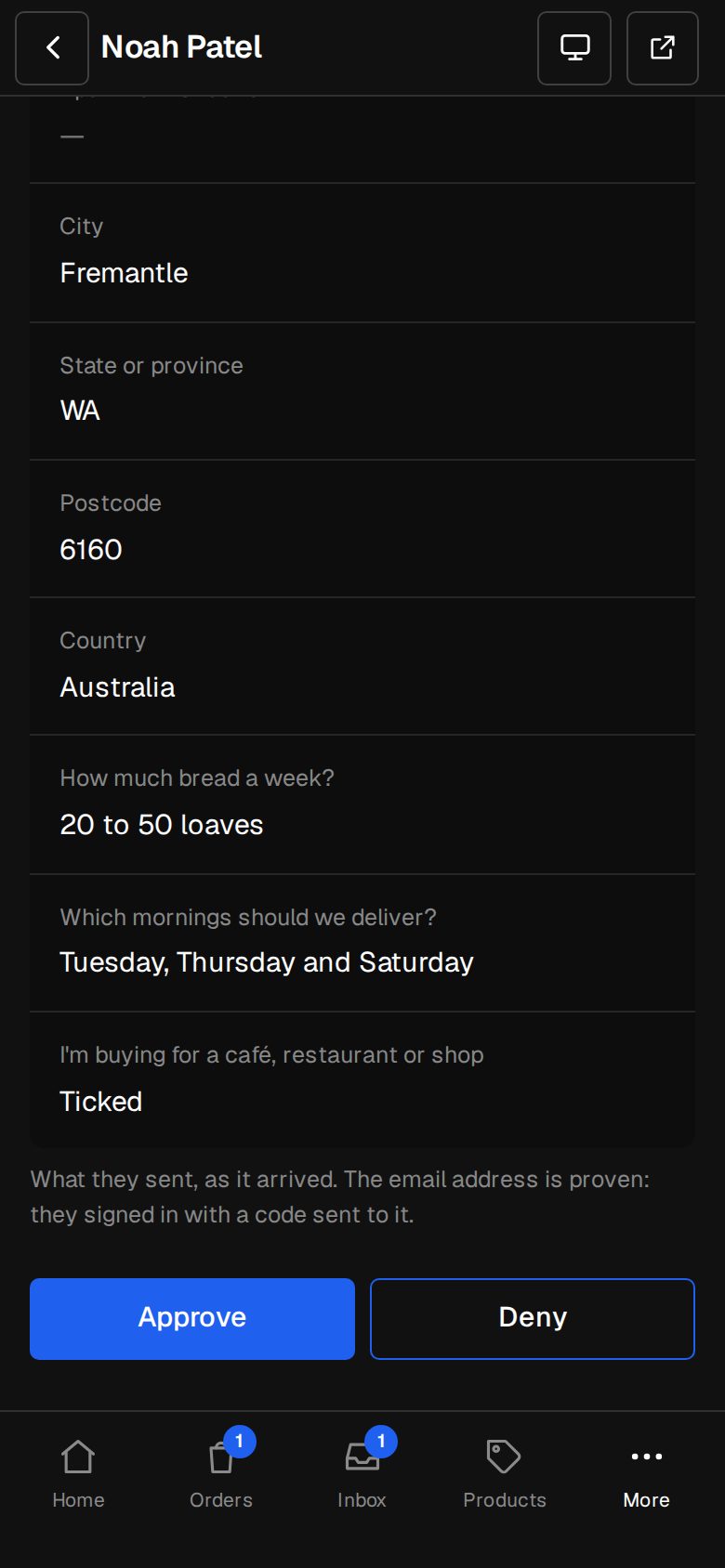
Every application is in Applications, with Approve and Deny, and who decided.
- 03
“Our approved list lives in a spreadsheet.”
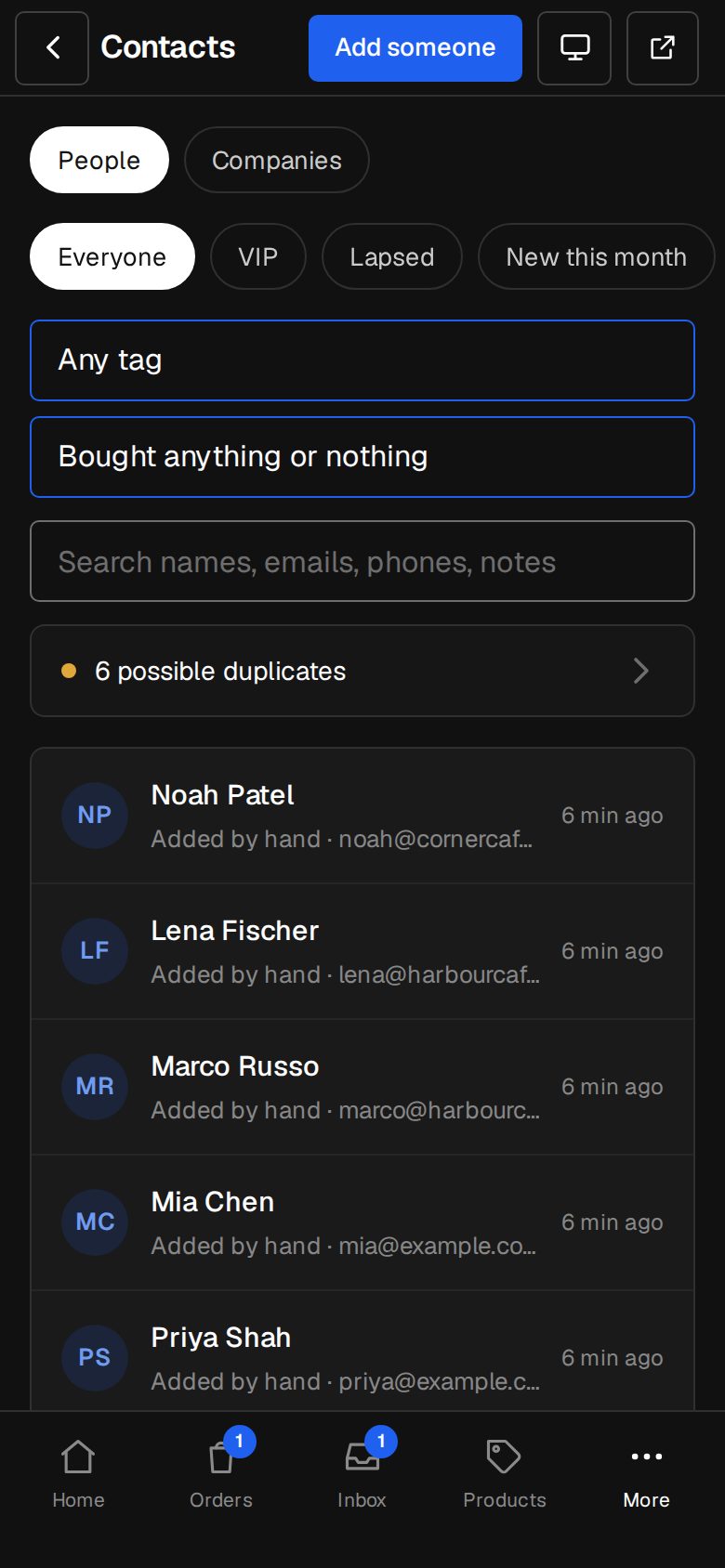
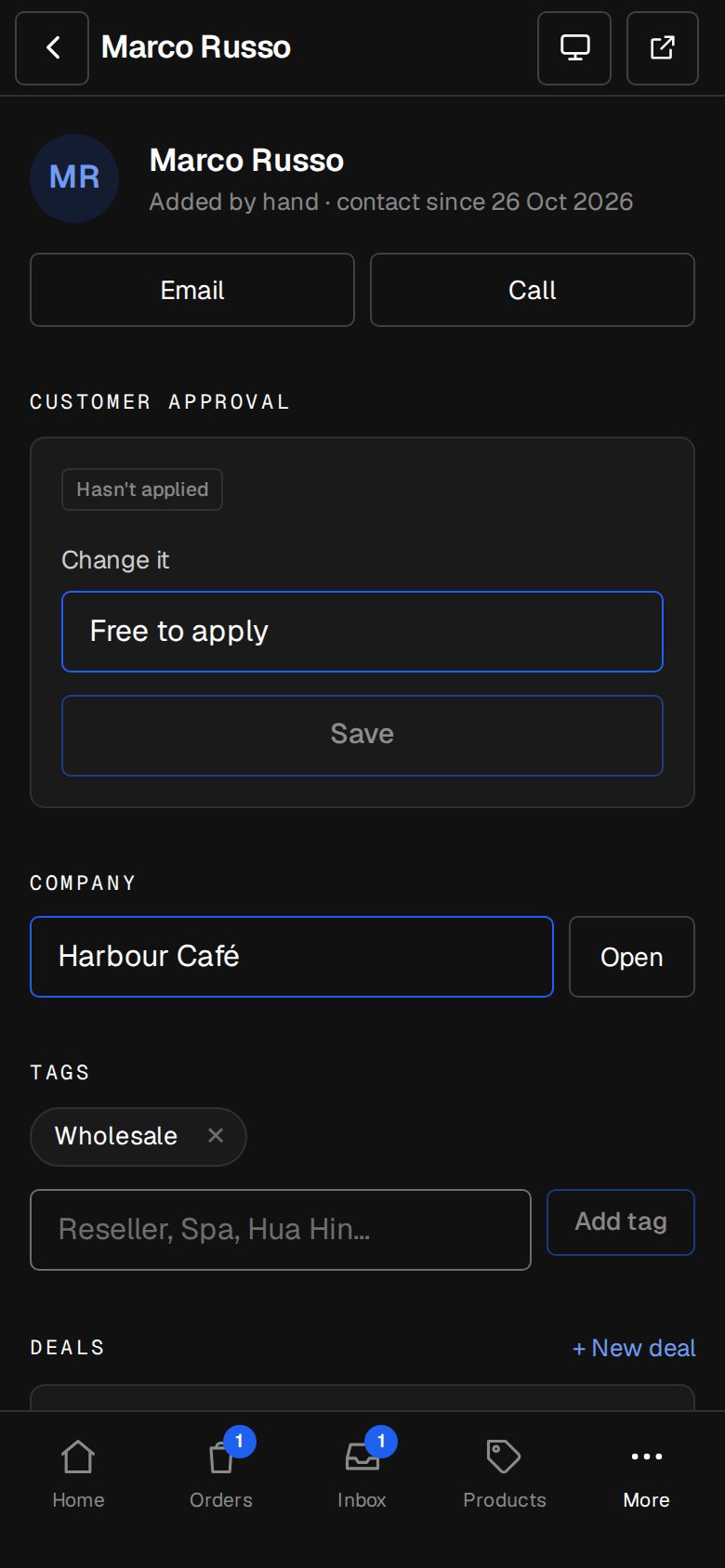
Approval sits on the contact. Import your list and they're approved before they sign in.
What it does
Everything in Customer approval.
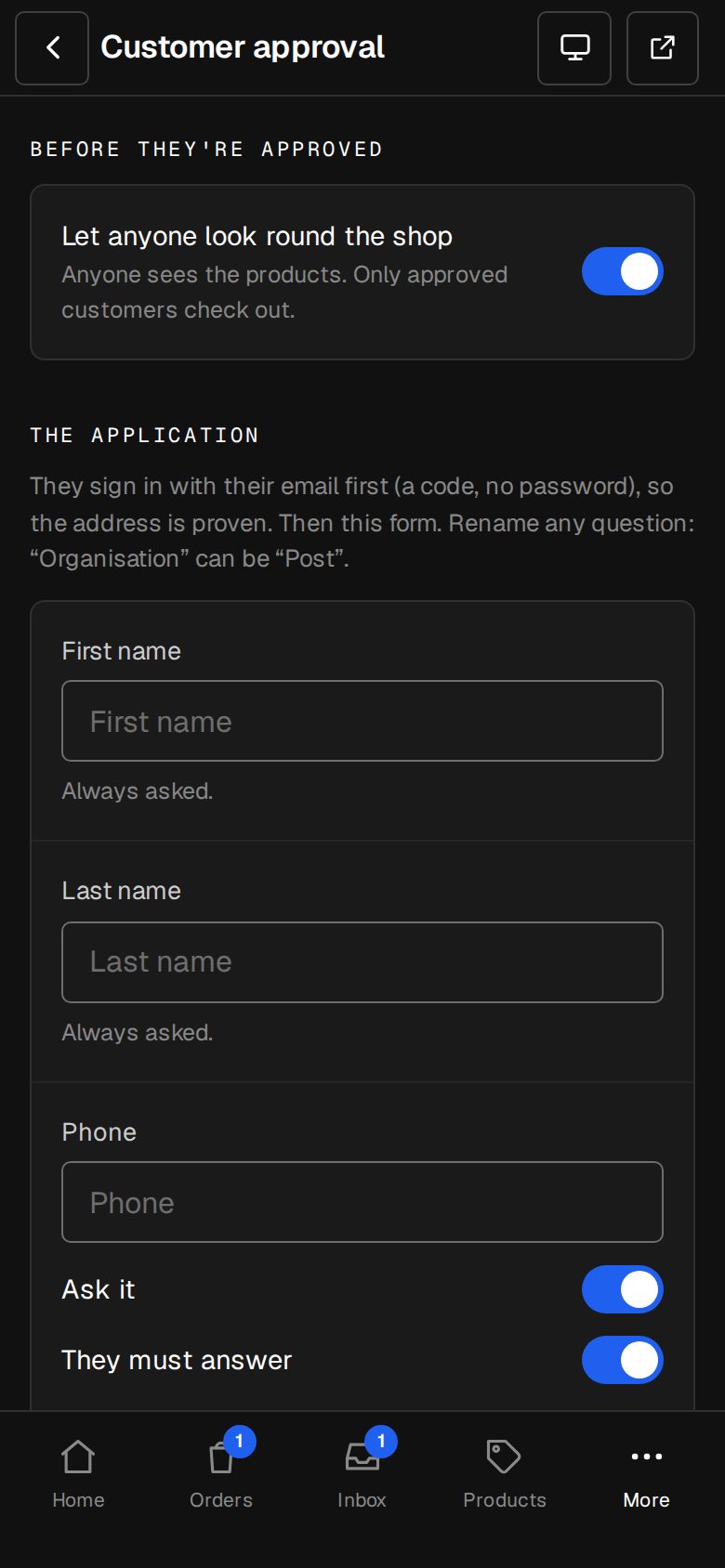
An application form
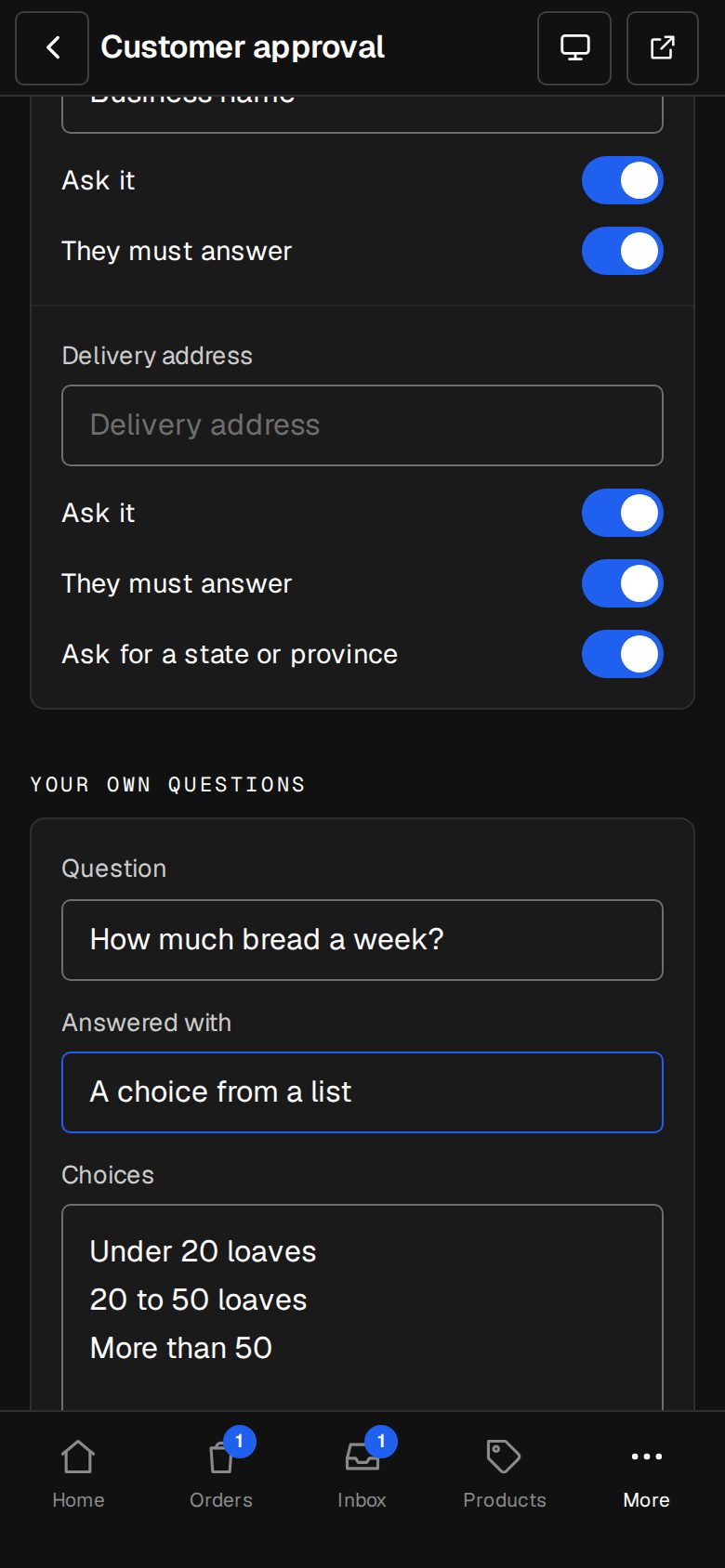
Name, phone, role, organisation and address, each shown, required or relabelled, plus up to ten questions of your own.
Approve or deny
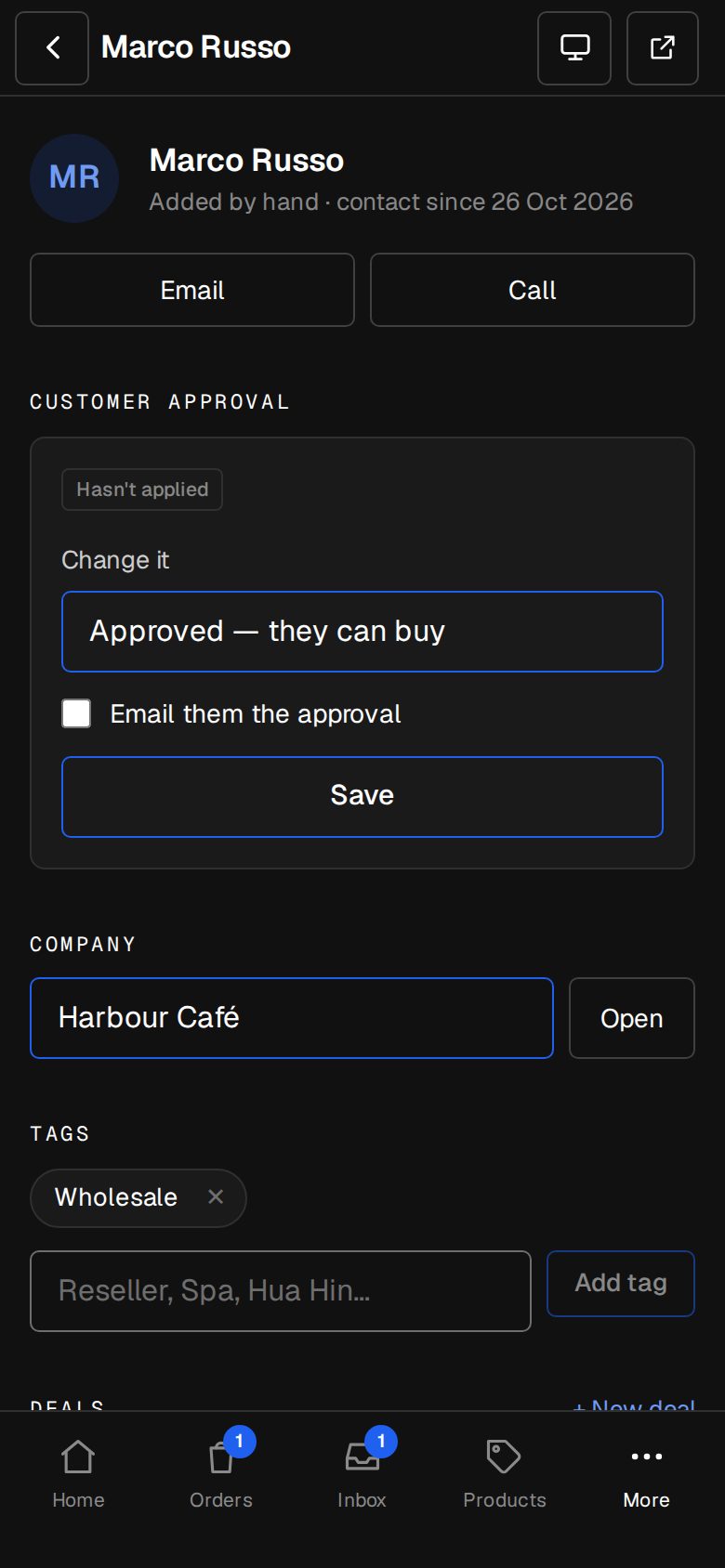
Decided once, logged with who did it, the customer emailed in your words.
Look round, or not
Let anyone browse and only checkout asks, or keep the whole shop for approved customers.
By hand, too
Approve someone from their contact page, with or without an application.
Bring your list
Import customers with an Approved tag and they're in from day one.
The usual sign-in
An emailed code, no passwords. Pages stay open to everyone.
01 · Real screens
Every application in one place
New ones wait with a badge. Open one, read the answers, Approve or Deny.
- Staff can decide; Managers set it up
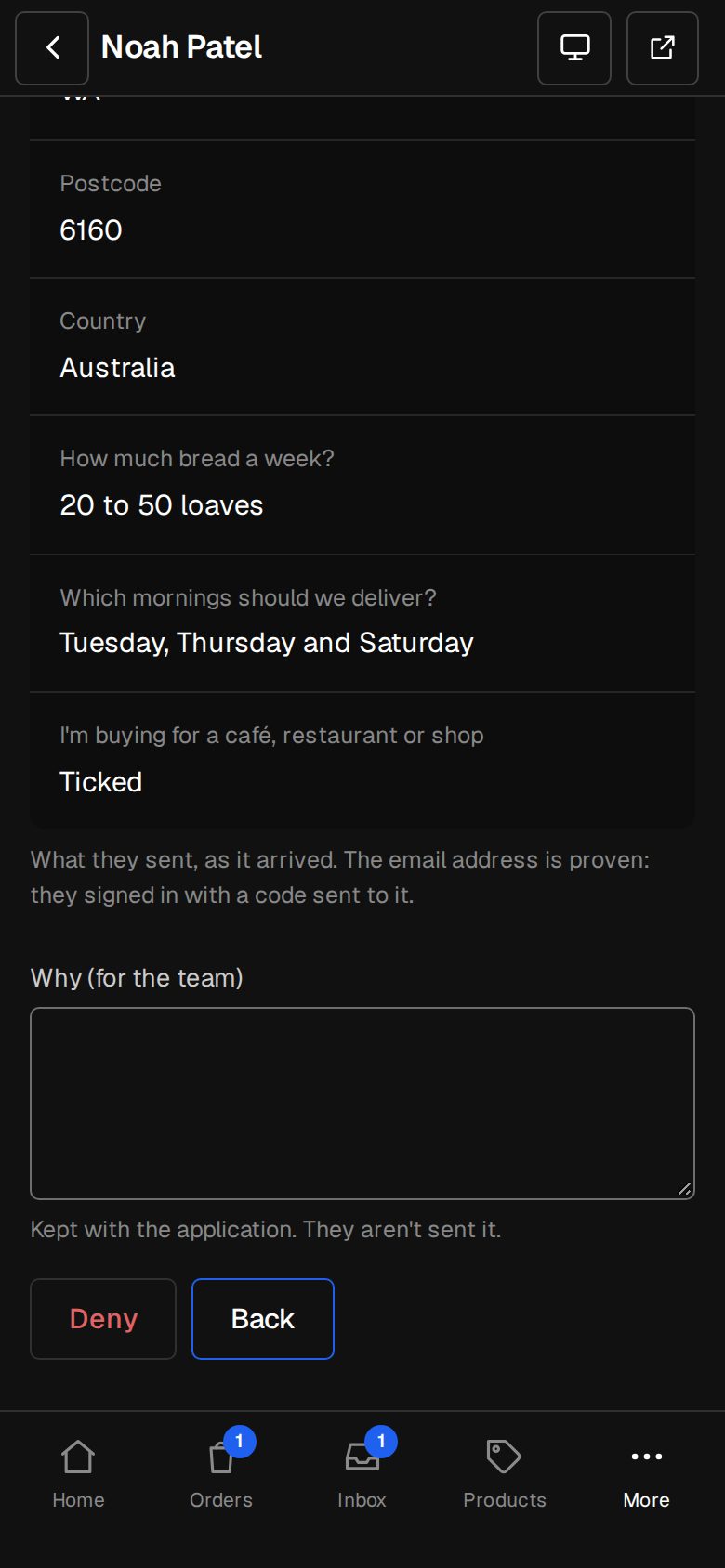
- A reason for the team when you deny
- Denied can't apply again
02 · Real screens
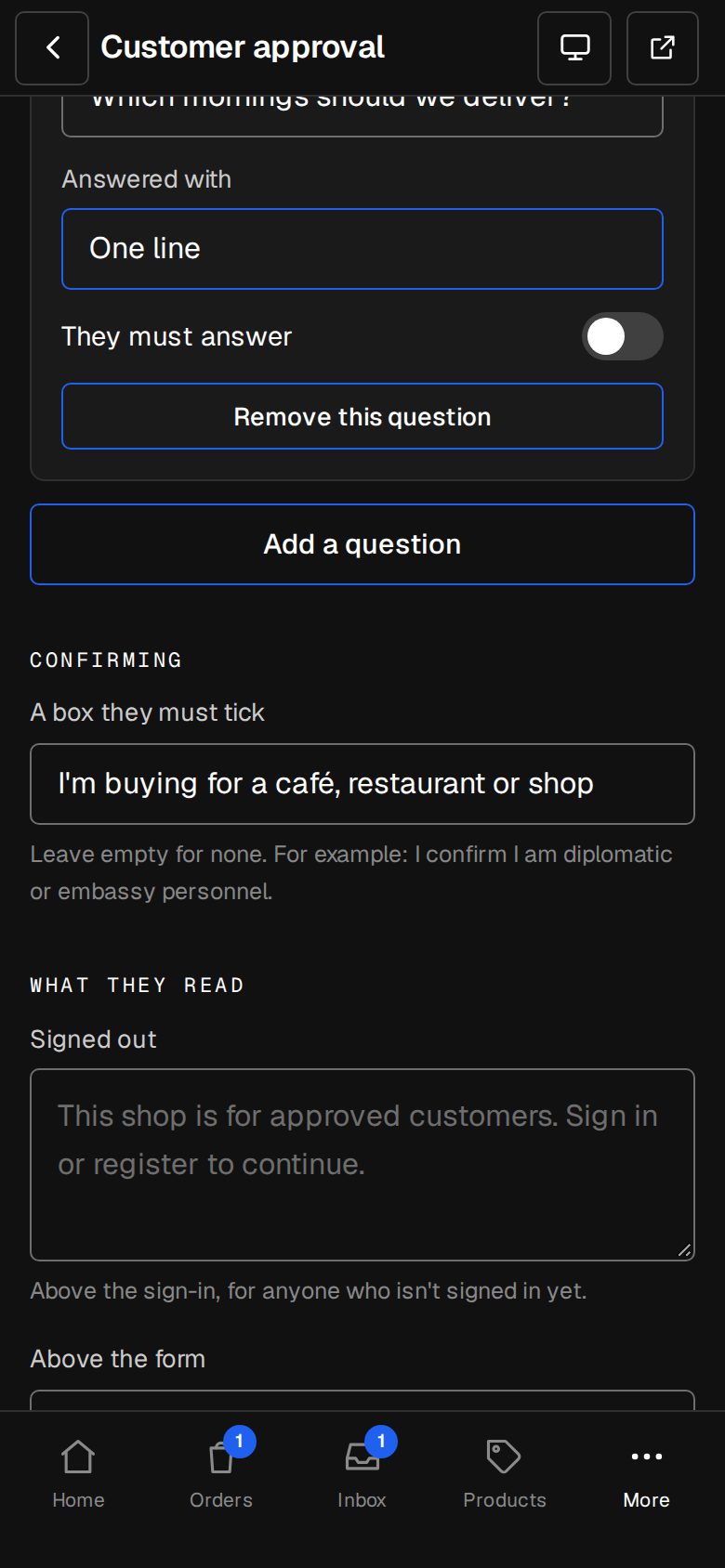
Your form, your words
Pick the standard fields, rename them, add your own questions and a box to tick.
- Who's told when one arrives
- The emails in your words
- Browse on or off
How it works
On in a minute. Working the same day.
- 01
Add Customer approval
An Owner adds it on Settings · Plan (it needs the Shop).
- 02
Set the form
In Settings · Customer approval.
- 03
Share your shop
People sign in and apply.
- 04
Approve
In Applications, and they can buy.
Does it need the Shop?
Yes. It works inside the Shop add-on.
Can people see prices before they're approved?
Your choice: let anyone look round, or keep the shop for approved customers only.
Can I move my approved customers across?
Yes. Import them with an Approved tag and they can buy as soon as they sign in.
Do customers need a password?
No. They sign in with a code we email them.
Step-by-step guides Every screen of Customer approval, in the Help centre.
Start free. Add Customer approval when you're ready.
Start free for 14 days, no card. Add Customer approval once your plan is paid, or ask us to switch it on while you try it.