
Add-on · Instagram feed
Your Instagram, on your site.
Connect your business's Instagram and your latest posts show on any page, kept up to date on their own, with a Follow button. Free.
Free with every plan
Sound familiar?
The problem, and the fix.
- 01
“The Instagram widget slows our site.”
Posts and pictures are copied to your site, so a page never waits on Instagram.
- 02
“It shows a post we deleted.”
Gone from Instagram, gone here.
- 03
“We want our best post first.”
Pin up to six, hide any.
What it does
Everything in Instagram feed.
Connect once
A Business or Creator account, through Instagram's own sign-in.
Grid or a row
Four across, three across like Instagram, or a row that scrolls.
Load more
And each post opens on the page.
Pin and hide
Pin up to six; hide what doesn't fit.
Always fresh
Updated every day, and when a visit finds it an hour old.
Free
The Instagram add-on costs nothing.
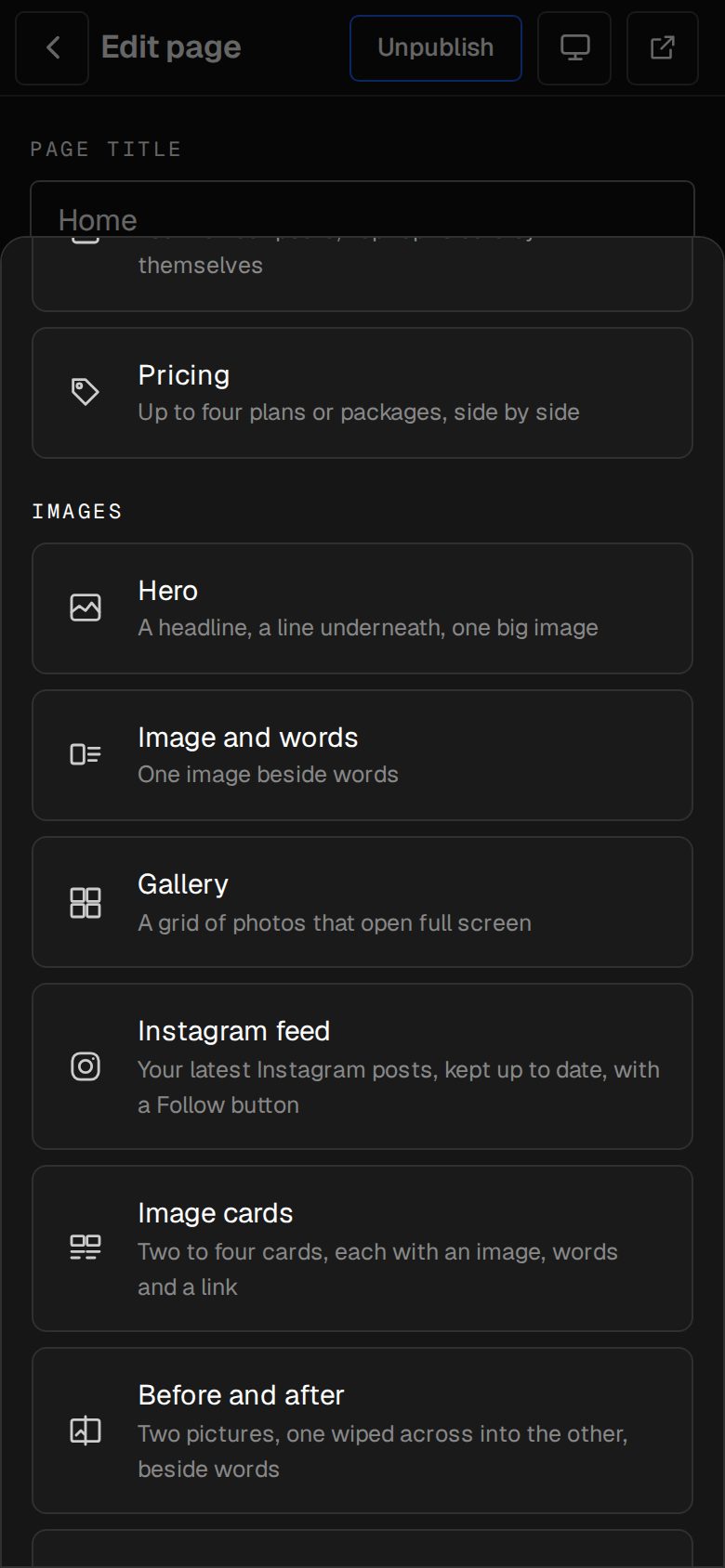
01 · Real screens
Any page, any look
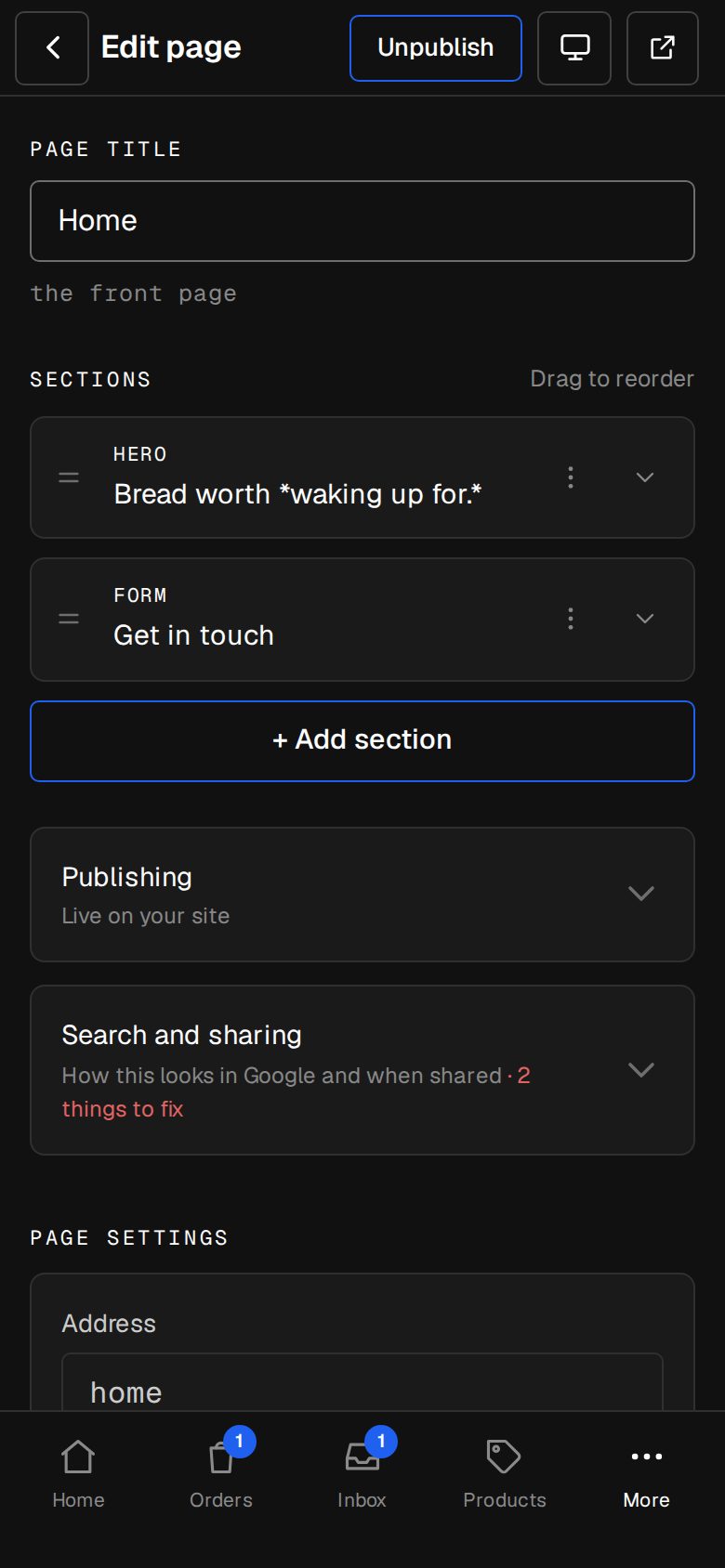
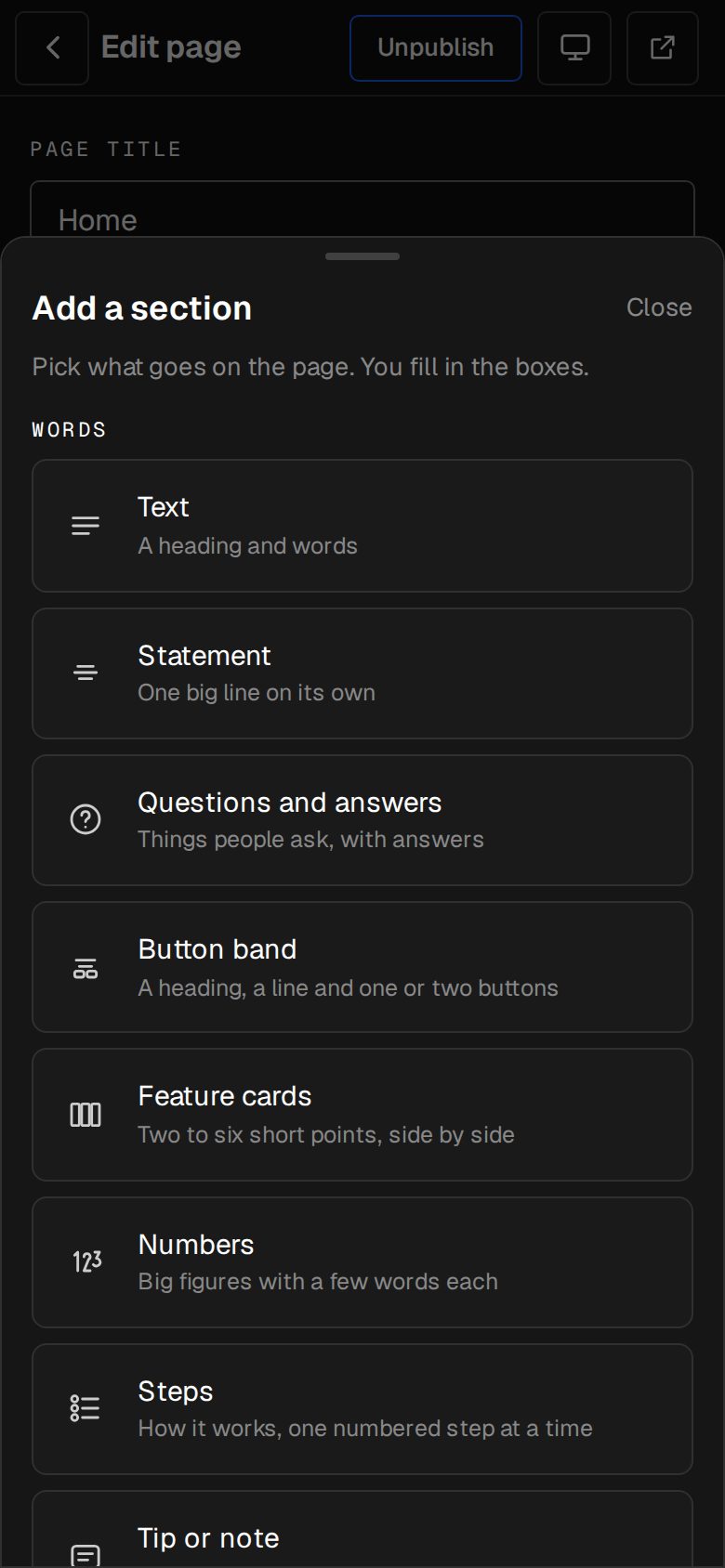
Add the Instagram section where you like it.
- Your profile and a Follow button
- Captions on hover, or none
- Works on a phone
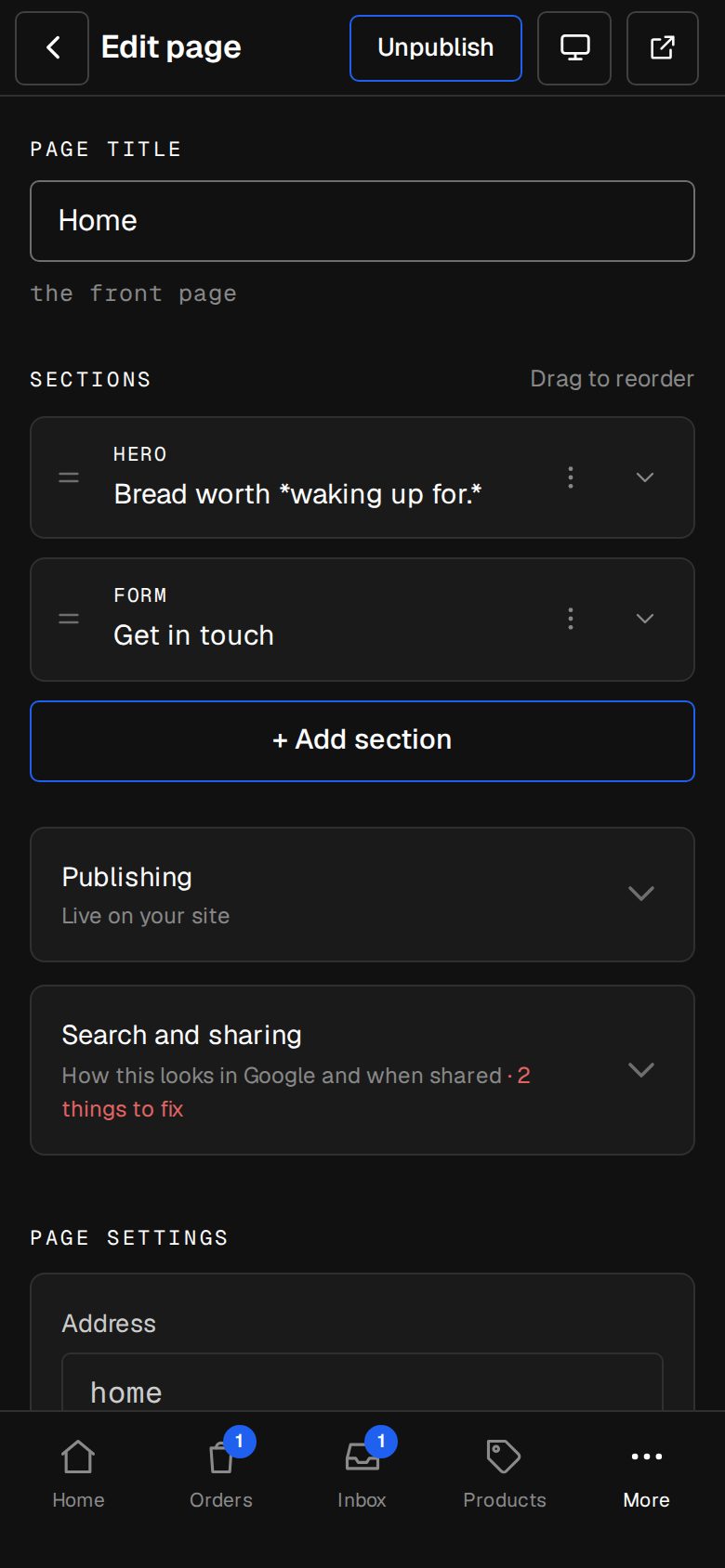
02 · Real screens
Yours to manage
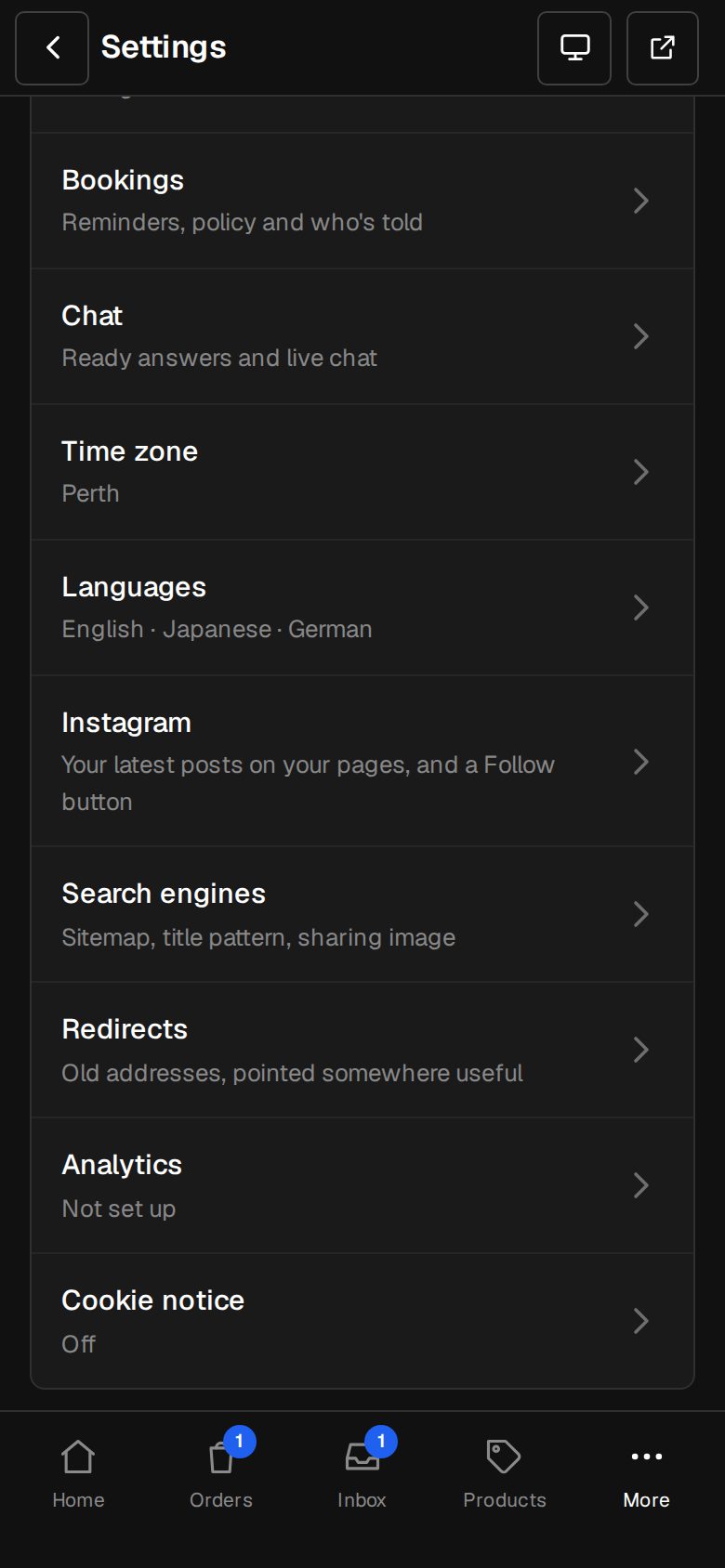
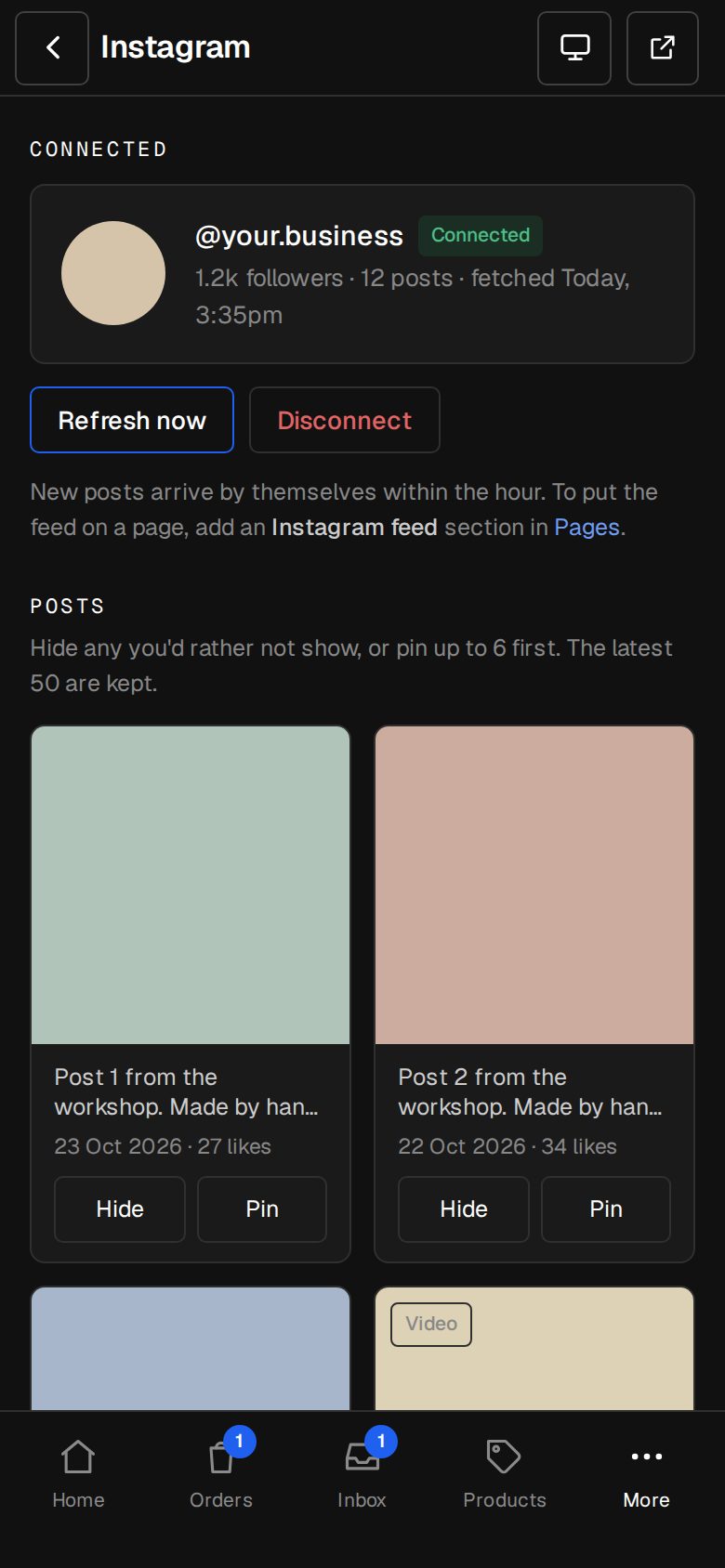
Hide, pin and refresh from Settings · Instagram.
- Reconnect when Instagram asks
- Disconnect removes it all
- Nothing loads from Instagram on your pages
How it works
On in a minute. Working the same day.
- 01
Add Instagram
An Owner adds it on Settings · Plan. It's free.
- 02
Connect
Sign in with your business's Instagram.
- 03
Add the section
On any page.
- 04
Done
It keeps itself up to date.
Does it work with a personal account?
No. Instagram only allows Business or Creator accounts.
Does it slow my site?
No. Posts are copied to your site's own storage.
Is it really free?
Yes. No charge for the Instagram add-on.
Step-by-step guides Every screen of Instagram feed, in the Help centre.
Start free. Add Instagram feed when you're ready.
Start free for 14 days, no card. It's part of the trial, so it's yours from day one.