
Add-on · Inventory & Sell in shop
Sell in your shop and online. One count.
Stock across your shops and a warehouse, taken off as you sell, online or at the counter. Cash, card on your terminal, or Pay by QR.
A$49 a month · added on Settings · Plan · no contract
Sound familiar?
The problem, and the fix.
- 01
“We sold the last one twice.”
Online and in the shop take from the same count, location by location.
- 02
“A separate till system.”
The counter is a screen in your admin, on a tablet or a phone.
- 03
“We find out we're low when we're out.”
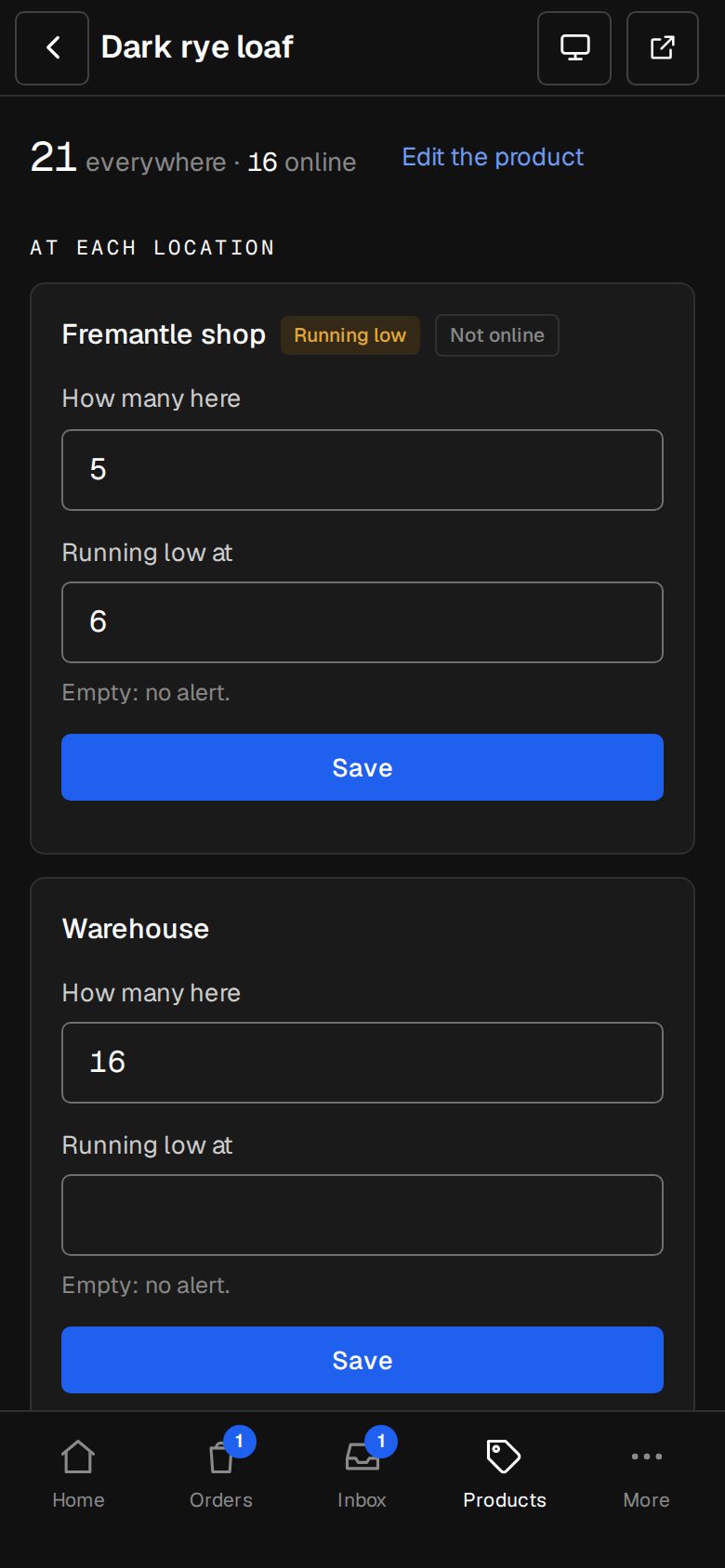
Reorder points, on Home and in an email, by location.
What it does
Everything in Inventory & Sell in shop.
Locations
Shops and a warehouse, each with its own count.
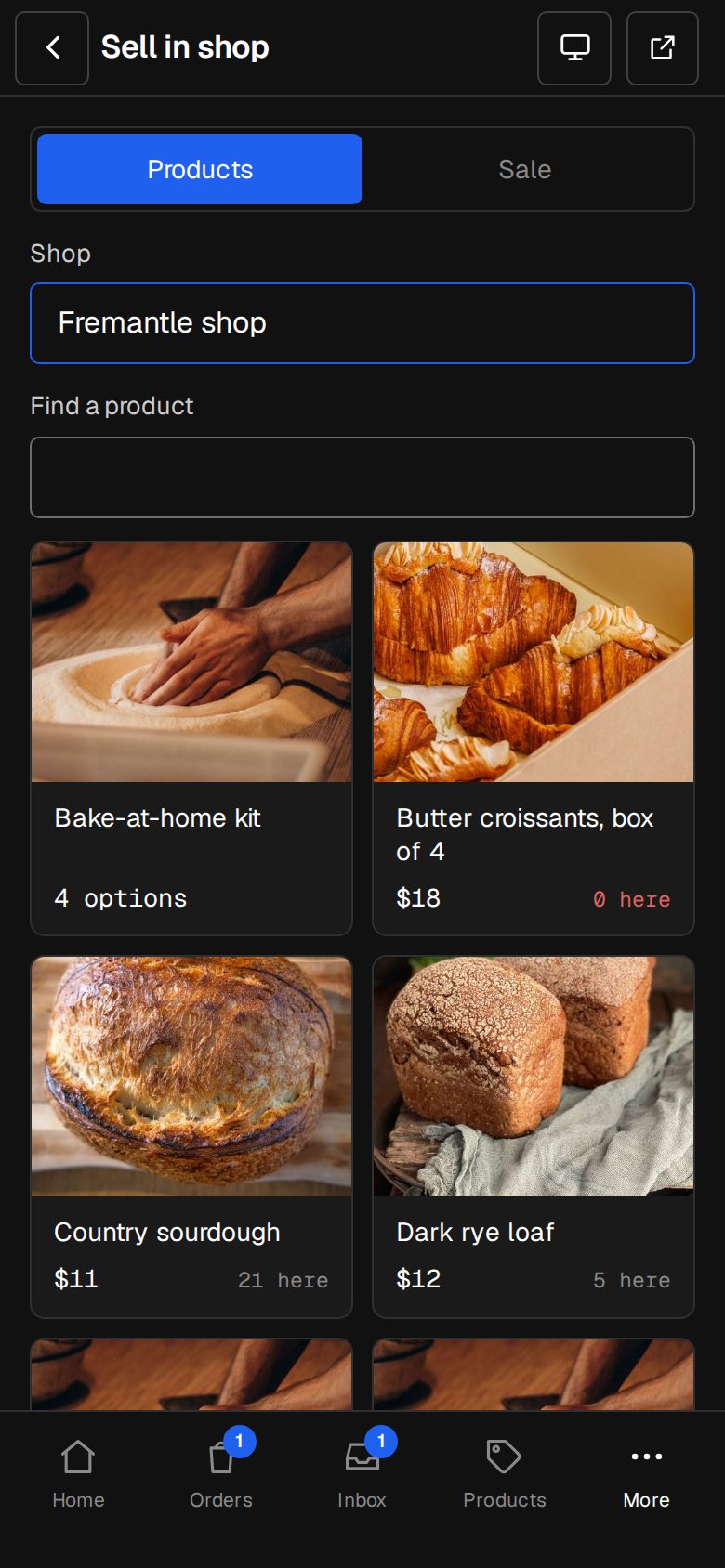
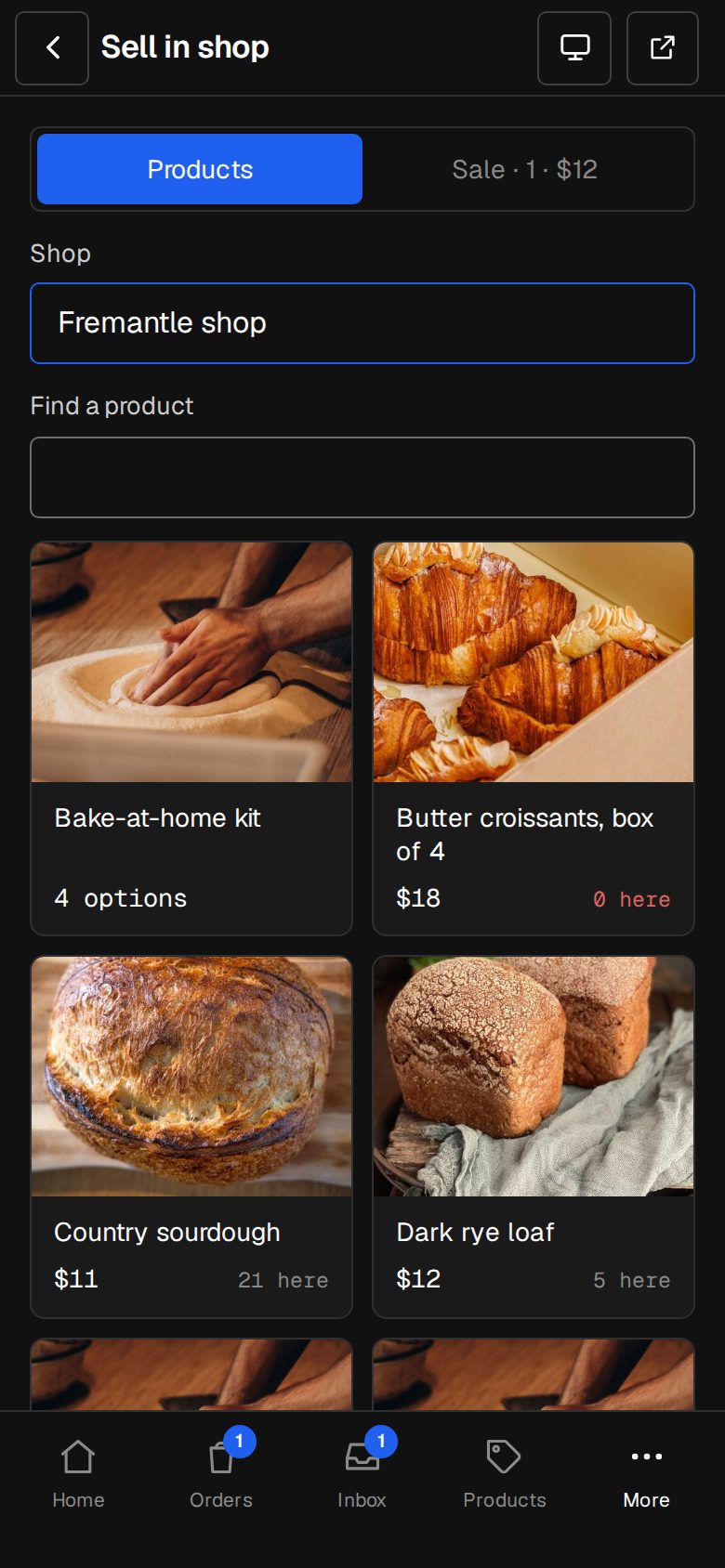
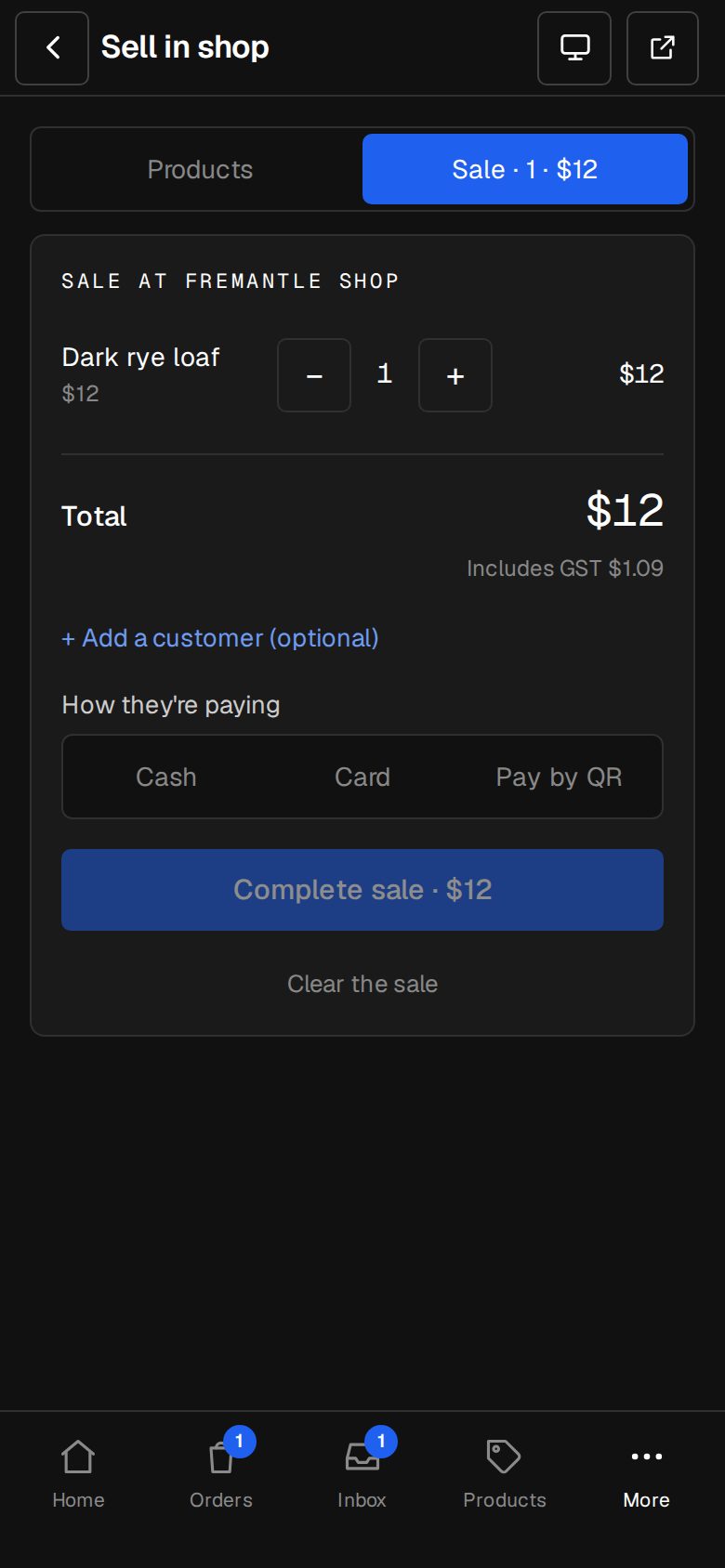
Sell at the counter
Tap products, take cash, card on your own terminal, or Pay by QR.
Moves and stocktakes
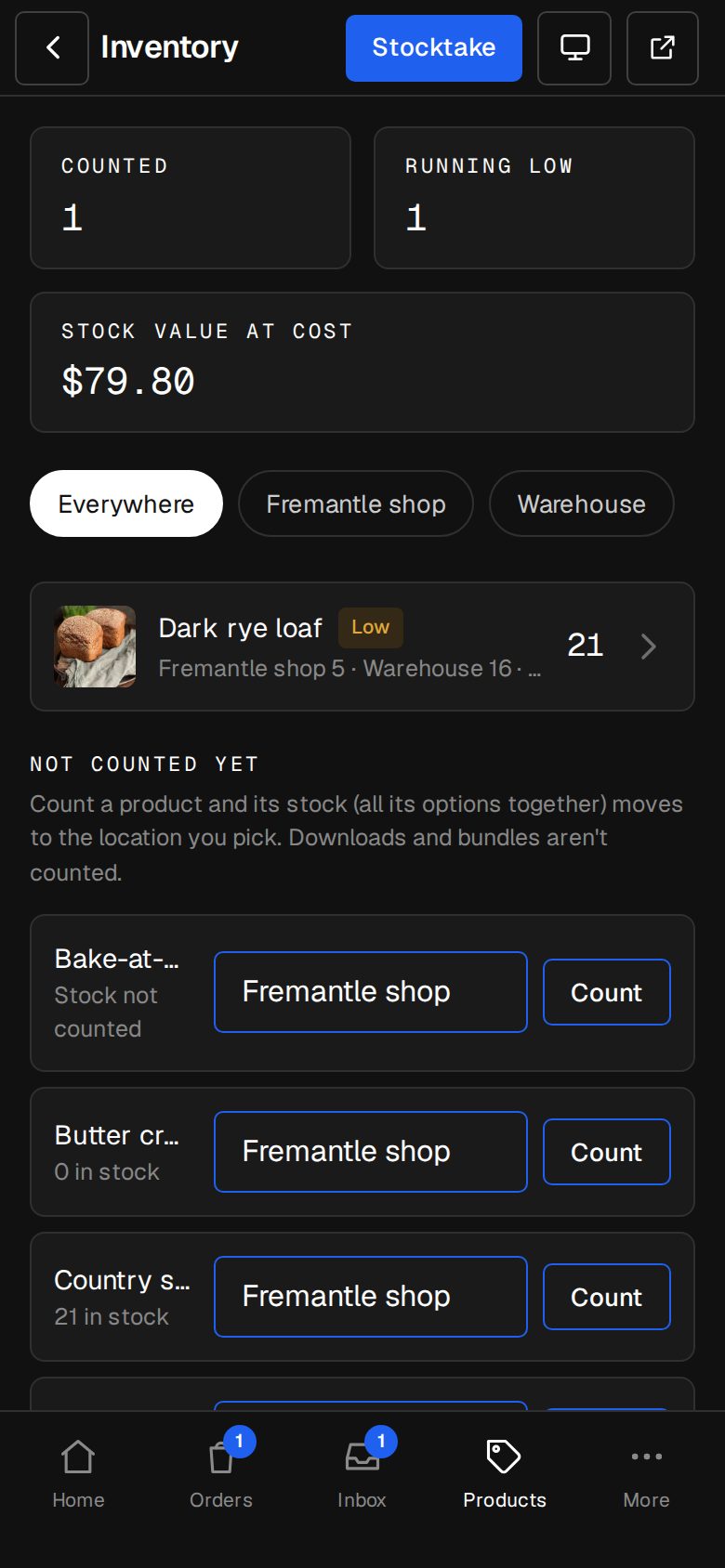
Move stock between locations; count it, and only differences are recorded.
Reorder points
Low stock shows on Home and in an email naming the place.
Every change kept
Sales, refunds, moves and counts, each a line you can read back.
Stock value
Cost price per product, and what your stock is worth.
01 · Real screens
The counter
Pick the shop, tap what they're buying, take the money. A receipt goes if they give an email.
- Cash with change worked out
- Card on your terminal, or Pay by QR
- A sale is an order, counted from that shop
02 · Real screens
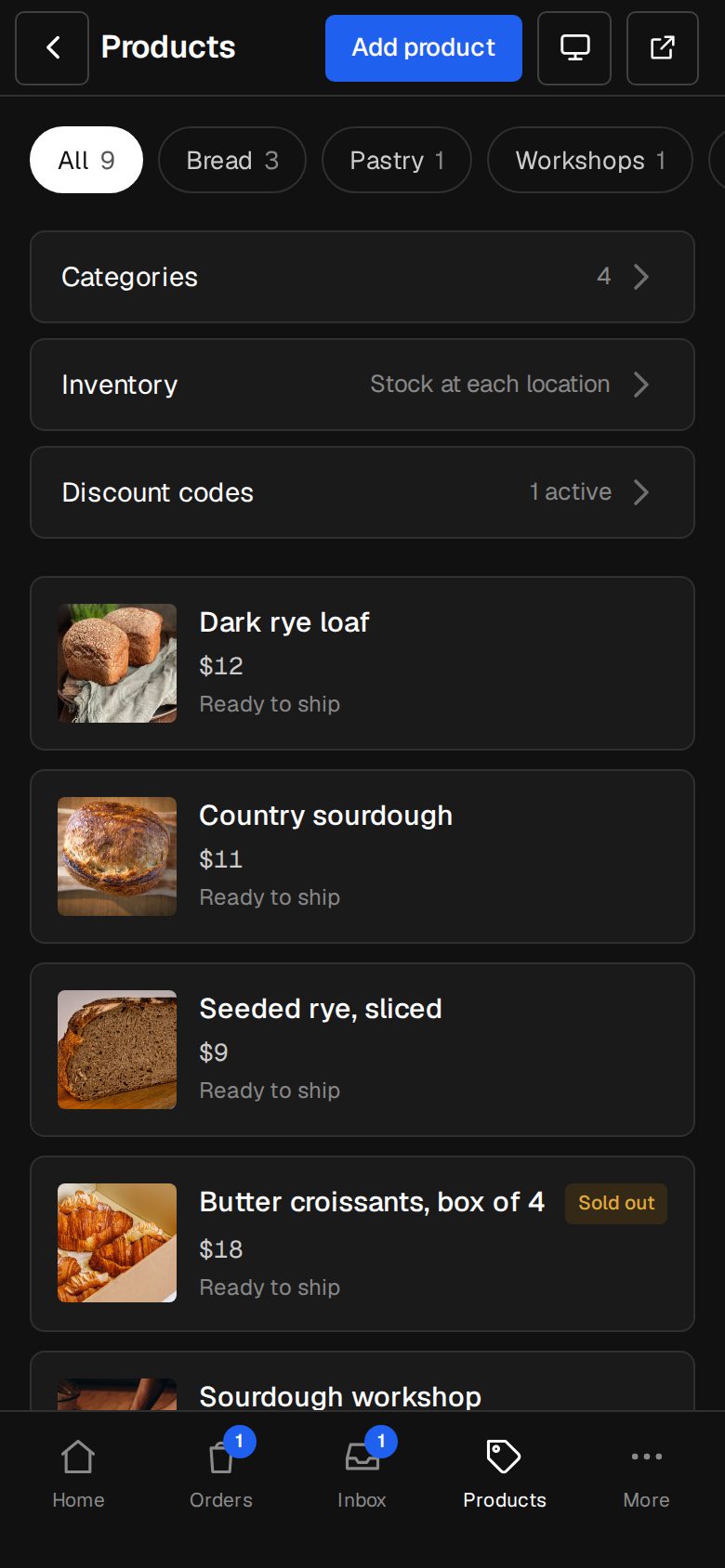
Stock that adds up
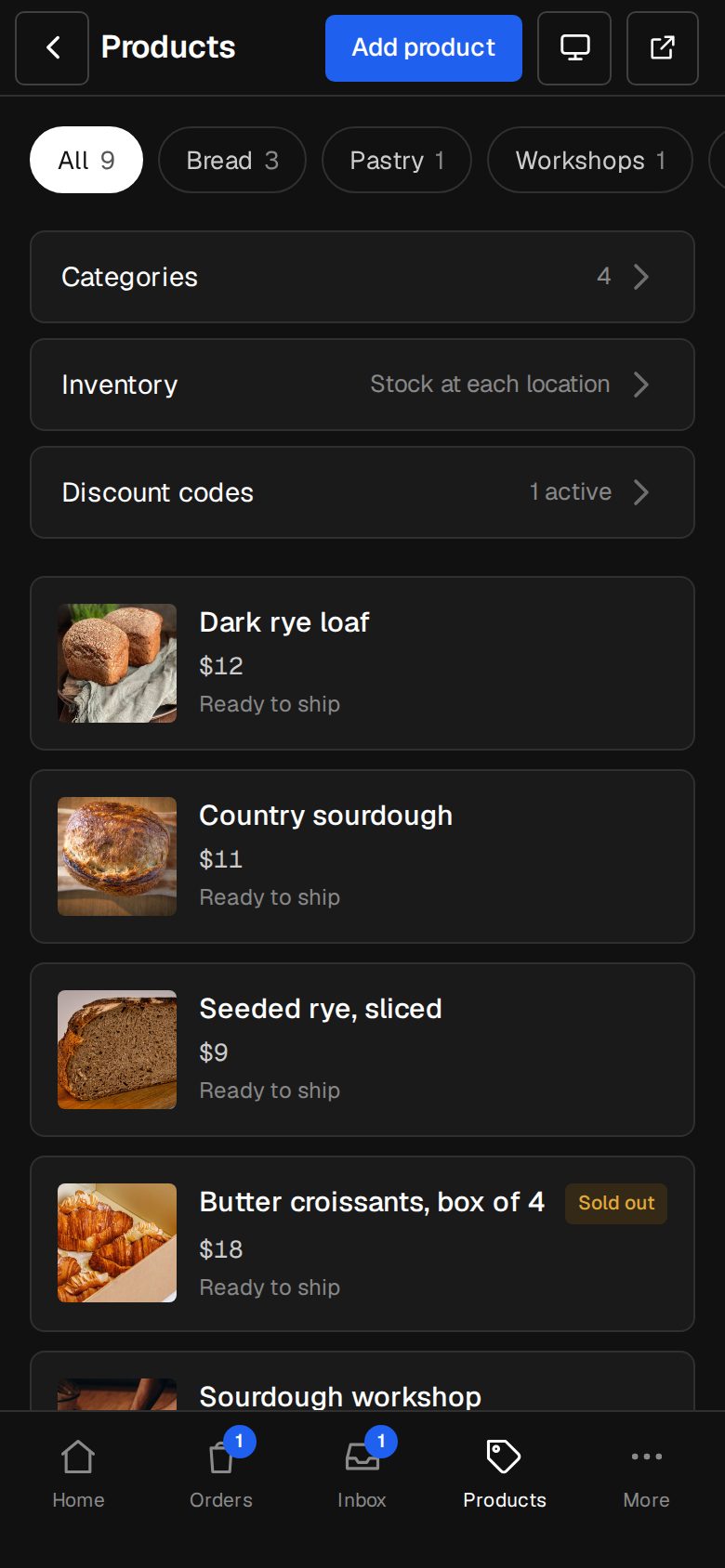
One count per product per place. Online sells from the locations you choose.
- Warehouse first, then shops
- Refunds go back where they came from
- Needs the Shop
How it works
On in a minute. Working the same day.
- 01
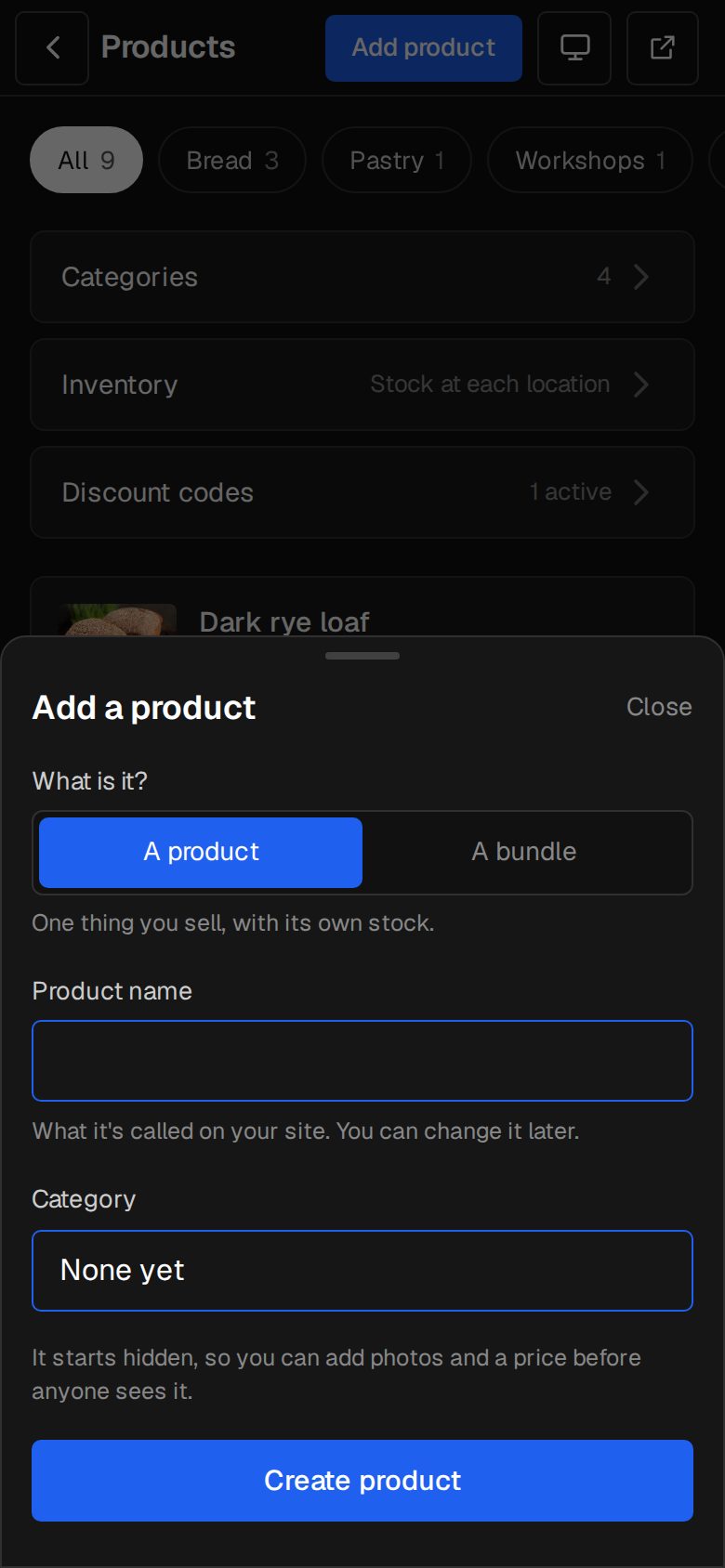
Add Inventory
An Owner adds it on Settings · Plan (it needs the Shop).
- 02
Add locations
Your shops and a warehouse.
- 03
Count products
Move each product's stock to where it is.
- 04
Sell
Online, and at /sell in the shop.
Does it need the Shop?
Yes, Inventory works inside the Shop add-on.
Which card terminal?
Any. Take the card on your own terminal and record it as Card. Or use Pay by QR through your own Stripe.
Can Staff use the counter?
Yes. Staff and up can sell in shop; Managers and Owners manage stock.
Step-by-step guides Every screen of Inventory & Sell in shop, in the Help centre.
Start free. Add Inventory & Sell in shop when you're ready.
Start free for 14 days, no card. Add Inventory & Sell in shop once your plan is paid, or ask us to switch it on while you try it.