
Add-on · Quotes & invoices
Quote it, invoice it, get paid.
Send a quote your customer accepts from a link. It becomes an invoice on the spot, they pay by card, and reminders go out on their own.
A$19 a month · added on Settings · Plan · no contract
Sound familiar?
The problem, and the fix.
- 01
“I chase every invoice by hand.”
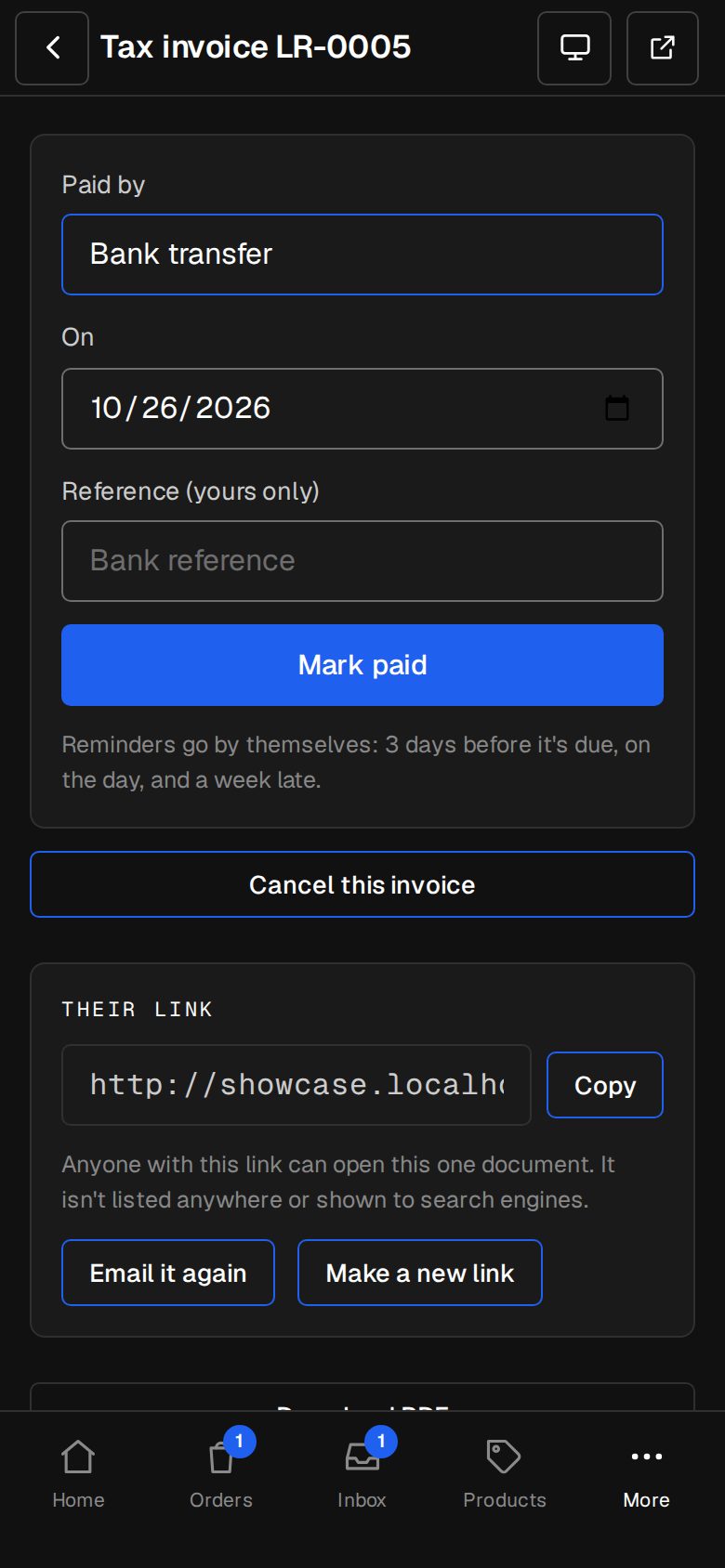
Reminders go three days before it's due, on the day and a week late. Once each.
- 02
“Quotes sit in someone's inbox.”
Your customer accepts or declines from a link, and you're told either way.
- 03
“Another app just for invoices.”
Same admin, same customers, same logo. A shop sale is invoiced for you.
What it does
Everything in Quotes & invoices.
Quotes accepted online
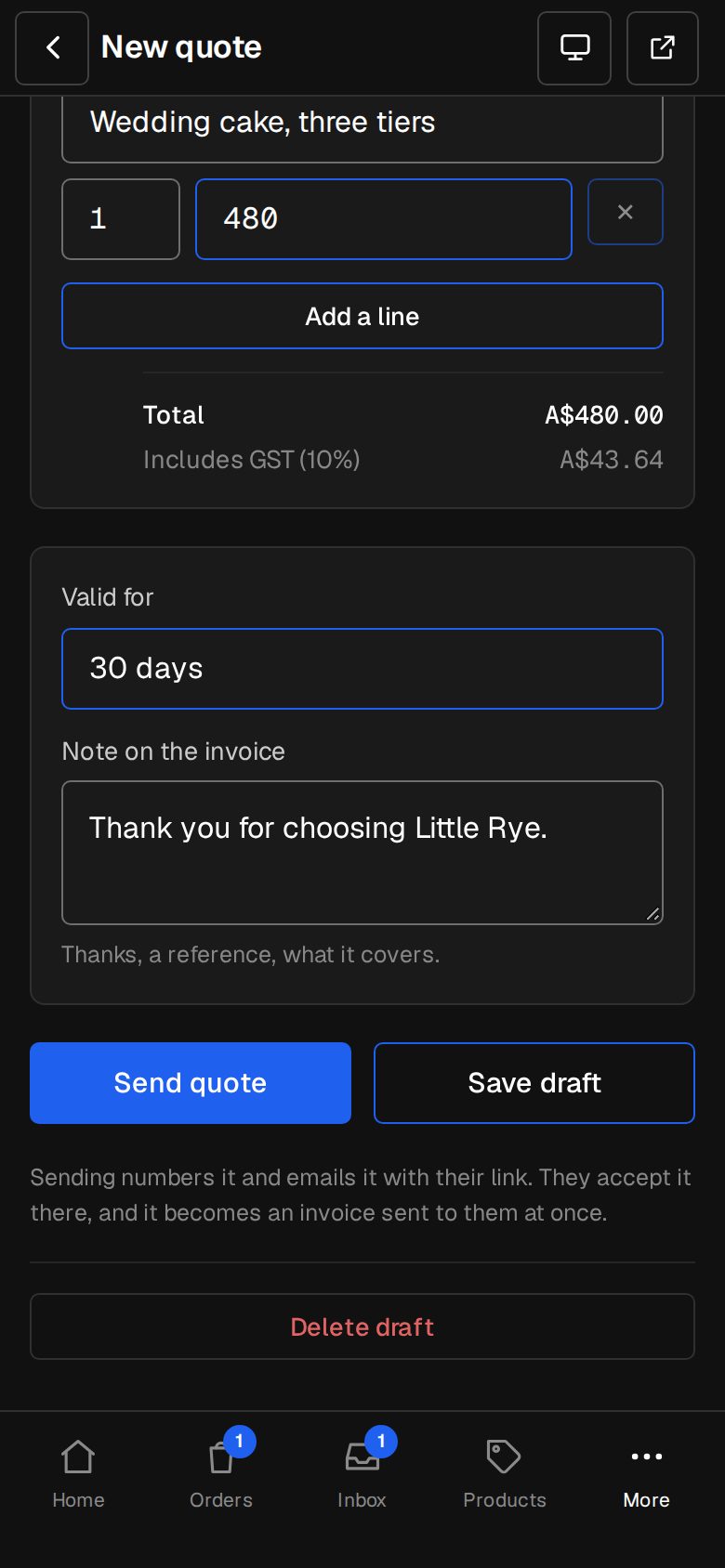
Lines, tax and a valid-until date. Accept turns it into an invoice, sent at once.
Pay now by card
Through your own Stripe. Marked paid on Stripe's word, then the receipt goes.
Repeating invoices
Monthly, every three months or yearly, from a day, until a day or for good.
Reminders on their own
Before it's due, on the day and a week late. Pause any time.
Your tax, your way
GST or VAT on or off, its name and rate, on top of or inside your prices.
PDFs that look like you
Your logo and details, a PDF with every email, numbered from your own run.
01 · Real screens
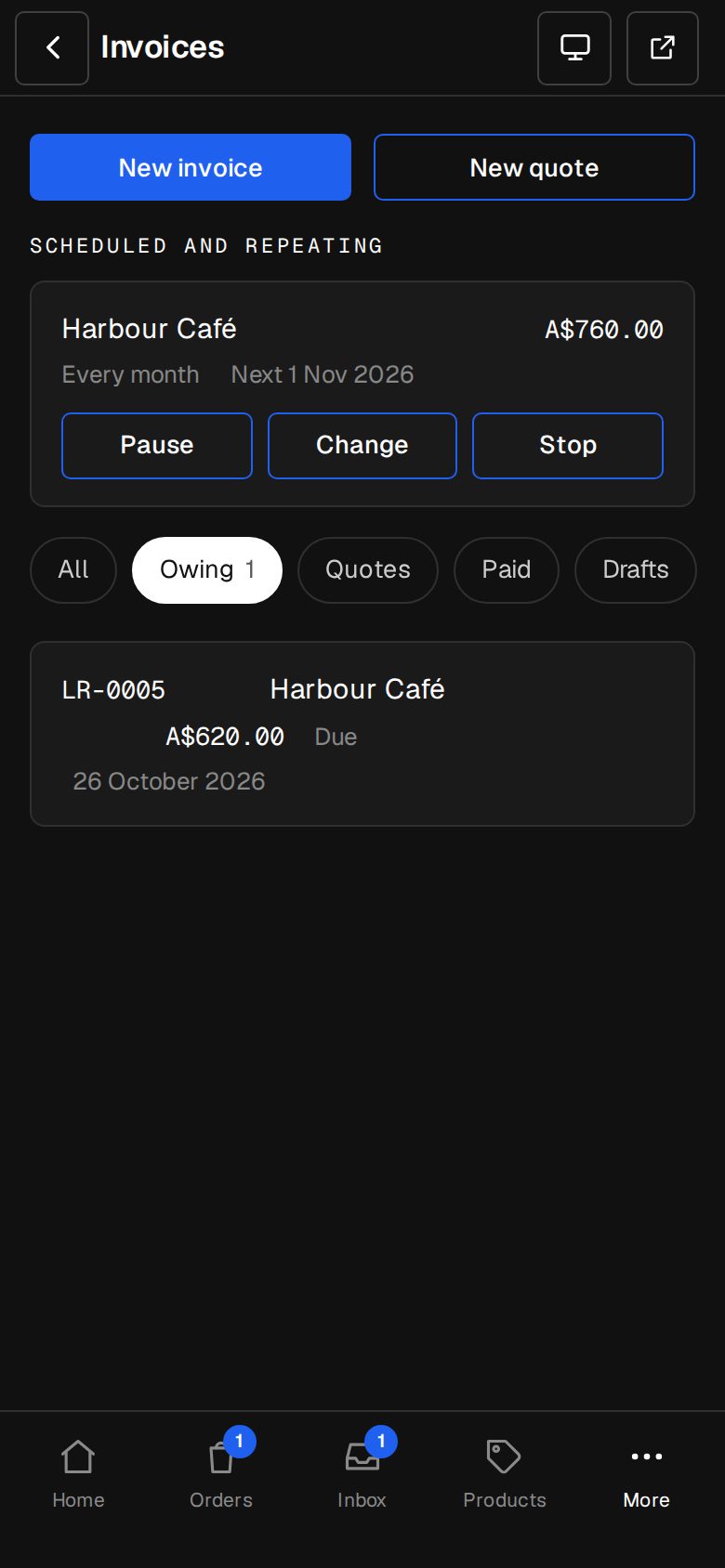
Accepted is invoiced
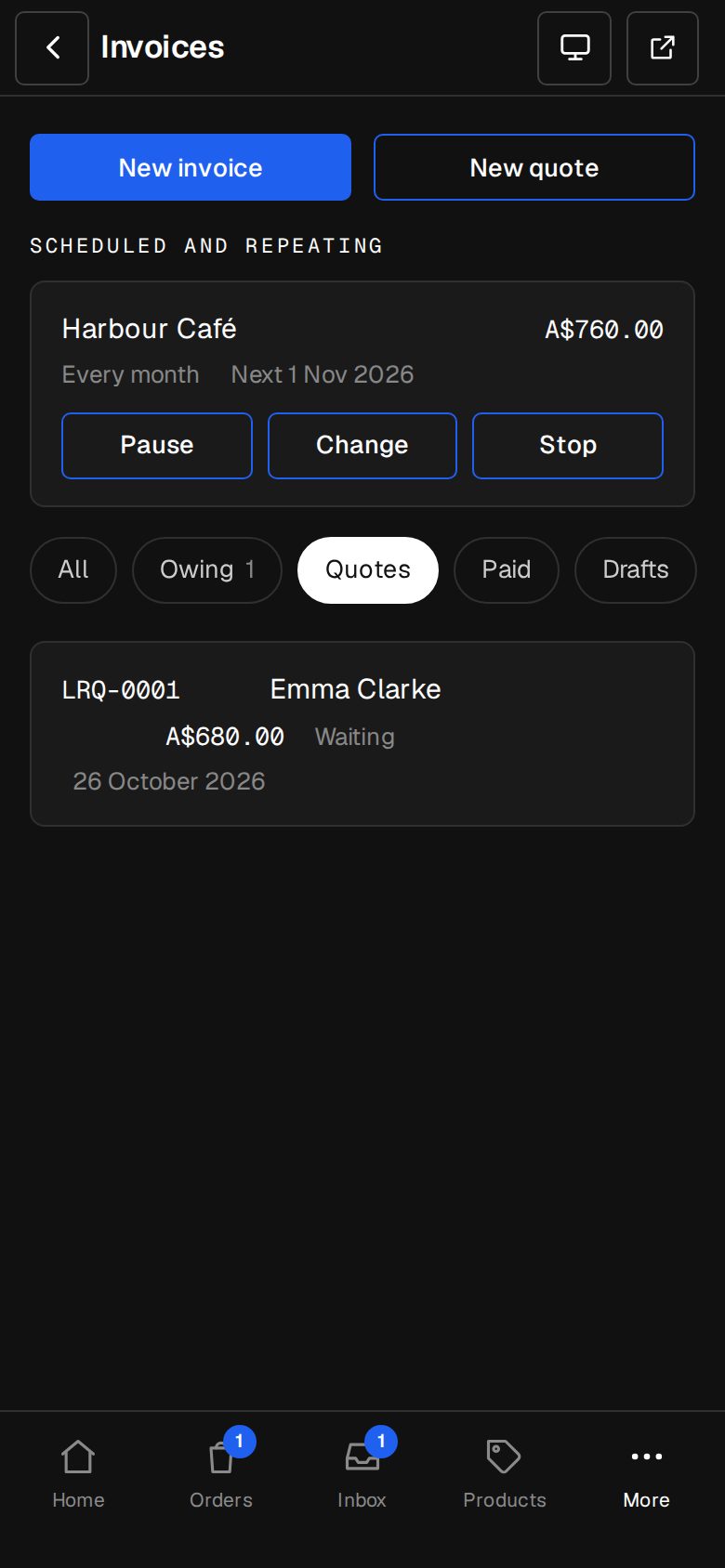
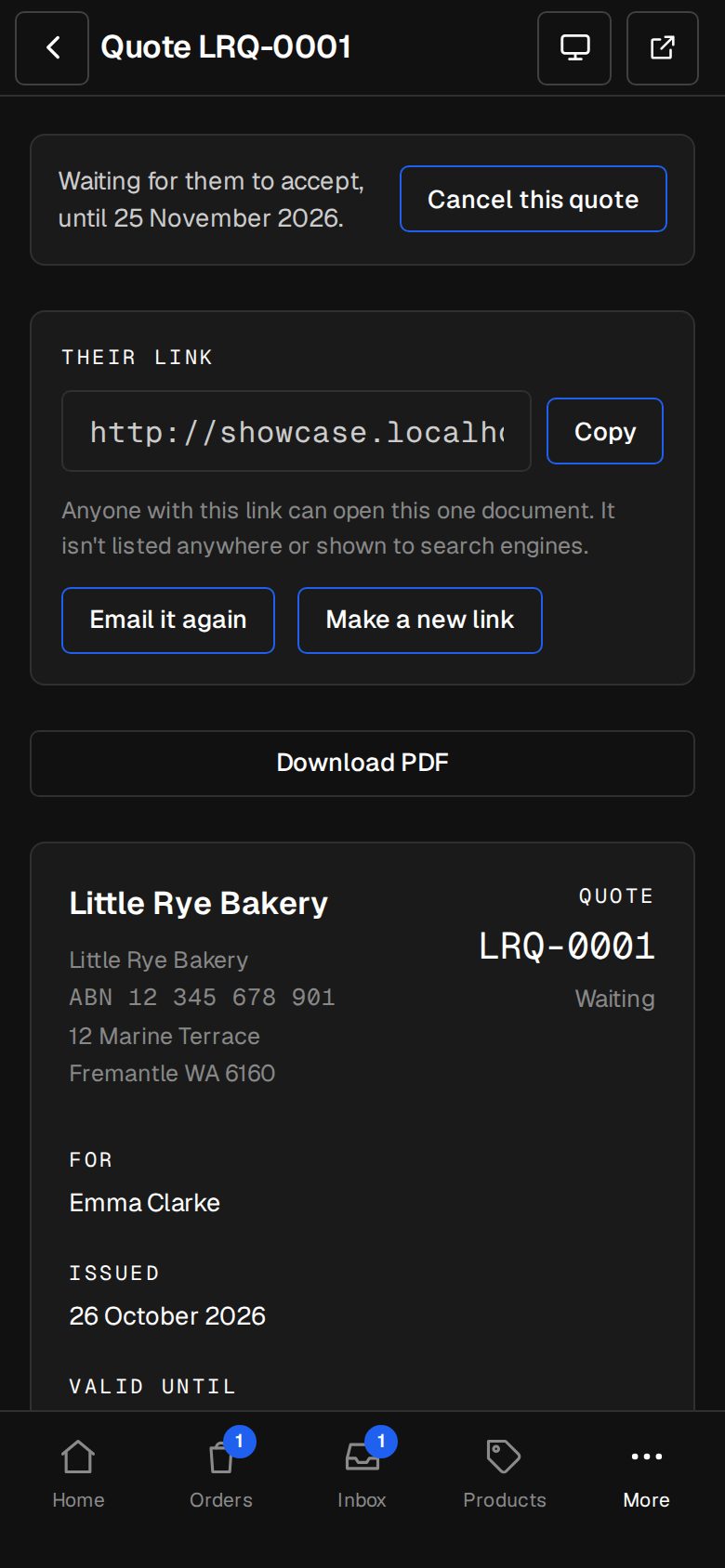
Your customer reads the quote at their link and taps Accept. The invoice is made and sent before you've looked.
- Decline with a reason, so you know why
- Make a new link if one gets forwarded
- Quote requests from your site arrive as draft quotes
02 · Real screens
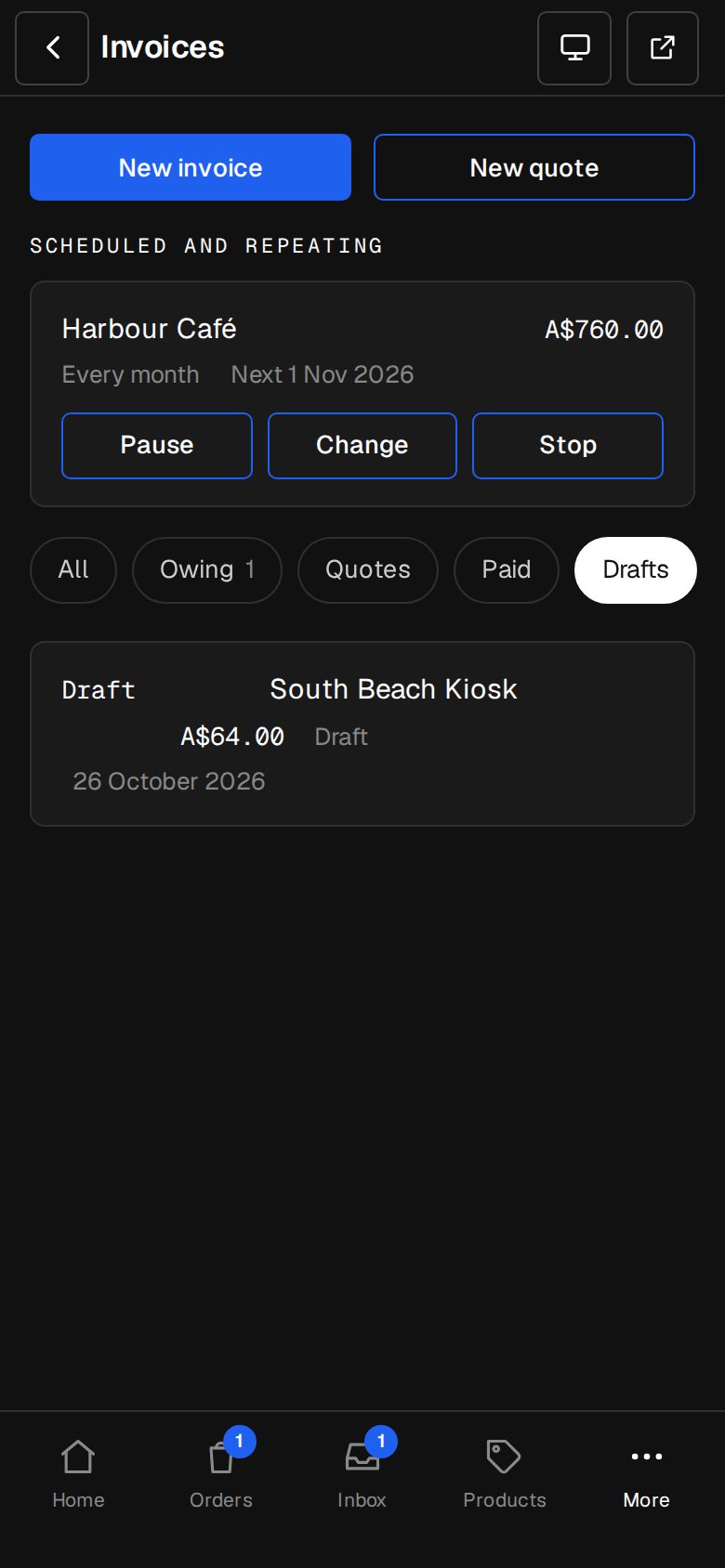
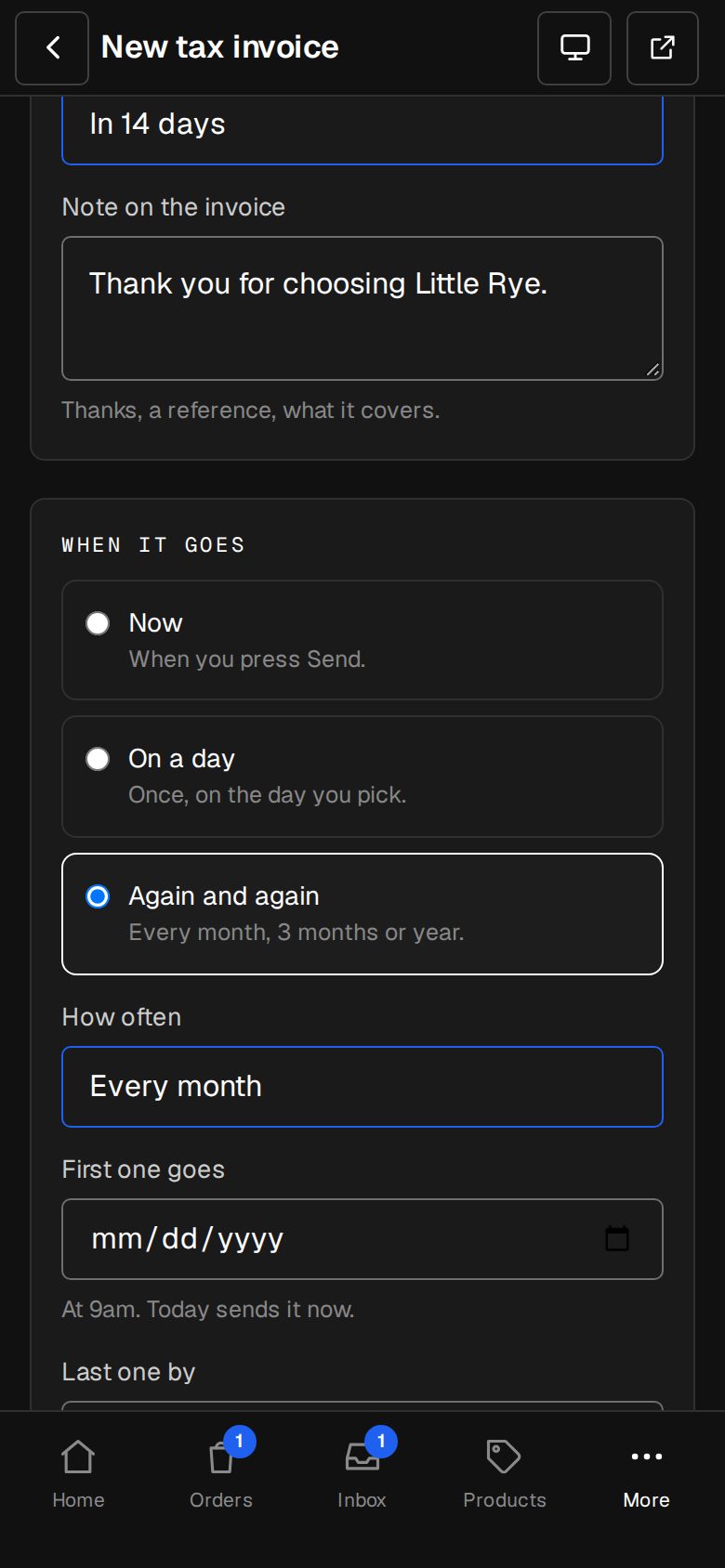
Set it once, bill every month
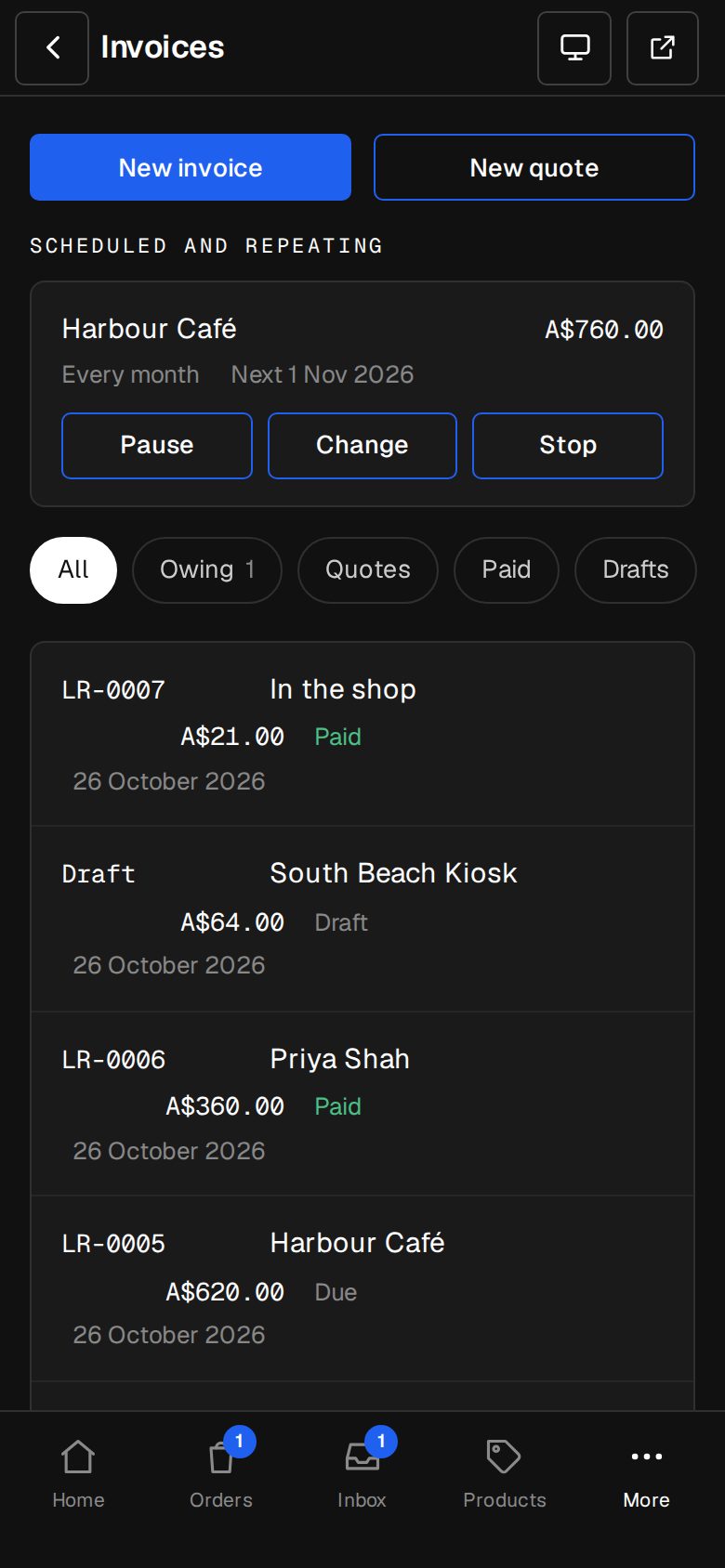
A retainer, a rental, a membership: schedule it and it sends itself on the day.
- Pause skips the missed days, never sends late
- Change brings it back as a draft
- Dates on your own clock
How it works
On in a minute. Working the same day.
- 01
Add Quotes & invoices
An Owner adds it on Settings · Plan.
- 02
Set it up
Tax, how to pay, due days and your number prefixes in Settings · Invoicing.
- 03
Send a quote or invoice
Pick a customer, add lines, send.
- 04
Get paid
By card from the invoice, or mark it paid by bank or cash.
Can customers pay by card?
Yes, with Stripe connected on Settings · Payments. The invoice shows Pay now; paid invoices send their receipt themselves.
Do I need the Shop for this?
No. Quotes and invoices work on any site.
Can I bill customers who don't have an account?
Yes. Each quote or invoice reaches them by its own private link.
What about my accountant?
Every invoice is a PDF, and Export everything includes them all. A Xero connection is on What's next.
Step-by-step guides Every screen of Quotes & invoices, in the Help centre.
Start free. Add Quotes & invoices when you're ready.
Start free for 14 days, no card. Add Quotes & invoices once your plan is paid, or ask us to switch it on while you try it.