
Add-on · Newsletters
Write to your customers. Not to another app.
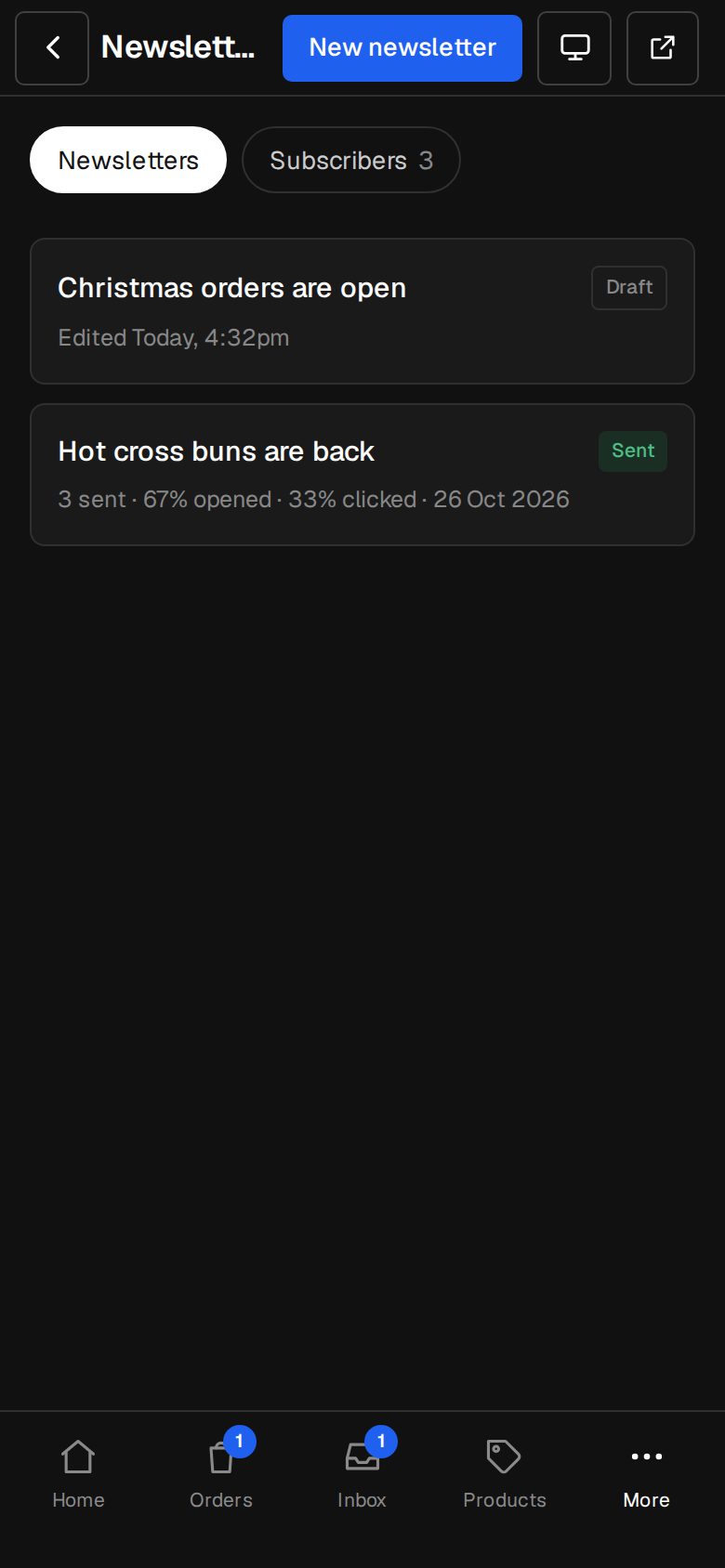
Build a newsletter from blocks, send it to everyone or a tag, and see who opened and clicked. Sign-up forms on your site add people for you.
A$10 a month · added on Settings · Plan · no contract
Sound familiar?
The problem, and the fix.
- 01
“The email app costs more every month.”
Your list lives with your contacts. No separate bill per thousand.
- 02
“Our sign-up form is a plugin.”
Any form can add people to your list, with a confirm email first.
- 03
“It never looks like our brand.”
Newsletters are drawn in your site's colours, with your address and logo.
What it does
Everything in Newsletters.
Blocks, not code
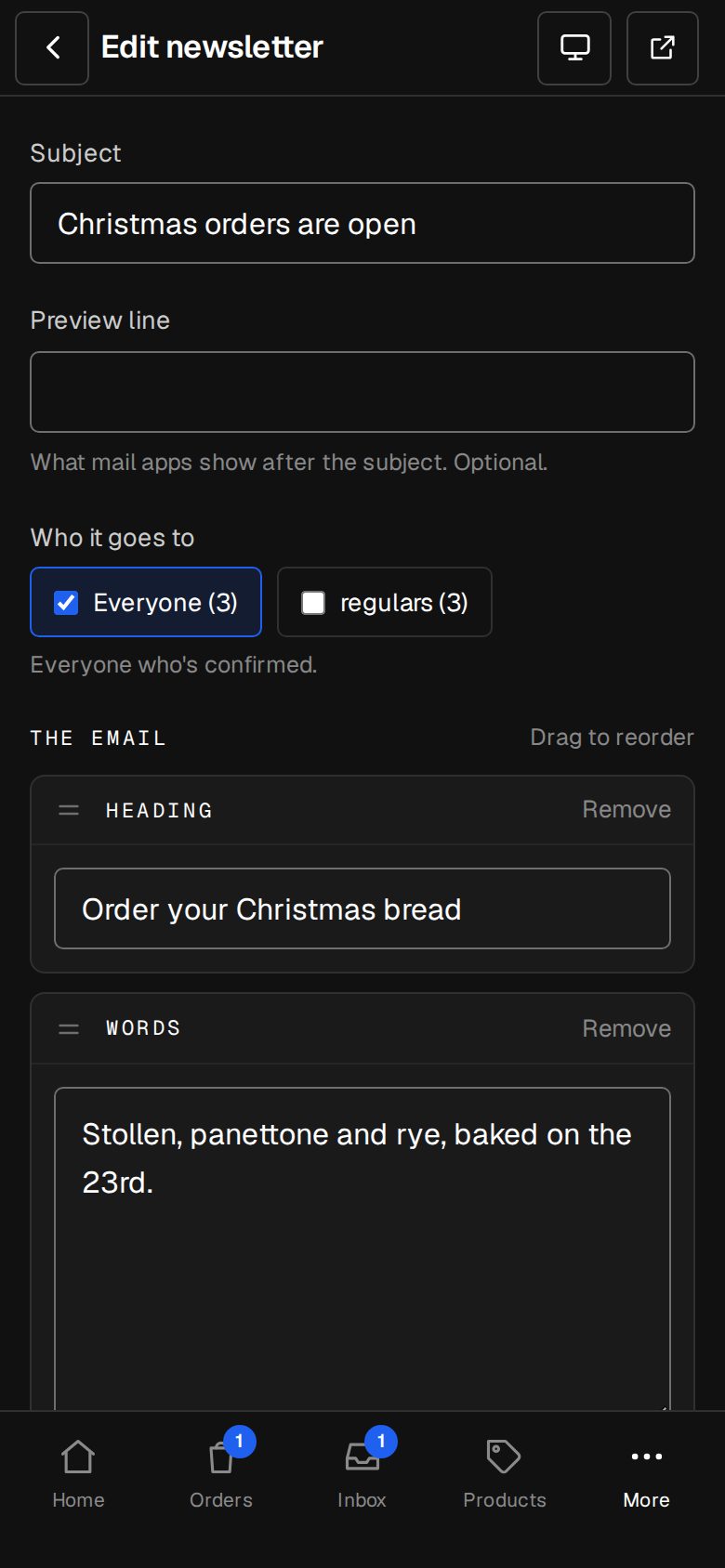
Heading, words, picture, button, products, latest articles, a line.
Double opt-in
People confirm before they're on the list. Proper consent, kept.
Send to a tag
Everyone, or just the people tagged for it.
Send now or schedule
Pick a time and it goes, in batches, on its own.
Opens and clicks
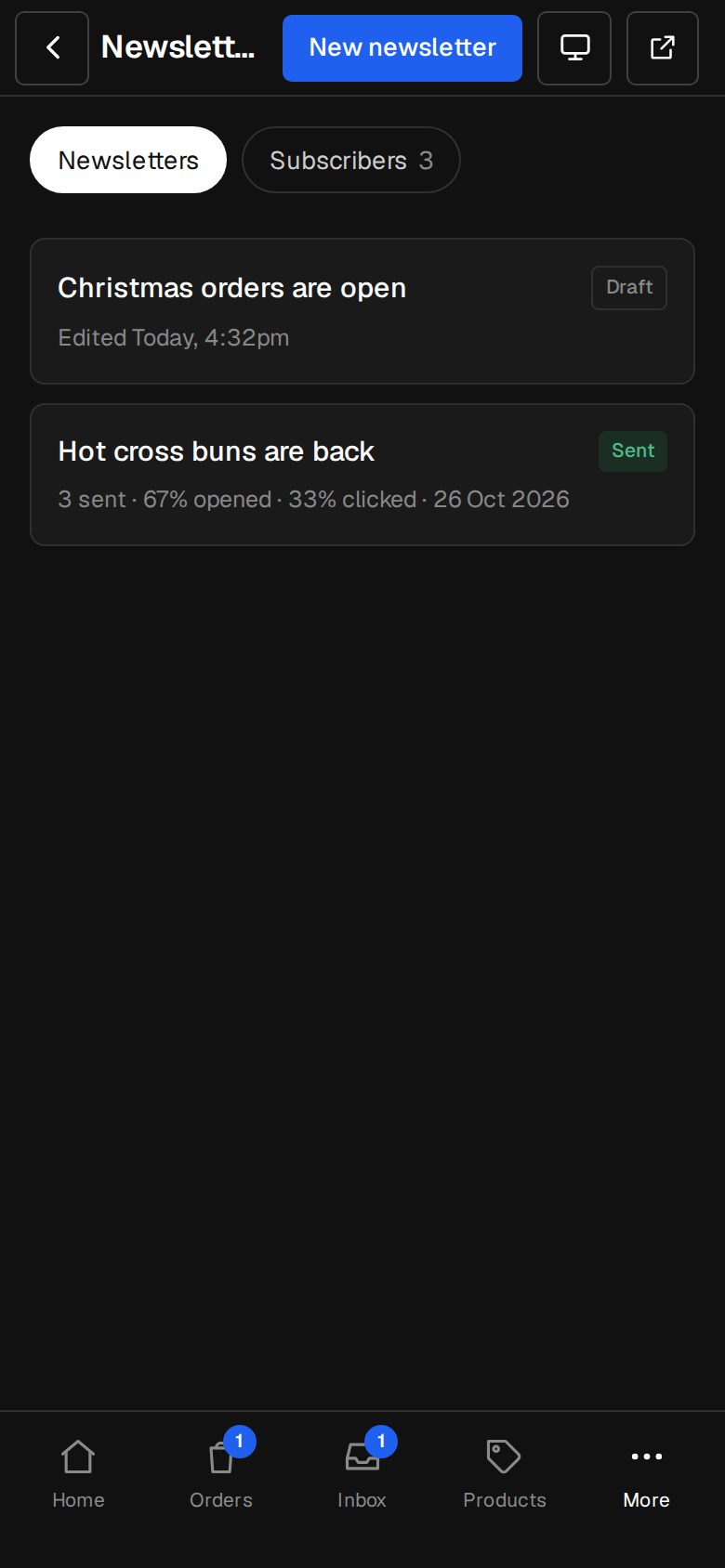
Who opened, what they clicked, and who bounced or unsubscribed.
One-click unsubscribe
In every email, the way inbox providers want it.
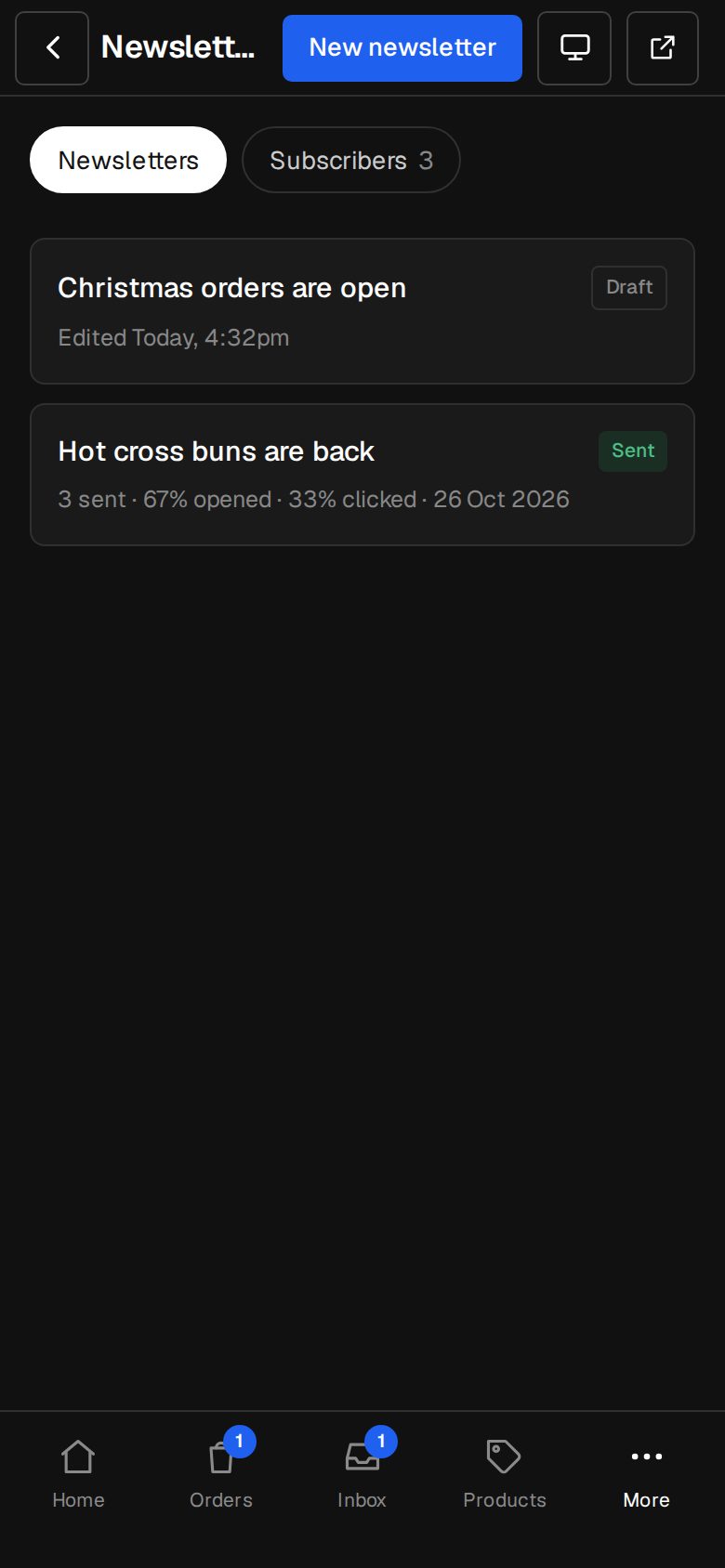
01 · Real screens
A list that grows itself
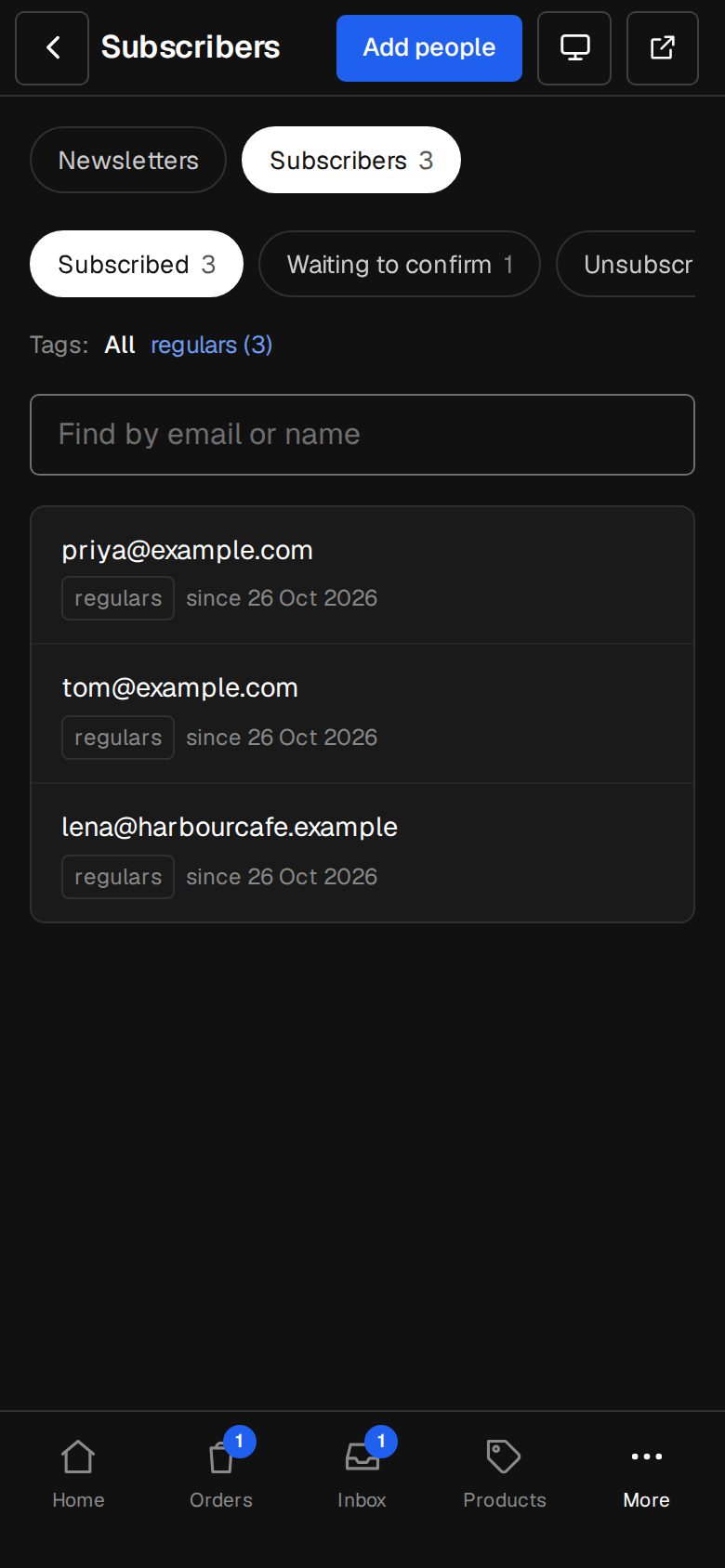
Tick Adds to the newsletter on any form. They confirm, and they're in.
- Add people yourself, too
- Tags for what they signed up for
- Complaints are never re-added
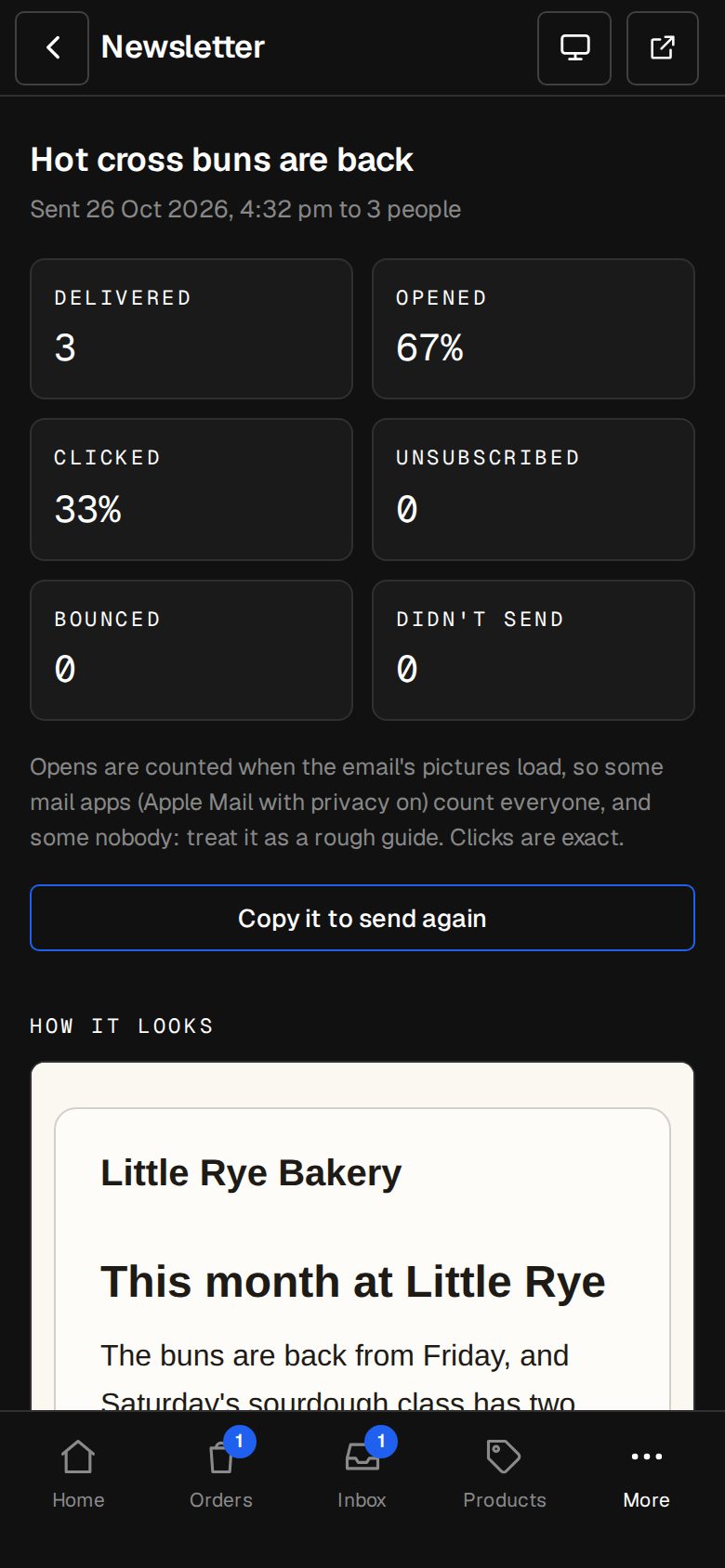
02 · Real screens
See what worked
Opens and clicks for every send, and the bounces handled for you.
- Bounced and complained addresses stop
- Unsubscribes are honoured at once
- Results on the newsletter itself
How it works
On in a minute. Working the same day.
- 01
Add Newsletters
An Owner adds it on Settings · Plan.
- 02
Grow your list
Tick Adds to the newsletter on a form.
- 03
Write it
Blocks in your colours.
- 04
Send it
Now, or at a time you pick.
Is there a limit on subscribers?
Your list is part of your plan. Ask us if you're sending to tens of thousands.
Can I import my Mailchimp list?
Yes, when you move across. We bring people who've already agreed.
Do people have to confirm?
Yes, by default. If they've already agreed elsewhere, you can say so when you add them.
Step-by-step guides Every screen of Newsletters, in the Help centre.
Start free. Add Newsletters when you're ready.
Start free for 14 days, no card. Add Newsletters once your plan is paid, or ask us to switch it on while you try it.