
Add-on · Courses
Teach what you know. On your own site.
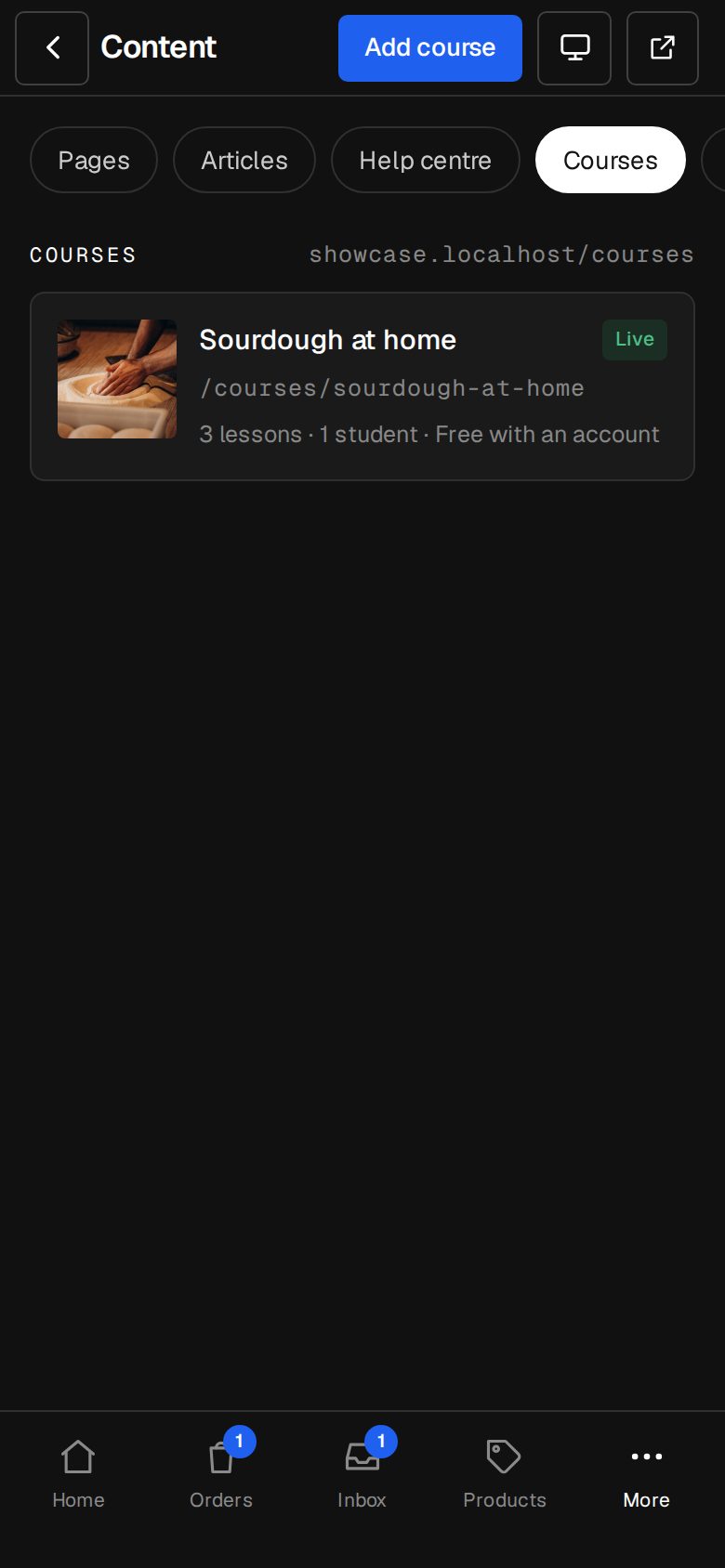
Lessons built from the same sections as your pages, free previews, drip days, and paid courses through your own Stripe. Students see their progress in their account.
A$25 a month · added on Settings · Plan · no contract
Sound familiar?
The problem, and the fix.
- 01
“The course platform takes a cut.”
Paid courses go through your own Stripe. We take nothing.
- 02
“It doesn't look like our site.”
Lessons are pages of your site, in your colours, at your address.
- 03
“Students can't find where they were.”
Mark as done keeps progress, and My courses is in their account.
What it does
Everything in Courses.
Lessons are pages
Words, pictures, video, questions: every section your pages have.
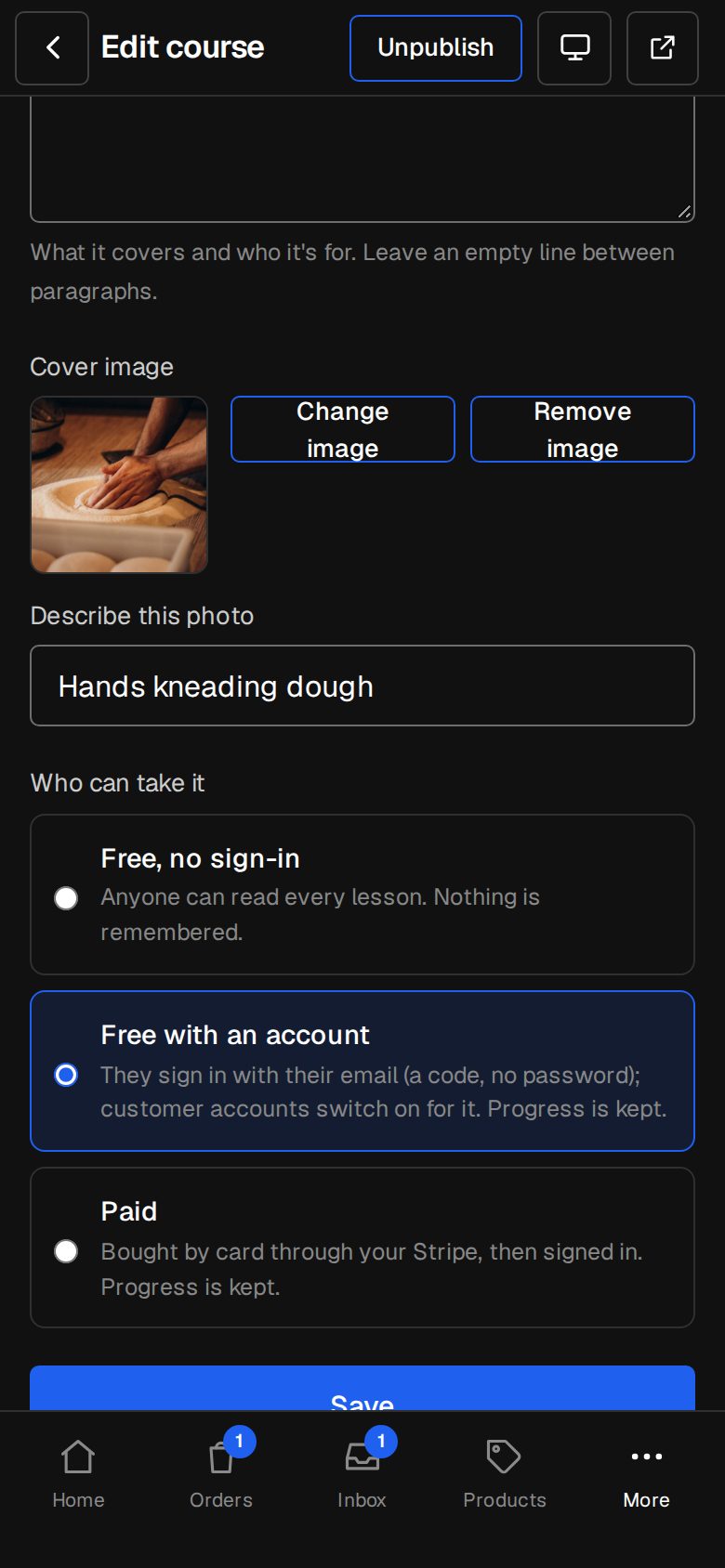
Free, sign-in or paid
Open to anyone, for signed-in customers, or paid by card.
Free previews
Let anyone try a lesson before they buy.
Drip days
Open lessons a set number of days after someone enrols.
Students
Give someone a course, remove them, see how far they've got.
Found on Google
The course and its open lessons are in your sitemap.
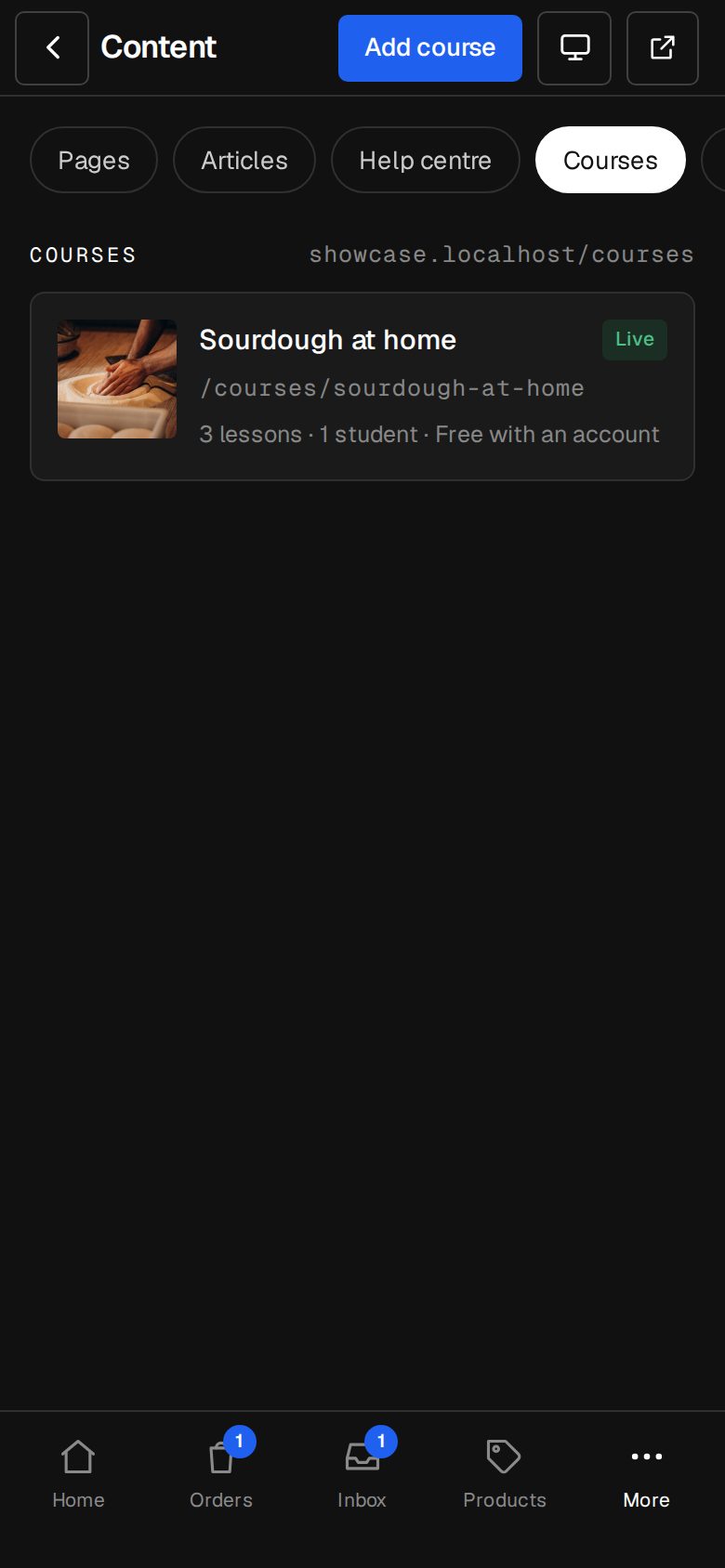
01 · Real screens
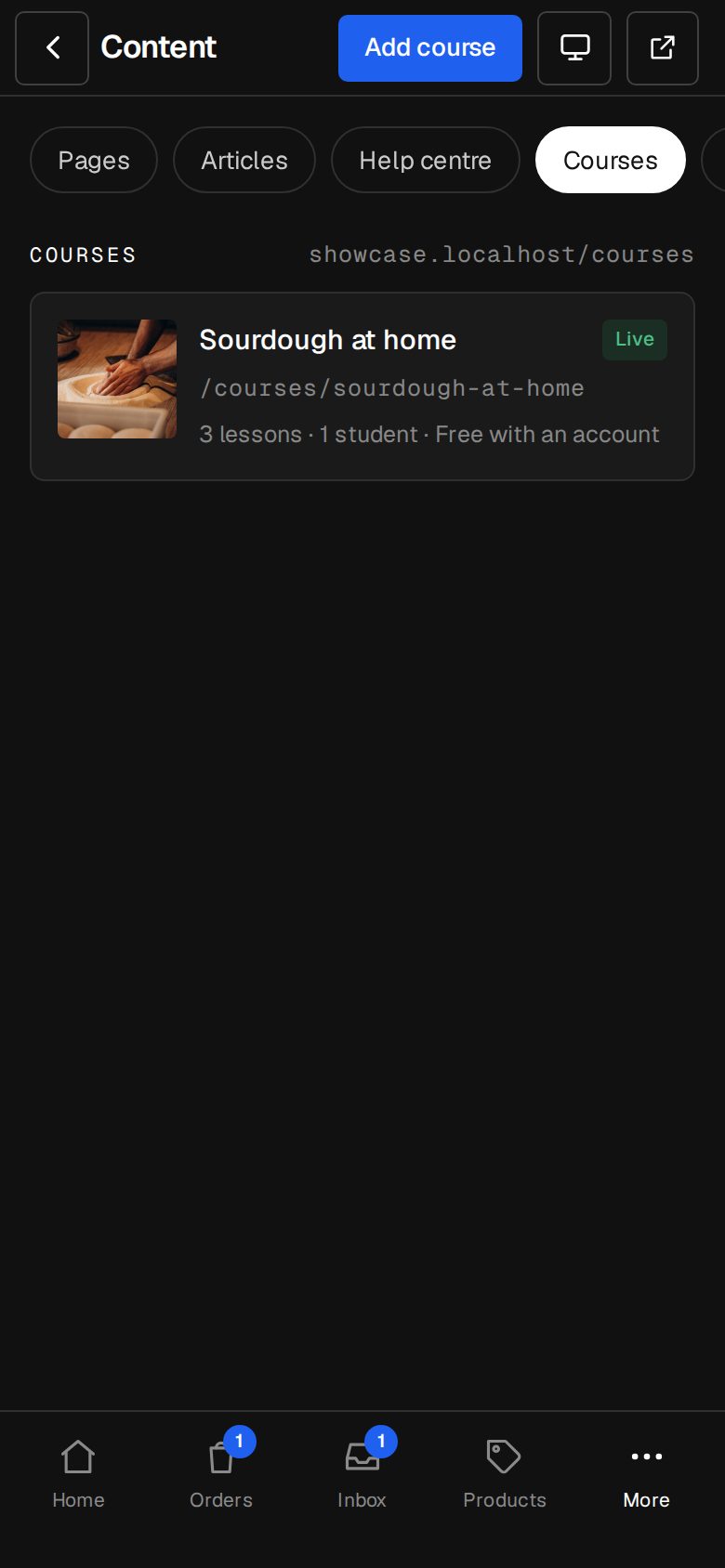
Build it like a page
Lessons in order, grouped into modules, dragged into place.
- YouTube and Vimeo videos, played on a tap
- A preview lesson for anyone
- The same editor as your pages
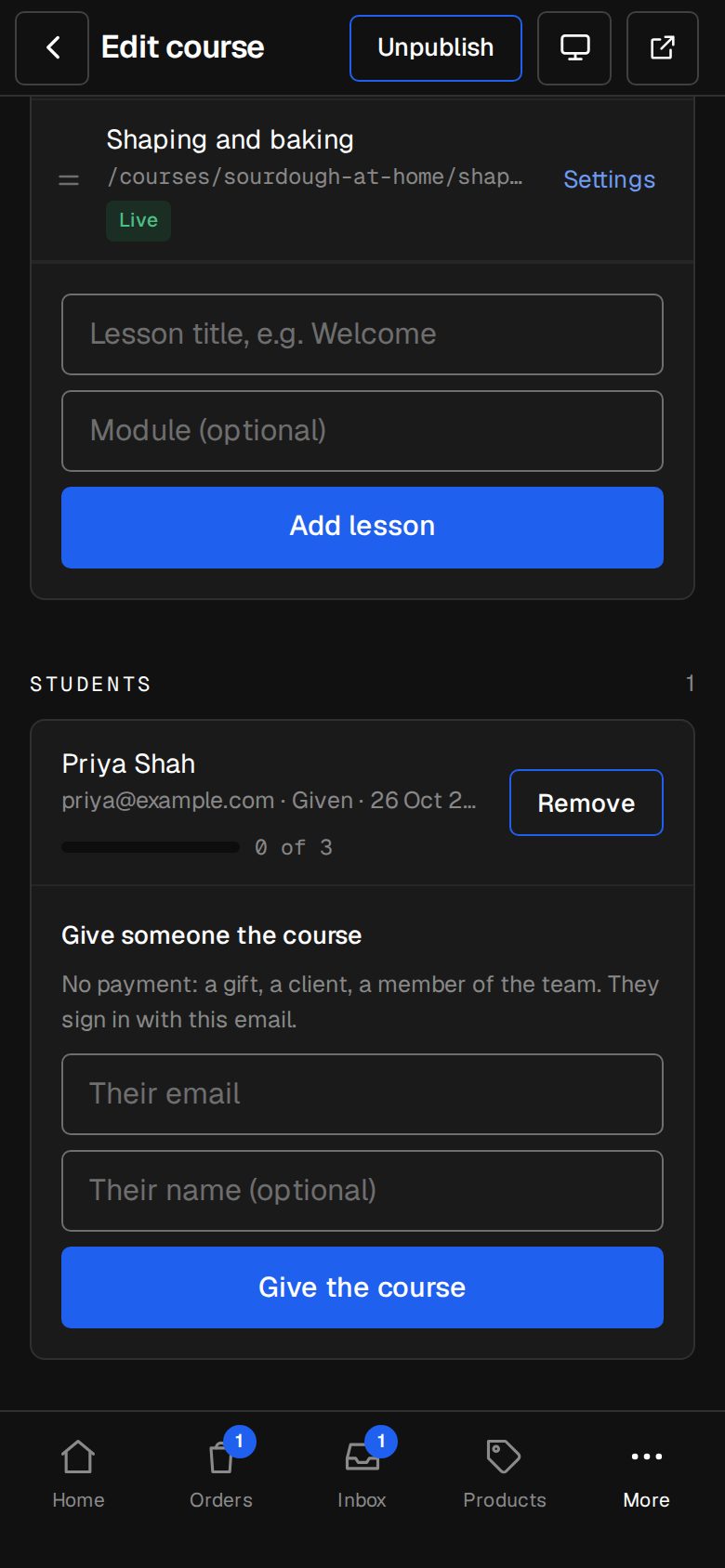
02 · Real screens
Students and progress
Who's enrolled, how far they are, and the course in their own account.
- Give a course for free
- Paid enrolment only on Stripe's word
- My courses in the customer account
How it works
On in a minute. Working the same day.
- 01
Add Courses
An Owner adds it on Settings · Plan.
- 02
Make a course
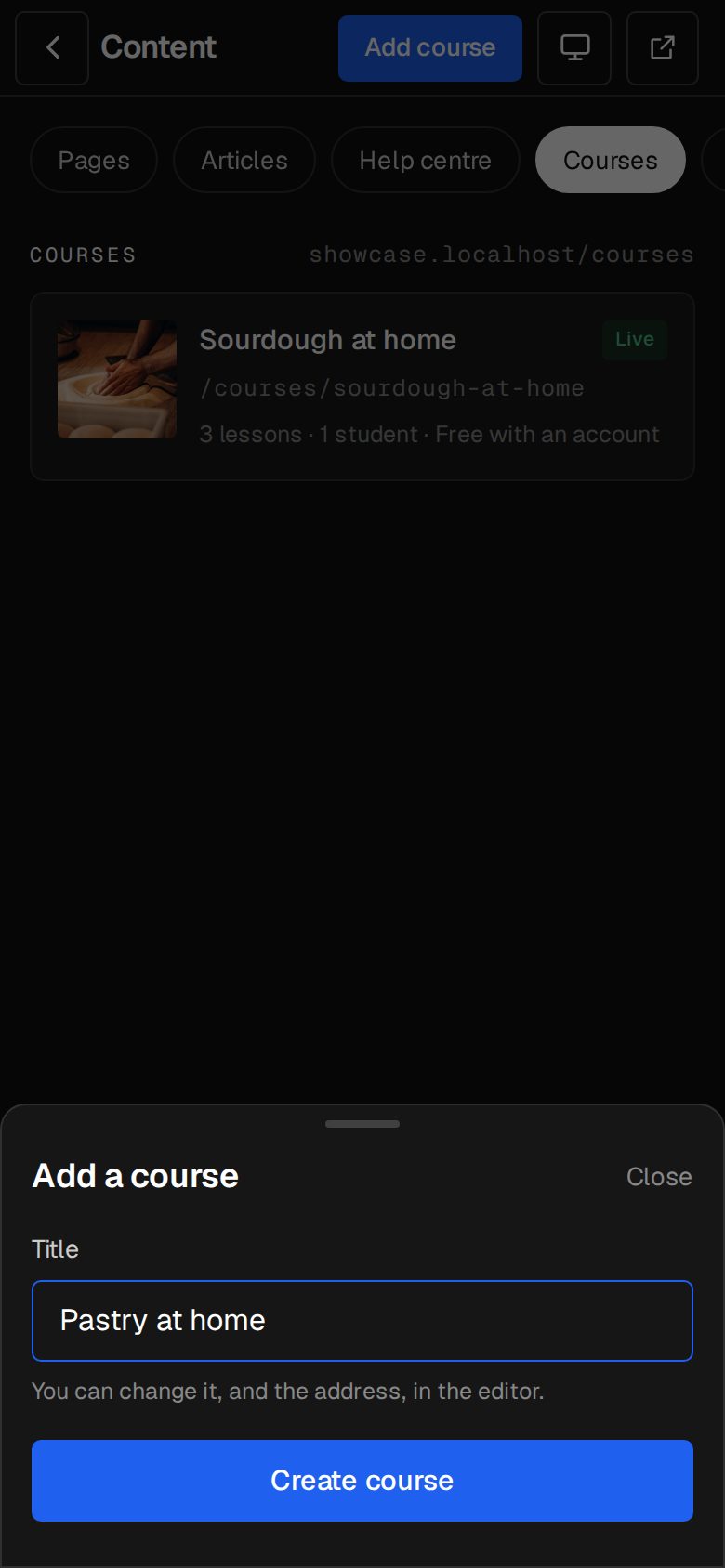
Title, price and who can see it.
- 03
Add lessons
Each one an ordinary page.
- 04
Share it
At /courses on your site.
Do students need an account?
For sign-in and paid courses, yes, and accounts switch on for you. Free courses need nothing.
Can I sell a course?
Yes, through your own Stripe, at the price you set.
Quizzes and certificates?
Coming next. See What's next.
Step-by-step guides Every screen of Courses, in the Help centre.
Start free. Add Courses when you're ready.
Start free for 14 days, no card. Add Courses once your plan is paid, or ask us to switch it on while you try it.