
Add-on · Shop
Sell online without the app tax.
Products with options and photos, discount codes, shipping zones, customer accounts and Track my order, all built in. Payments go through your own Stripe account and land with you.
A$29 a month · added on Settings · Plan · no contract
Sound familiar?
The problem, and the fix.
- 01
“The apps cost more than the shop.”
Discounts, accounts, order tracking, bundles and currencies are built in. No app store.
- 02
“They take a cut of every sale.”
Never. You pay Stripe's card fees and that's all.
- 03
“Oversized orders break checkout.”
Big items can go to Ask for a quote, and the quote is waiting in your admin.
What it does
Everything in Shop.
Products that sell themselves
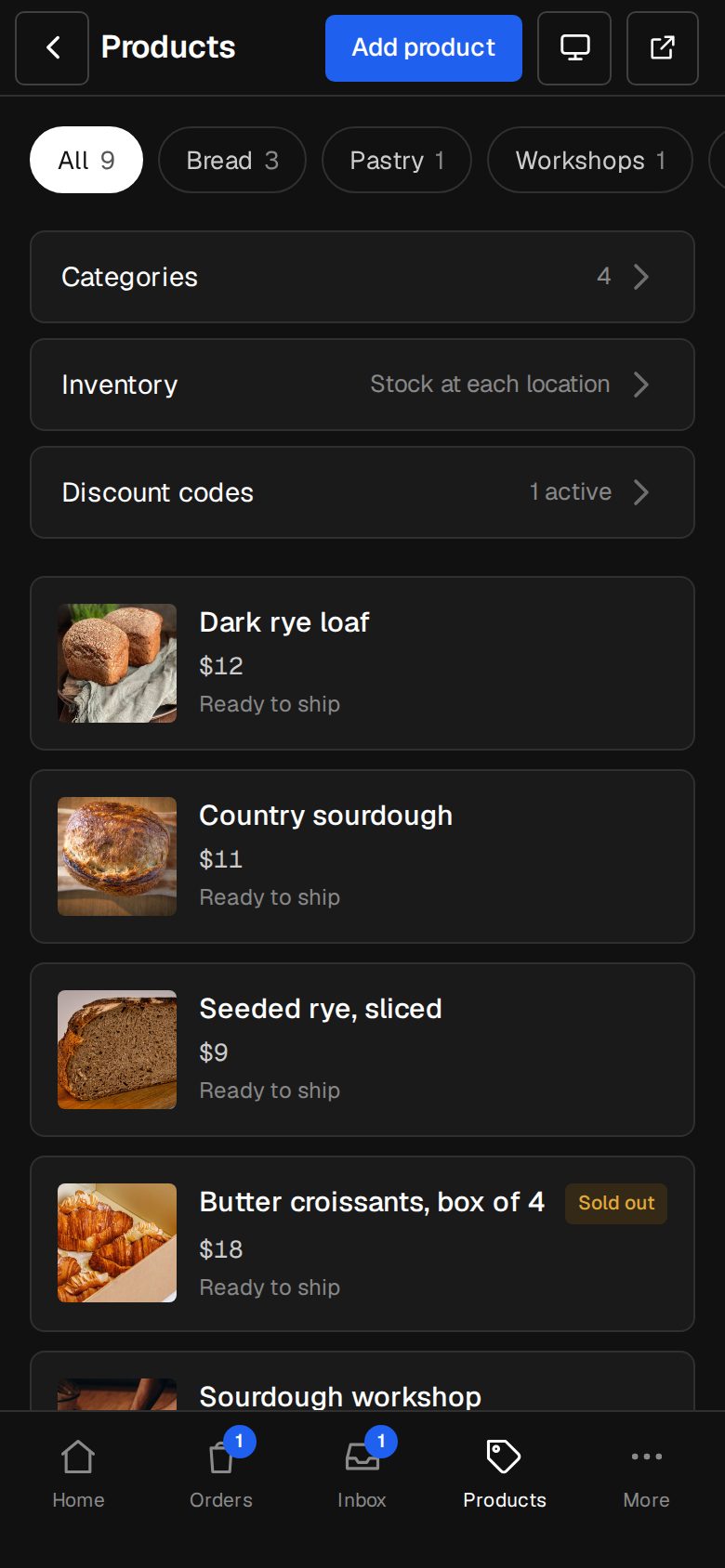
Up to 24 photos, options with their own photo, price and stock, sale prices, Made to order or Ready to ship.
Checkout through your Stripe
Cards, Apple Pay, Google Pay and Afterpay, switched on from Settings · Payments.
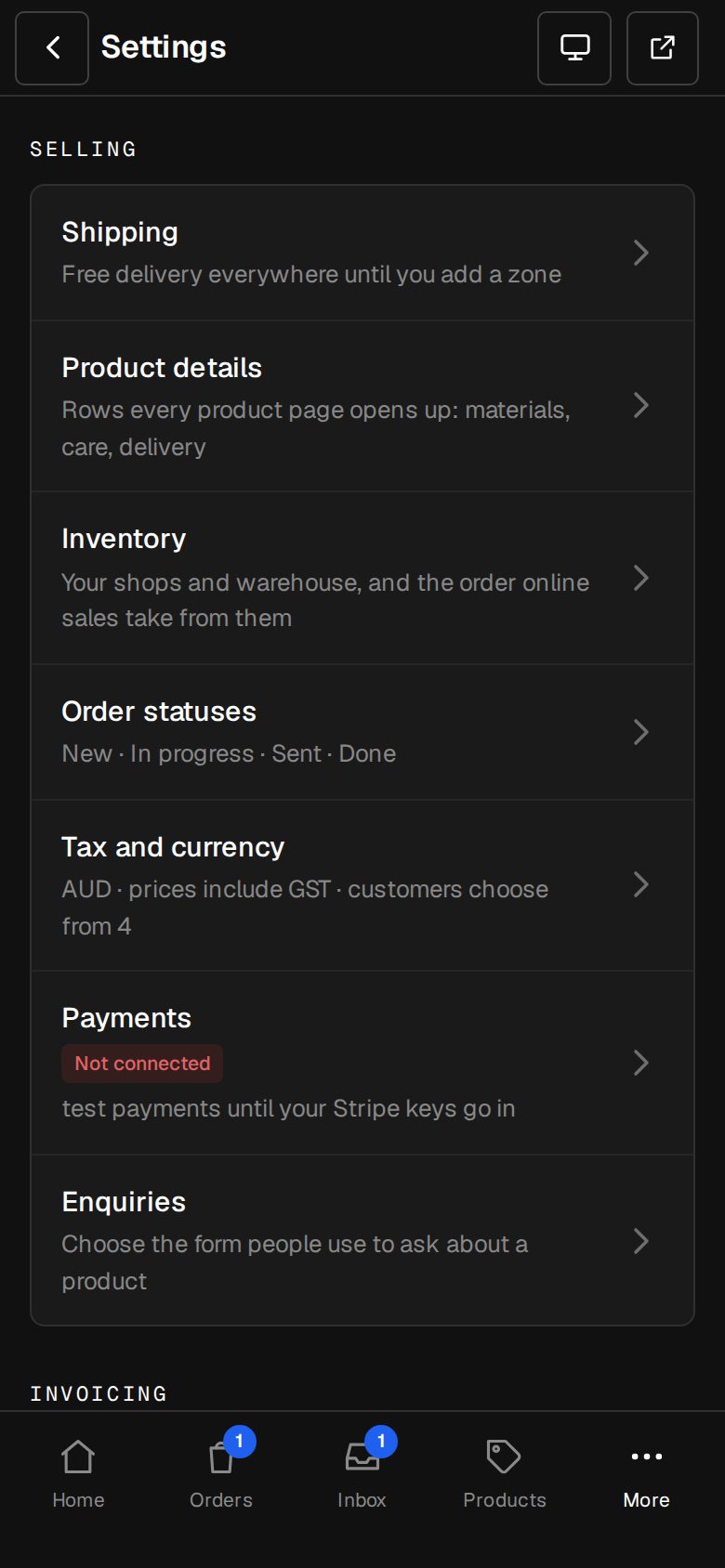
Orders from New to Done
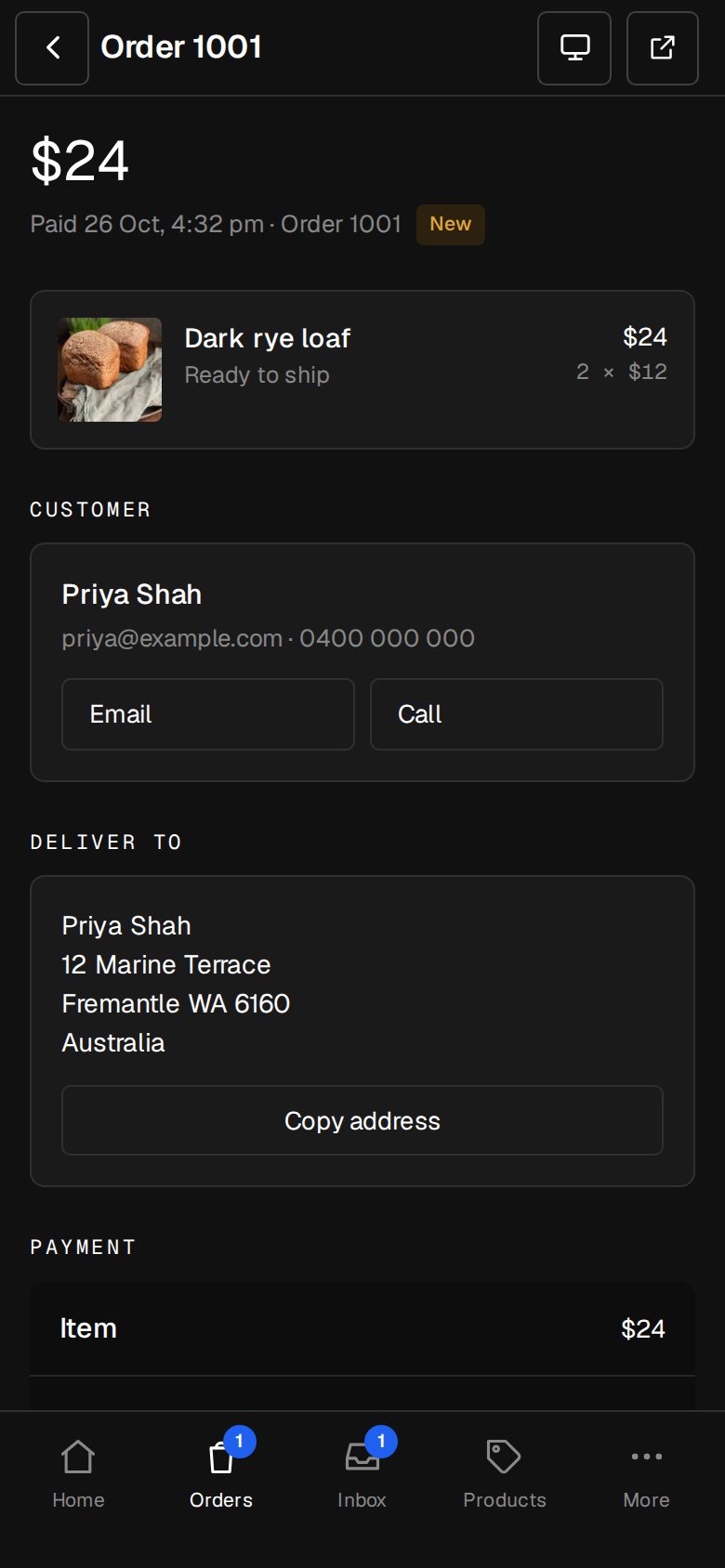
Move each one along, email the customer, refund in part or in full.
Shipping your way
Zones, flat or weight-based rates, free over an amount, pickup, and freight quoted by you.
Customers' own currency
Prices shown and charged in theirs, rounded tidily, with an import duties note.
Sets and bundles
Two to six products sold together at their own price.
01 · Real screens
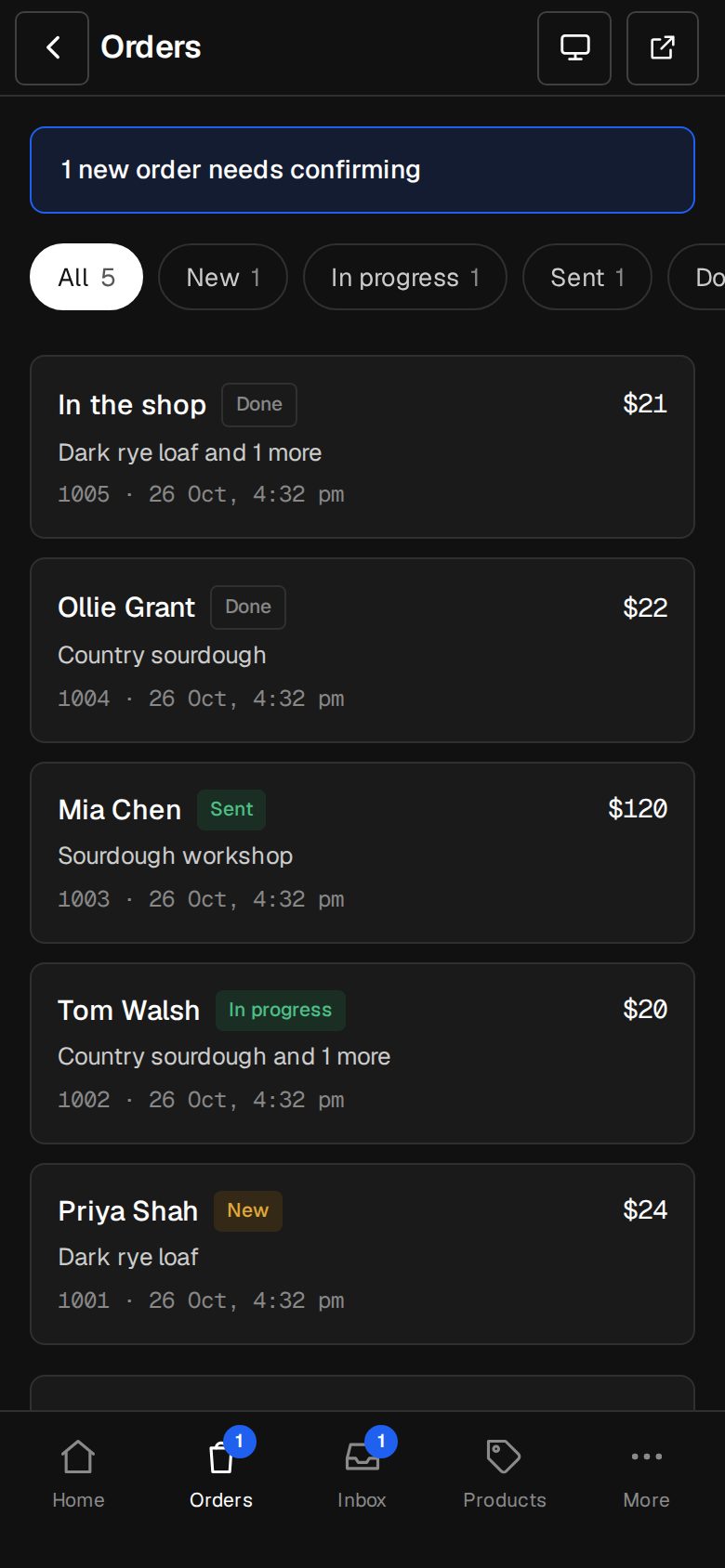
Every order in one list
New, In progress, Sent, Done: tap one, move it on, and the customer hears about it.
- Stock is held while someone checks out
- Refund from the order, restocked once
- A receipt and invoice they can download
02 · Real screens
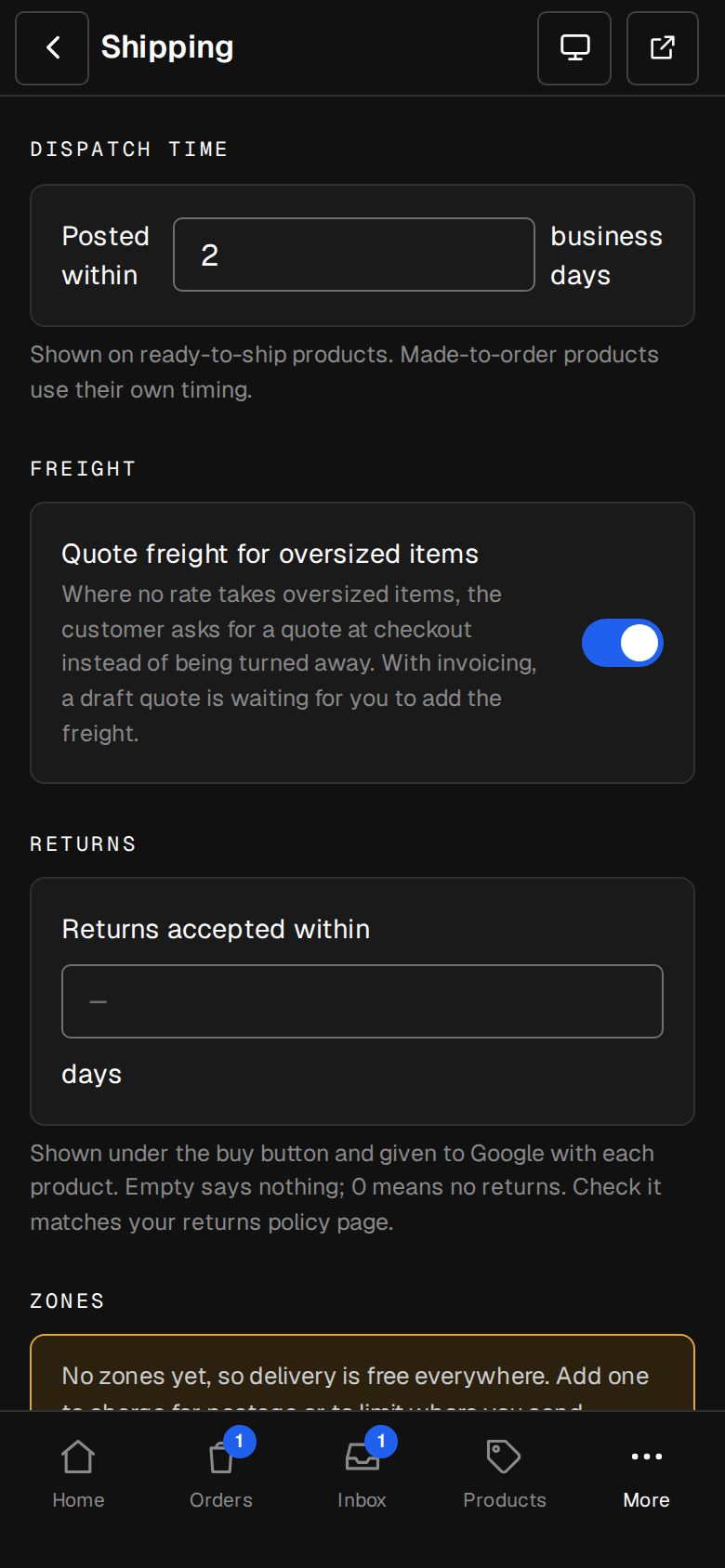
Shipping that adds up
Zones by country, rates by weight or price, and a quote for anything too big to post.
- Free delivery over an amount
- Pickup and downloads skip delivery
- Returns policy shown to Google
How it works
On in a minute. Working the same day.
- 01
Add the Shop
An Owner adds it on Settings · Plan. It's on straight away.
- 02
Connect Stripe
Paste your keys once. Money goes straight to your account.
- 03
Add products
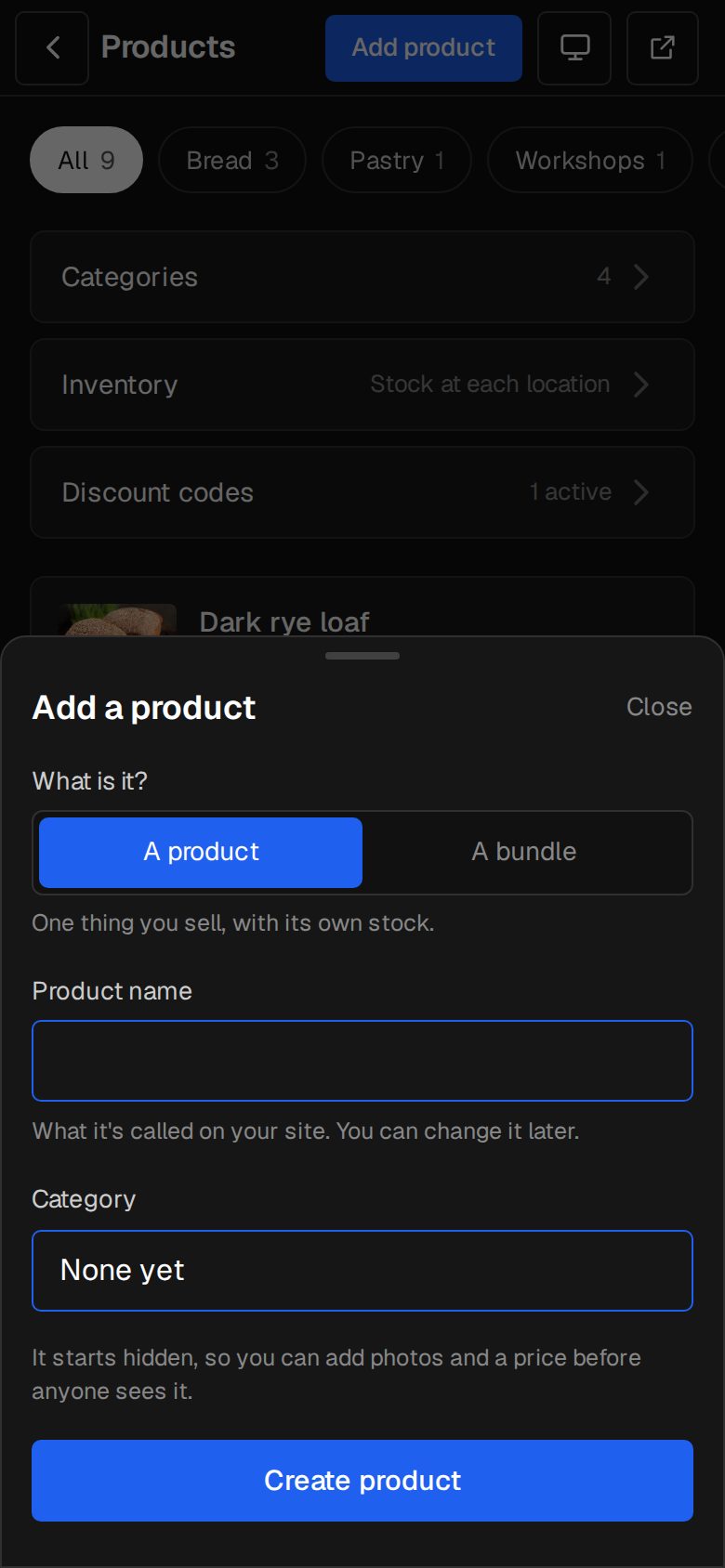
Photos, price, options. Hidden until you say.
- 04
Take orders
On your site, in your inbox, on your phone.
Do you take a percentage?
No. There's no platform fee on any sale. Stripe charges its usual card fees and pays you directly.
Can I sell digital things?
Yes. Set a product's Type to Digital for a download or a voucher; it skips delivery.
Can I sell in more than one currency?
Yes. Customers pick their currency in your header and pay in it. Stripe pays you out as usual.
What if I already sell on another platform?
We can move your products across for you. See Switch to o/i.
Step-by-step guides Every screen of Shop, in the Help centre.
Start free. Add Shop when you're ready.
Start free for 14 days, no card. It's part of the trial, so it's yours from day one.