
Add-on · Product builder
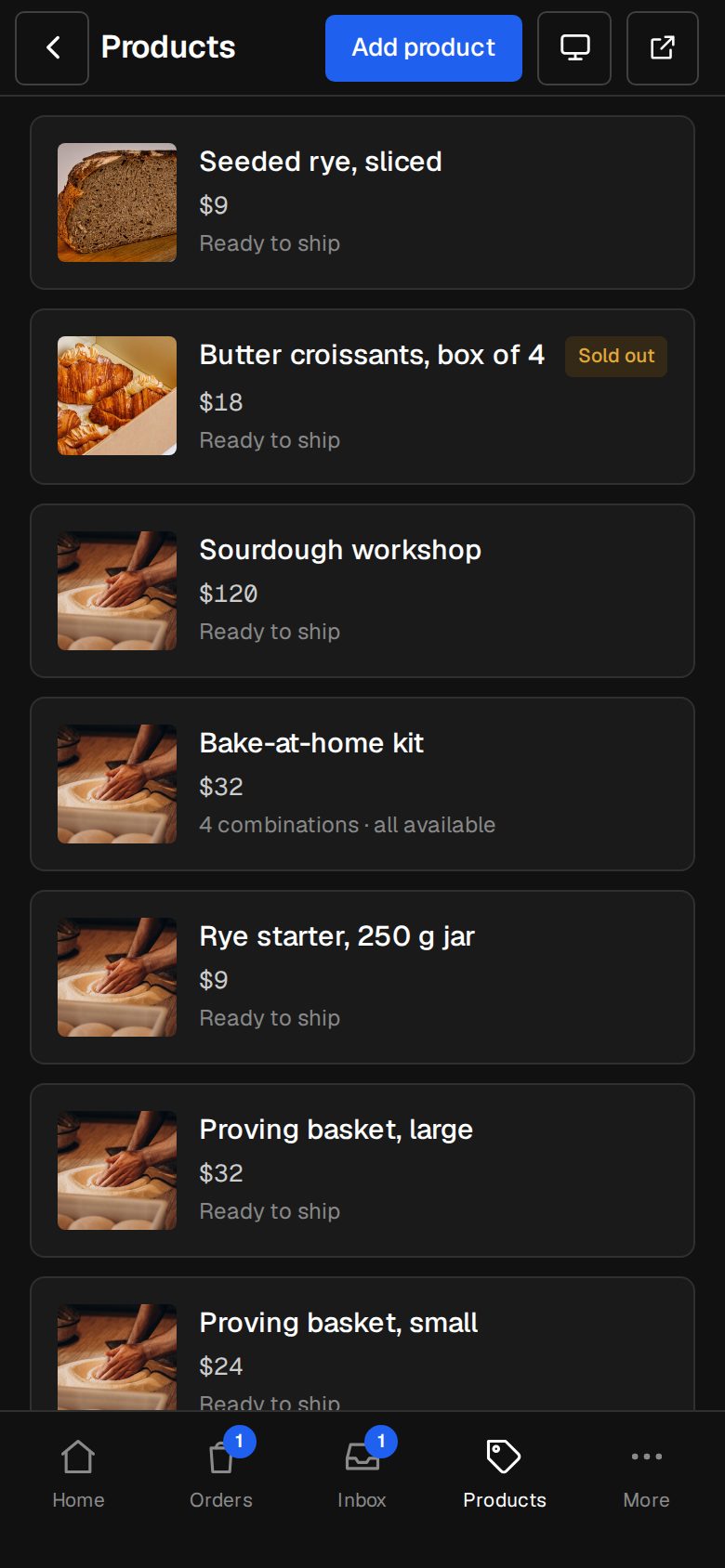
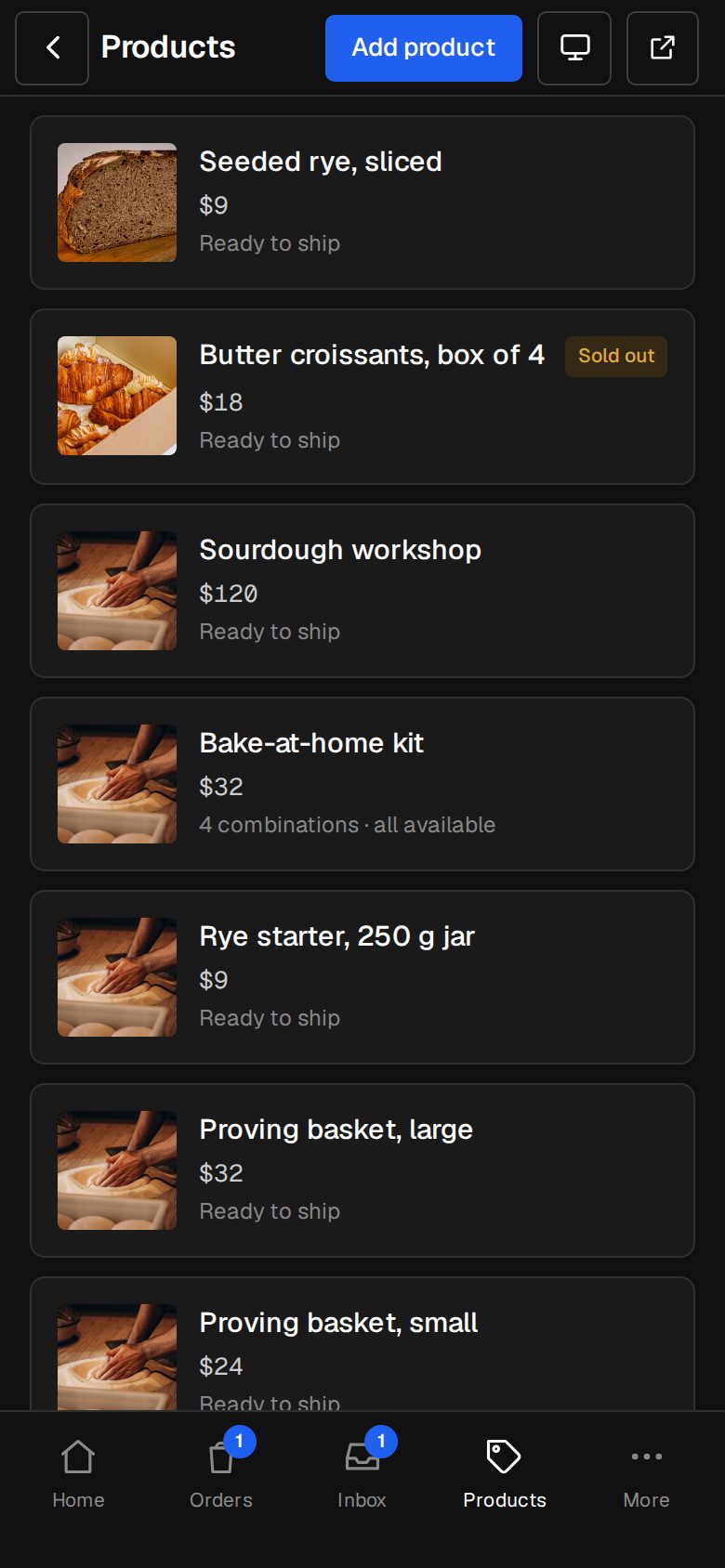
Products with every combination priced.
Up to four options, each combination its own price, and add-ons from your shop that only show when they fit what's been picked.
A$5 a month · added on Settings · Plan · no contract
Sound familiar?
The problem, and the fix.
- 01
“Our price depends on four things.”
Every combination has its own price, in a grid you fill in once.
- 02
“Customers pick add-ons that don't fit.”
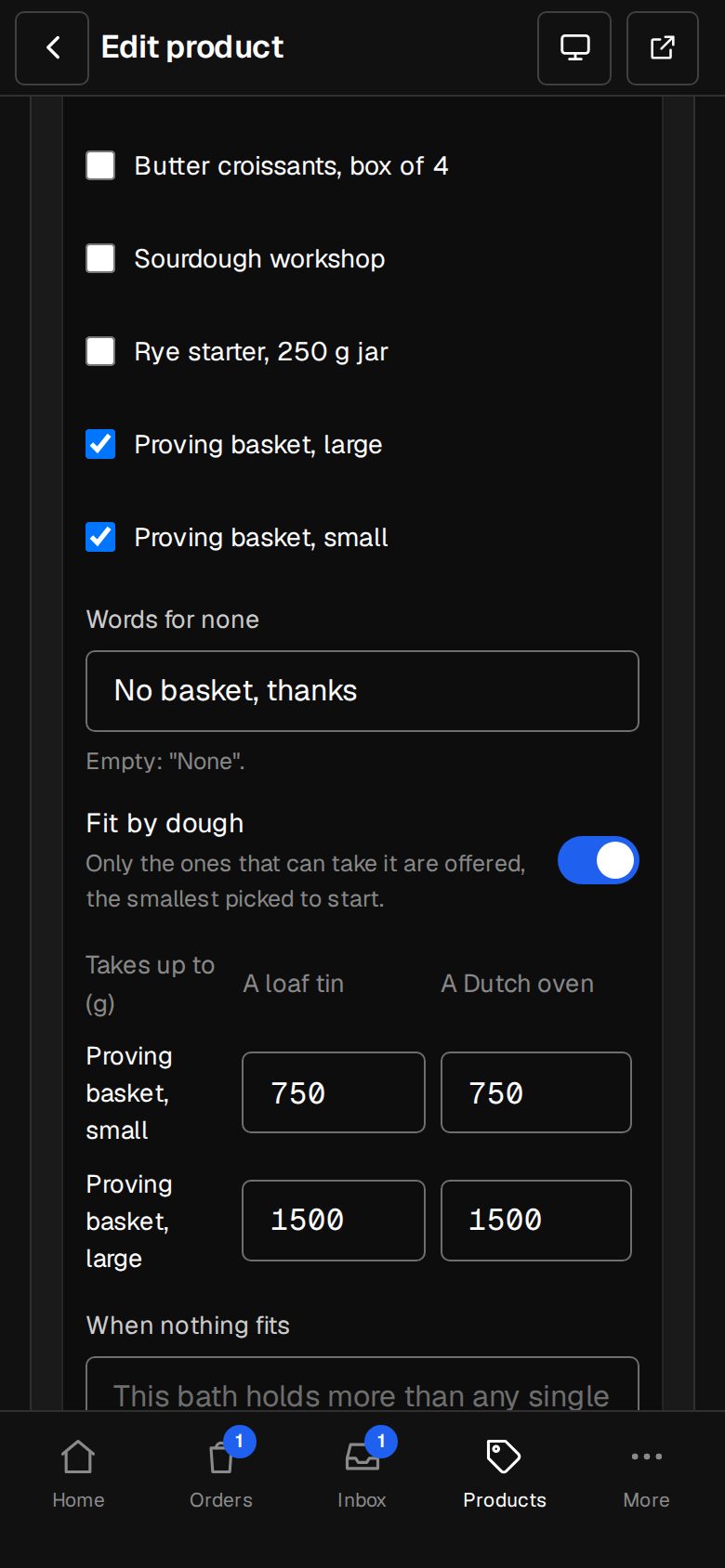
Add-ons are filtered by what they've built, and the smallest that fits is picked.
- 03
“Big builds need a freight quote.”
Email quote works on a build, freight quoted first.
What it does
Everything in Product builder.
Four options
Size, finish, model, anything: up to four lists.
A price per combination
The grid, with what each one measures (litres, kilograms…).
A question that matters
Indoors or outdoors? Add-ons follow the answer.
Add-ons that fit
Other products of yours, yes/no or pick one, filtered to what fits.
Photos that follow
Each combination can show its own photos.
A link opens it built
Share a build: options, answer and add-ons already picked.
01 · Real screens
Build it on the product page
The options, the measure, the question and each add-on group, with the total and its parts.
- We'd specify this on the smallest that fits
- Talk to us when nothing does
- Checked again before the cart, all or none
02 · Real screens
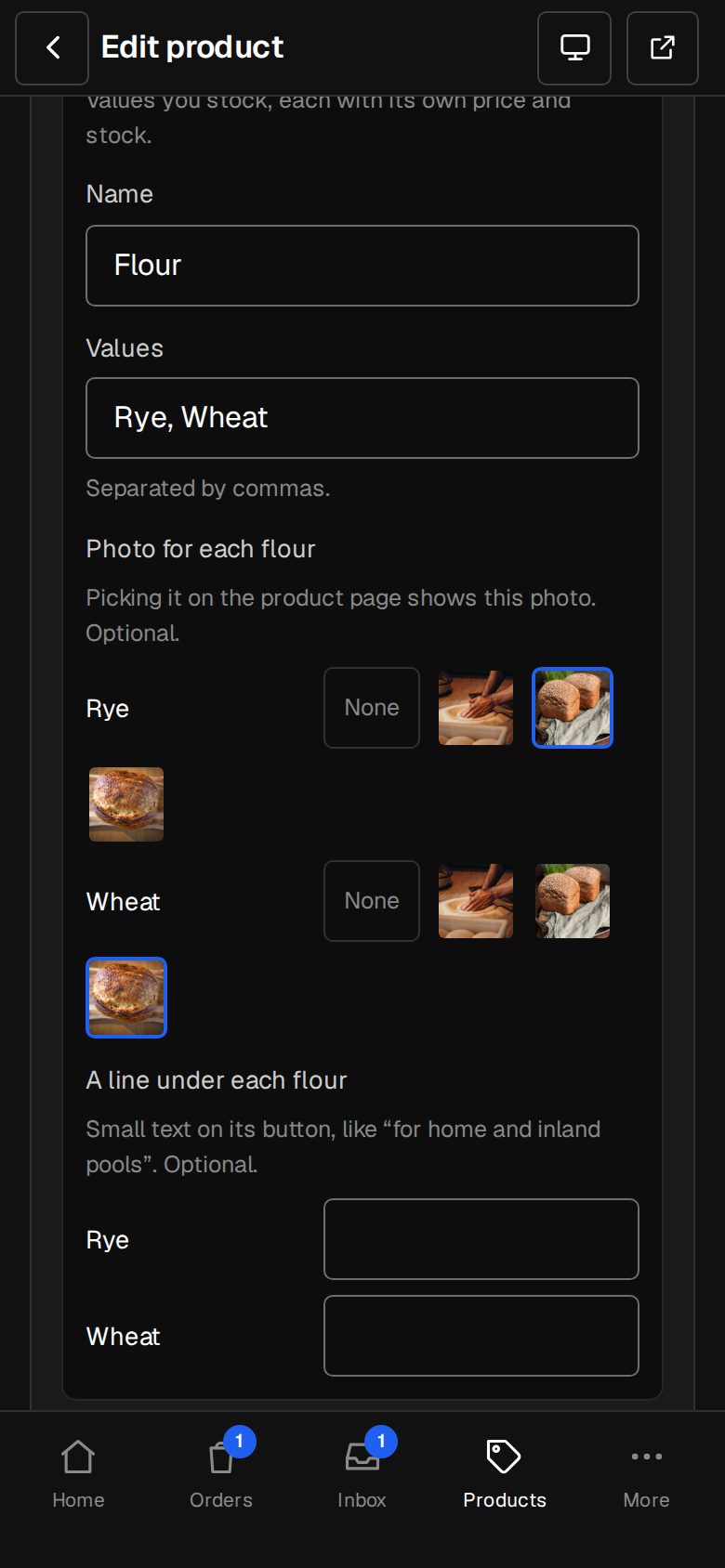
Photos for every pick
Pick Oak, see the oak. Change the model, see that side.
- Photos per option value
- Photos per combination
- The one that changed shows big
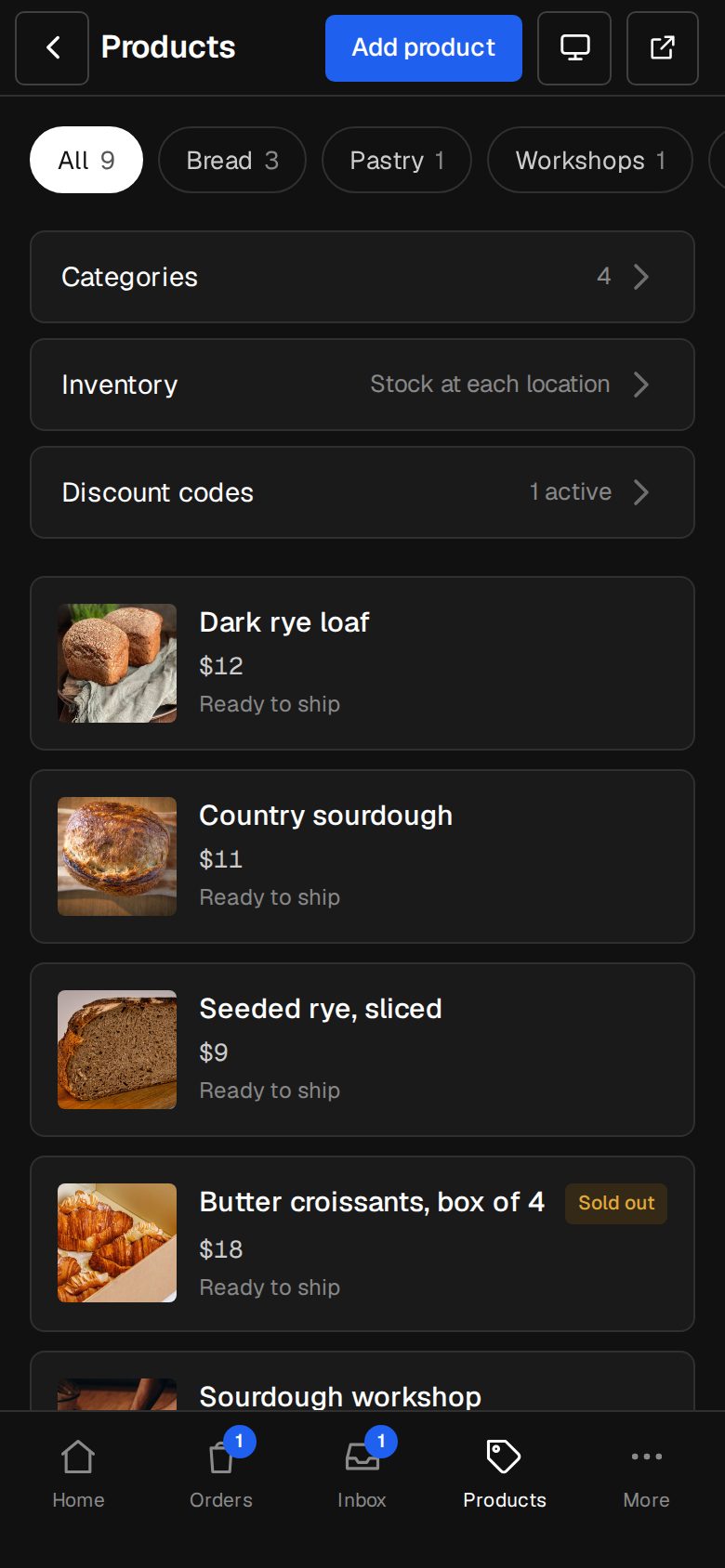
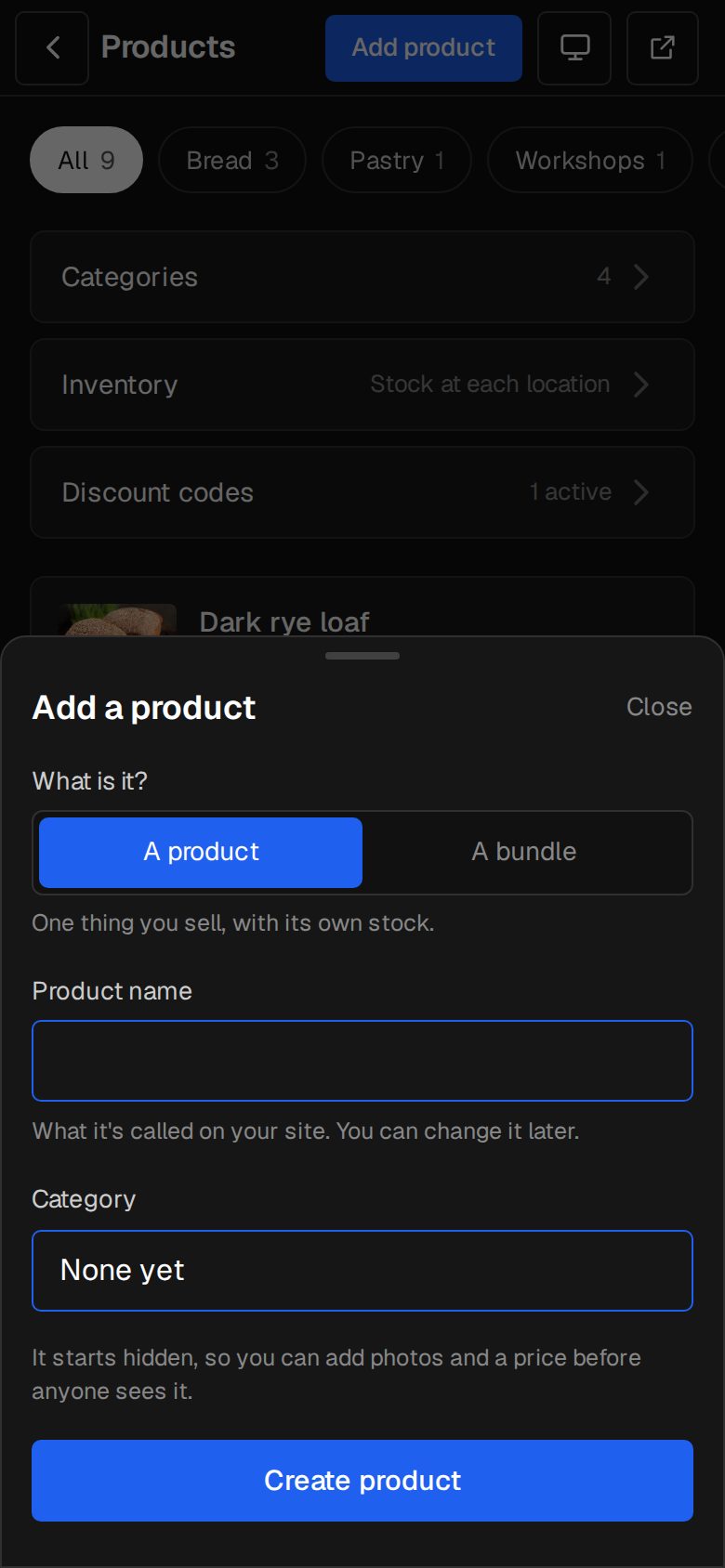
How it works
On in a minute. Working the same day.
- 01
Add Product builder
An Owner adds it on Settings · Plan (it needs the Shop).
- 02
Add options
Up to four, and price the grid.
- 03
Add add-on groups
From your own products, with limits.
- 04
Share it
A link opens it built.
Does it need the Shop?
Yes. It works inside the Shop add-on.
Can a build be quoted instead of sold?
Yes. Email quote sends the build as a request, and a draft quote is waiting for you.
How many combinations?
As many as four options make. Each one has its own price and, if you like, photos.
Step-by-step guides Every screen of Product builder, in the Help centre.
Start free. Add Product builder when you're ready.
Start free for 14 days, no card. Add Product builder once your plan is paid, or ask us to switch it on while you try it.