
Add-on · Chat
Answer visitors while they're still there.
A chat on every page of your site. Ready answers for the questions you get every day, you live when you're in, an email when you're not, or AI that answers from your own pages.
A$5 a month · added on Settings · Plan · no contract
Sound familiar?
The problem, and the fix.
- 01
“The same five questions all day.”
Ready answers handle them before anyone types.
- 02
“We miss messages after hours.”
When nobody's in, the message comes to you by email, and your answer goes back the same way.
- 03
“A chatbot that makes things up.”
AI answers only from your pages, products and notes, and hands over what it can't.
What it does
Everything in Chat.
Three ways to run it
Just your contact details, a basic chat, or AI that answers first.
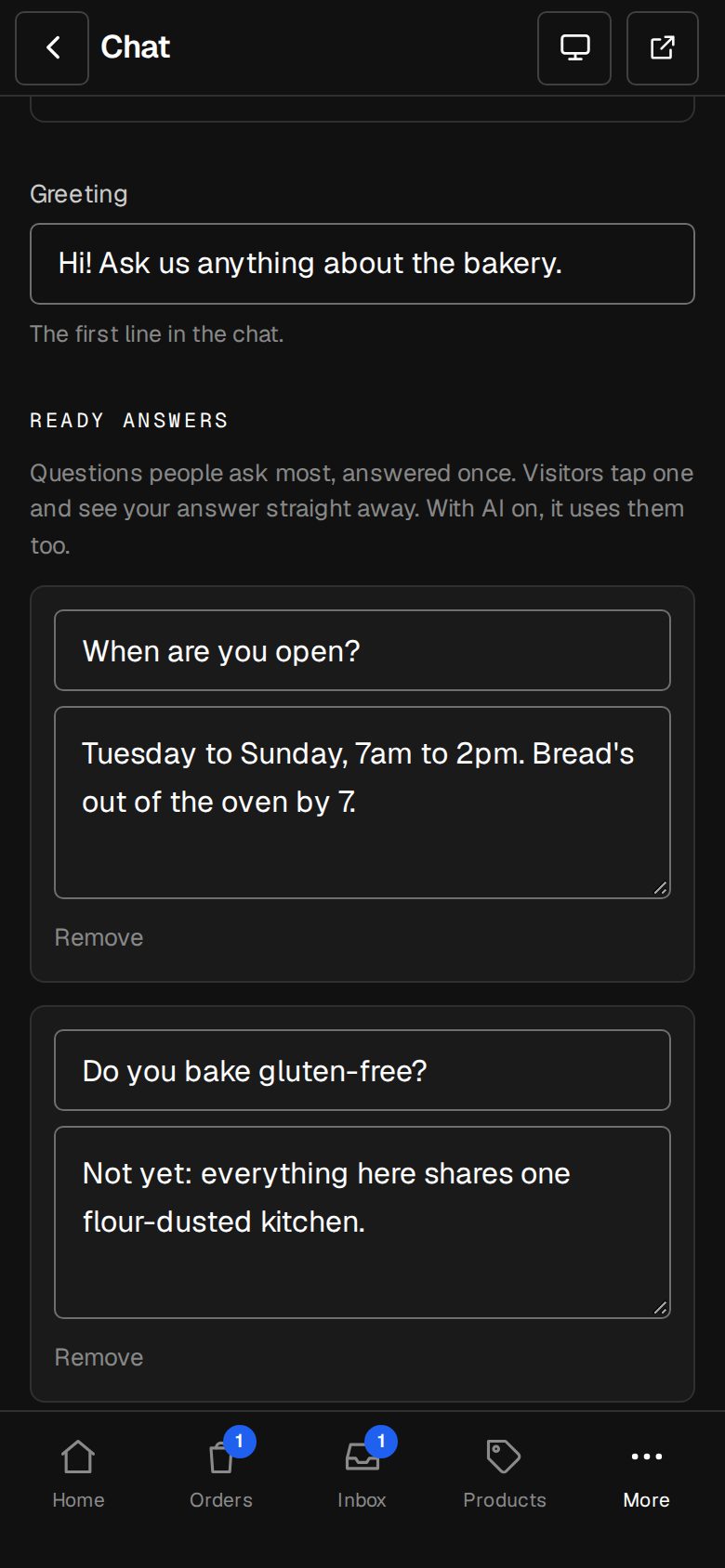
Ready answers
Your common questions as taps. One tapped leaves the list.
Live when you're in
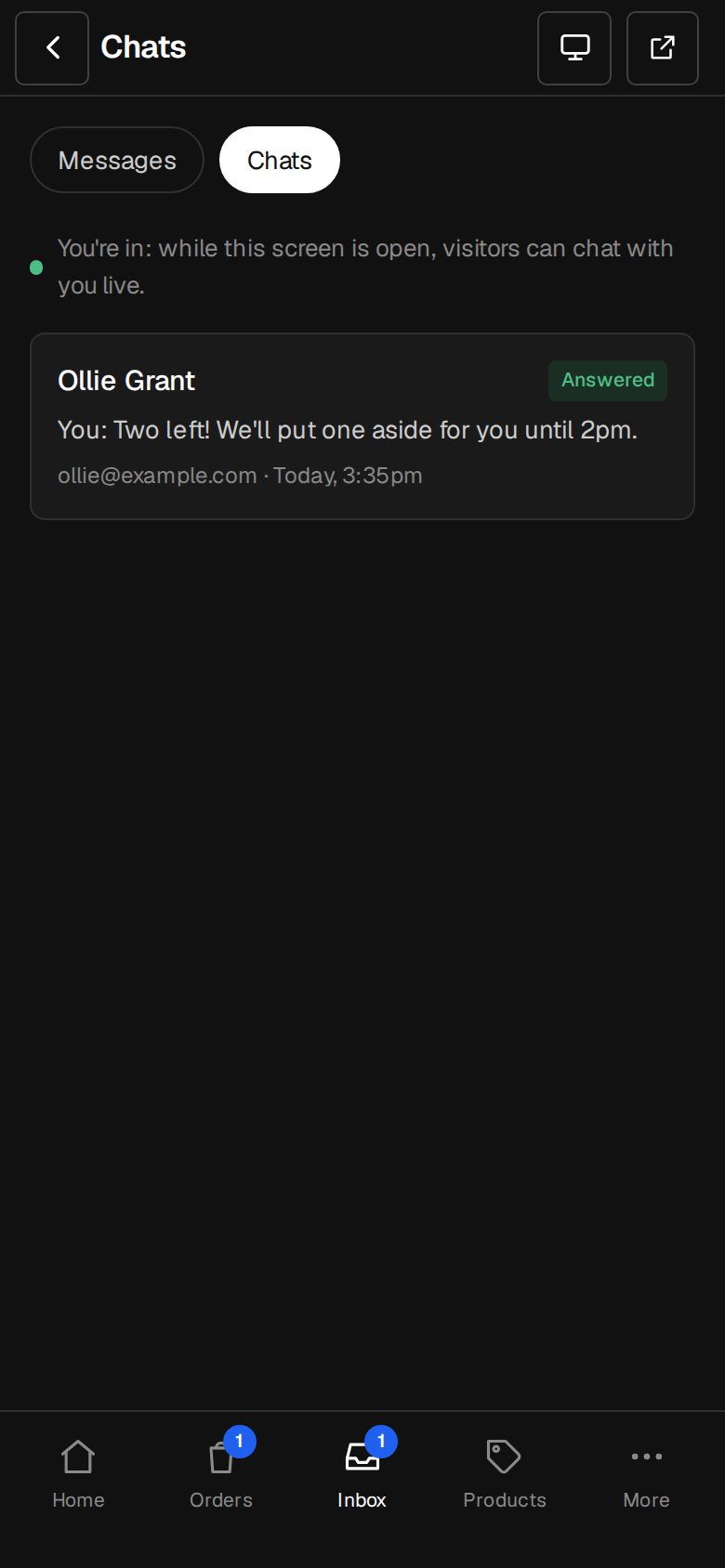
Anyone on the team with Chats open shows as in.
Email when you're not
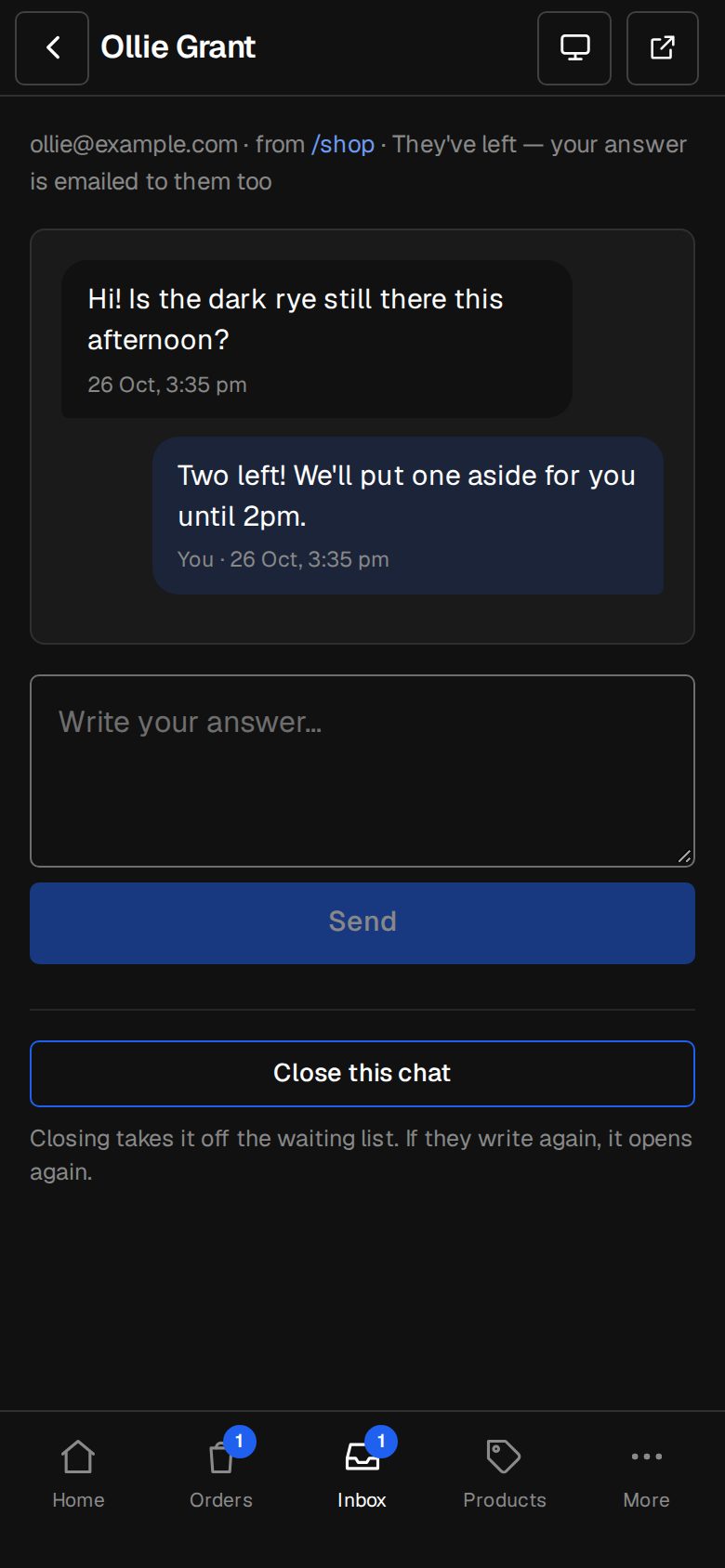
You're told; your reply reaches them even after they've gone.
AI from your own words
Your pages, products, business details and notes. Nothing else.
Every chat a contact
Give an email, become a contact, with the chat on their history.
01 · Real screens
Answer from your inbox
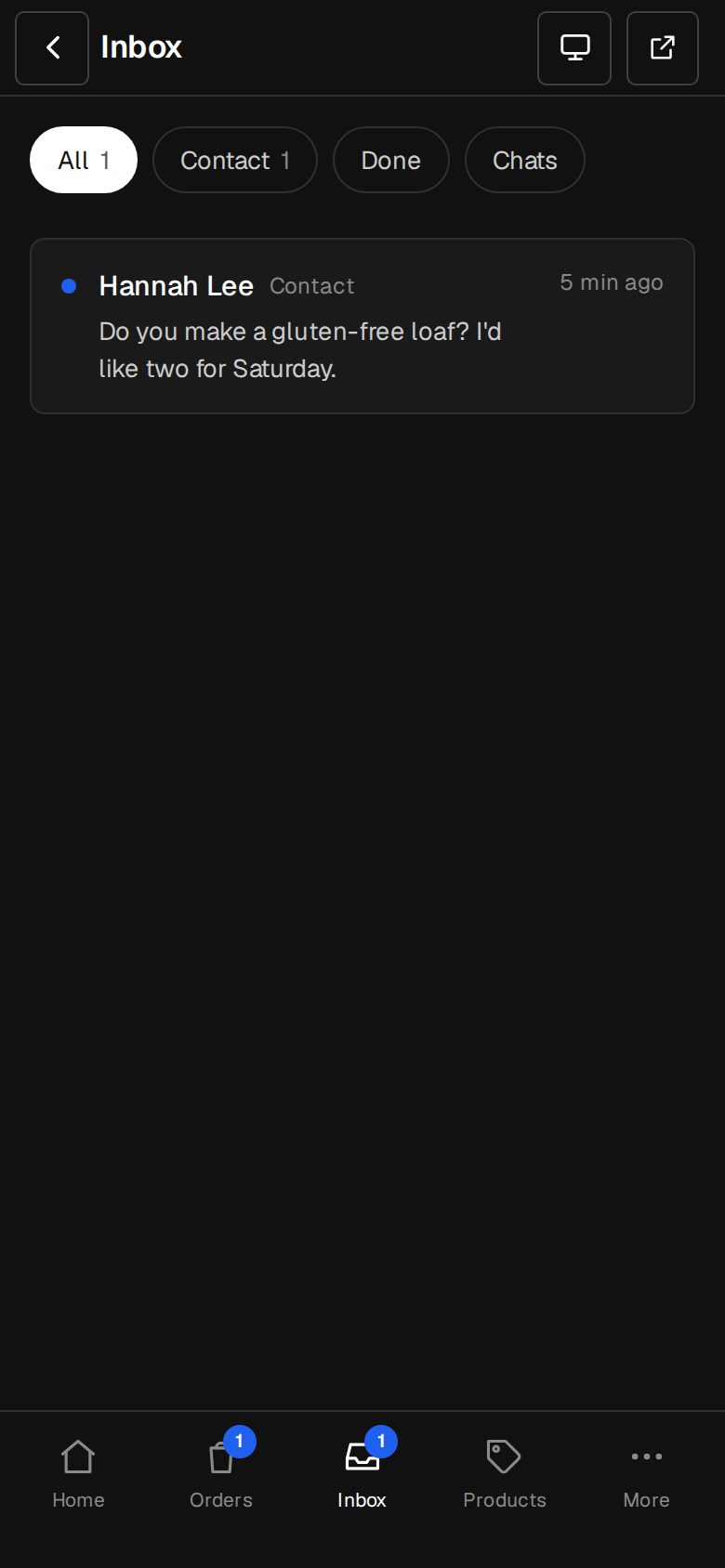
Chats sit beside your other messages, on a computer or your phone.
- Live while you have Chats open
- One email per conversation every 15 minutes
- The visitor's email kept with the chat
02 · Real screens
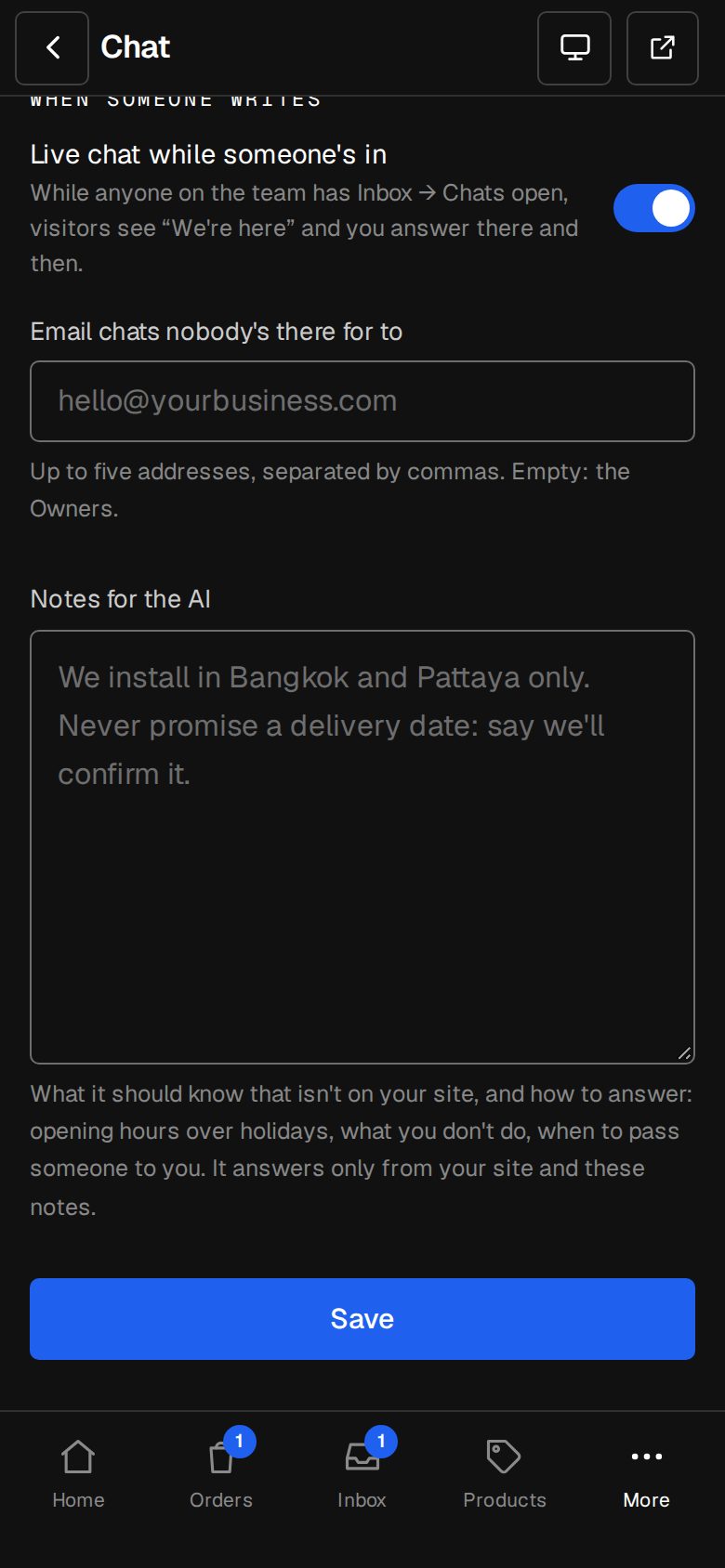
Let AI go first
It answers from what's on your site and your notes, and stops once you've answered.
- Hands over what it doesn't know
- One credit per answer, given back if it fails
- Packs on Settings · Plan
How it works
On in a minute. Working the same day.
- 01
Add Chat
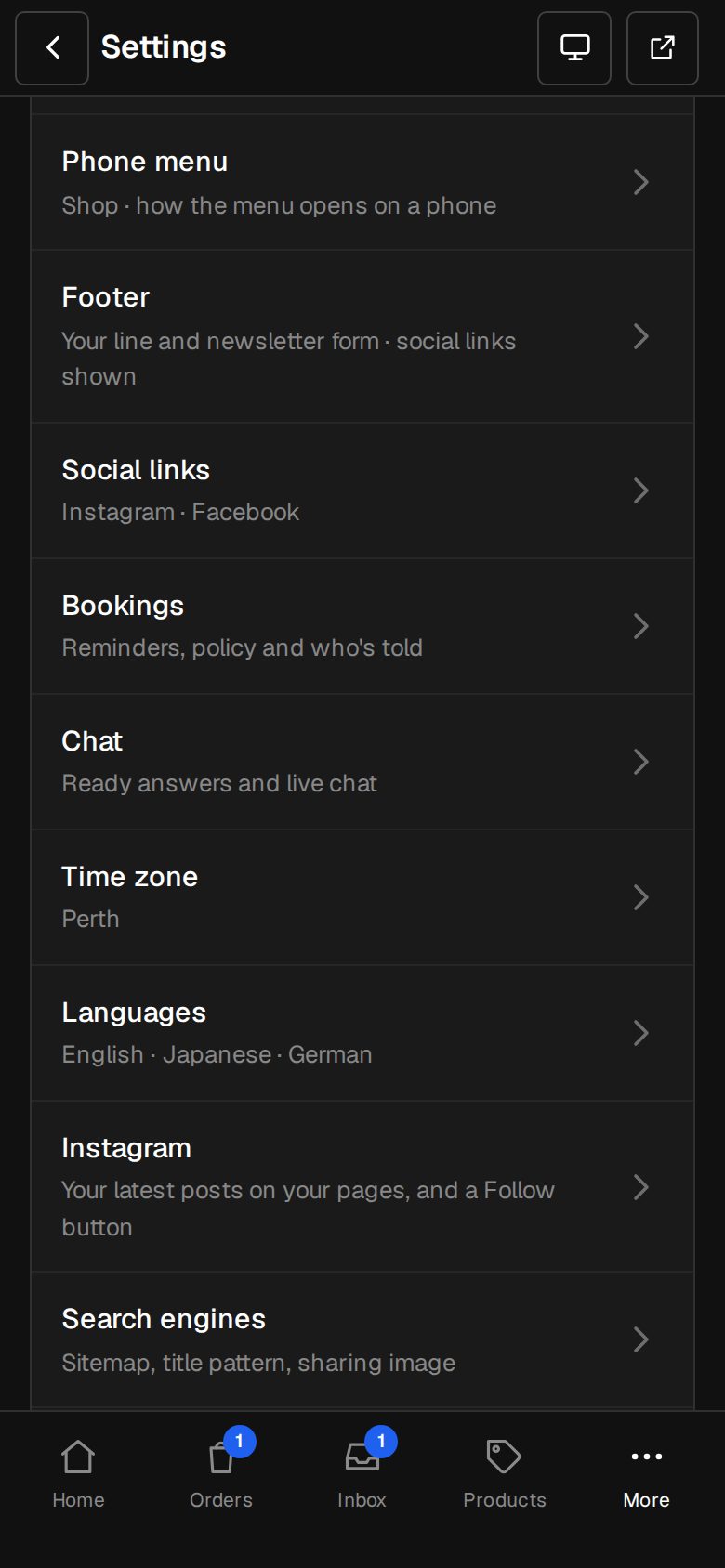
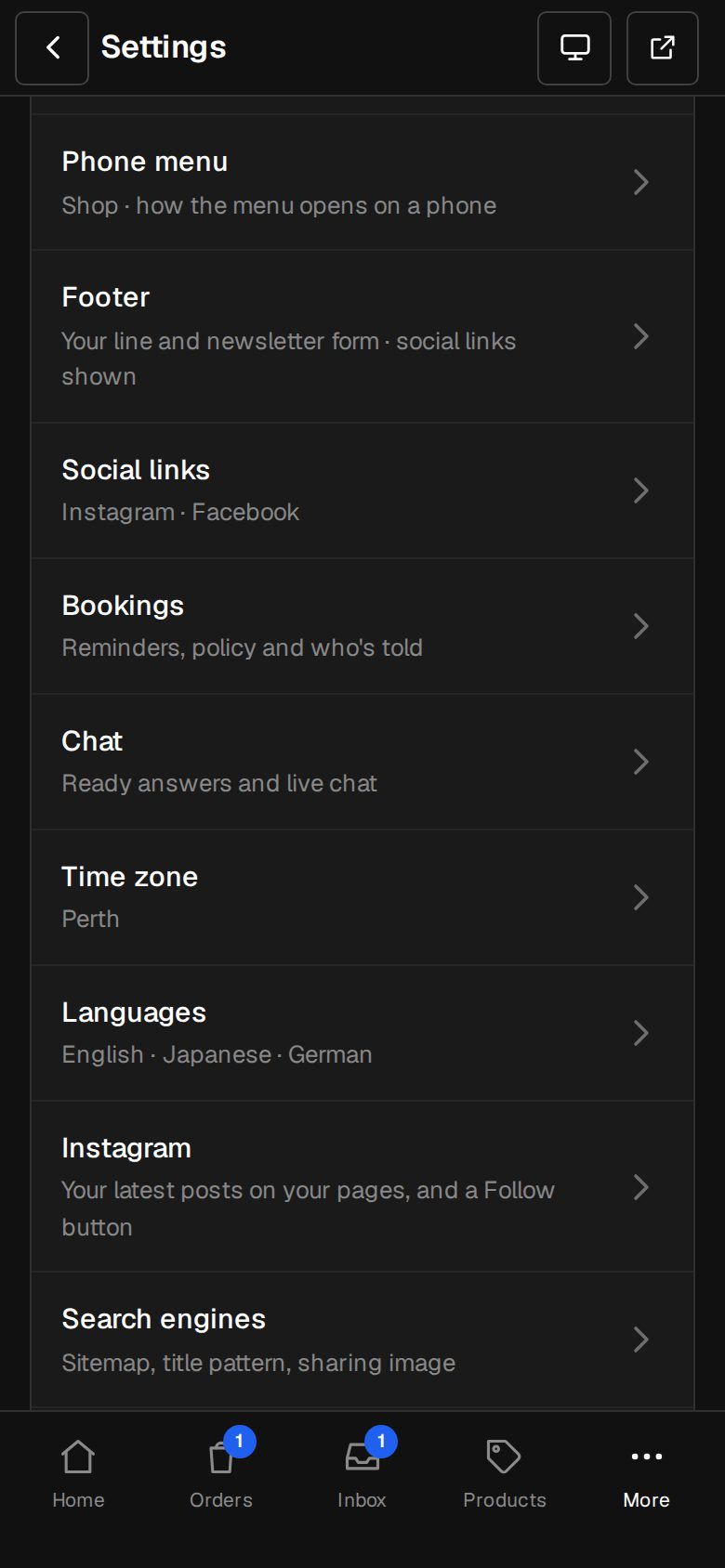
An Owner adds it on Settings · Plan.
- 02
Pick a mode
Contact details, basic, or AI.
- 03
Write ready answers
The questions you get every day.
- 04
Answer
In Inbox → Chats.
Does the AI cost extra?
AI answers use credits, bought in packs on Settings · Plan. Basic chat doesn't.
Can it answer anything?
Only from your pages, products, business details, ready answers and your notes. What it can't answer, it hands to you.
Can visitors use WhatsApp instead?
Yes. Contact mode shows your phone, email and chat apps like WhatsApp and LINE.
Step-by-step guides Every screen of Chat, in the Help centre.
Start free. Add Chat when you're ready.
Start free for 14 days, no card. Add Chat once your plan is paid, or ask us to switch it on while you try it.