
Add-on · Translator
Your site in their language.
Japanese, German and Thai, each at its own address. Type translations yourself for free, or let AI draft them for you to read through first.
A$5 a month · added on Settings · Plan · no contract
Sound familiar?
The problem, and the fix.
- 01
“Translation plugins break the layout.”
Translations lay words over your pages. Links, pictures and style never change.
- 02
“Machine translation goes live unchecked.”
AI's words always arrive as a draft for you to read.
- 03
“Half the page is still in English.”
Add to cart, checkout, accounts and the Help centre come translated, free.
What it does
Everything in Translator.
Three languages to start
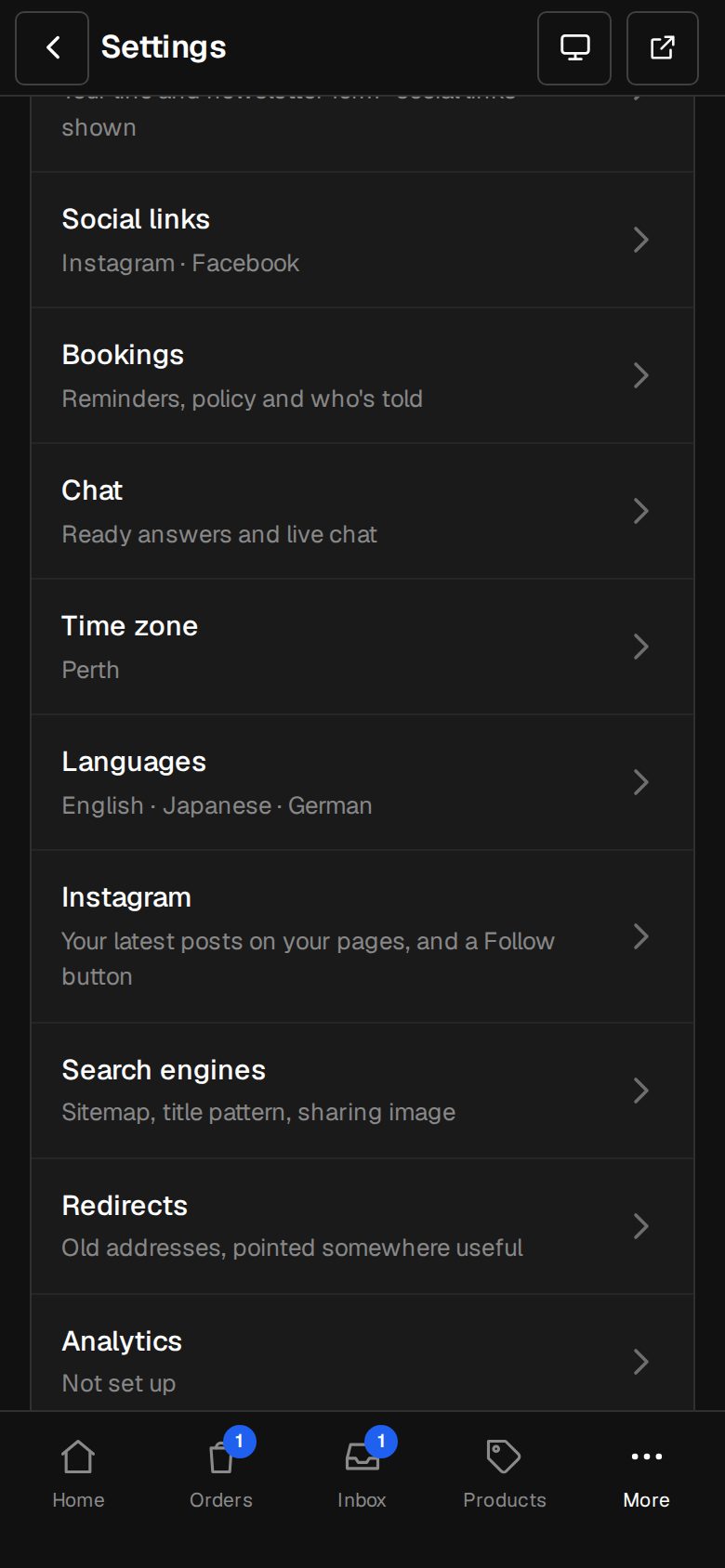
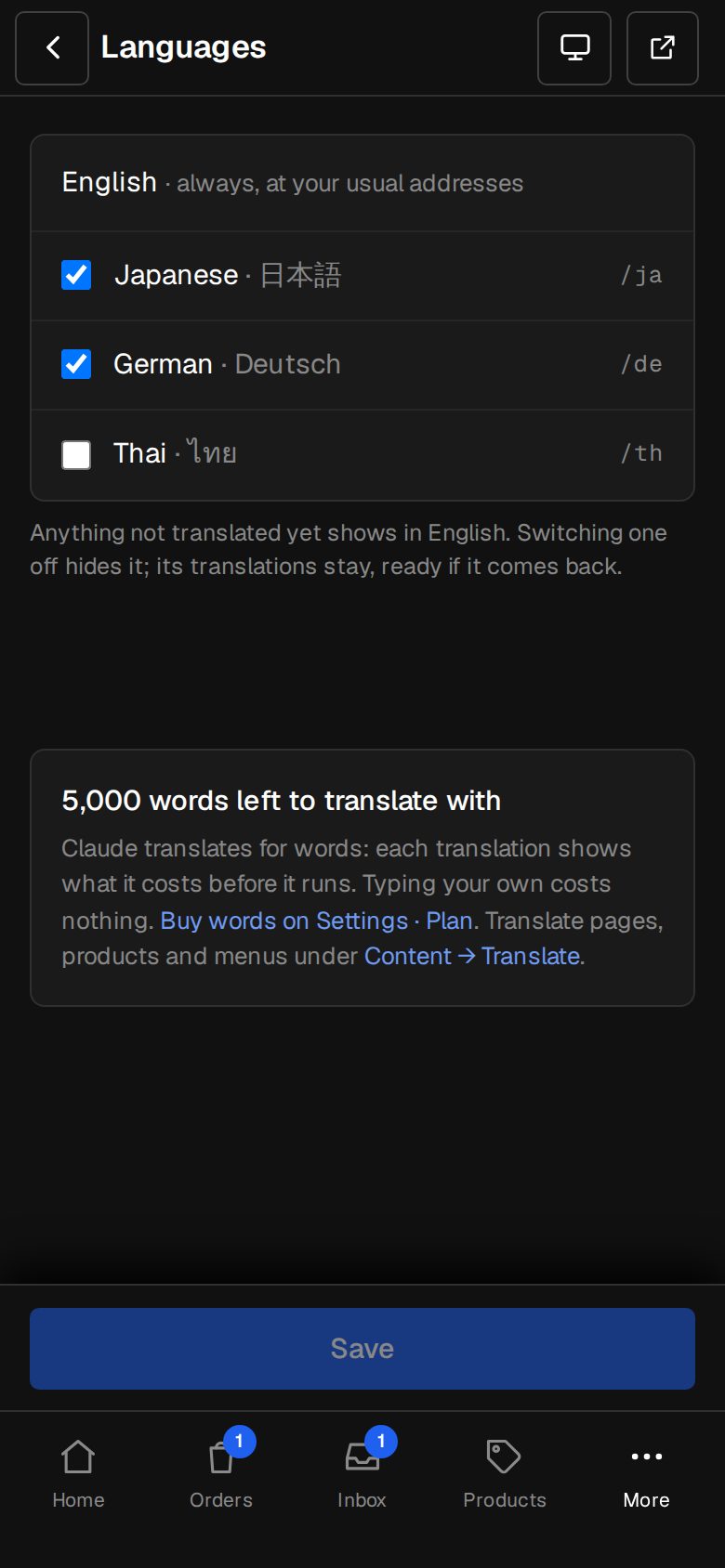
Japanese, German and Thai, at /ja, /de and /th.
By hand, free
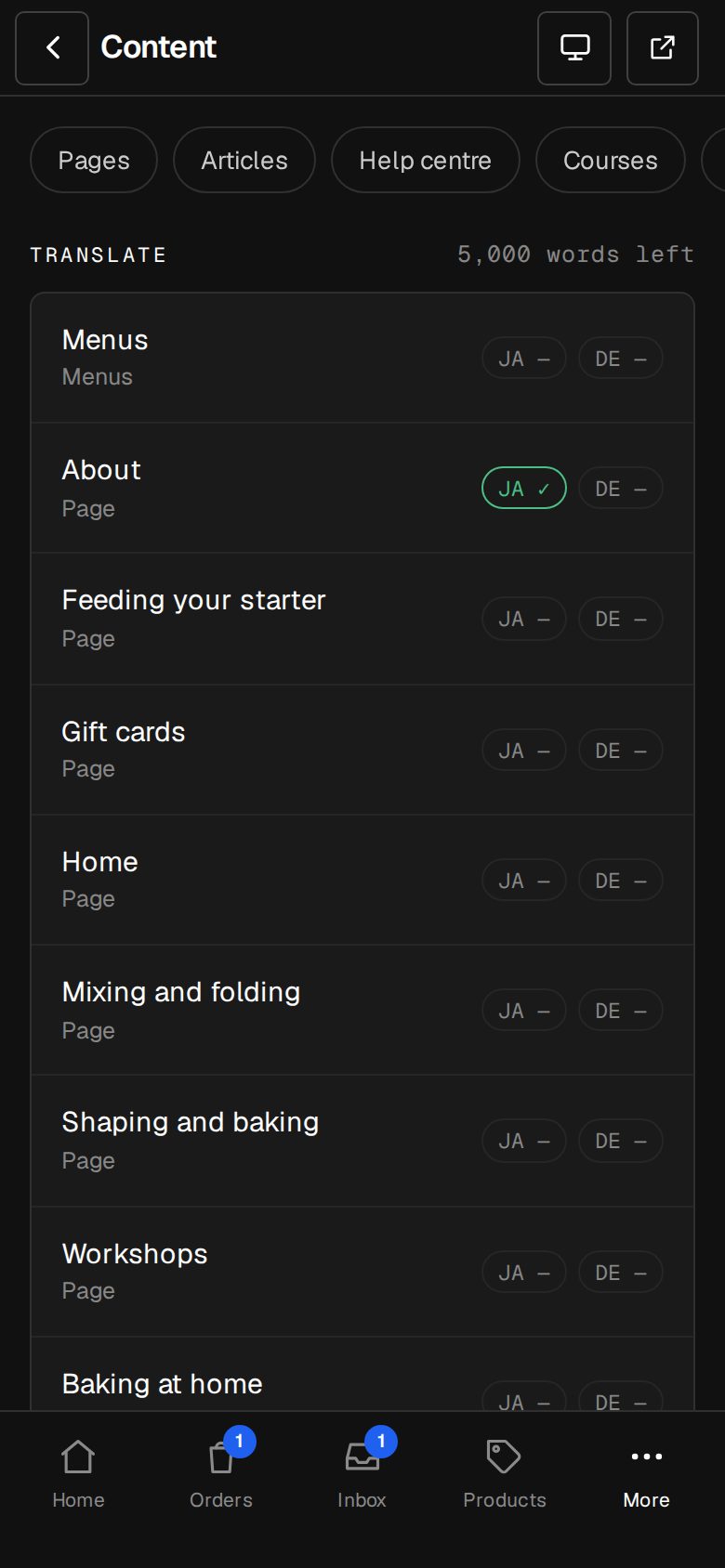
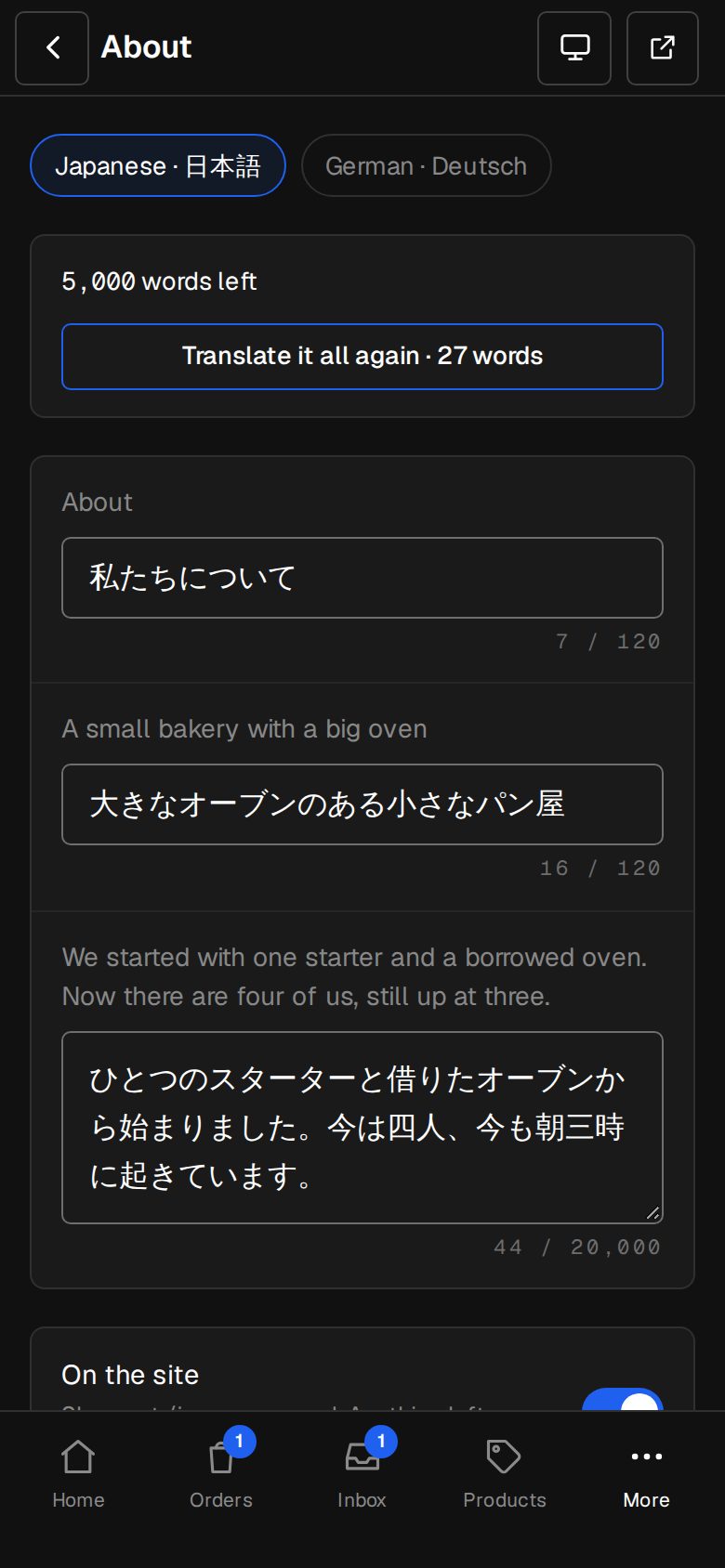
Type your own words beside the English.
AI drafts
Claude translates; you read, change and publish.
Knows when English changes
Fields whose English moved are marked, and the old words never show in the wrong place.
The shop's own words
Cart, checkout, accounts, search and more are built in, in every language.
Right for Google
hreflang, translated canonicals and a sitemap that names each language.
01 · Real screens
English beside the language
Every page, product, category and menu, field by field.
- Only words, never links or pictures
- Each field held to its own length
- Publish when it reads right
02 · Real screens
Visitors land in their language
The switcher in your footer remembers their choice, and plain links follow it.
- Thai pages use a Thai font
- A language you remove sends them back to English
- Search keeps working
How it works
On in a minute. Working the same day.
- 01
Add Translator
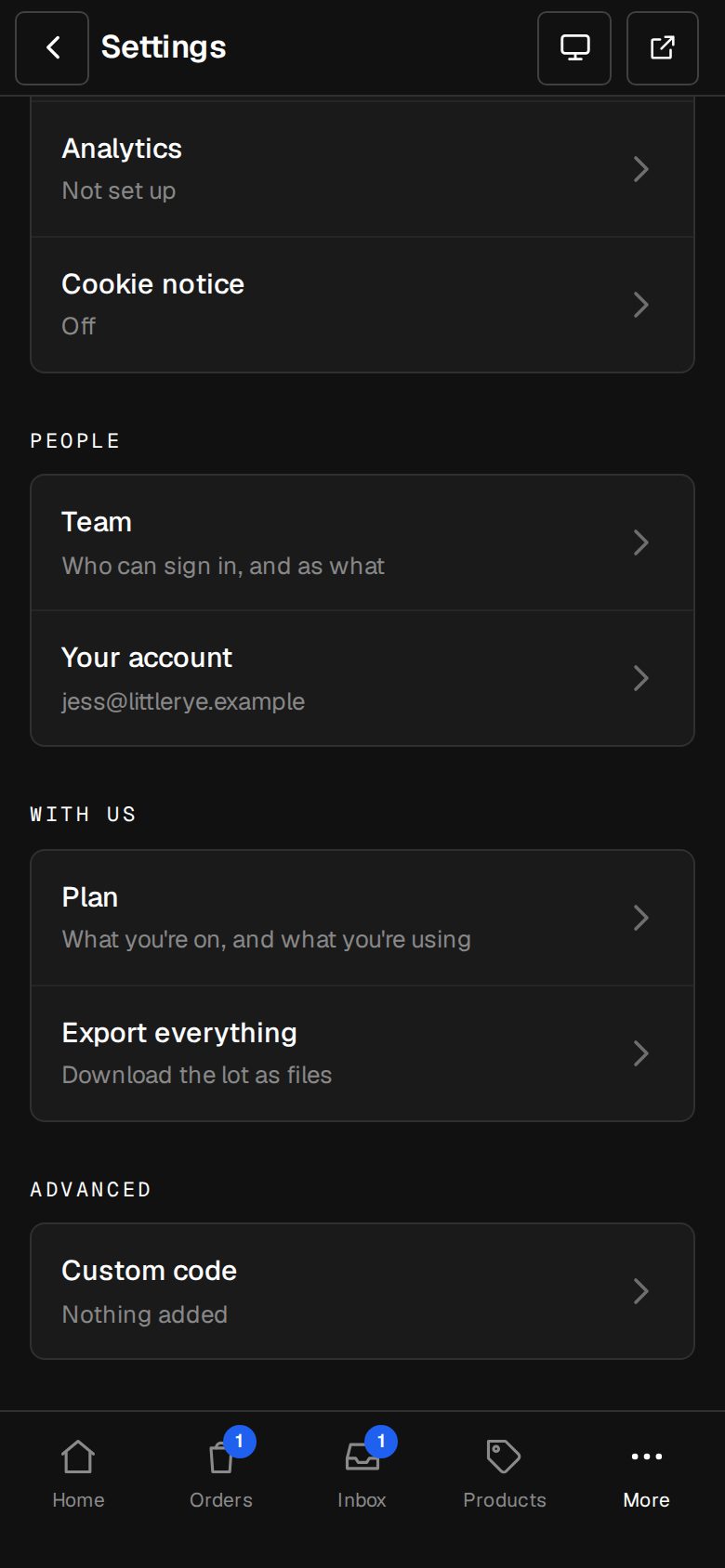
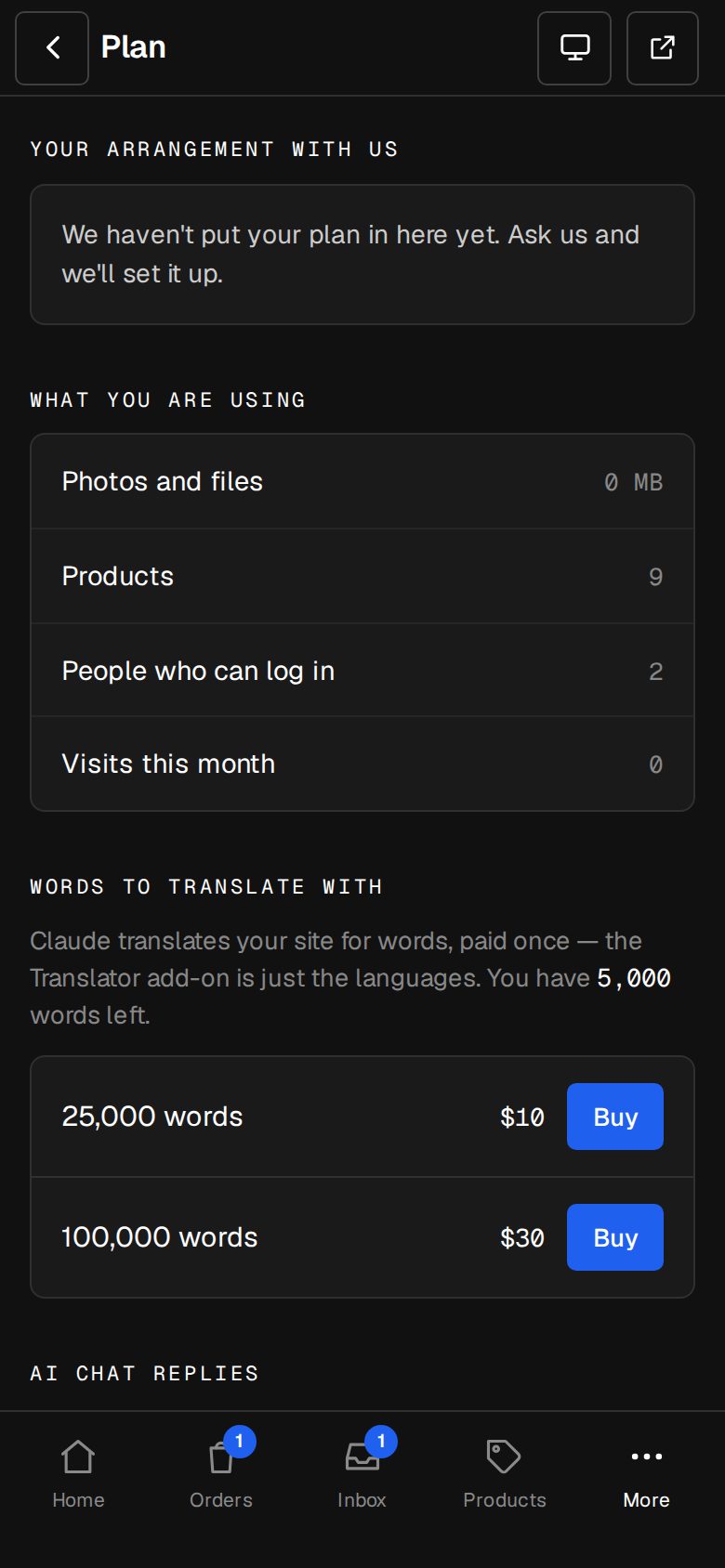
An Owner adds it on Settings · Plan.
- 02
Pick languages
In Settings · Languages.
- 03
Translate
In Content → Translate, by hand or with AI.
- 04
Publish
Each language goes live when you say.
What does AI translation cost?
AI uses words, bought in packs on Settings · Plan. Typing your own is free.
Which languages?
Japanese, German and Thai today. Ask us about others.
Will Google find the translations?
Yes. Each language has its own address, hreflang and a place in your sitemap.
Step-by-step guides Every screen of Translator, in the Help centre.
Start free. Add Translator when you're ready.
Start free for 14 days, no card. Add Translator once your plan is paid, or ask us to switch it on while you try it.