
Help/Connections/Connect Google Search Console and Analytics
Connect Google Search Console and Analytics
See how people find you without leaving the admin: what they search, which pages they land on, and where your visitors come from, refreshed every day. We only read; nothing in Google changes.
Owners and Managers see the numbers. It's free on every site.
2 minutesOwners connect it, with the authenticator appWorks on a phone
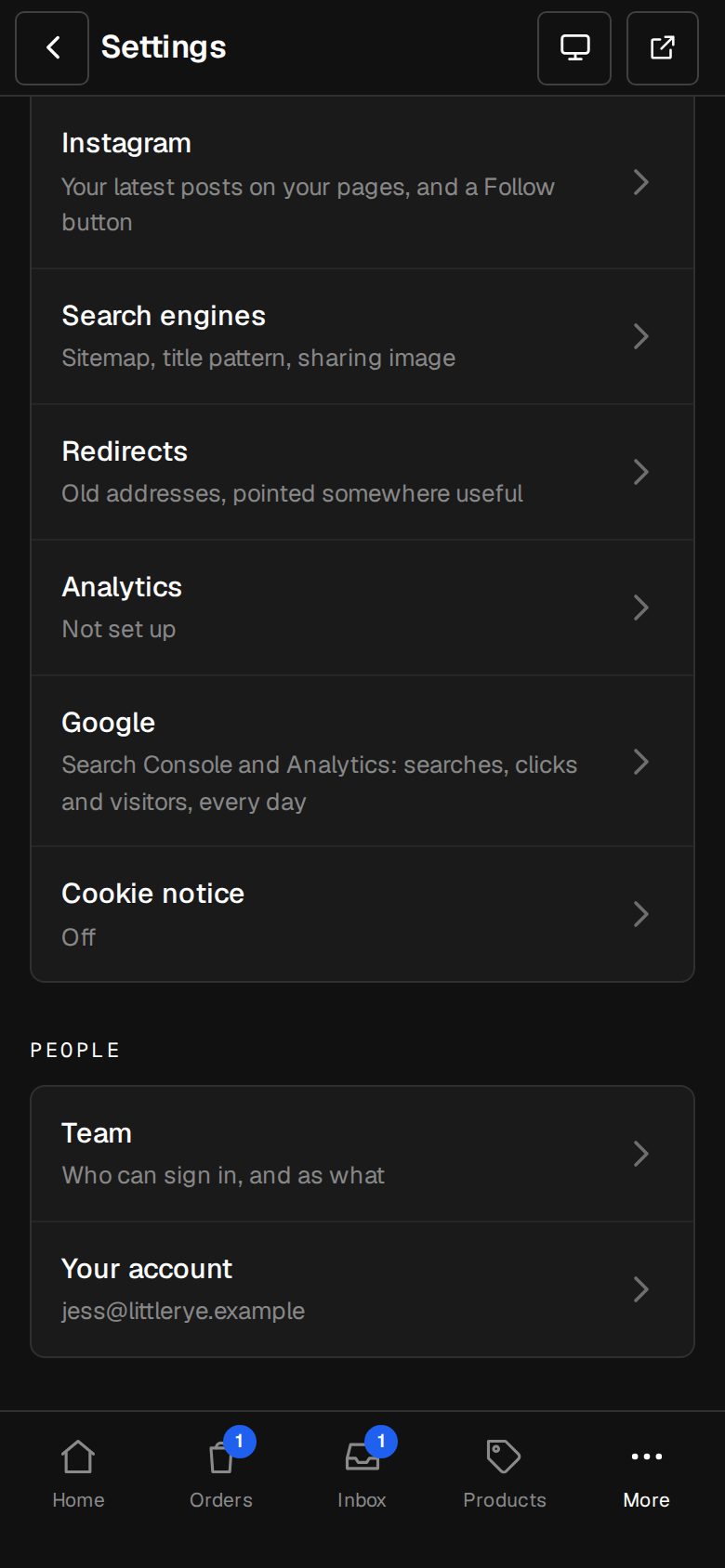
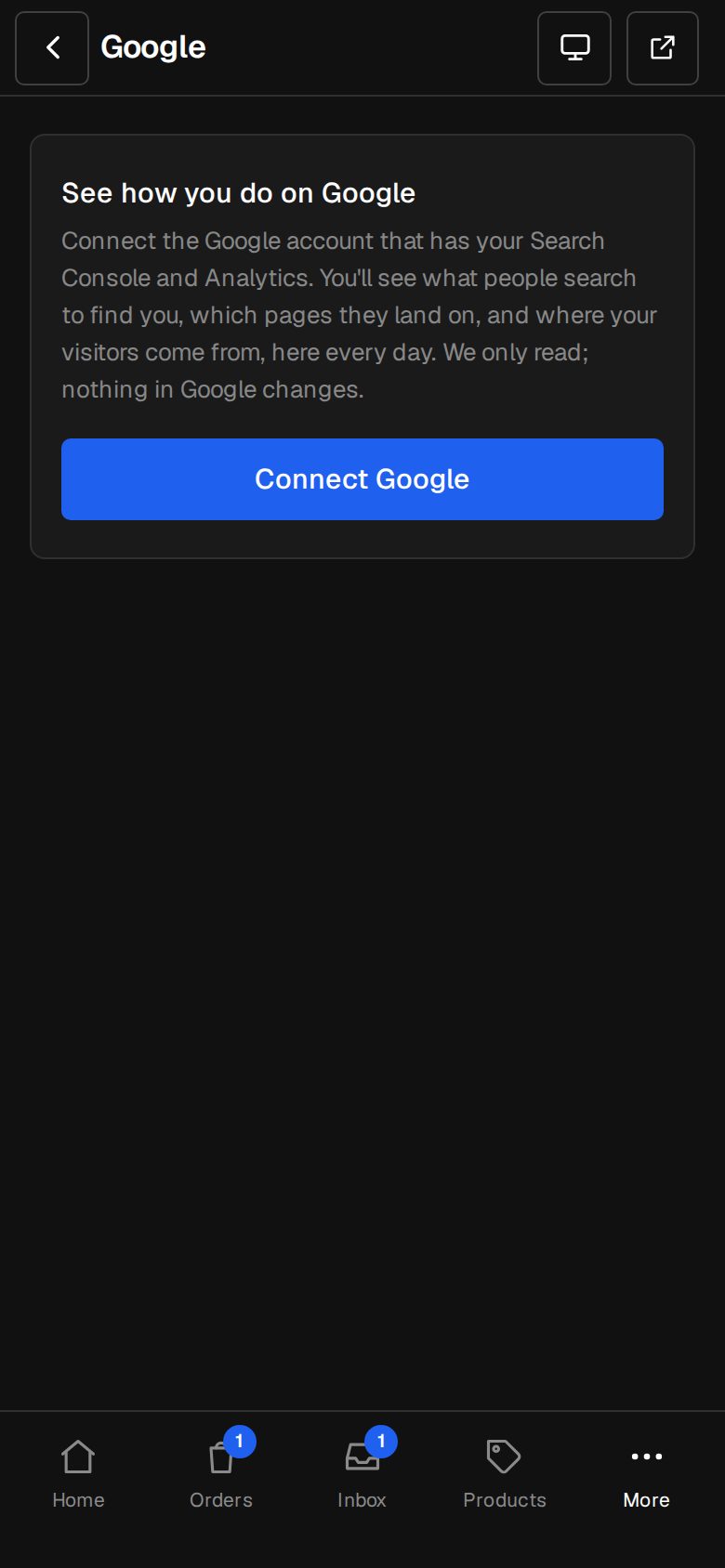
Open Settings, then Google
On a phone, tap More, then Settings. Google is under Your site.
Tap Connect Google
Sign in with the Google account that has your Search Console and Analytics, and tick both boxes on Google's screen.
Check What it reads
We match the Search Console property to your site's address, and the Analytics property to the ID on Settings · Analytics. An Owner can pick others from the lists.
Read the numbers
Google search shows Clicks, Seen, Click rate and Average place, with What people searched and Pages they landed on. Visitors from Google Analytics shows Visitors, Visits, Where they came from and Most viewed pages.
Send our sitemap
Tap Send our sitemap so Google knows every page. Refresh now fetches the latest numbers straight away.
Good to know
- Numbers cover the last 28 days, against the 28 before. Search Console's run two days behind.
- Home shows your clicks from Google search too.
- Not in Search Console yet? The screen lists the steps, and you verify with the code on Settings · Search engines. See Google Search Console and your sitemap.
- Disconnect removes the connection from your admin. Your Search Console and Analytics stay as they are.
Was this helpful?