
Help/Connections/Move your shop from Shopify or WooCommerce
Move your shop from Shopify or WooCommerce
Leaving Shopify or WooCommerce? Connect the old store and bring its products (with photos, categories and options), customers and past orders straight across. No export files and no paid plugins. Nothing changes in the old store: the keys only read.
Then Owners and Managers bring things in. It's free. Products and orders need the shop on.
2 minutesOwners connect the store, with the authenticator appWorks on a phone
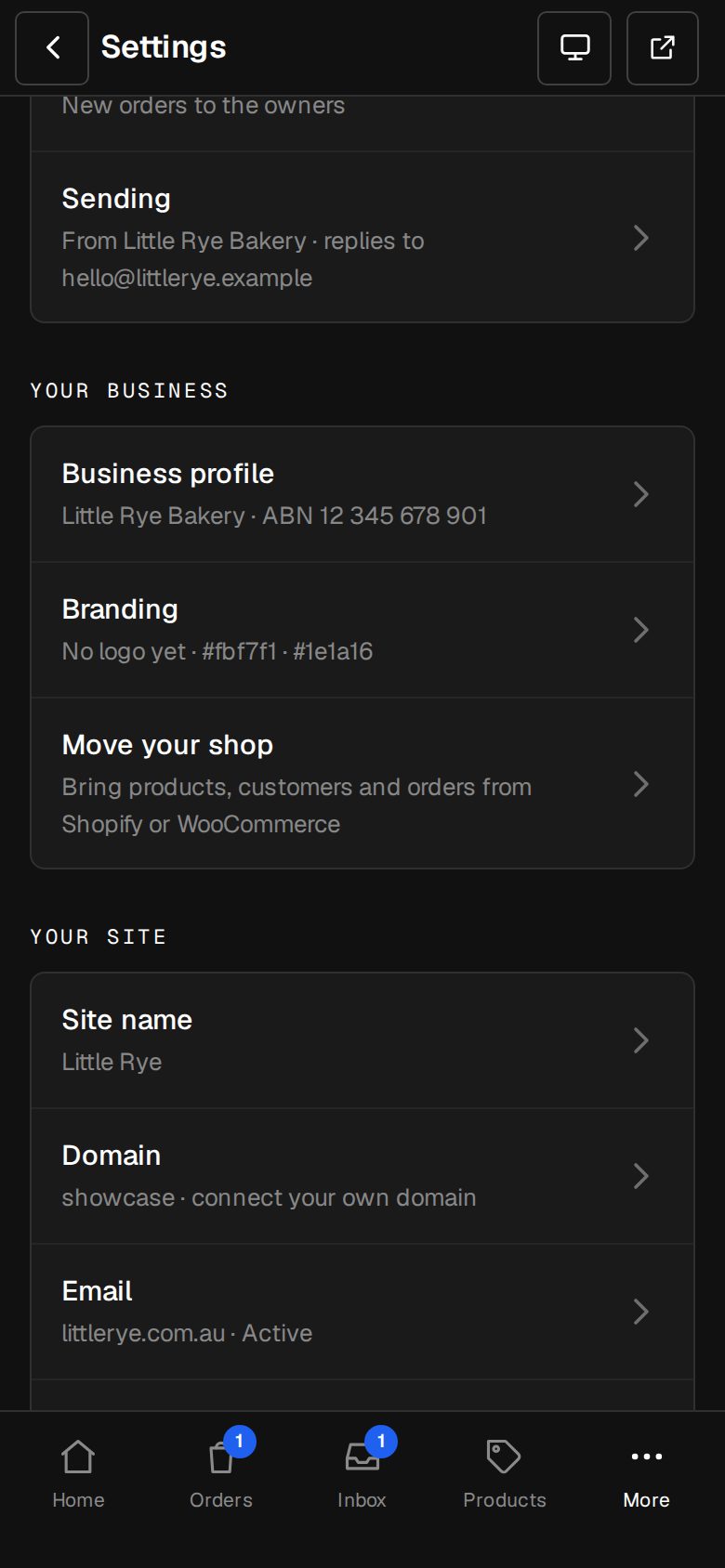
Open Settings, then Move your shop
On a phone, tap More, then Settings. Move your shop is under Your business.
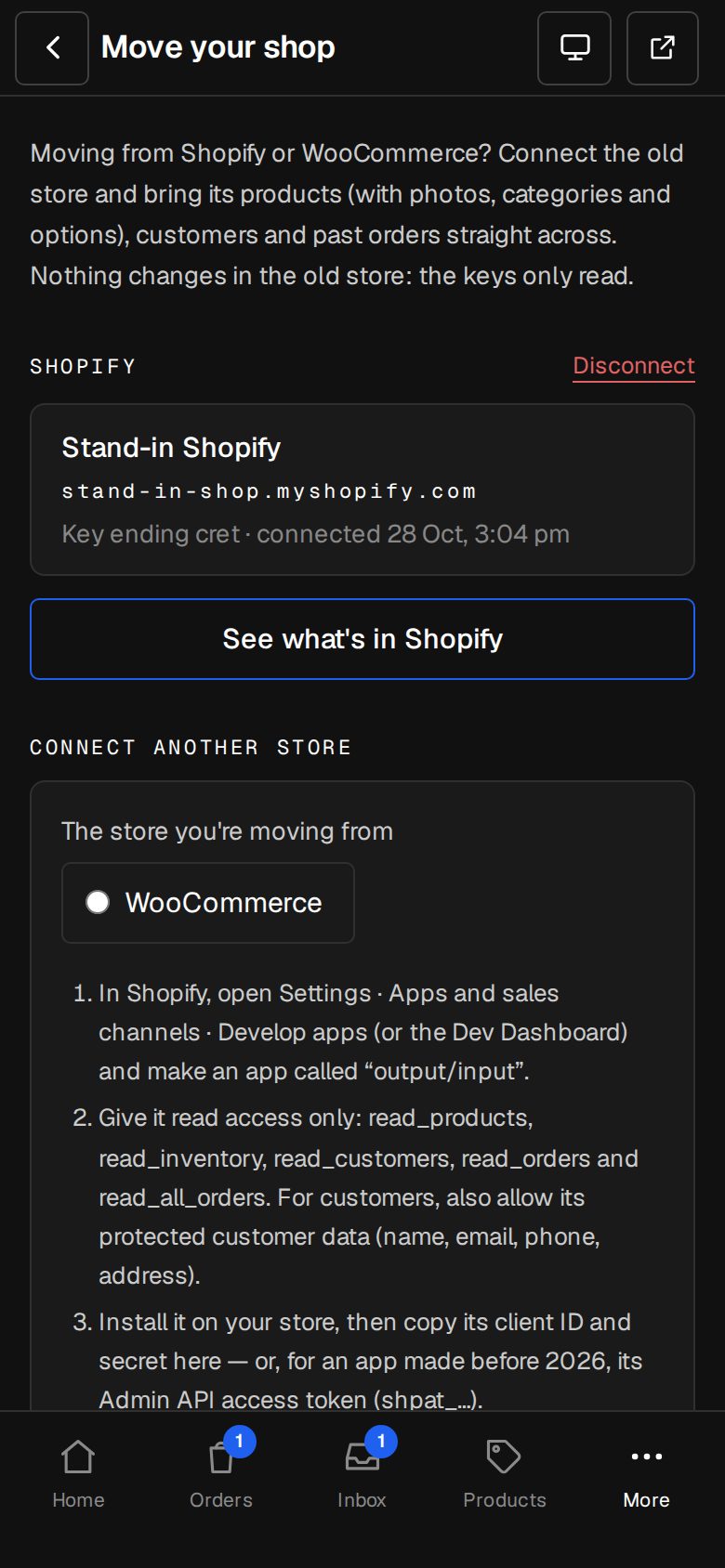
Choose the store you're moving from
Pick Shopify or WooCommerce. The screen lists where to find each key.
Shopify: make a read-only app
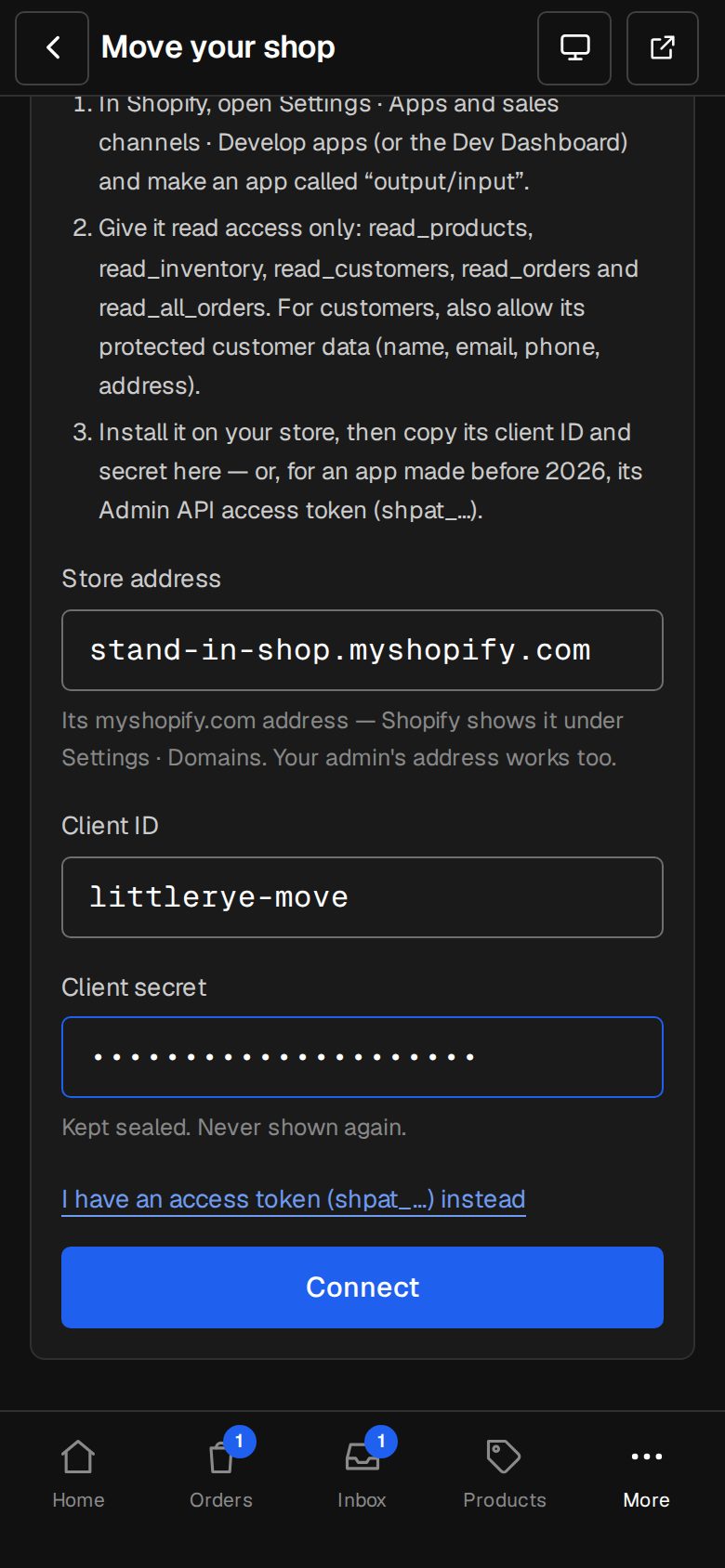
In Shopify, open Settings · Apps and sales channels · Develop apps (or the Dev Dashboard), make an app called output/input with read_products, read_inventory, read_customers, read_orders and read_all_orders, and allow its protected customer data. Install it, then paste the Store address and its client ID and secret, or an older app's Admin API access token.
WooCommerce: make a Read key
In WordPress, open WooCommerce · Settings · Advanced · REST API and Add key. Describe it output/input, pick yourself as the user, set Permissions to Read and generate it. Paste your store's address, the Consumer key and Consumer secret.
Tap Connect
We check the store with one read first. The keys are kept sealed and never shown again.
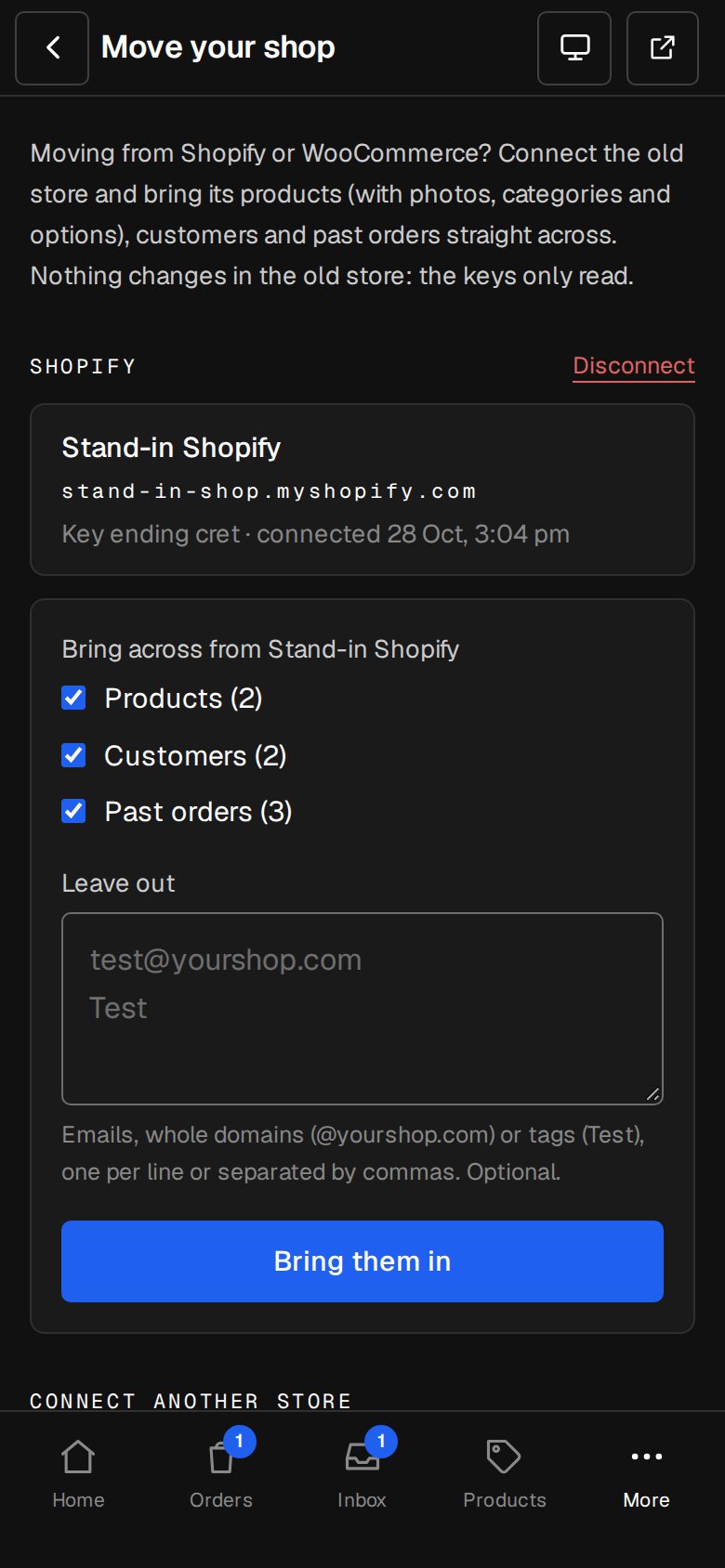
Tick what to bring
Products, Customers and Past orders. Leave out takes emails, whole domains (@yourshop.com) or tags (Test) to skip, such as test accounts.
Tap Bring them in
A bar shows it working, page by page. Brought across lists what came in. Stuck part way? Bring them in again carries on.
Good to know
- Run it again any time: products already here are filled in, never doubled, and the same orders twice add nothing.
- Shopify's photos come into your own Images.
- Disconnect deletes the keys here. Everything already brought across stays.
- Prefer files? Contacts, Orders and Products each have an Import that reads Shopify's exports.
Questions
Does this change anything in my old store?
No. The keys are read-only. Close the old store when your new one is live.
Will my old links still work?
Old Shopify addresses like /products/… and /collections/… go to the same product or page here by themselves.
Was this helpful?