
Help/Courses/Students and their progress
Students and their progress
Each course lists its students: how they joined, when, and how many lessons they've marked done. You can give the course to someone without payment, or take someone out.
Courses is an add-on an Owner adds on Settings · Plan.
2 minutesManagers and OwnersWorks on a phone
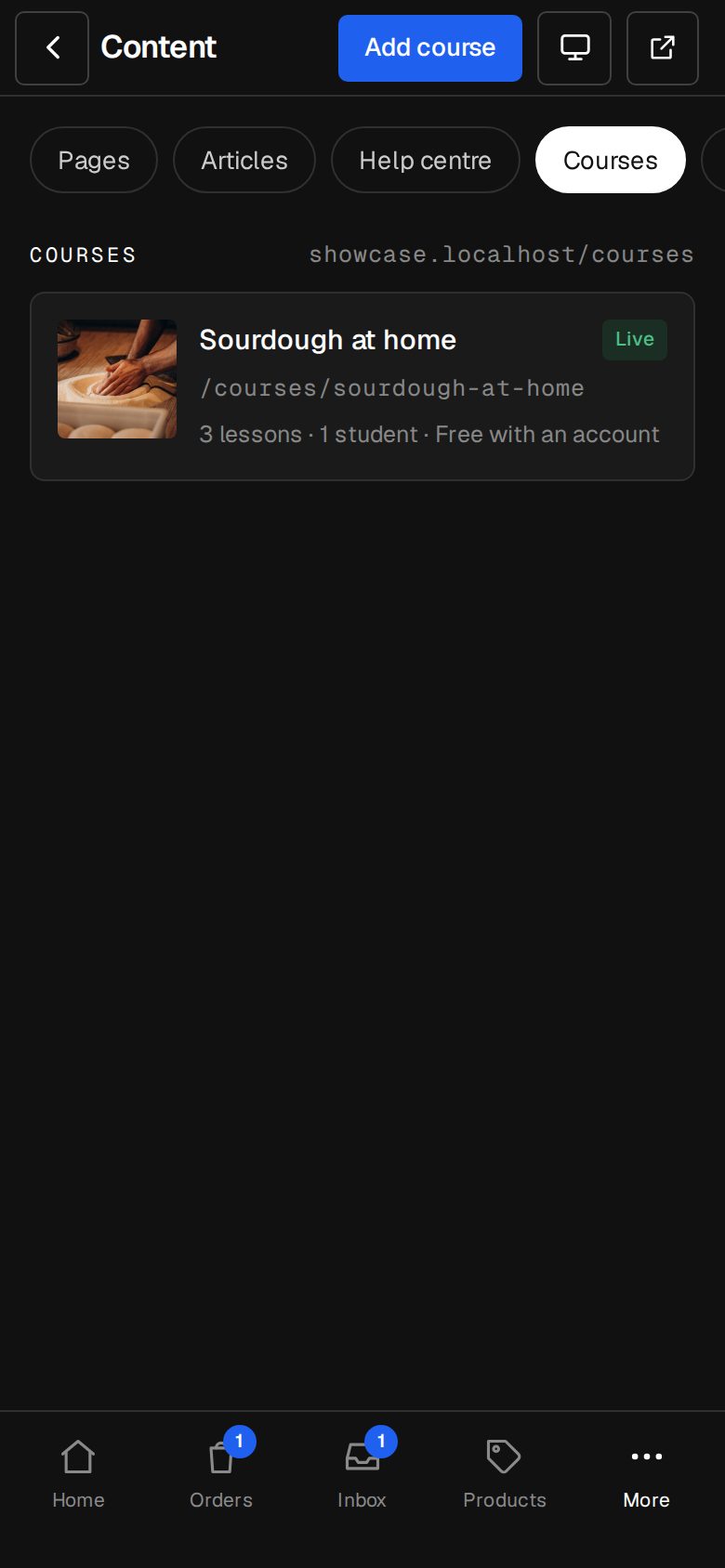
Open the course
Go to Content, then Courses (on a phone, More, then Content), and tap the course. Students is under Lessons.
Read the list
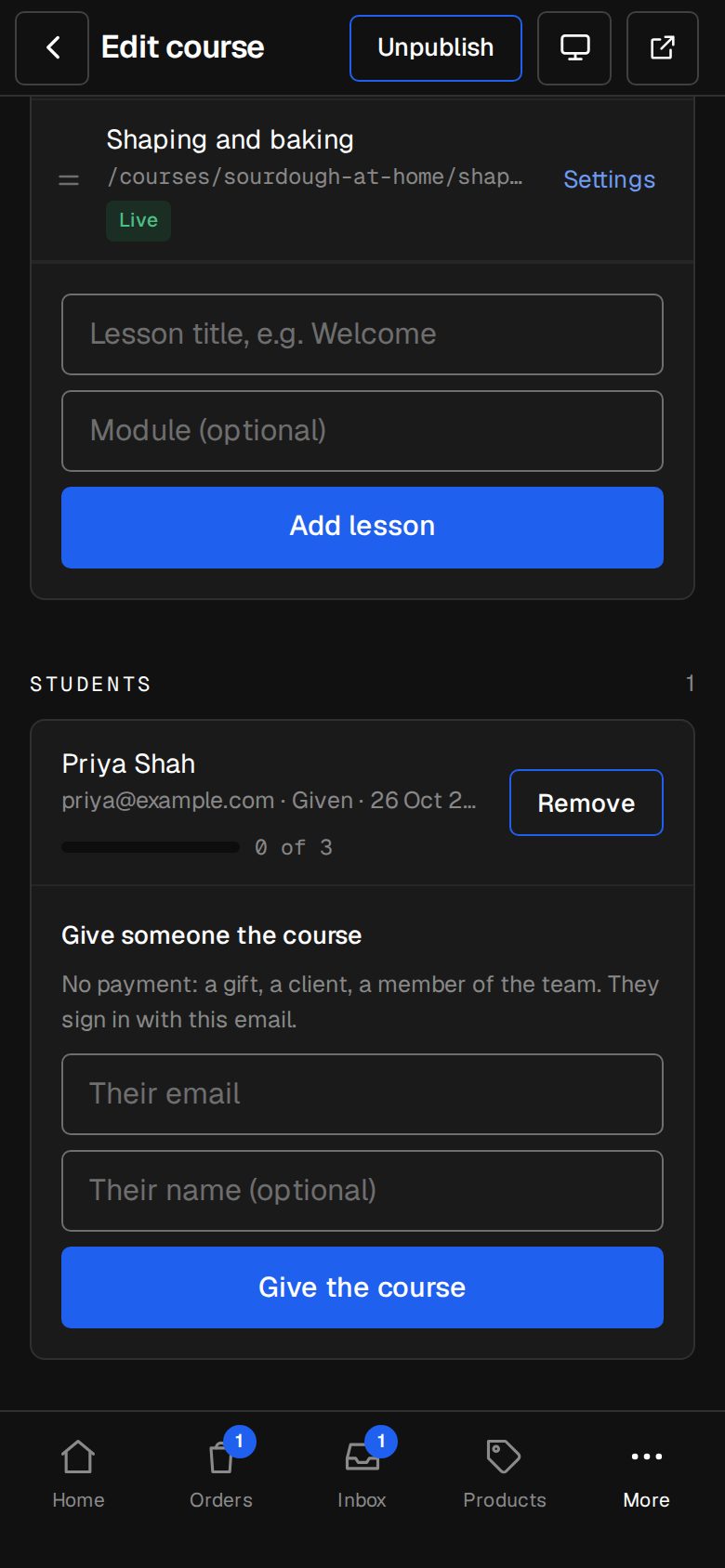
Each student shows their name and email, then Paid with the amount, Given or Free, and the day they joined. The bar shows how far they've got, like 3 of 8, or Finished.
Give someone the course
Under Give someone the course, type Their email and, if you like, Their name, then tap Give the course. No payment: for a gift, a client or someone on your team. They sign in on your site with that email.
Take someone out
Tap Remove beside them, then Take out. They lose the course and their progress.
What students see
Students sign in on your site and open their account. Under My courses, each course shows its progress bar, and tapping it picks up at the first lesson they haven't done. At the end of each lesson they tap Mark as done, or Mark as done and go on. Tapping it again marks it not done.
Questions
Does removing a student refund them?
No. Refund the payment in your Stripe dashboard, then remove them here.
Who shows up in Students?
Anyone who starts a free-with-account course, buys a paid one, or is given one. People reading a Free, no sign-in course aren't listed, because nothing is kept for them.
Was this helpful?