
Help/Courses/Create a course and its lessons
Create a course and its lessons
A course is a set of lessons in order. Each lesson is an ordinary page, built with the same sections as the rest of your site: words, a video from YouTube or Vimeo, pictures. Group lessons into modules, and open some later with drip days.
Courses is an add-on. If you can't see Courses under Content, an Owner can add it on Settings · Plan, in Add to your plan.
2 minutesManagers and OwnersWorks on a phone
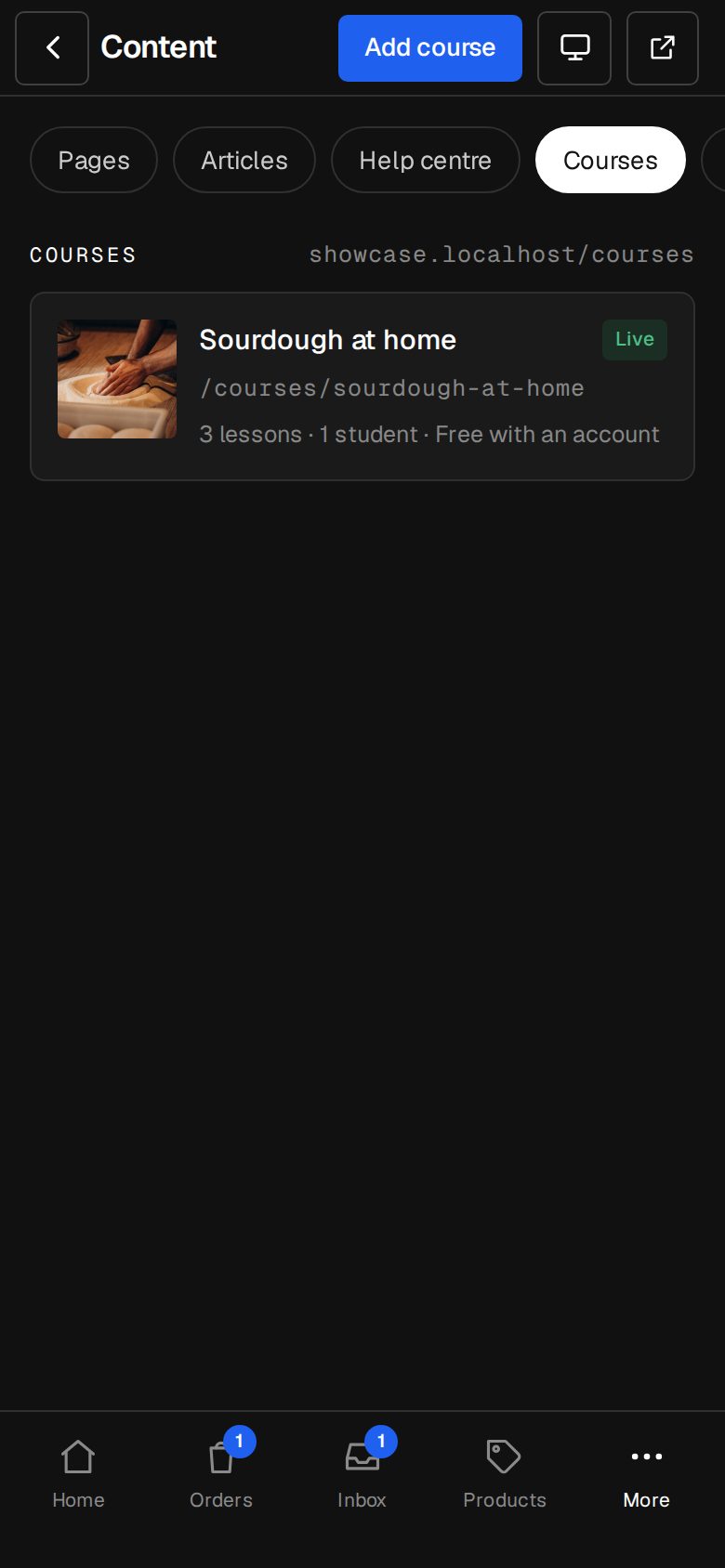
Open Content, then Courses
On a computer, choose Content in the sidebar. On a phone, tap More, then Content. Tap Courses along the top.
Add the course
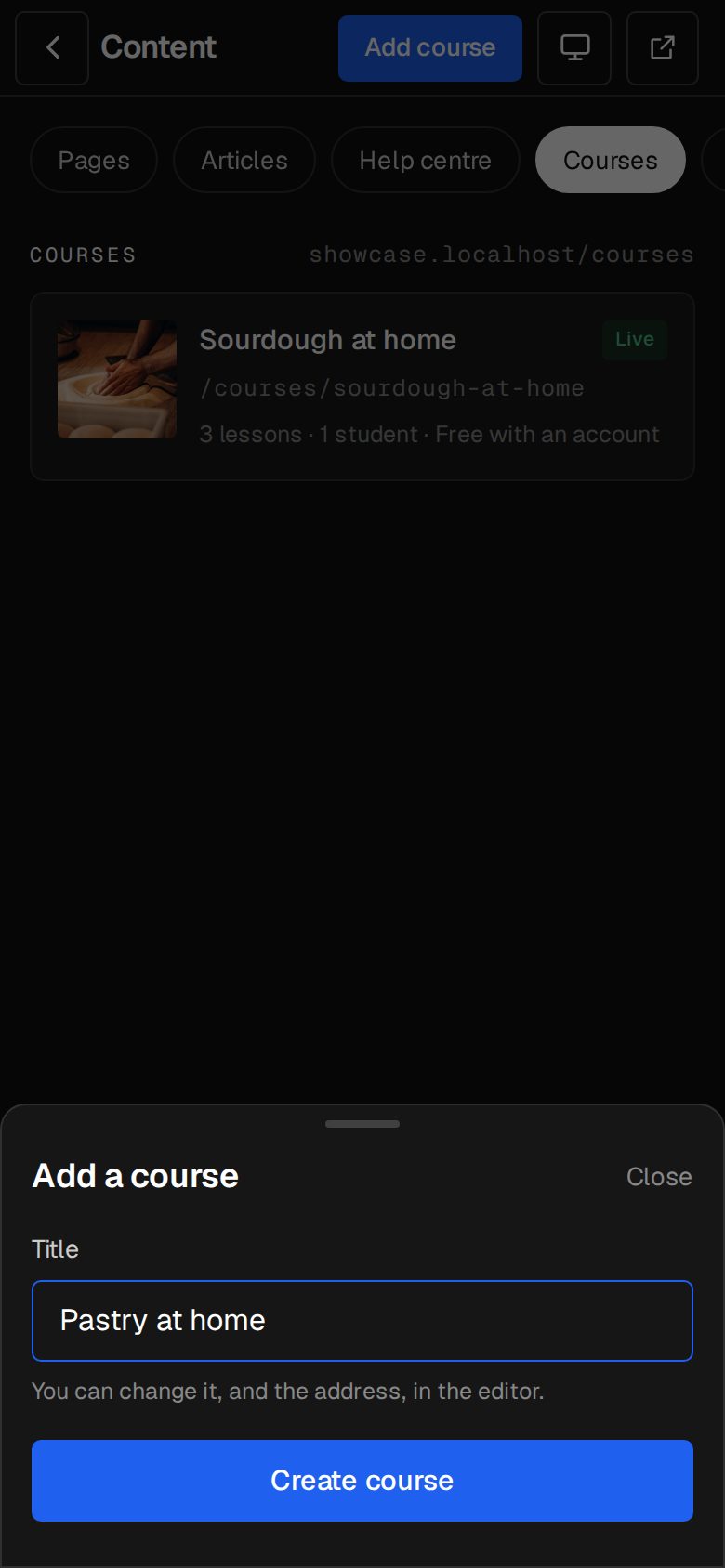
Tap Add course, type the Title and tap Create course. Its address comes from the title, and you can change both in the editor.
Fill in the details
In Edit course, check the Address, write In a line or two (shown on the list of courses and when the link is shared) and About the course. Add a Cover image, then tap Save.
Add lessons
Under Lessons, type the lesson title, and a Module if you want a heading over it, then tap Add lesson. The module carries on to the next lesson you add.
Write each lesson
Tap a lesson to open it in the page editor. Add its sections, then tap Publish there. A lesson that isn't live doesn't show in the course.
Order and drip
Drag a lesson by its handle to move it. Tap Settings beside it to change its Module, make it a Free preview, or set Opens after (days): 0 opens it straight away, 7 a week after someone starts.
Publish the course
Tap Publish at the top of Edit course. It needs at least one live lesson. It then shows at /courses on your site, and Unpublish takes it back to a draft.
Good to know
- Courses are listed at /courses. The automatic menu adds Courses once one is live. In a menu you've changed, add the Courses link from Content, then Menus.
- Lesson addresses start with the course's own, like /courses/ai-basics/welcome.
- Delete this course, at the bottom of the editor, removes its lessons too, and students lose it. Nothing is refunded.
Was this helpful?