
Help/Newsletters/Build your list
Build your list
Your list is everyone subscribed to your newsletter. People join through a sign-up form on your site or when you add them, and each one confirms by email first (double opt-in), which anti-spam law asks for.
Newsletters is an add-on. If you can't see it, an Owner can add it under Settings · Plan, in Add to your plan.
2 minutesOwners and ManagersWorks on a phone
Make a sign-up form
Open Content, then Forms, and open a form with an Email field (or add one). Turn on Adds to the newsletter. Add Newsletter tags if you like, such as retreats. For a sign-up only, leave Also create a contact off.
Put it on your site
In Settings, open Footer and pick the form, to show it at the foot of every page. You can also add it to a page with a Form section.
They confirm
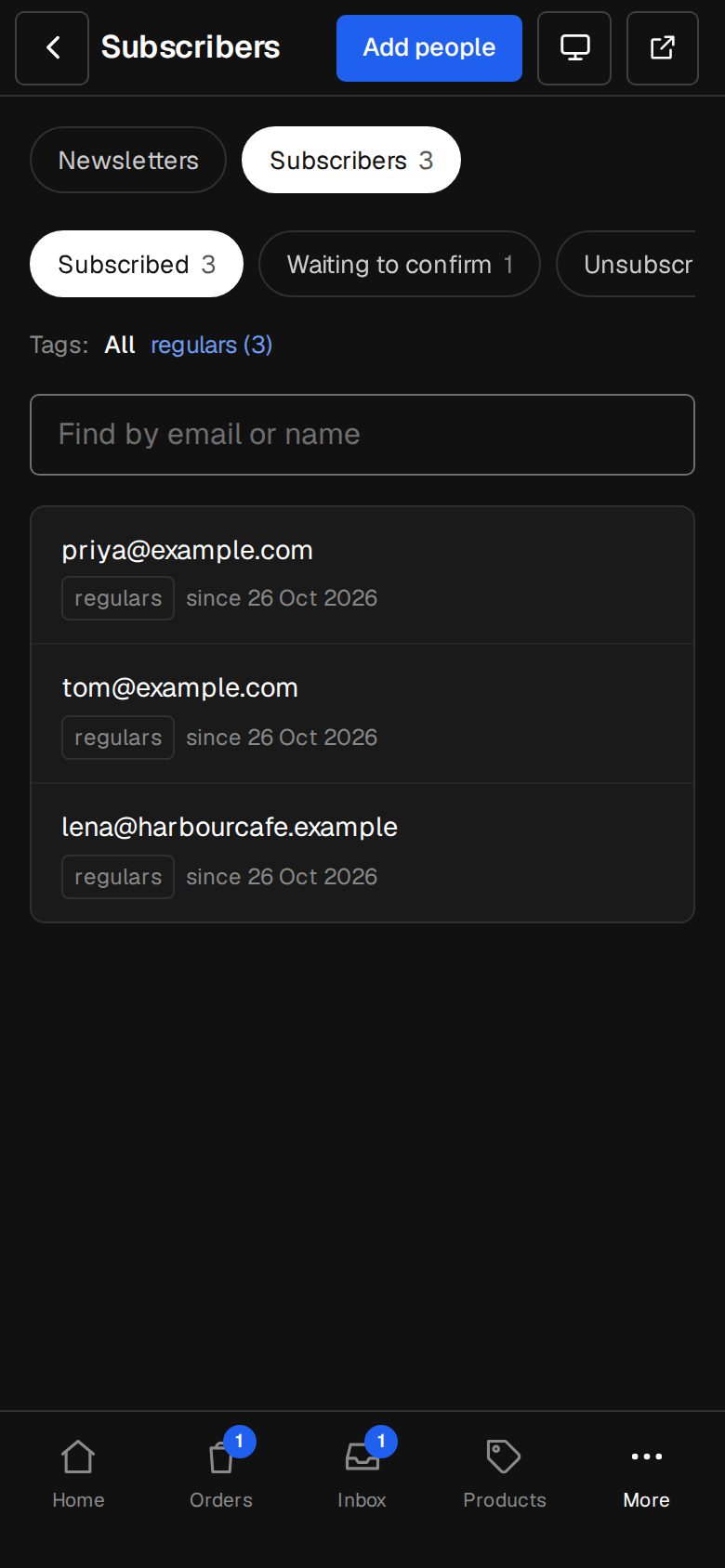
Everyone who sends the form is emailed a link. Once they tap it they're subscribed. Until then they show as Waiting to confirm.
Add people yourself
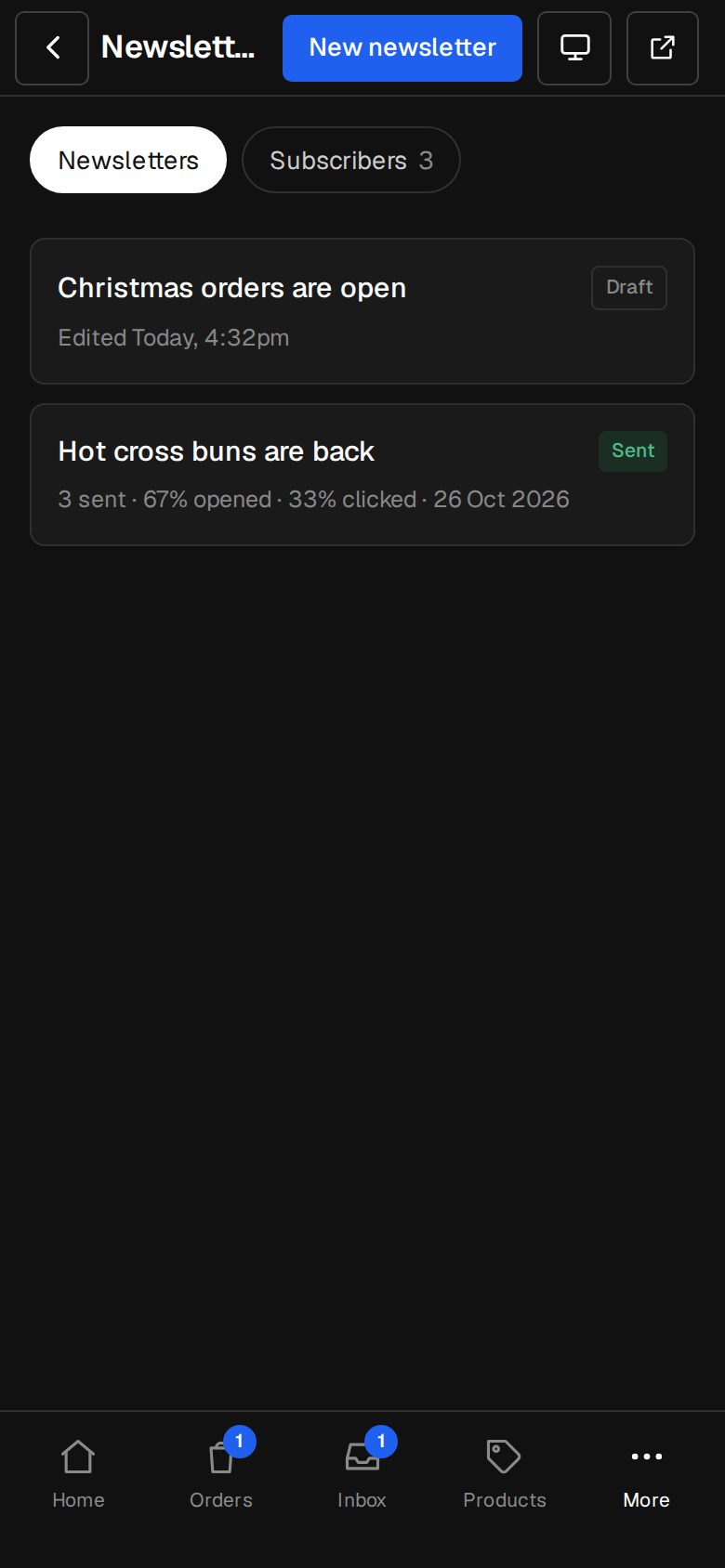
Open Newsletters (on a phone, tap More, then Newsletters), tap Subscribers, then Add people. Paste Email addresses, one per line or with commas, up to 500 at a time, add Tags if you like, and tap Add.
Only if they've agreed
Tick They've already agreed to hear from us only if they asked you, on a sign-up sheet or an earlier list. Otherwise each is emailed to confirm.
Tag and find people
On Subscribers, tap someone to change their Tags and tap Save. Filter by Subscribed, Waiting to confirm, Unsubscribed, Bounced or Marked as spam, by tag, or with Find by email or name.
Good to know
- Tags let you send to part of your list. A form's tags and Add people's tags are added to whatever someone already has.
- Unsubscribe them, on someone's sheet, stops their newsletters. To come back, they sign up again and confirm.
- Someone who marked a newsletter as spam is never added again.
- They've already agreed only counts for new people. Someone who unsubscribed or bounced is emailed to confirm instead.
- With the CRM add-on, Contacts can invite a whole list: see Tags, groups and saved lists.
Was this helpful?