
Help/Deals & customers/Follow-ups and tasks
Follow-ups and tasks
A task is something to do by a day: call back about freight, send the measurements. Each is for someone on the team, and can be about a deal or a contact. Each morning, everyone with something due gets one email listing it.
Deals, Tasks, tags and Companies come with the CRM add-on. If you can't see them, an Owner can add it under Settings · Plan, in Add to your plan.
2 minutesEveryone on the team, Staff includedWorks on a phone
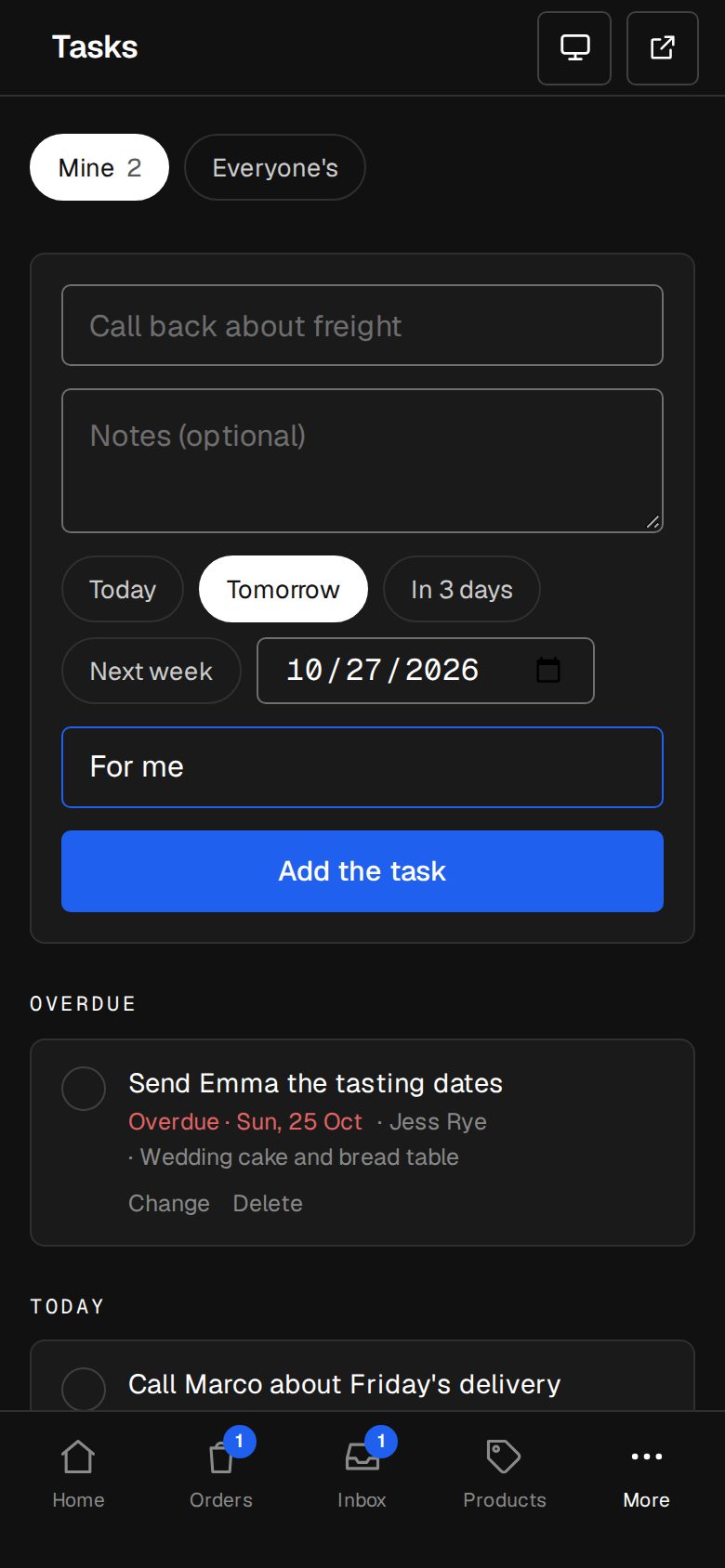
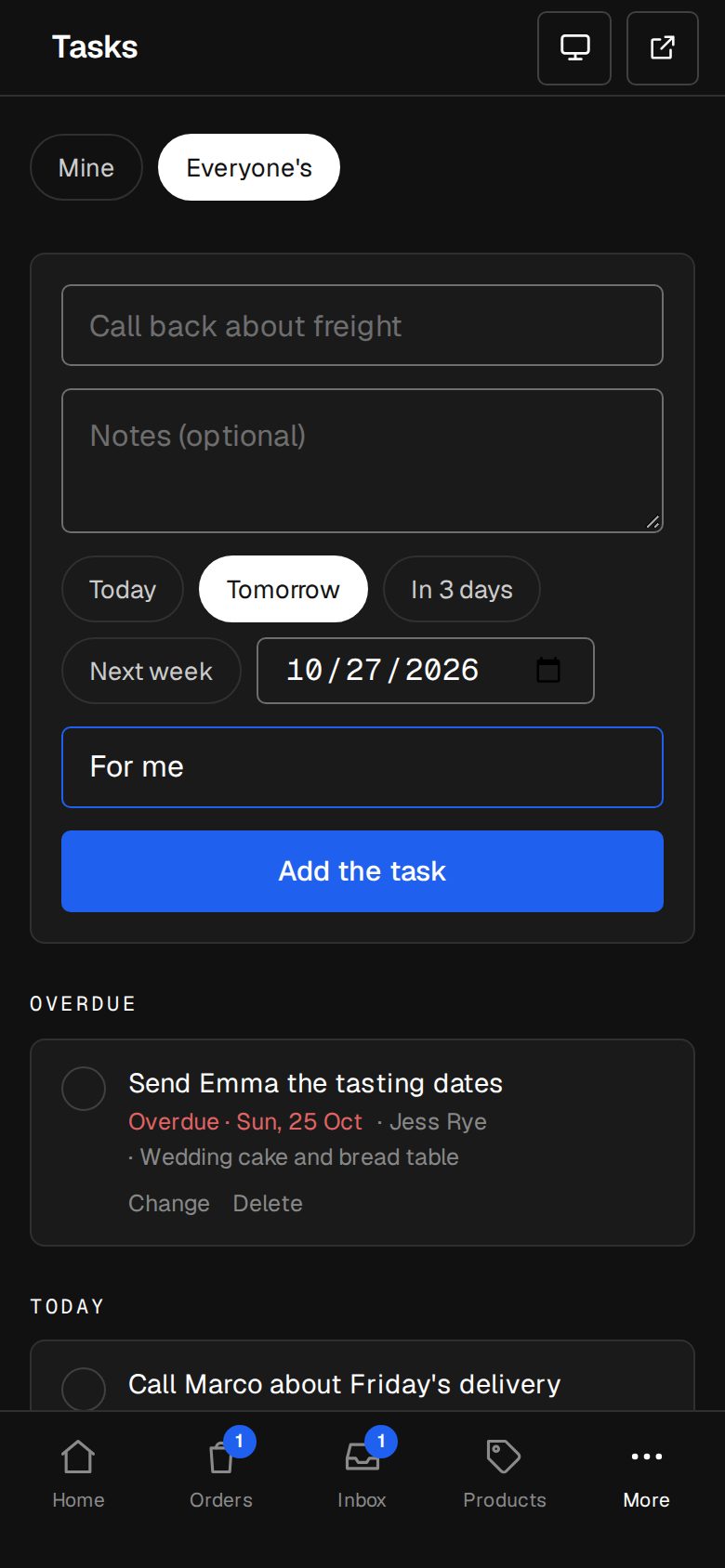
Open Tasks
On a computer, choose Tasks in the sidebar. On a phone, tap More, then Tasks.
Add a task
Type what's to be done. Pick Today, Tomorrow, In 3 days or Next week, or choose a date. It's for you unless you pick someone else in the list. Tap Add the task.
Add one from a deal or contact
A deal's page and a contact's page both have Follow-ups, with the same box. A task added there is about that deal or person, and links back to it.
See what's due
Mine shows your own tasks, Everyone's the whole team's. They're listed under Overdue, Today, Later and Done this week.
Tick it off
Tap the circle beside a task when it's done. Tap again if you ticked the wrong one.
Good to know
- The morning email goes at 8am on your site's clock (Settings · Time zone), only on days you have something due or overdue. It lists each task and links to Tasks.
- Home shows how many tasks you have due today and overdue, under Needs you today.
- Adding or ticking a task about a deal counts as work on it, so the deal doesn't show as Idle.
- Tap Change on a task to change what it says, its notes, its day or who it's for. Delete asks first.
Was this helpful?