
Set up bookings
Bookings lets people book you on your site, at /book: appointments, classes, tables, rooms, stays or events. The first time it's opened, o/i asks what kind of business you are and sets up the first thing to book the way that kind of business usually works. You change anything after.
Until then, Staff see that bookings aren't set up yet. Bookings is an add-on: if you can't see it, an Owner can add it under Settings · Plan, in Add to your plan. Taking a deposit or payment online also needs card payments, through your own Stripe (see Deposits, payments and confirming each booking).
2 minutesOwners and ManagersWorks on a phone
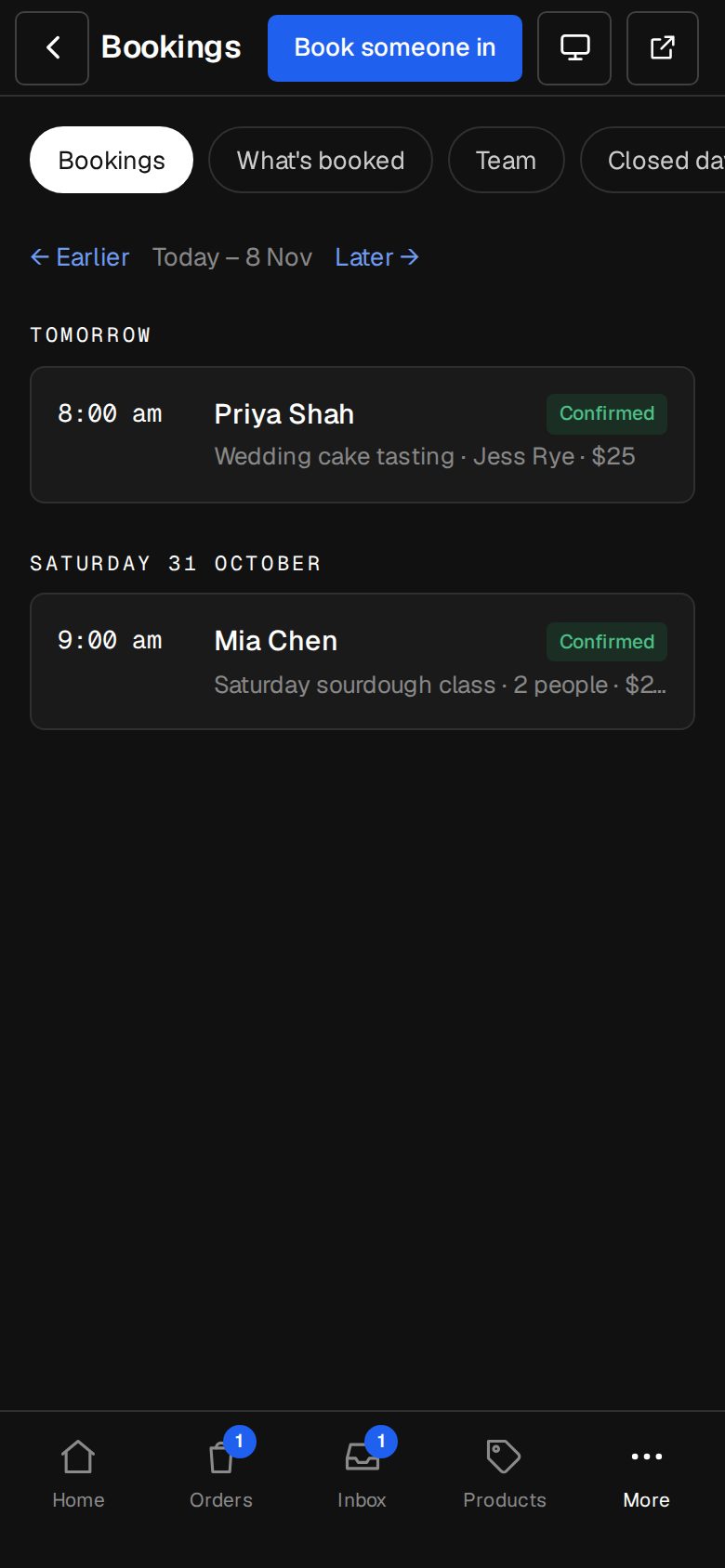
Open Bookings
On a computer, choose Bookings in the sidebar. On a phone, tap More, then Bookings.
Pick your kind of business
Under What kind of business is it?, the choices are grouped as Appointments, Classes and sessions, Tables, Rooms and equipment, Stays and rentals, and Events. Tap the one closest to you, such as Spa or massage, or Restaurant, café or bar.
Tap Set it up
o/i makes the first thing to book, with a name, a length and a starting price, and opens it for you. For an appointment business, if nobody's on the bookings team yet, you're added, with hours of 9 to 5 on weekdays.
Make it yours
Change the name, times, price and anything else that doesn't fit, then tap Save at the bottom. Services, times and who takes them walks through every setting.
Put it on your site
Open Content, then Menus, and add a link to a menu. Under Bookings, choose Book online. It opens /book, which lists everything people can book.
Check Settings · Bookings
In Settings, under Your site, Bookings holds the heading on /book, what to know Before they book, the reminder emails and who's told about new bookings.
Good to know
- What it starts with depends on the kind: a class gets 10 places on Monday, Wednesday and Friday at 7am; a table 30 covers, Tuesday to Saturday, 6pm to 10pm; a stay a 30% deposit; an event a date a month away, paid in full when booked.
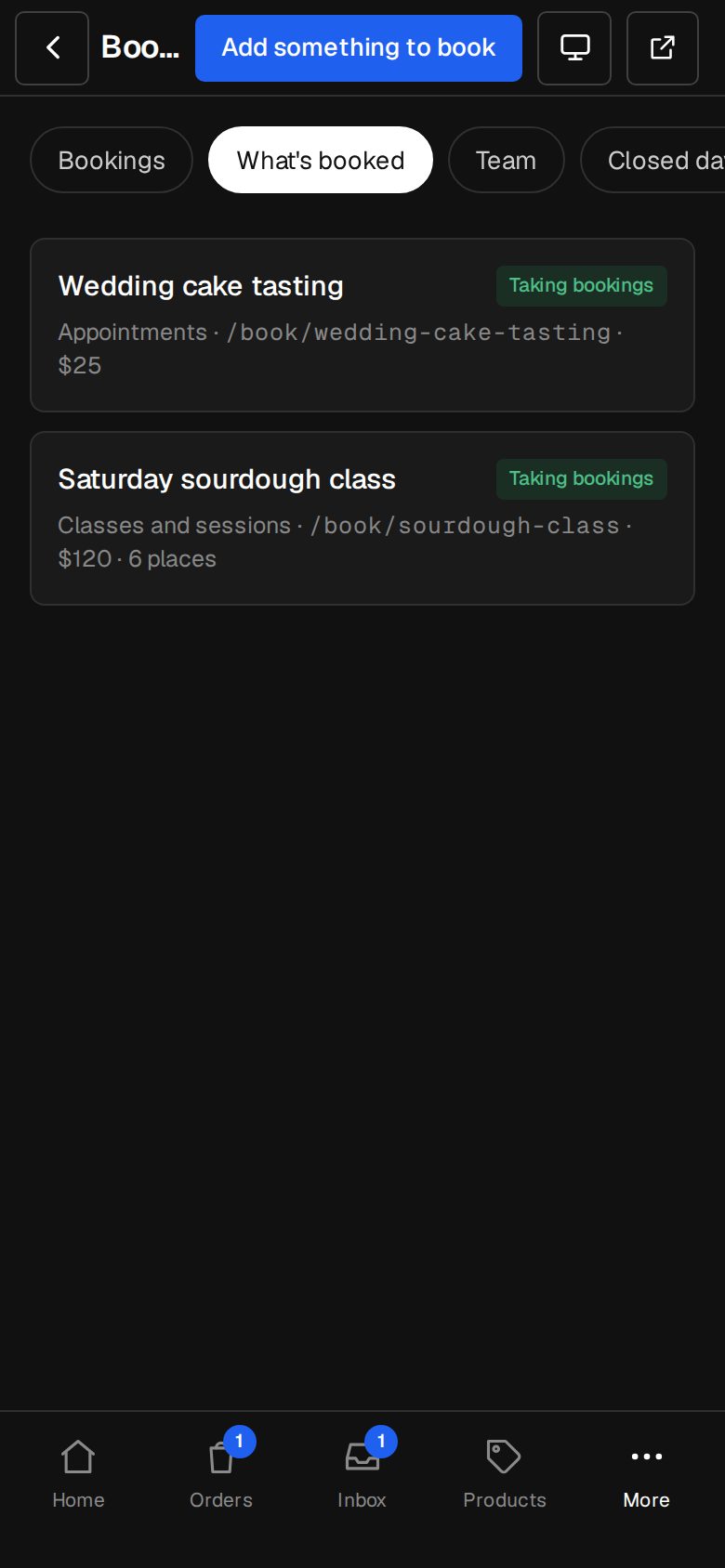
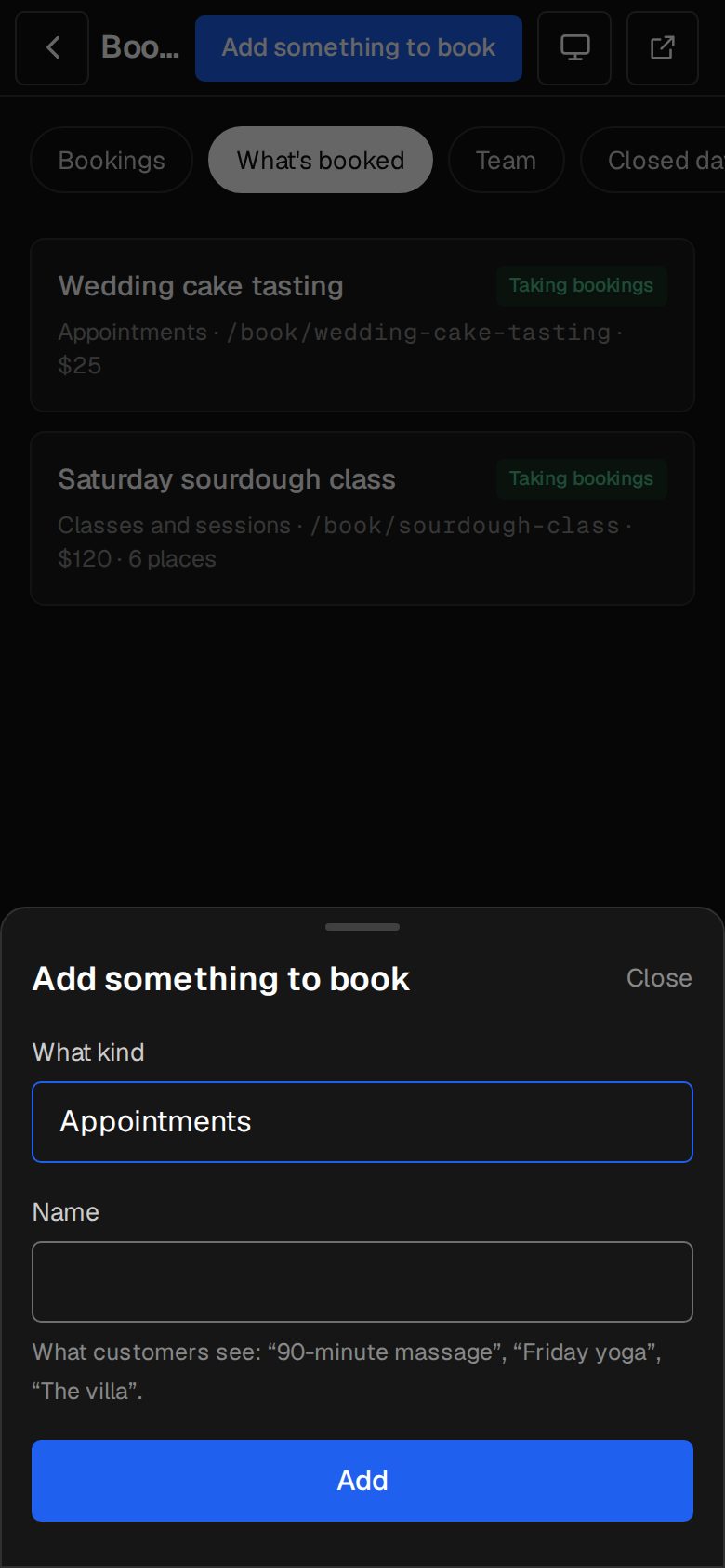
- The question only comes up once. After that, add more on Bookings, What's booked, with Add something to book.
- Every time is on your site's clock, set in Settings · Time zone.
Was this helpful?