
Help/Bookings/Services, times and who takes them
Services, times and who takes them
Everything people can book lives on Bookings, What's booked. Each one is one of six kinds: Appointments (one customer with someone on your team), Classes and sessions (a timetable with places), Tables (covers per sitting), Rooms and equipment (by the hour), Stays and rentals (by the night) and Events (dates with tickets). The kind decides which settings it has.
Bookings is an add-on: if you can't see it, an Owner can add it under Settings · Plan, in Add to your plan.
2 minutesOwners and ManagersWorks on a phone
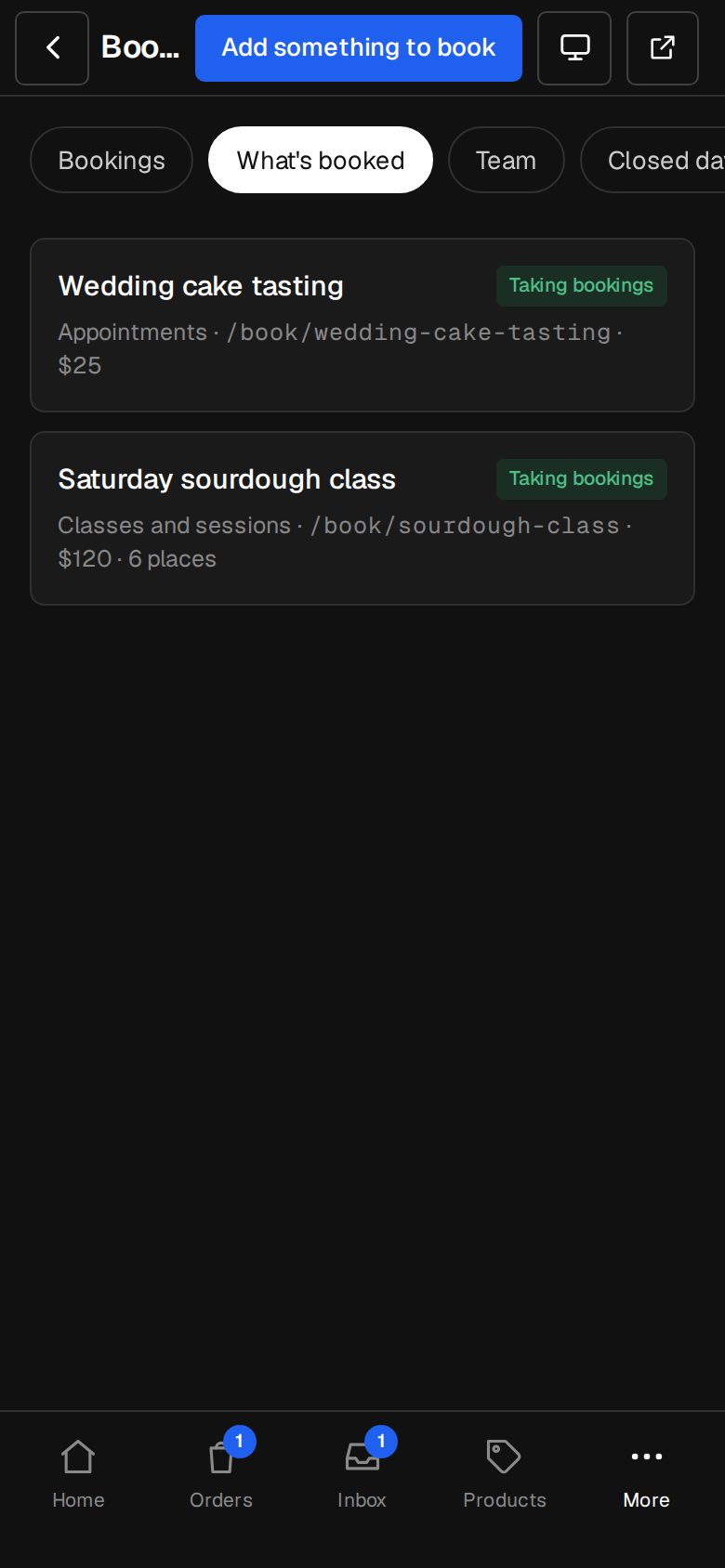
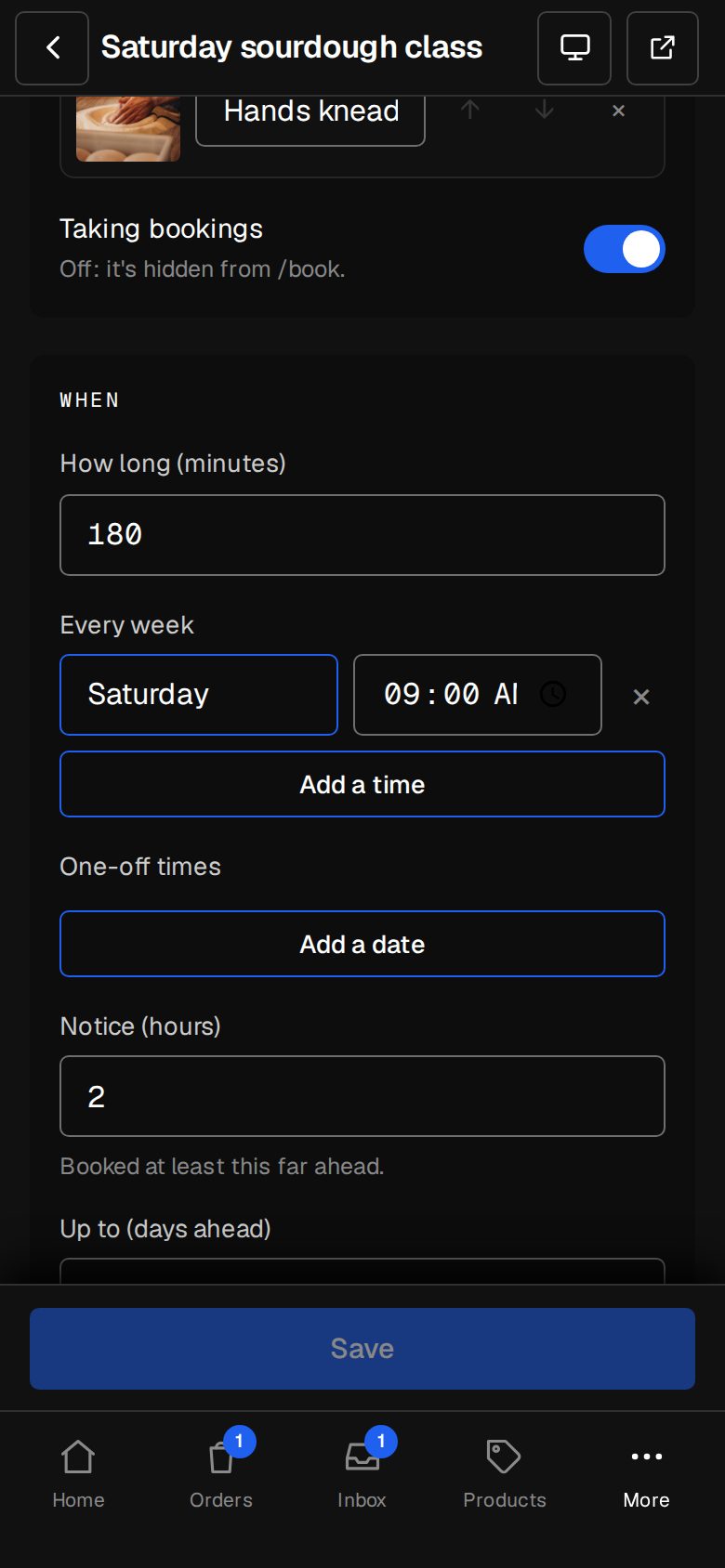
Open What's booked
Open Bookings (on a phone, tap More, then Bookings) and tap What's booked at the top.
Add something to book
Tap Add something to book, choose What kind, type the Name customers see, and tap Add. Its settings open.
Describe it
Fill in About it and add a Photo. Address sets where it's booked: /book/ and the address. Turn off Taking bookings to hide it from /book.
Set when
How long (minutes) is the length. Start every (minutes) spaces the times, and Gap after (minutes) keeps time free to tidy up. Tables, rooms and stays have hours for each weekday. Classes have Every week times plus One-off times; events have Dates. Stays have Fewest nights, Most nights, Check-in from and Check-out by.
Set the limits
Notice (hours) is how far ahead they must book, Up to (days ahead) how far out they can, and Change until (hours before) when they can still move or cancel.
Set how many
For everything but appointments: places in each class, covers per sitting, how many you have, or tickets on each date, and the most one booking can take.
Set where and who
Appointments ask Where: At our place, Online (with How to join, sent once it's confirmed) or We go to them (they give their address). Under Who does it, pick Everyone on the team or particular people.
Save
Tap Save at the bottom. Price and payment are covered in Deposits, payments and confirming each booking.
Good to know
- Appointment times come from each person's hours. On Bookings, Team, tap Add someone (or Edit on a card) to set their Name, Email, Hours and Taking bookings. A booking goes to whoever's free unless the customer picks someone.
- Remove it takes something off /book. Bookings already made stay.
Was this helpful?