
Help/Inbox & contacts/Everything about a customer in one place
Everything about a customer in one place
A contact's page gathers what they've done with your business: what they've spent, their orders, invoices and quotes, bookings, chats and newsletter. Each part shows only when your site has that feature on. Records are matched to the contact, or by the same email address, so an order placed before they were a contact still shows.
Invoices, quotes and the newsletter show to Managers and Owners.
2 minutesEveryone on the teamWorks on a phone
Open Contacts
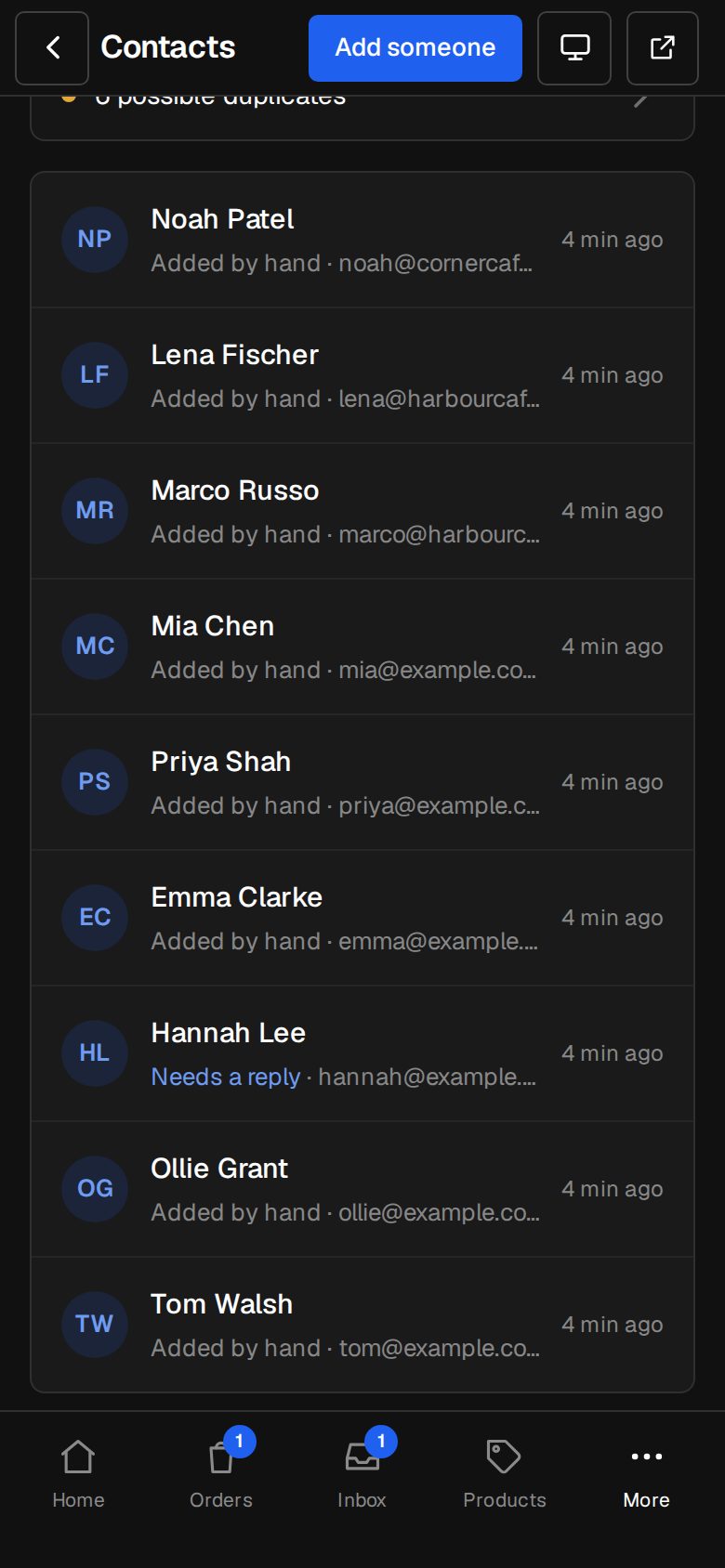
On a computer, choose Contacts in the sidebar. On a phone, tap More, then Contacts.
Open a person
Search by name, email or phone, then tap them.
Read the totals
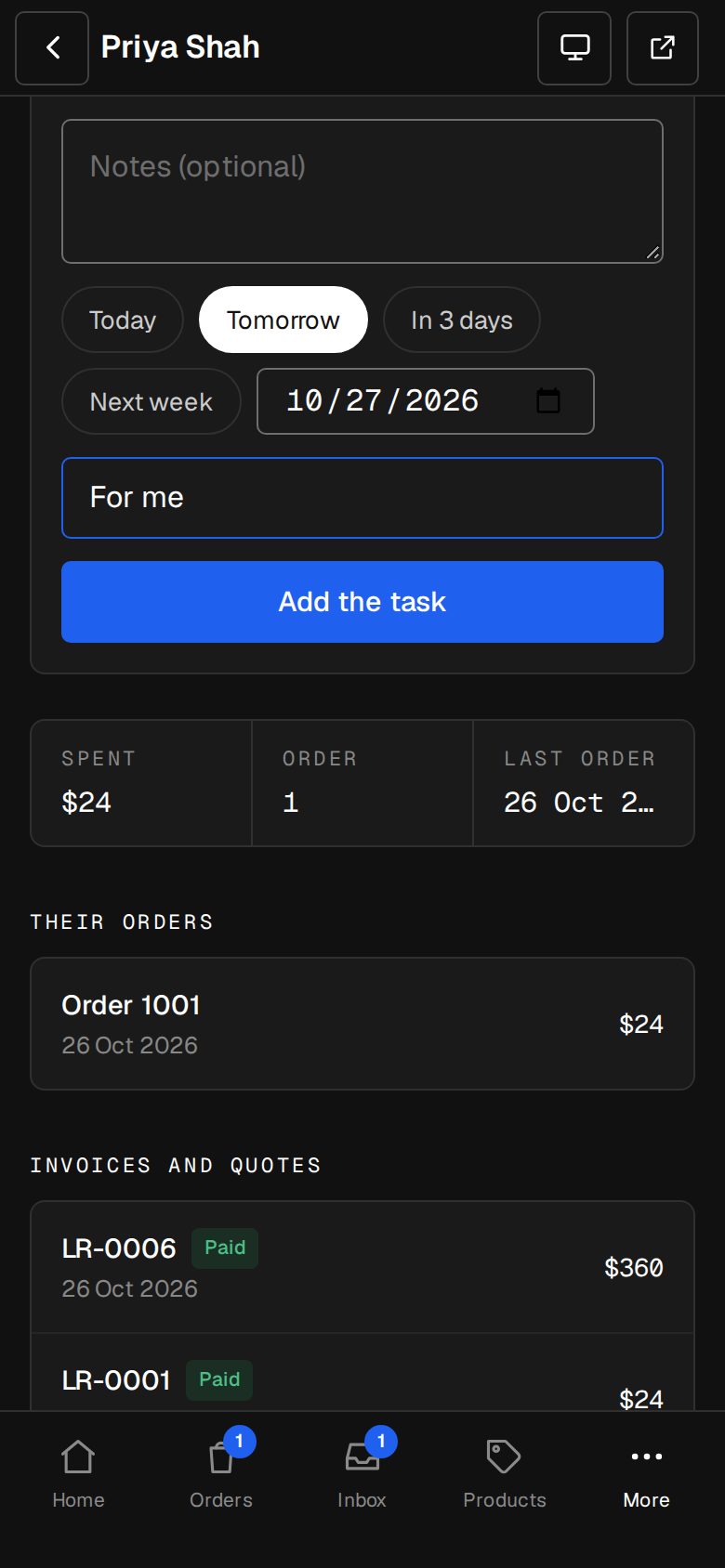
Once they've a paid order, three boxes show Spent, Orders and Last order. Spent is paid orders less refunds, in your shop's currency.
Their orders
Each with its number, date and total. Refunded or In the shop shows where it applies. Tap one to open it in Orders.
Invoices and quotes
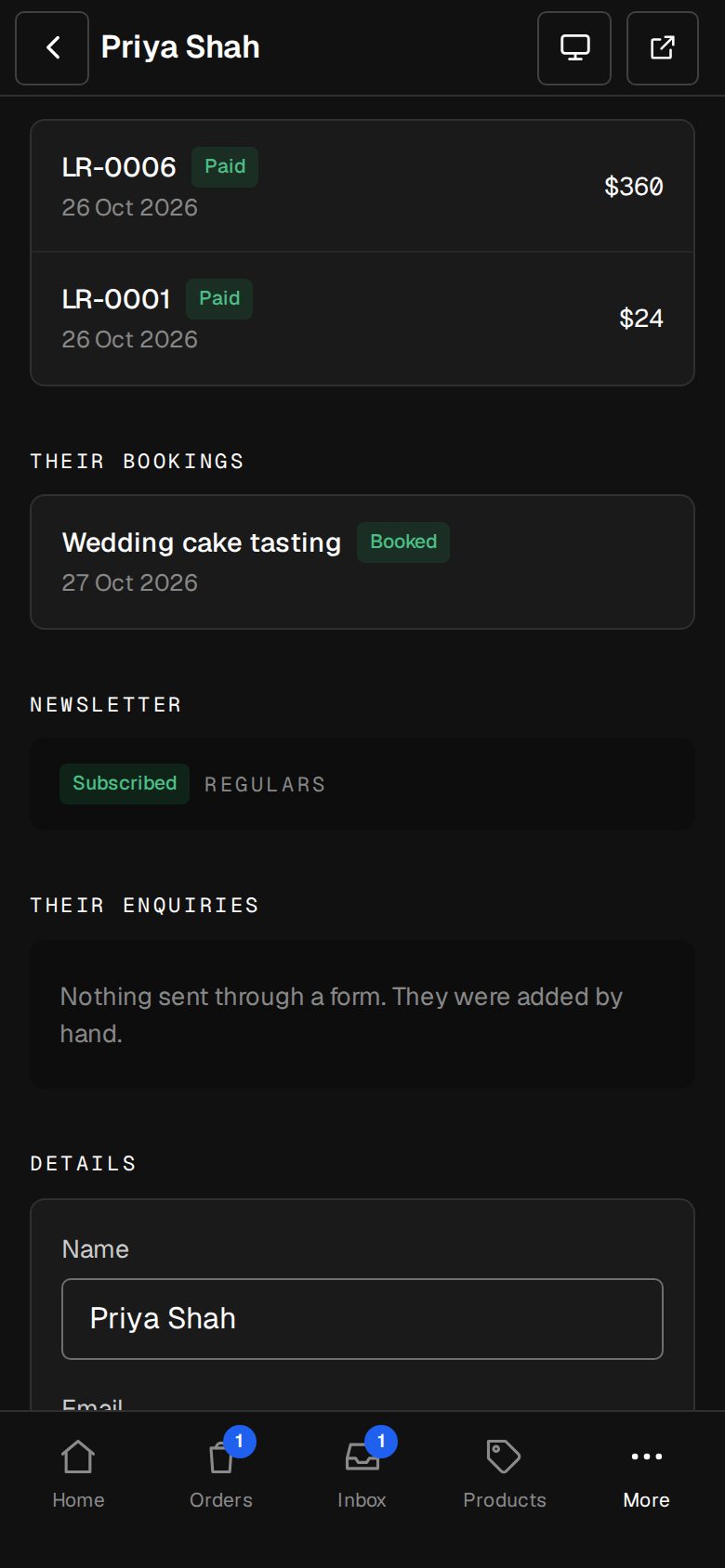
With the Invoicing add-on: each marked Draft, Unpaid, Overdue, Paid, Waiting on them, Accepted, Declined or Cancelled. Tap one to open it.
Their bookings
With the Bookings add-on: each service and date, marked Waiting, Booked, Cancelled, Done or Didn't come.
Chats
With the Chat add-on: each conversation, marked Open, Waiting or Closed. Tap one to open it in Chats.
Newsletter
With the Newsletters add-on: Subscribed, Hasn't confirmed, Unsubscribed, Email bounced or Marked as spam, with their tags. Or Not on the newsletter.
Good to know
- Each list shows their latest 50.
- When contacts are merged, everything from both shows on the one that's kept.
- Further down are their enquiries, Details and Notes. See Contacts and their history.
- With the CRM add-on, the page also has Company, Tags, Deals and Follow-ups.
Was this helpful?