
Help/Quotes & invoices/Reminders and making a new link
Reminders and making a new link
You don't have to chase unpaid invoices yourself. o/i emails your customer a reminder before the due day, on it, and if it's a week late. Each invoice also has its own private link, which you can copy, email again, or replace if it went to the wrong person.
Invoicing is an add-on. If you can't see Invoices, an Owner can add it under Settings · Plan, in Add to your plan.
2 minutesOwners and ManagersWorks on a phone
How reminders work
- 3 days before it's due, if it was sent earlier than that.
- On the due day. Invoices due on receipt skip this one.
- A week after the due day, marked overdue: "If you've already paid, thank you, and please ignore this."
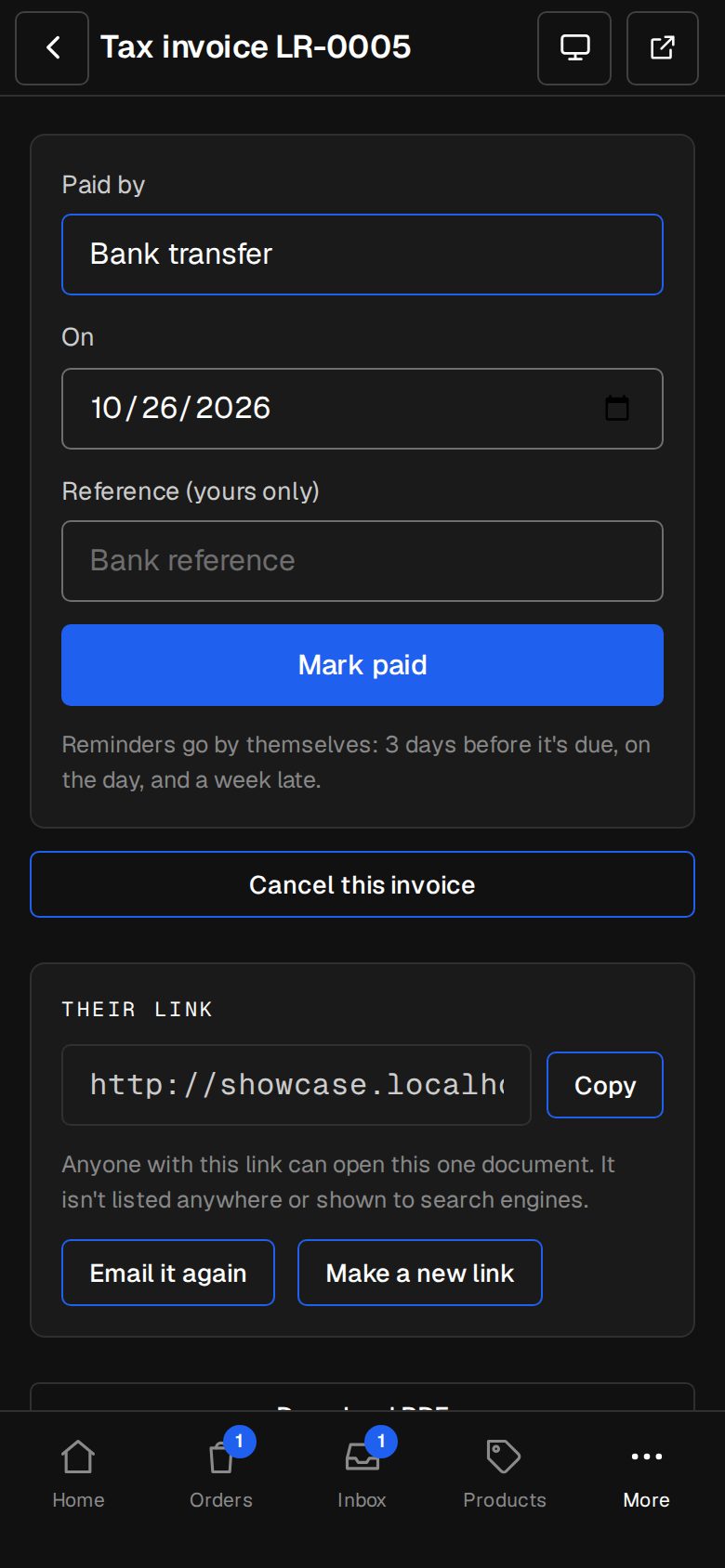
Each goes once, with the invoice's PDF, its link and how to pay. They stop as soon as it's paid or cancelled. Quotes don't get reminders. On a sent invoice, under Mark paid, you can see which reminders have gone.
Look after their link
Open the invoice or quote
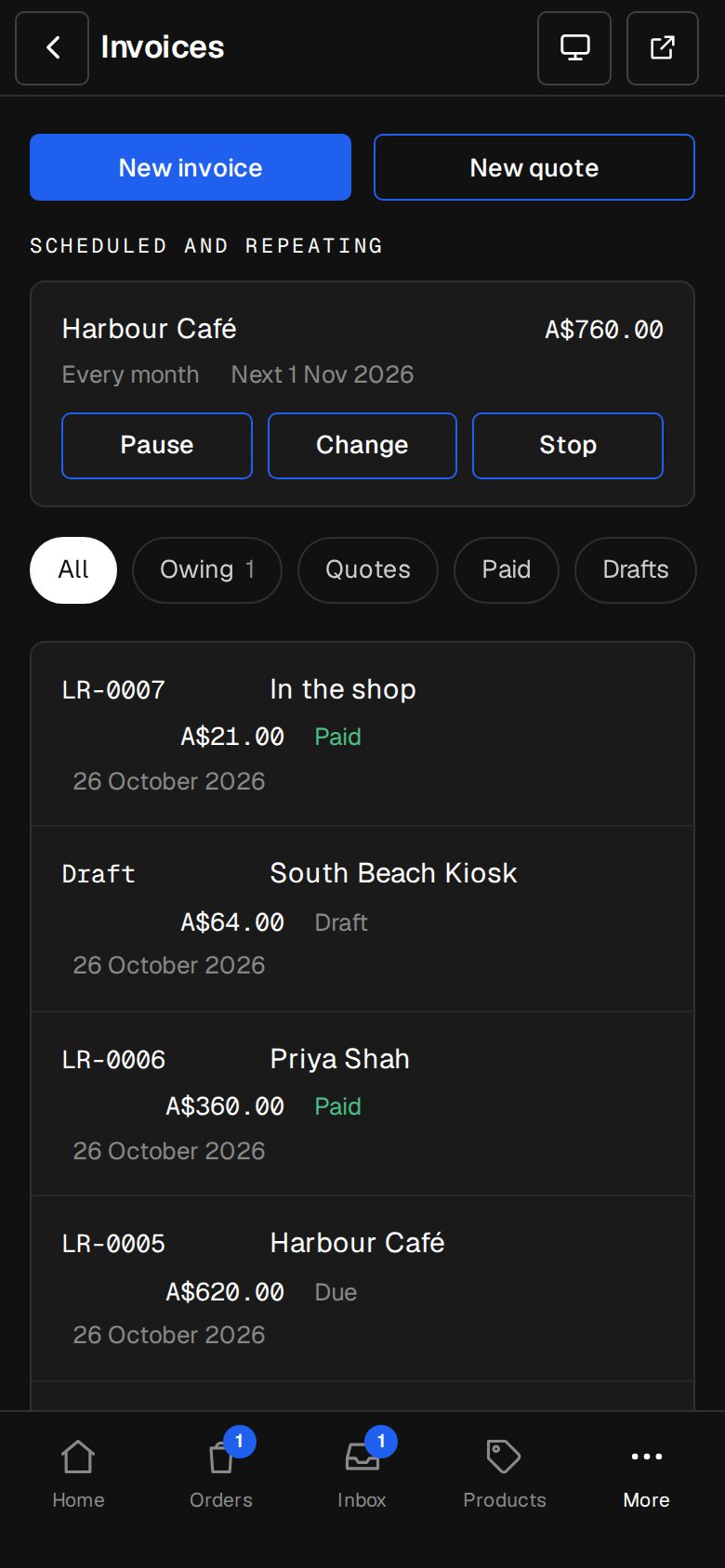
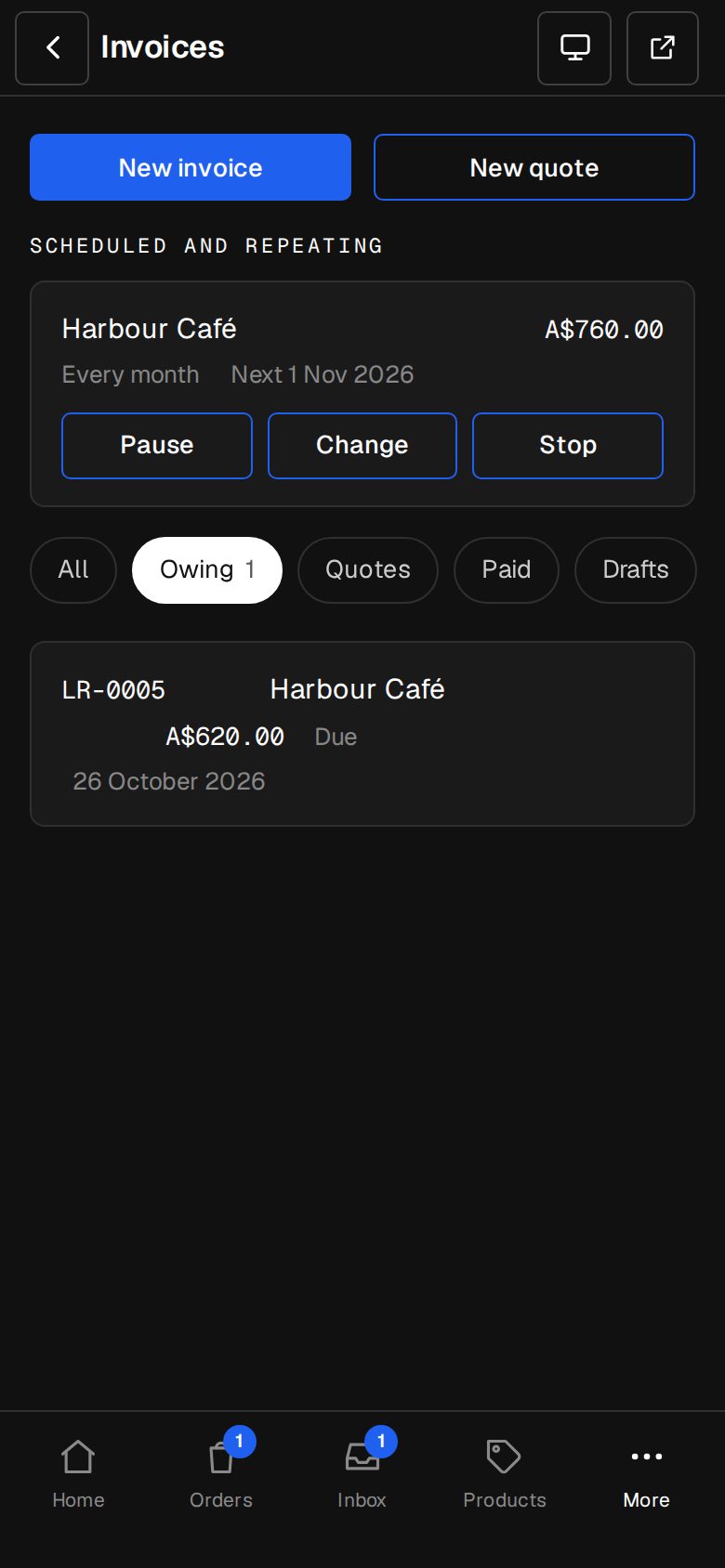
In Invoices (on a phone, tap More, then Invoices), open a sent one. Its link is under Their link.
Copy it
Tap Copy to send it another way, such as a text or a chat app. Anyone with the link can open that one document. It isn't listed anywhere or shown to search engines.
Email it again
Tap Email it again to send it once more, with its PDF and link, to the address on it. On a paid invoice it sends the receipt again.
Make a new link
Sent it to the wrong person? Tap Make a new link. The old link stops opening it straight away. The new one isn't emailed by itself, so tap Email it again or copy it to the right person.
Questions
Can I turn reminders off for one invoice?
Not on their own. Marking it paid, or cancelling it, stops them.
Do reminders go if we take the add-on off?
No. Reminders for your invoices only go while invoicing is on your plan.
Was this helpful?