
Help/Quotes & invoices/Send a quote
Send a quote
A quote tells a customer what something will cost before they commit. They get an email with a PDF and a private link, and from that link they accept or decline it. Accepting turns it into an invoice, sent to them straight away.
Invoicing is an add-on. If you can't see Invoices, an Owner can add it under Settings · Plan, in Add to your plan.
2 minutesOwners and ManagersWorks on a phone
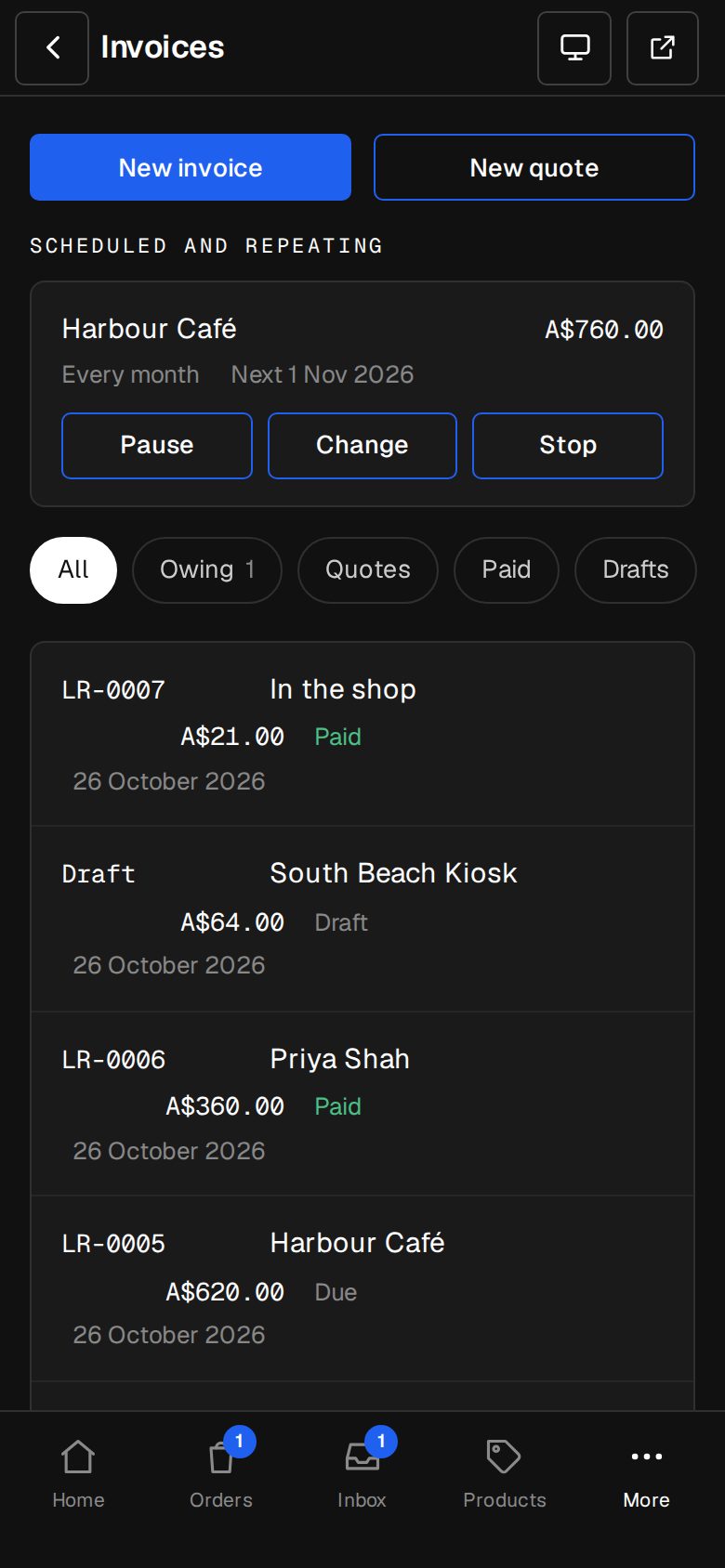
Open Invoices
On a computer, choose Invoices in the sidebar. On a phone, tap More, then Invoices.
Start a quote
Tap New quote. A draft opens.
Say who it's for
Under For, fill in Name and Email it to. Address and Their ABN or tax number are optional and print on the quote.
Add the lines
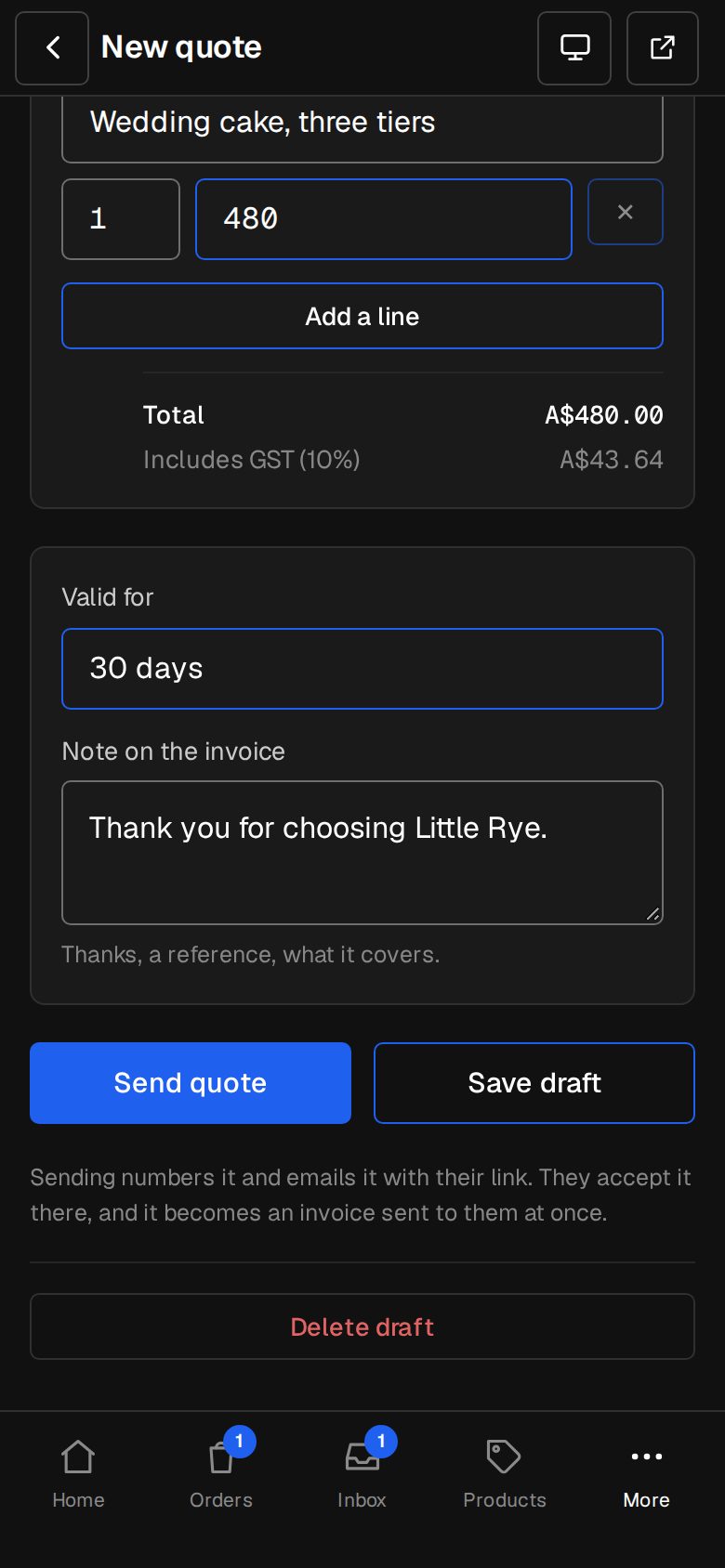
Type what each line is for, the quantity and the price each. Tap Add a line for more. Pick the currency at the top of Lines. A minus price makes a discount line. The total, with any tax, works itself out underneath.
Set how long it's valid
Choose Valid for: 14, 30, 60 or 90 days. Add a note if you like. Tap Save draft to come back to it later.
Send it
Tap Send quote. It's numbered and emailed with its PDF and their link. The quote's screen then shows Waiting for them to accept, until its last day.
What your customer sees
The link opens the quote on your site's colours, with Download PDF. They tap Accept with the amount, or Decline, and can say why. Either way, you're emailed (at your business email, or the Owners) and it shows in Activity.
After its last day the link says the quote has expired and to ask you for a new one.
Questions
Can I change a quote after sending it?
No, a sent quote is fixed. Tap Cancel this quote (it stays on record, marked cancelled) and send a new one.
What happens when they accept?
It becomes an invoice with the same lines and money, due as Settings · Invoicing says, and it's emailed to them at once. The quote shows Accepted.
Where does a declined quote's reason go?
It's in the email you get, and on the quote's screen beside Declined.
Was this helpful?