
Help/Quotes & invoices/An invoice for every shop sale
An invoice for every shop sale
With invoicing and the shop both on, every paid order becomes a paid invoice in Invoices, numbered in the same run as the ones you send. The customer doesn't get a second email: the invoice's PDF goes with their order receipt. And when someone asks for a quote from your shop, a draft quote is waiting for you to price and send.
The invoicing of orders happens by itself. Invoicing and the shop are add-ons an Owner adds under Settings · Plan, in Add to your plan.
2 minutesOwners and Managers see and send theseWorks on a phone
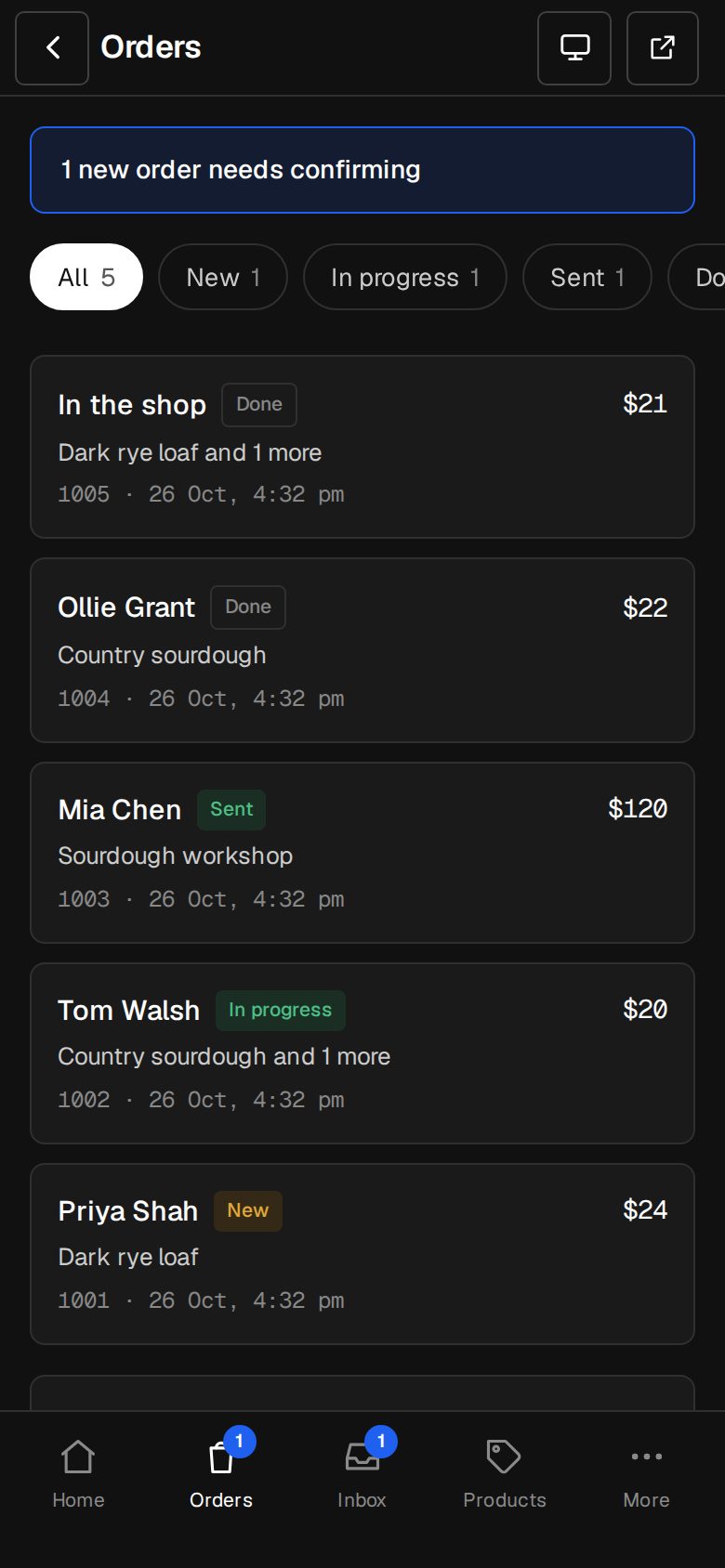
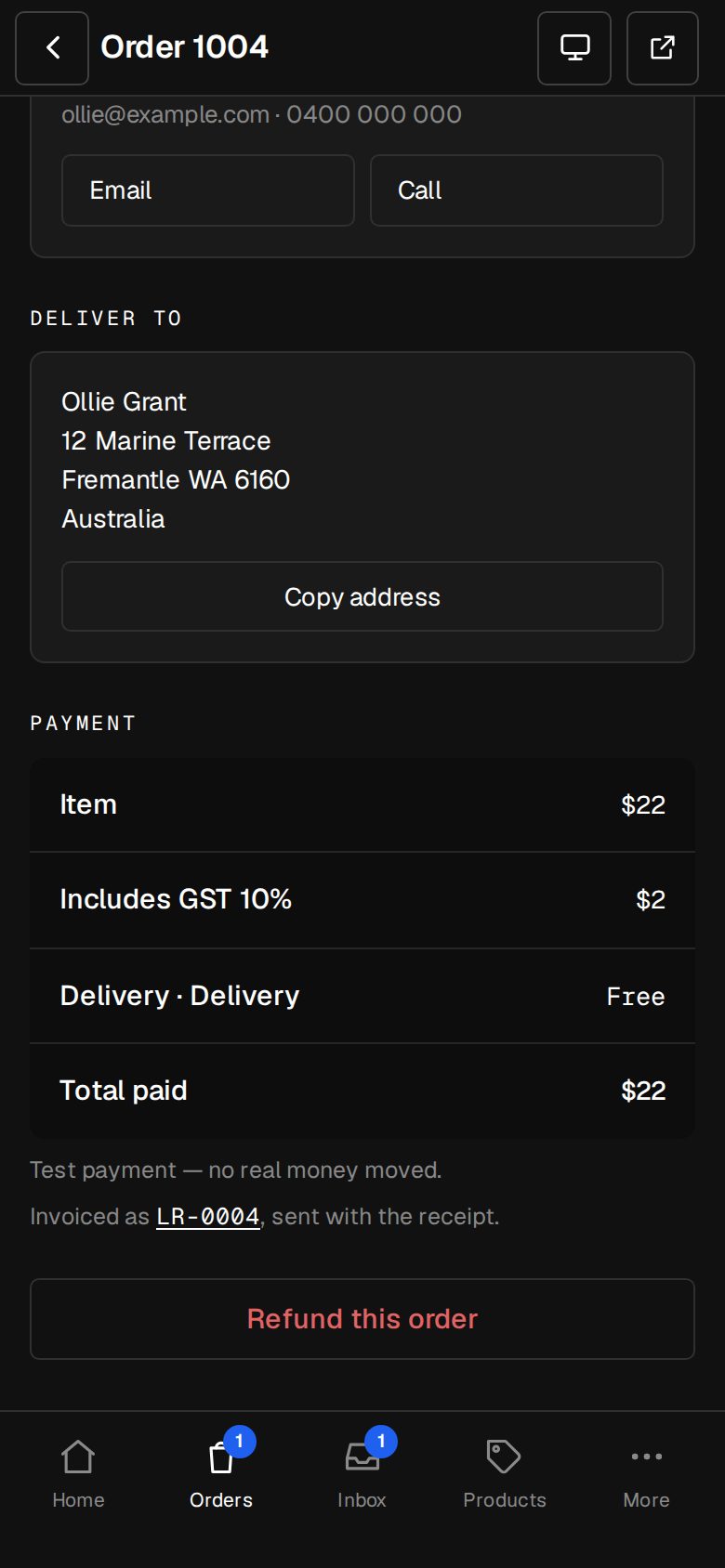
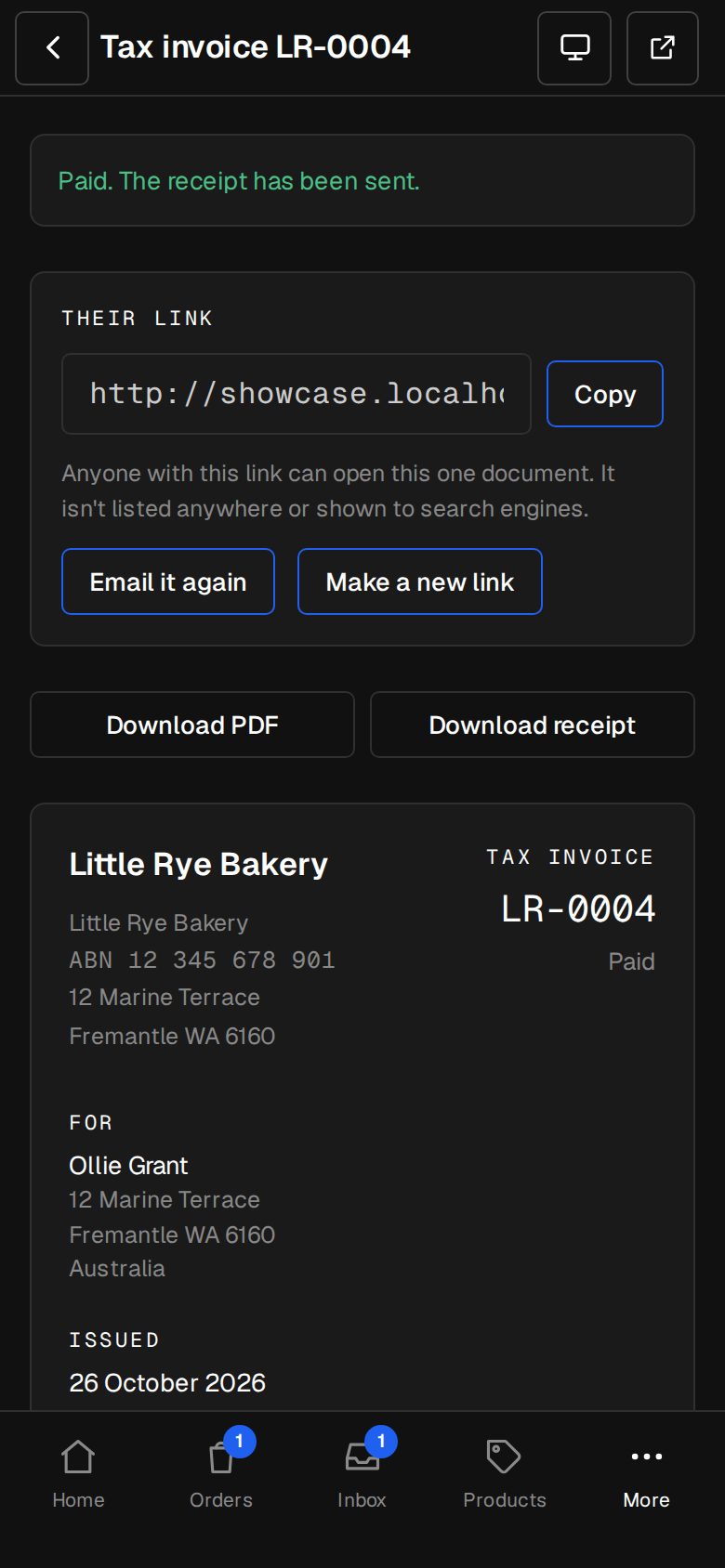
Paid orders
- The invoice has the order's pieces, any discount code as a minus line, delivery, and the tax and total exactly as charged.
- It's marked paid on the day the order was, with the note Order 1042. Paid, thank you.
- On the order's screen, Invoiced as with its number links to it.
- Sales rung up in Sell in shop are invoiced the same way.
- Orders paid before invoicing was added aren't invoiced afterwards.
Send a quote someone asked for
Find the request in the Inbox
A quote request from Email quote on a product, or from Ask for a quote at checkout, lands in the Inbox. Its Draft quote line says Waiting in Invoices, with a link.
Open the draft
Tap the link, or open Invoices and choose Drafts. The customer's name, email and address are filled in, with a line for each item at your shop's price.
Price the delivery
The last line, Delivery to the customer's country, starts at 0. Type what delivery costs, and change anything else that needs it.
Tap Send quote
They get it by email with its link to accept or decline, like any quote.
Good to know
- Quote requests need an enquiry form chosen in Settings · Enquiries. Without invoicing, the request still reaches the Inbox, with no draft.
- To have checkout offer Ask for a quote for big, heavy items, see Quote freight for oversized items.
Was this helpful?