
Help/Quotes & invoices/Change, cancel or undo an invoice
Change, cancel or undo an invoice
A sent invoice can be changed right up until it's paid. A payment marked by mistake can be taken off. And any invoice, paid or not, can be cancelled: it stays on record, marked cancelled.
2 minutesOwners and Managers, with Quotes & invoicesWorks on a phone
Open the invoice
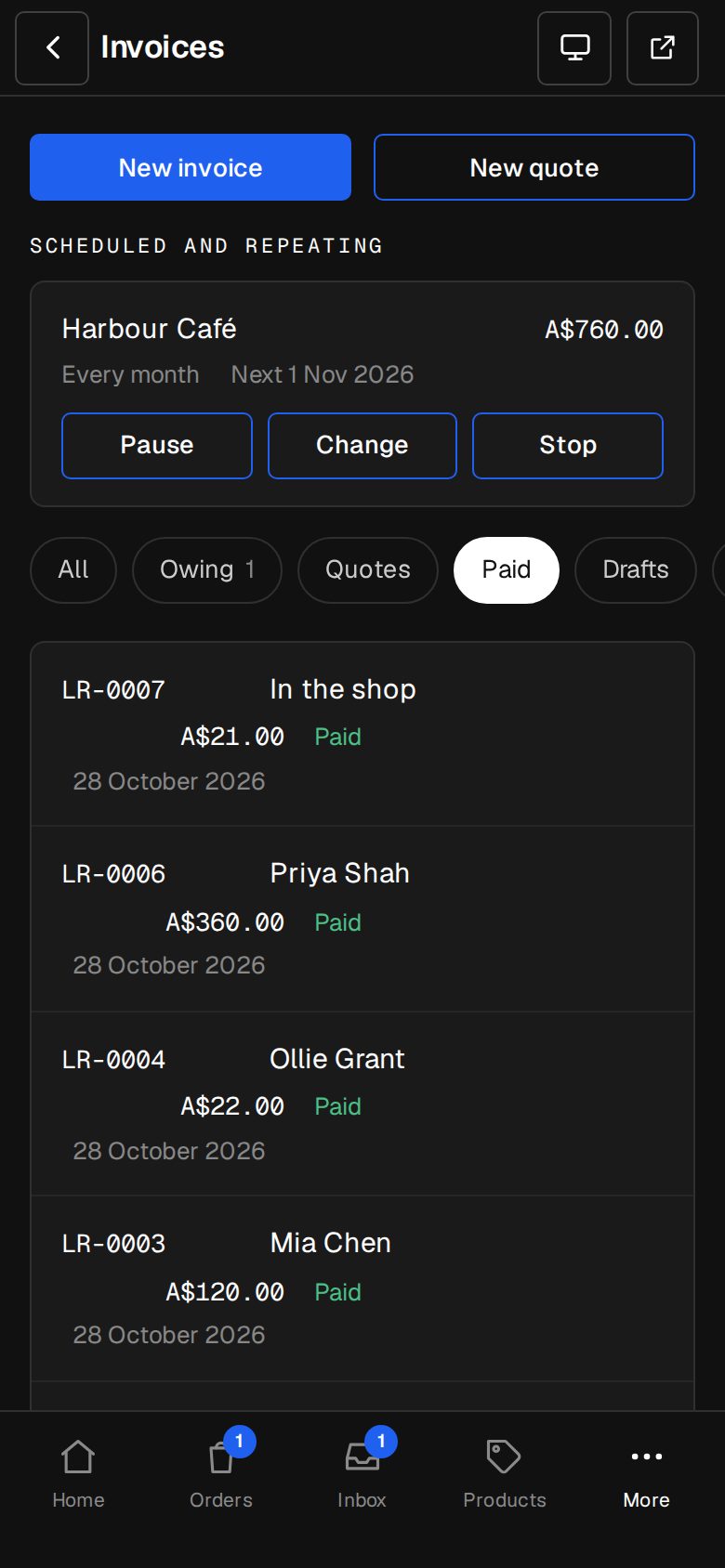
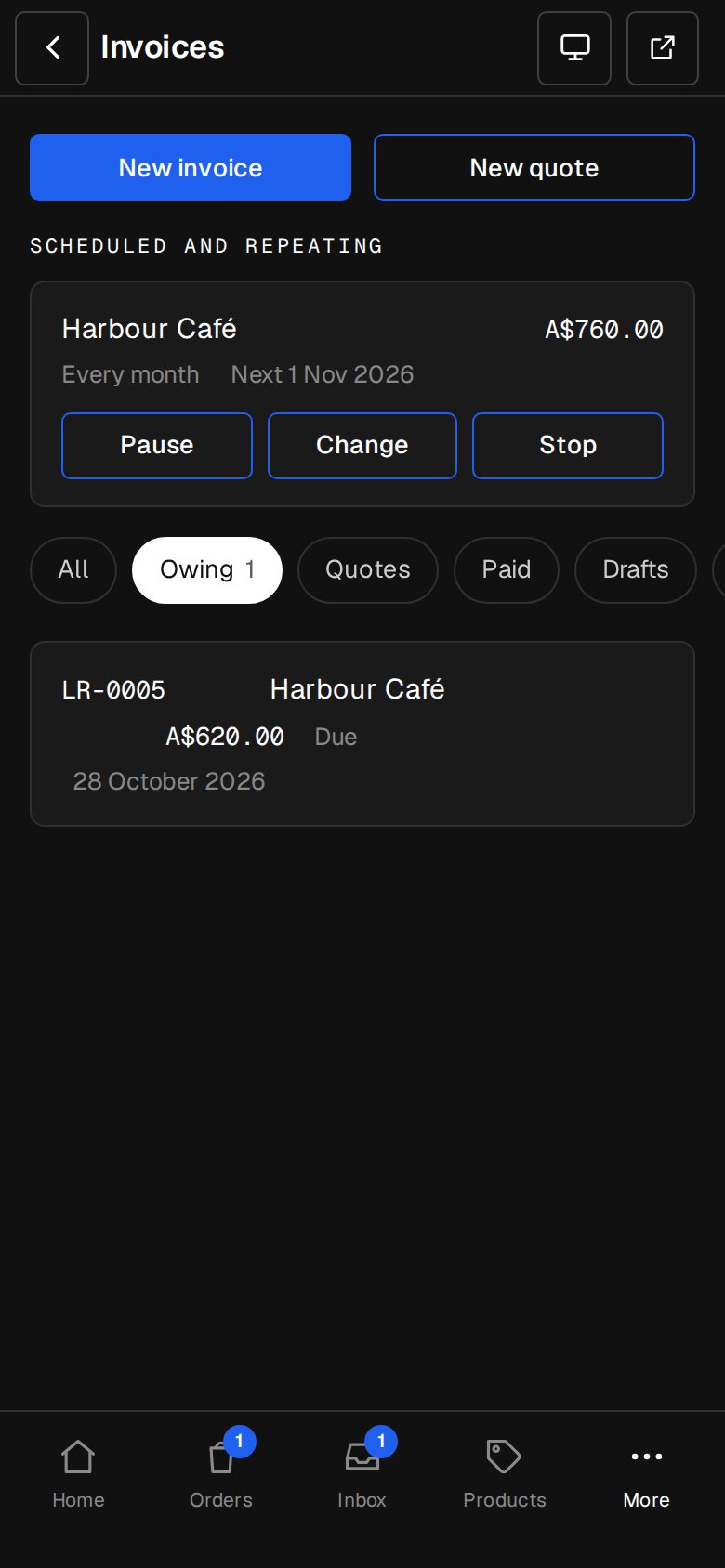
In Invoices (on a phone, tap More, then Invoices), tap the one you want.
Change it before it's paid
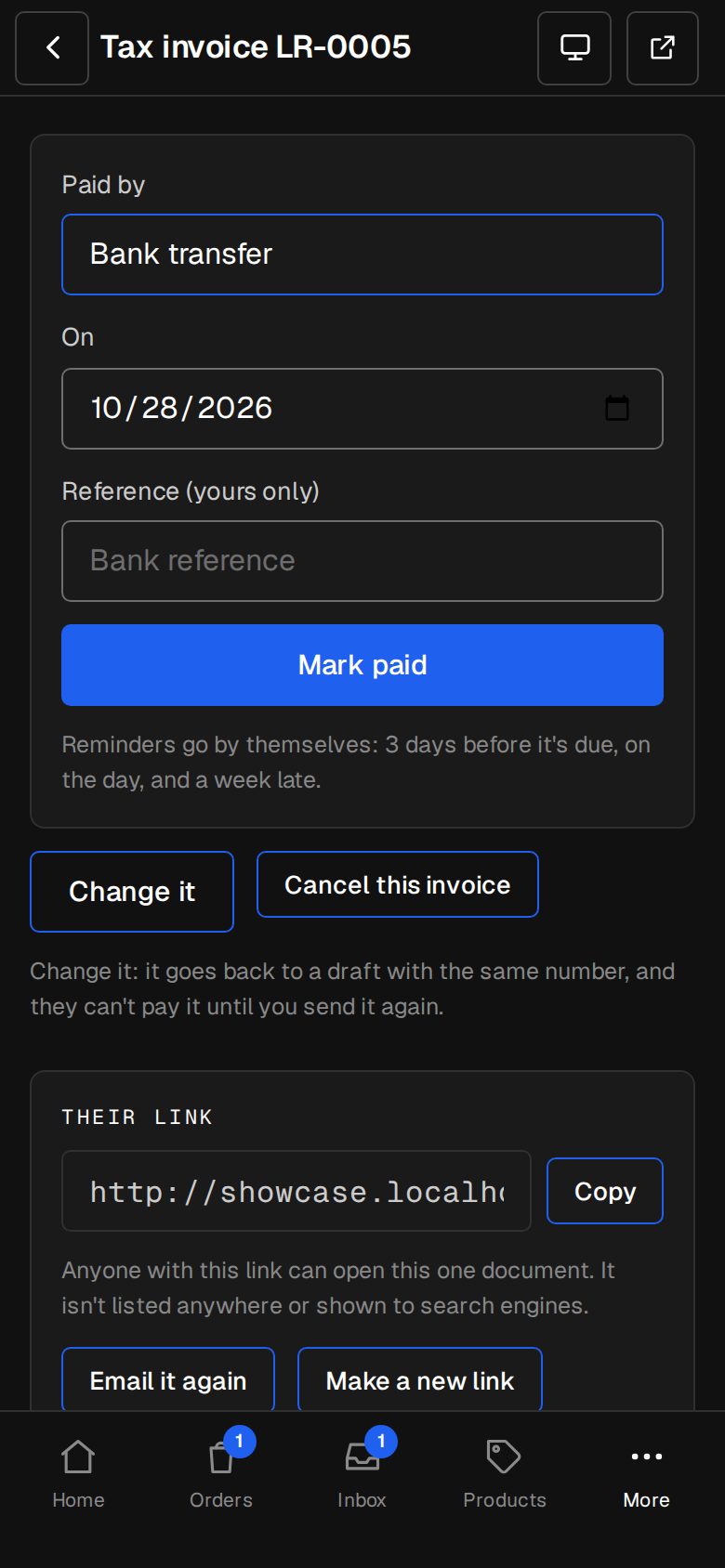
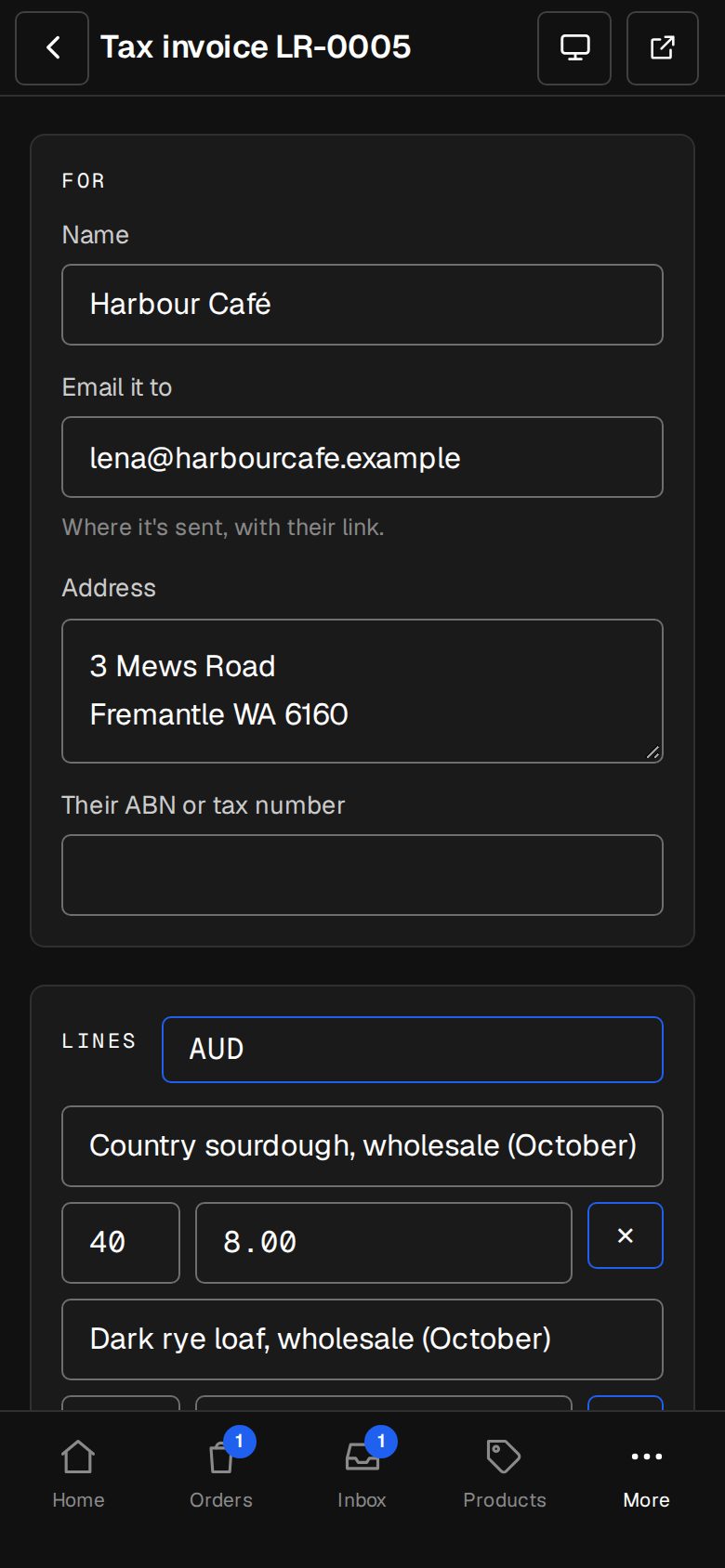
Tap Change it. It goes back to a draft with the same number, and they can't pay it until you send it again. Fix the lines, then tap Send invoice: they get the changed one under the same number. Quotes work the same way until they're accepted.
Undo a payment marked by mistake
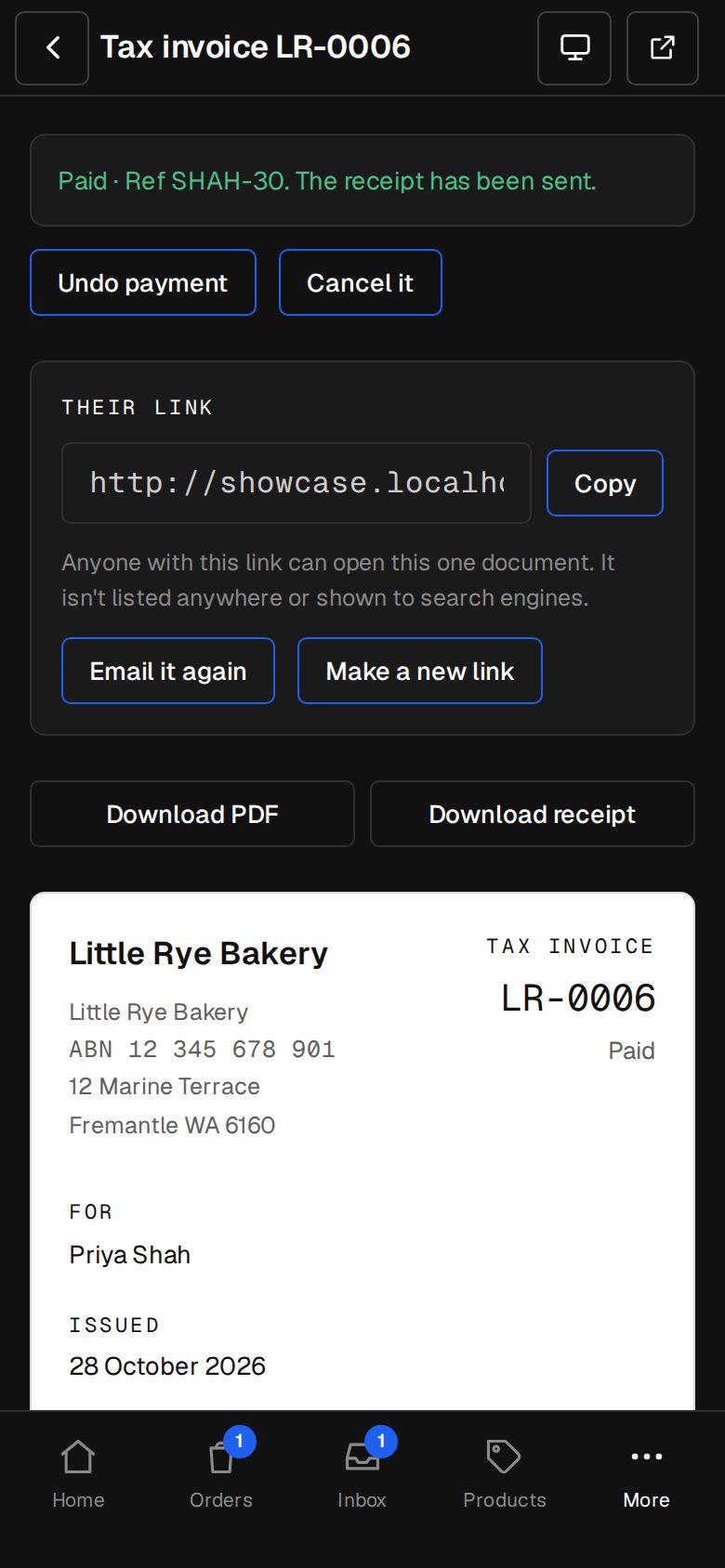
On a paid invoice, tap Undo payment, then Take it off. It goes back to waiting, reminders and all. The receipt they were sent isn't taken back.
Cancel one that isn't paid
Tap Cancel this invoice. It stays on record, marked cancelled, and its link says so. It can't be paid after this.
Cancel a paid one
Tap Cancel invoice, then Cancel it. Use it for a test or money you've given back. Refund them yourself, in Stripe or by bank.
Find cancelled ones
They're out of the list, under the Cancelled chip.
Good to know
- Undo payment is only for payments marked by hand. A card payment through Stripe, or a shop order's invoice, can't be undone here: refund those where they were paid.
- A draft that has a number can't be deleted. Send it again or cancel it.
- If they had a card payment page open, it's closed when you change or cancel the invoice.
Was this helpful?