
Help/Look & feel/Add your social links
Add your social links
Add your pages on Instagram, Facebook and the rest once, and choose where they show: along the footer, as icons in the thin bar above the header, or both. Google is always told about them as your business's other homes, whichever you switch on.
2 minutesOwners and ManagersWorks on a phone
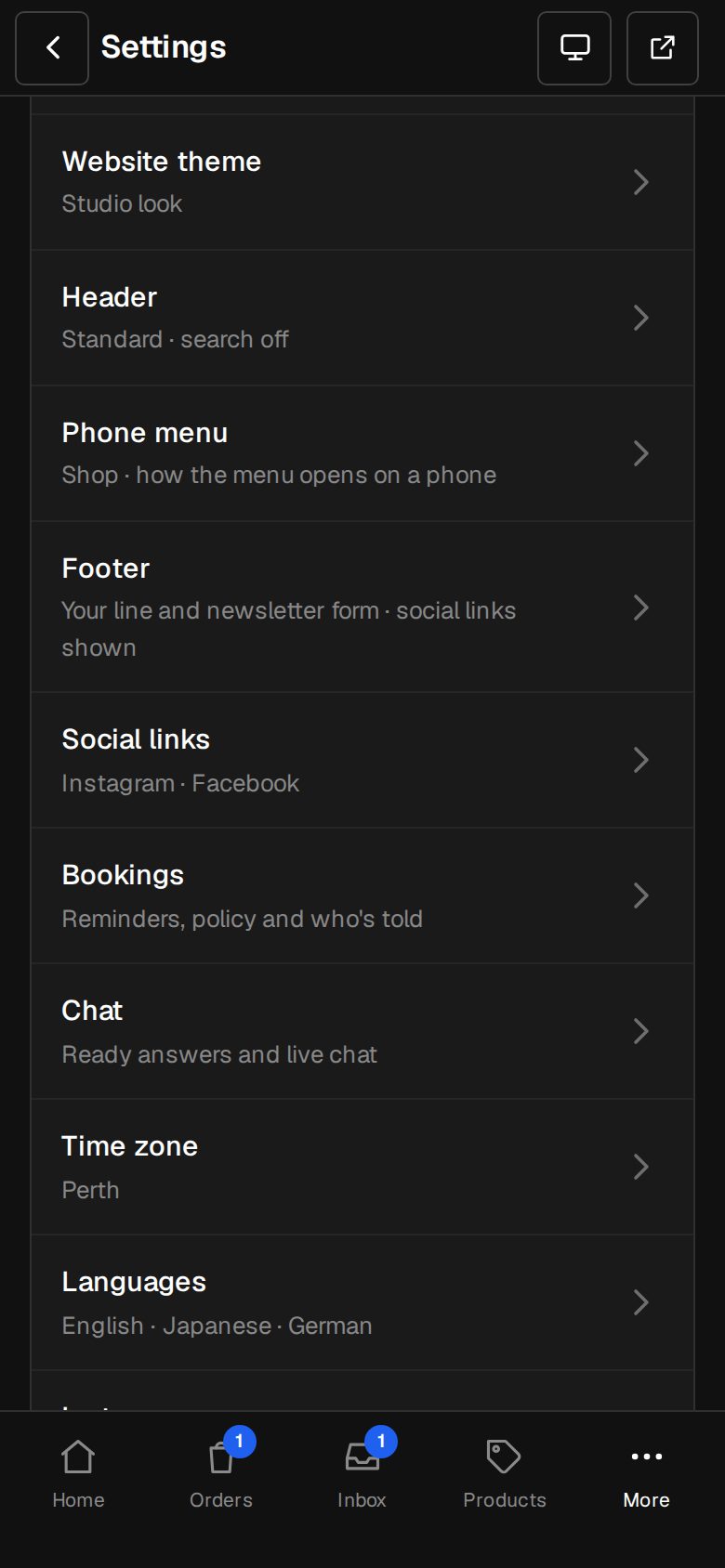
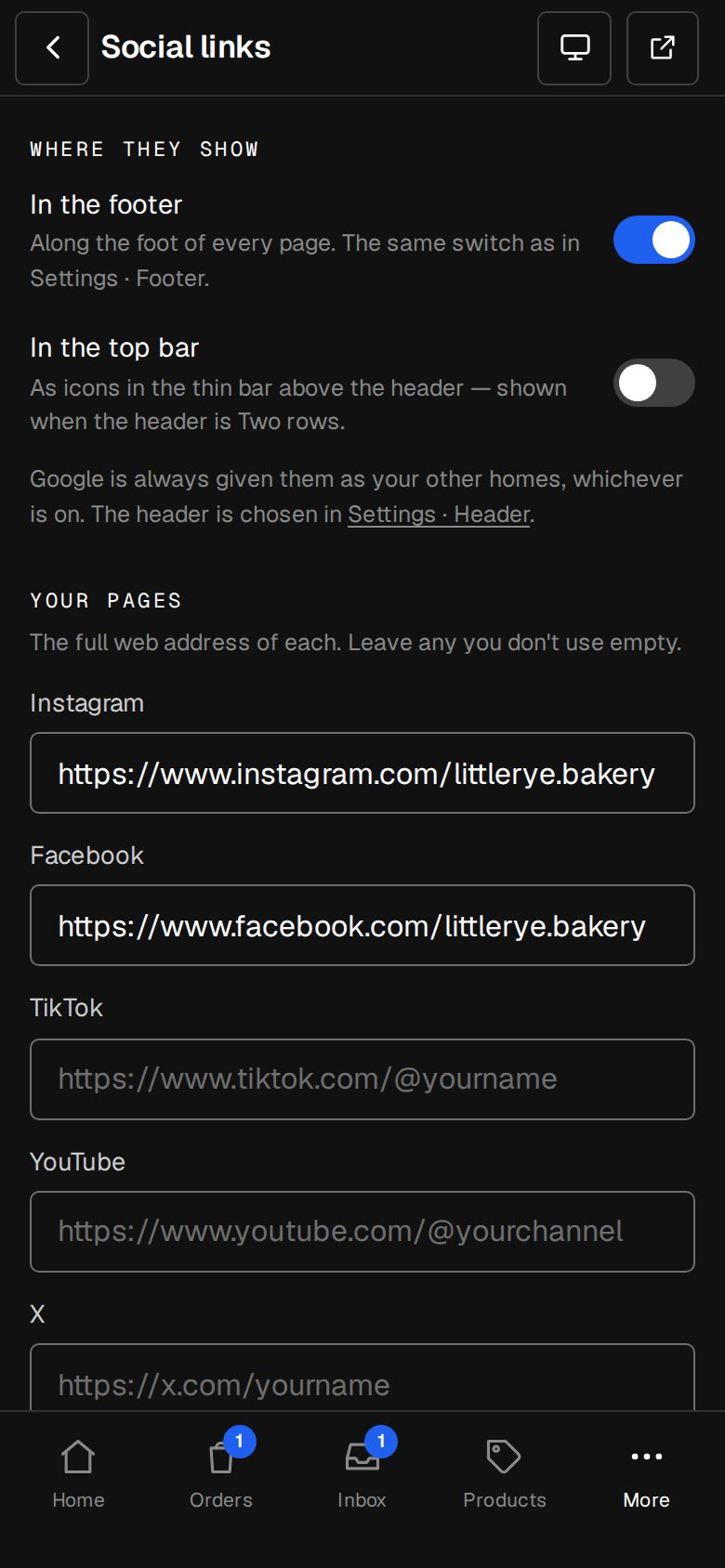
Open Settings, then Social links
On a computer, choose Settings in the sidebar. On a phone, tap More, then Settings. Social links is under Your site.
Add your pages
Under Your pages, paste the full web address of each one you use: Instagram, Facebook, TikTok, YouTube, X, LinkedIn and LINE. Leave the rest empty.
Choose In the footer
Shows them along the foot of every page. It's the same switch as Show social links in the footer on Settings · Footer, so changing one changes the other.
Choose In the top bar
Shows them as icons in the thin bar above the header, on a computer. That bar is only there when your header is Two rows, set in Settings · Header.
Save
Tap Save social links. The button reads Saved when it's done.
Good to know
- Links in the top bar open in a new tab, so your site stays open.
- With both switched off, the links stay saved and Google still gets them.
- The LINE box here is a link to your LINE page. To let people message you on LINE, WhatsApp and other chat apps, add them in Settings · Business profile. See Add WhatsApp, LINE and other chat apps.
Questions
I switched on In the top bar but can't see them.
Check that Settings · Header is set to Two rows, and look on a computer. On a phone, the thin bar's links move into the menu.
Was this helpful?