
Help/Look & feel/Choose your header
Choose your header
The header runs across the top of every page of your site. Choose one of three layouts for a computer. On a phone it's always your logo and the menu button. Any top item in your Header menu can also stand out as a button, like Book now.
3 minutesOwners and ManagersWorks on a phone
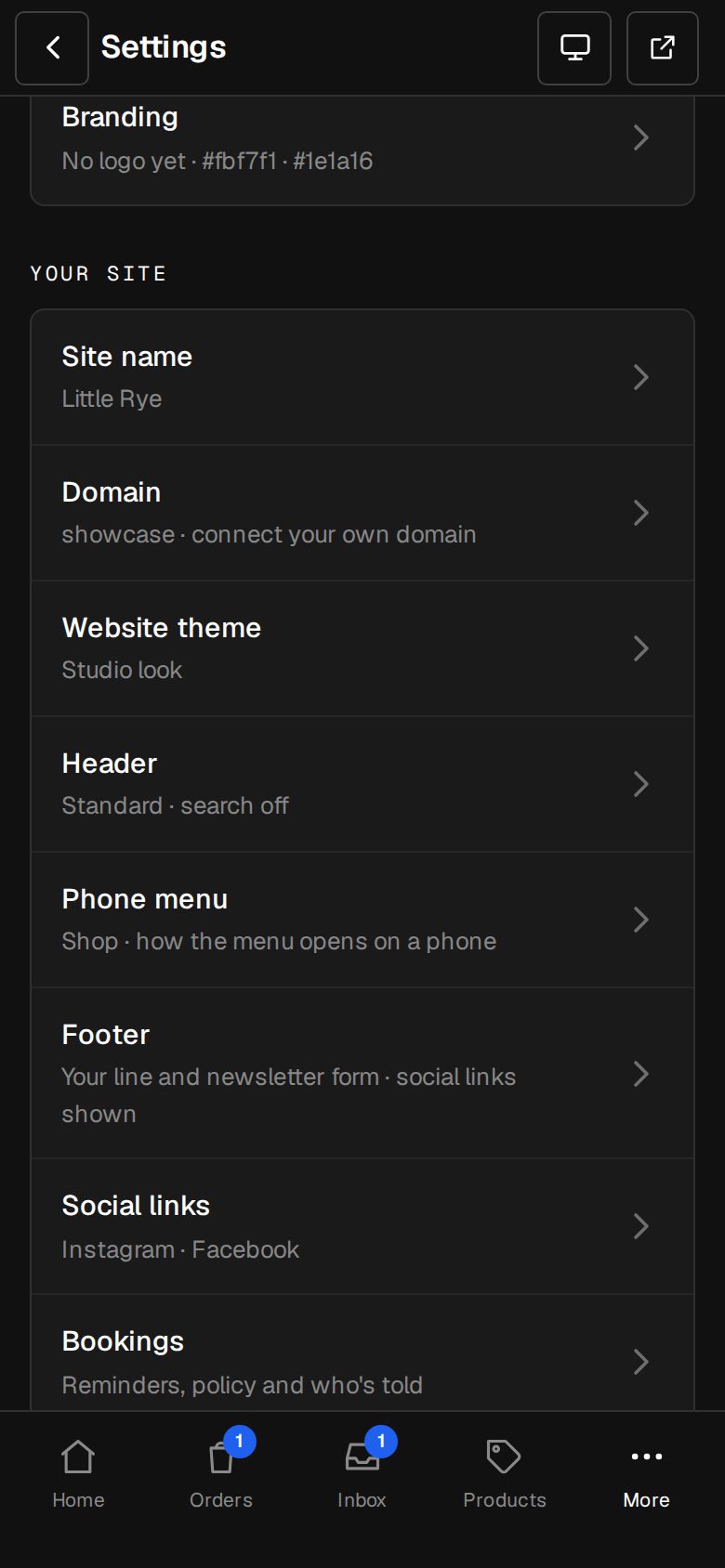
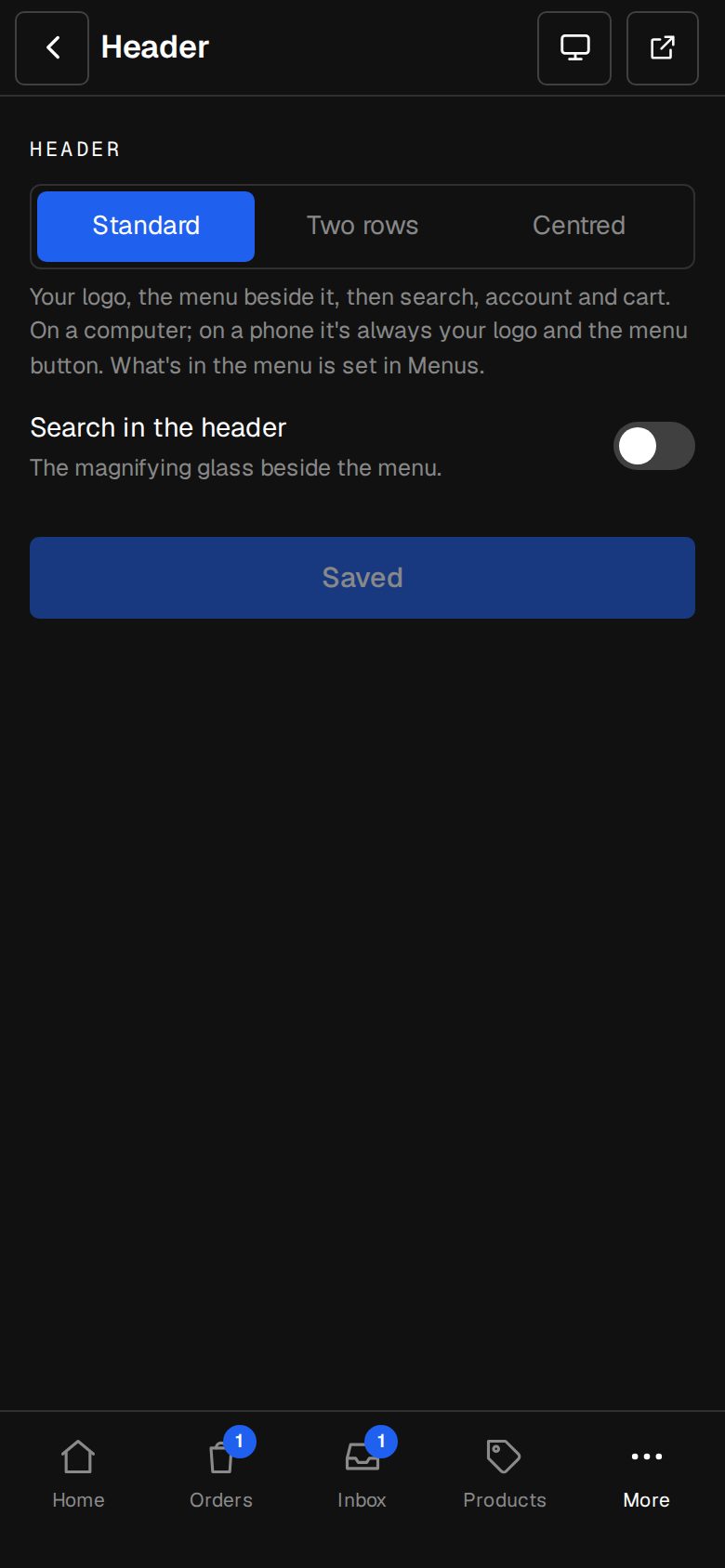
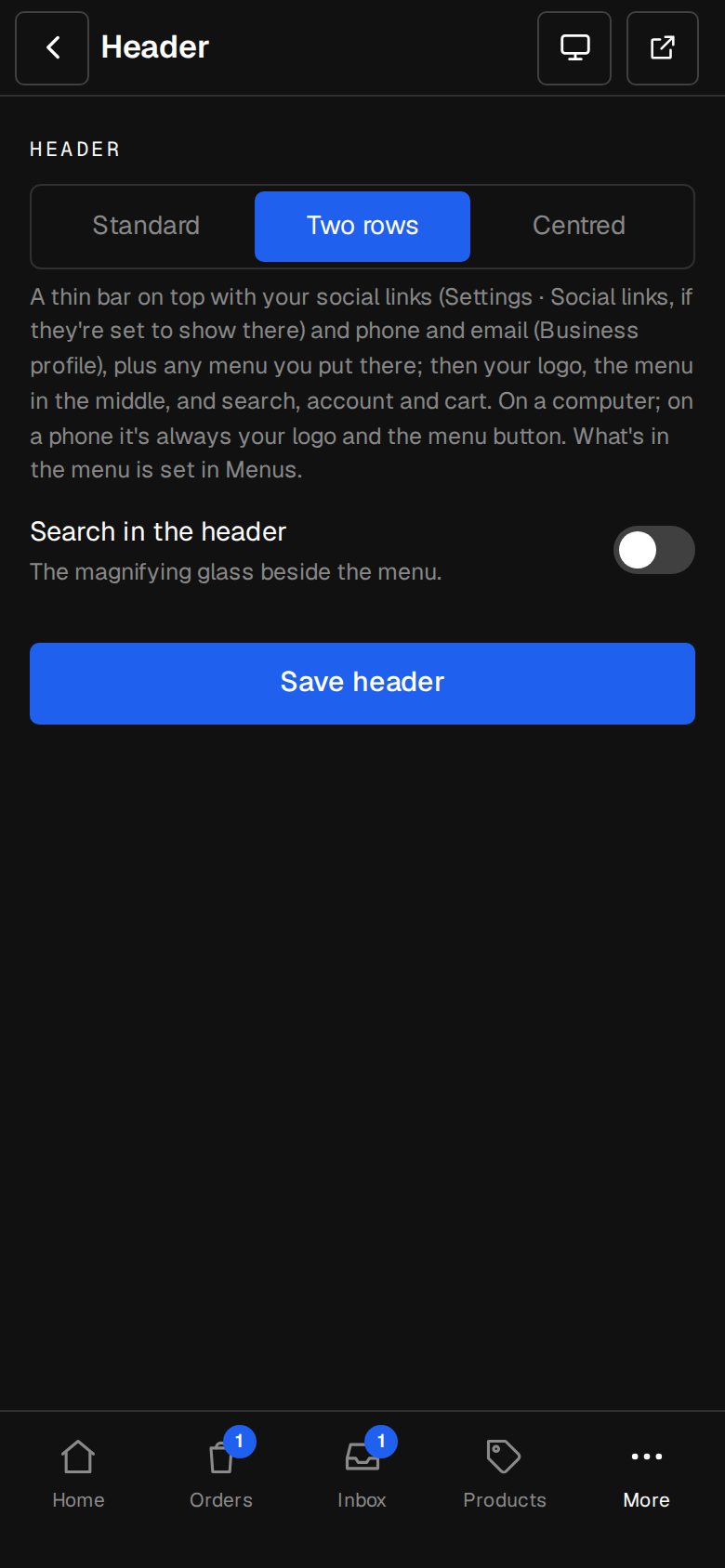
Open Settings, then Header
On a computer, choose Settings in the sidebar. On a phone, tap More, then Settings. Header is under Your site.
Pick a layout
Standard: your logo, the menu beside it, then search, account and cart. Two rows: a thin bar on top, then your logo, the menu in the middle, and search, account and cart. Centred: your logo in the middle, search and your phone on the left, account and cart on the right, and the menu centred on a row of its own underneath.
Choose search
Switch Search in the header on or off. It's the magnifying glass beside the menu.
Save
Tap Save header. The button reads Saved when it's done.
Fill the thin bar, for Two rows
It shows your social links as icons (Settings · Social links, with In the top bar on), your phone, email and chat apps from Settings · Business profile, and one menu of your own. To add that menu, go to Content, then Menus, tap Add menu, and under Menu settings set Where it shows to The bar above the header.
Make a menu item a button
Go to Content, then Menus, and open Header. Tap an item and, under Where it sits, choose A button. It sits at the end of the header, on phones too. At the end makes it a plain link after the menu instead, like Sign in.
Pick the button's colour
Under Button colour, choose Accent, Second, Outline or Own. Accent and Second come from Settings · Branding. Outline is a quieter button with a border. Own takes any colour: use the swatch or type a hex code like #2060EE, and the words go white or dark, whichever reads on it.
Good to know
- What's in the menu itself is set in Content, then Menus.
- On a phone, the thin bar's links move into the menu.
- Only items at the top of the Header menu can be buttons, not ones tucked under another.
- Second is there once A second colour is switched on in Settings · Branding.
- Menu changes save by themselves.
Was this helpful?