
Help/Shop/Build a product with the Product builder
Build a product with the Product builder
The Product builder lets customers put a product together on its page: up to four options, each combination with its own price, plus add-ons from your shop that fit what they've built. A running total adds it all up, and each part goes into the cart as its own line.
The Product builder is an add-on that works inside the Shop. An Owner adds it under Settings · Plan, in Add to your plan, where it sits under the Shop and asks for the Shop first.
3 minutesOwners and ManagersWorks on a phone
Add the add-ons as products
Each add-on is a product of your shop in its own right, such as a chiller or a spout. Add those first, with their prices (see Add a product).
Give the main product its options
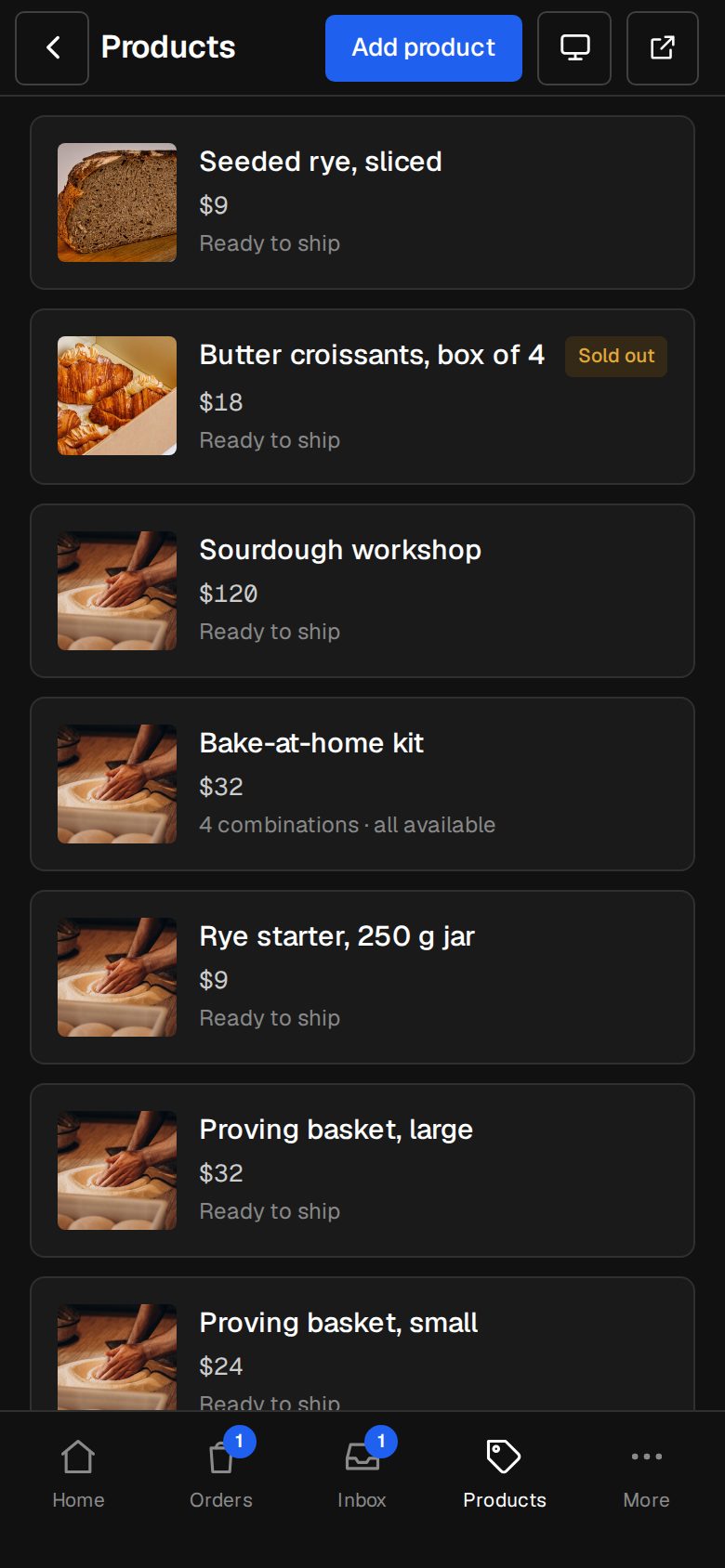
Open the product from Products. Turn on This product has options and add up to four, such as Size and Finish. Tap each combination to set its price.
Turn on Build it on the product page
It's under the options. Everything below it is optional, and the builder saves once each part is filled in.
Say what it measures
If each combination holds or measures something, turn on Each combination measures something and fill in What it measures and Unit (Water, L). Then open each combination and type its figure.
Ask where it goes
Turn on Ask where it goes for a question with two to six answers, typed with commas (Outdoors, Indoors). It isn't priced: it decides which limits apply.
Add an add-on group
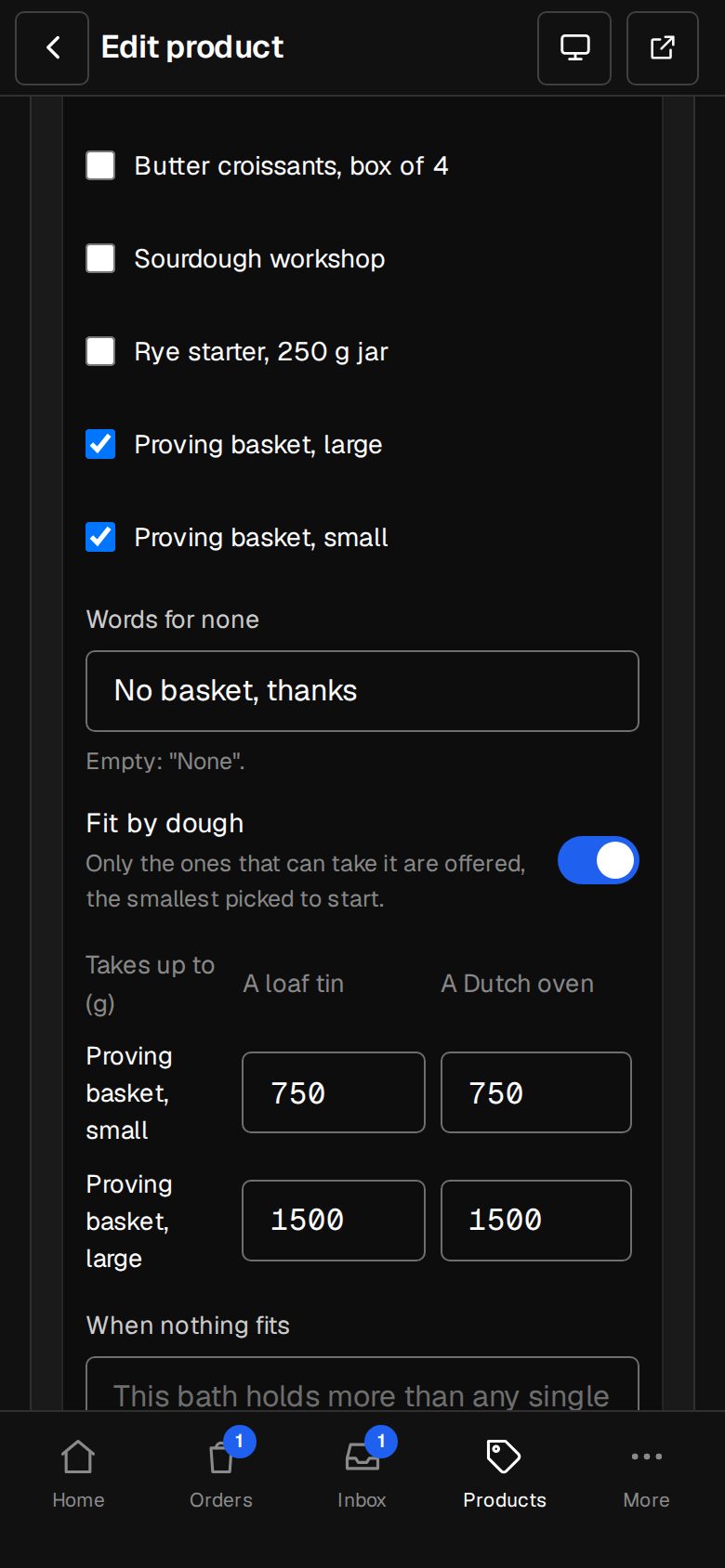
Tap + Add an add-on, up to six. Give it a Title (Add a chiller) and tick its Products. One product makes it a yes or no; several, they pick one or none. Words for none sets the no-thanks choice.
Make add-ons fit
Turn on Fit by water (it follows your measure's name) and type what each product takes up to, for each answer. Only ones that fit are offered, the smallest picked to start. When nothing fits shows your words with a Talk to us link.
Check the product page
Tap View site in the header and open the product. Pick a combination: the smallest add-on that fits is marked We'd specify this, and Total adds up as they choose.
Good to know
- Without the add-on, a product has two options at most.
- Everything is checked again when it goes in the cart, so an add-on that doesn't fit can't be bought with it.
- Email quote works on a built product too: the request carries the build, and with invoicing a draft quote has a line for each part.
Was this helpful?