
Help/Shop/Approve or deny applications
Approve or deny applications
With Customer approval on, every application lands in Applications. You read what they sent, then approve them so they can buy, or deny them. Either way they're emailed in your shop's words.
Applications comes with the Customer approval add-on, which works inside the Shop.
2 minutesEveryone on the team, Staff includedWorks on a phone
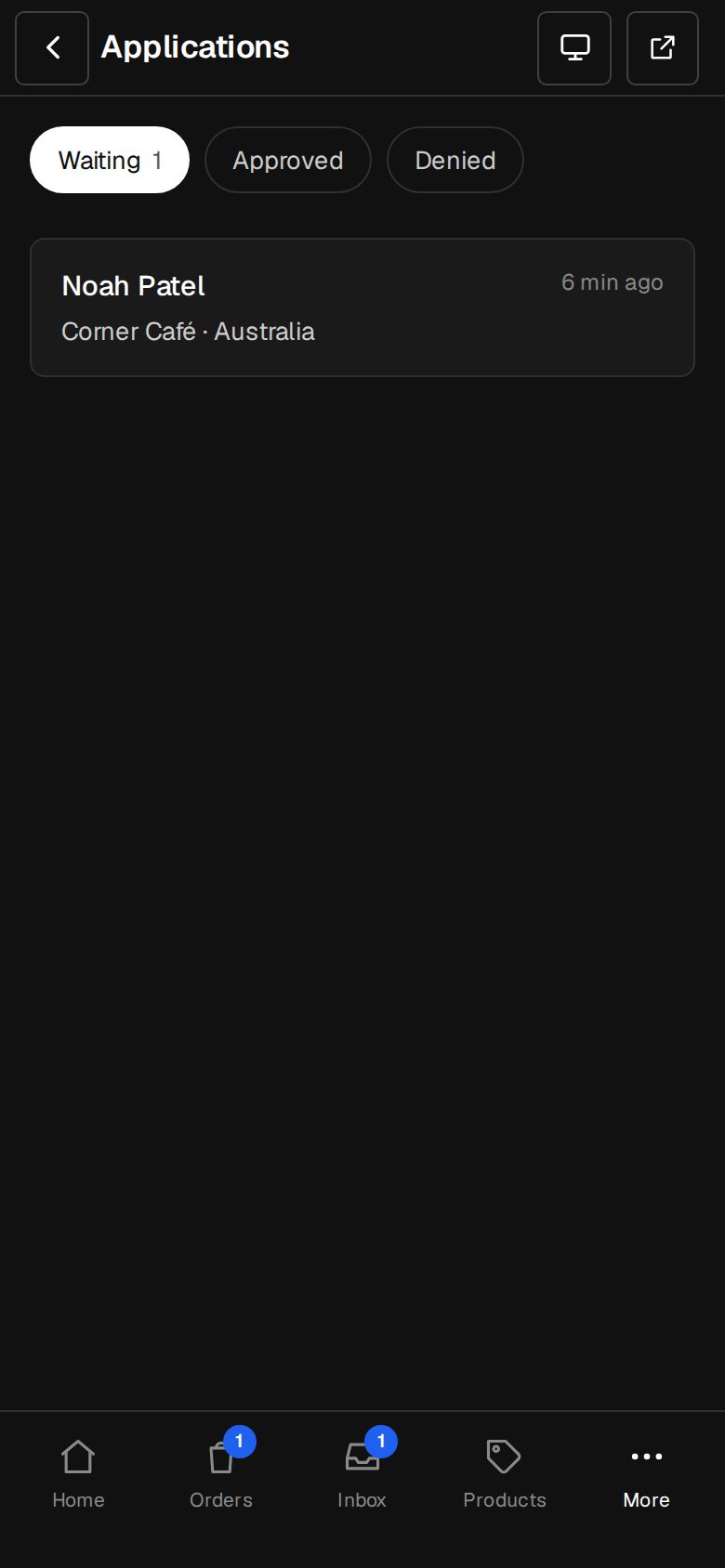
Open Applications
On a computer, choose Applications in the sidebar; the number beside it is how many are waiting. On a phone, tap More, then Applications. You're also emailed a link as each one arrives, or whoever Settings · Customer approval names.
Pick one that's waiting
Waiting lists the oldest first, so nobody waits longest. Approved and Denied keep the decided ones.
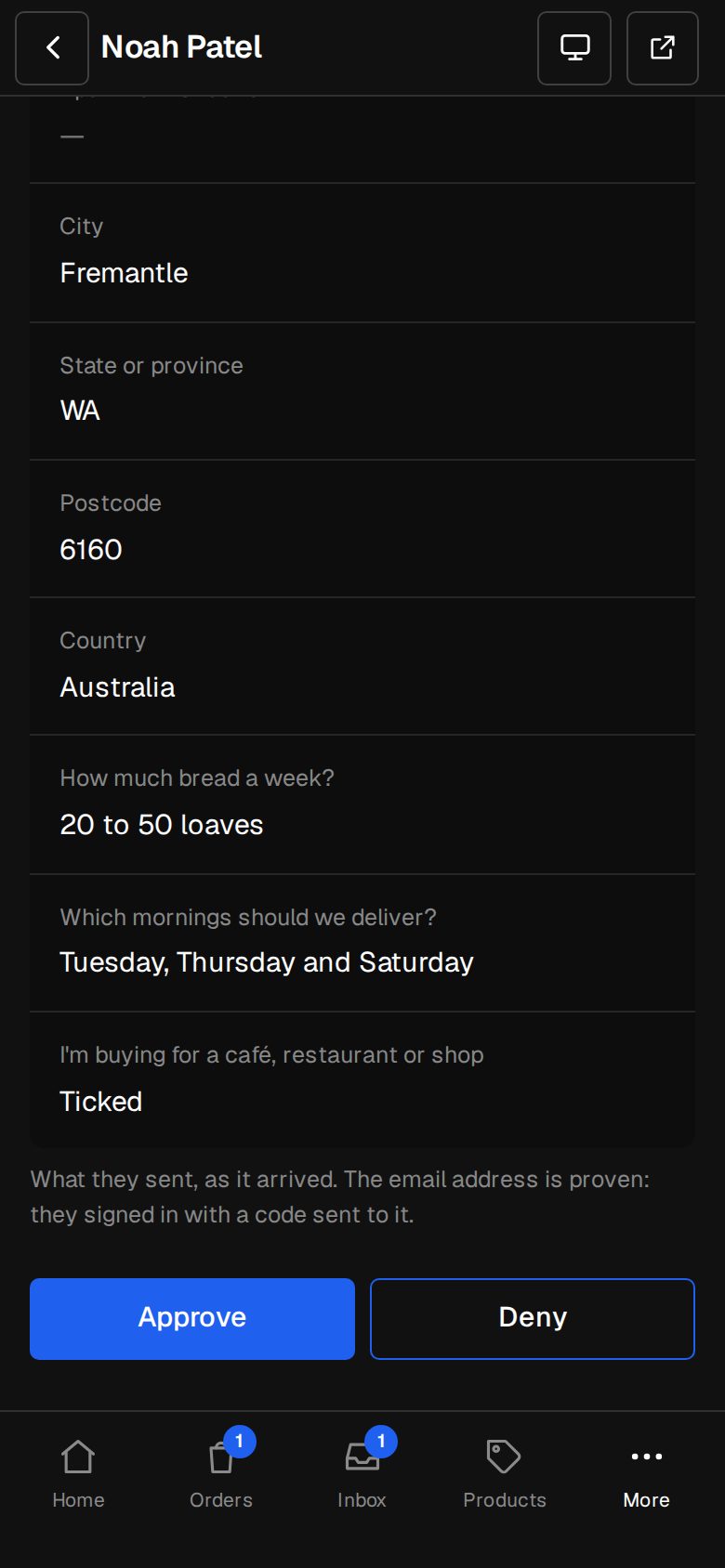
Read what they sent
Each answer shows under its question, as it arrived. Their email is proven: they signed in with a code sent to it. Email them or Open contact if you need to know more first.
Approve
Tap Approve. They're emailed straight away and can buy as soon as they're signed in.
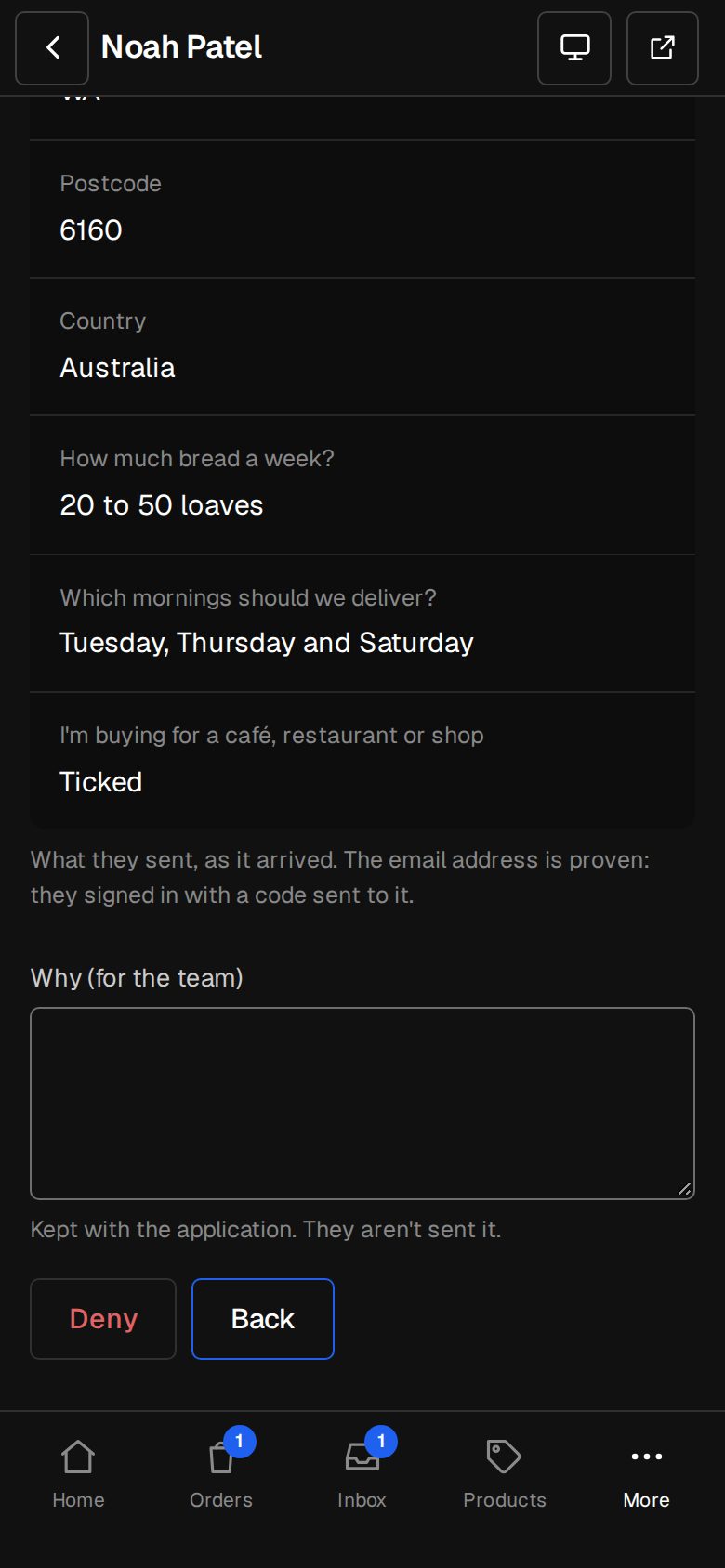
Or deny
Tap Deny, add Why (for the team) if you like, and tap Deny again. You're asked first, because a denied account can't apply again. The reason stays with the application. They aren't sent it.
Good to know
- A decided application shows who decided and when, and it's in Activity too.
- Someone else may decide the same one at the same time. Only the first counts, and the second is told it's already done.
- The approved and denied emails use the words in Settings · Customer approval.
Questions
Can someone I denied apply again?
Not by themselves. Their account page shows your Denied words. A Manager can clear it on their contact by choosing Free to apply, and then they can send a new application.
I approved someone by mistake. Can I undo it?
A Manager can change it on their contact's page, under Customer approval. See Approve someone by hand.
Was this helpful?