
Help/Shop/Group quotes: one quote for a whole cart
Group quotes: one quote for a whole cart
For things you price yourself, like freight on a pallet or a custom build, customers can put several products in the cart and ask for one quote for the lot. Nothing is charged: the request comes to you and you send a price.
It needs the shop, and an enquiry form chosen on Settings · Enquiries.
2 minutesOwners and ManagersWorks on a phone
Choose an enquiry form
Open Settings, then Enquiries (on a phone, tap More, then Settings) and pick the form quote requests come through.
Set how the product is bought
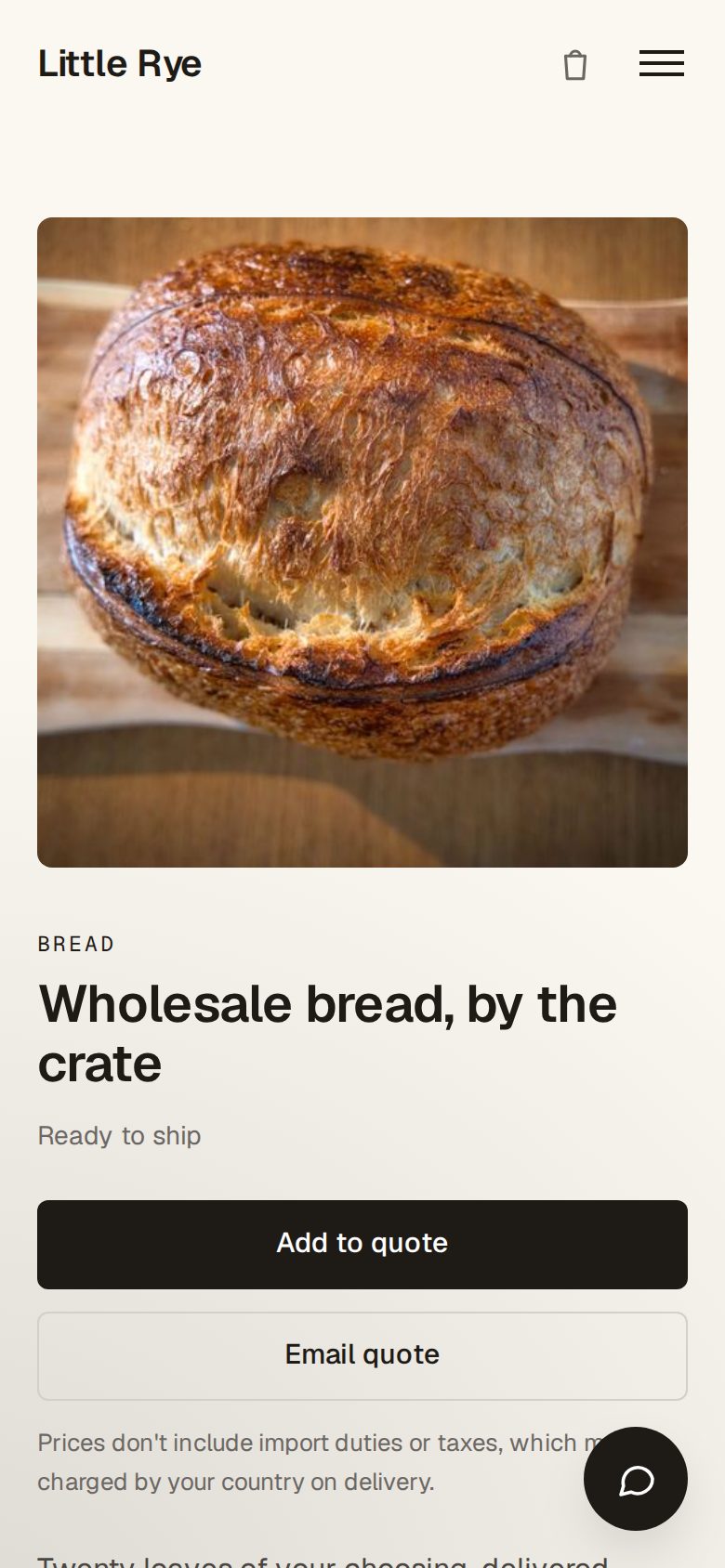
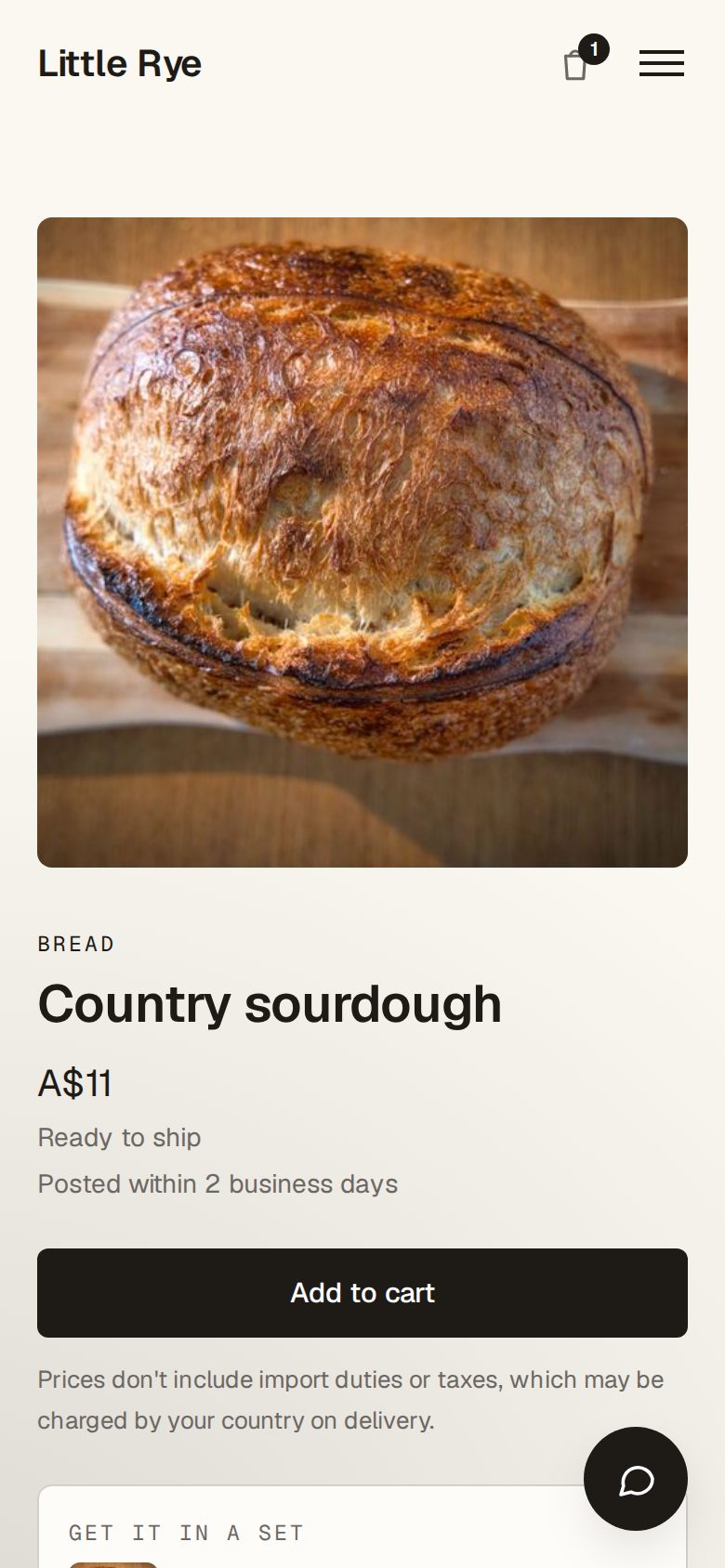
Open the product from Products. Under How they buy it, choose Email quote. The product page then shows Add to quote. A product with no listed price shows Price on request.
What the customer sees
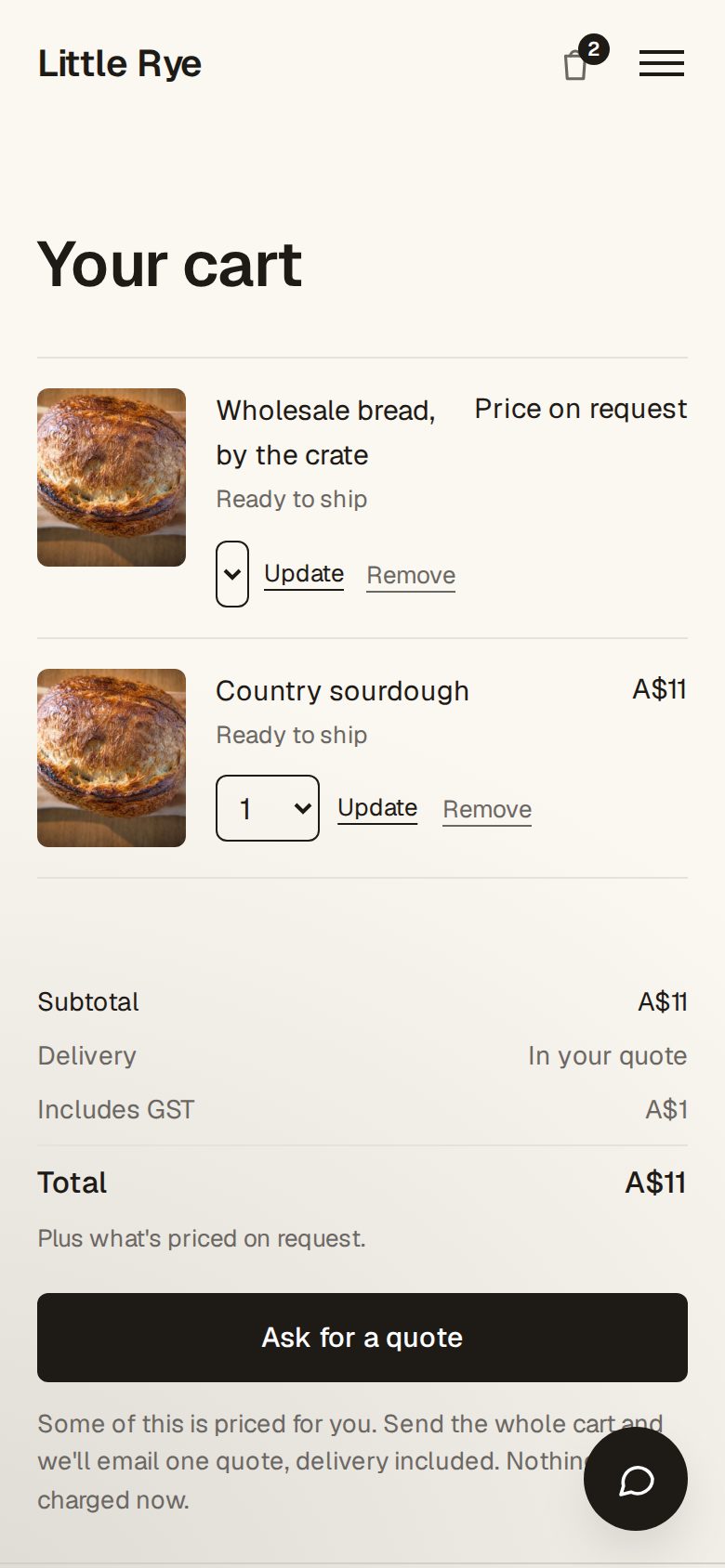
Products added with Add to quote go in the cart as quote lines. While the cart holds one, the cart and checkout show Ask for a quote instead of paying, whatever the address.
Answer it from the Inbox
The request arrives as one Inbox message, such as Quote for 6 items to Australia, with their details and every line.
Send the quote
With Quotes & invoices on, a draft quote is waiting in Invoices: a line for each product at your price, and a Delivery line at 0. Add the prices and freight, then tap Send quote. When they accept, it becomes an invoice.
Good to know
- While your shop can't take payments, every product with an enquiry form works this way.
- With Deals & customers on, each request starts a deal too.
- A cart with a quote line never goes to payment, so nothing can be bought by mistake.
- For oversized items in an ordinary cart, see Quote freight for oversized items.
Was this helpful?